Apt Get Install Maven Specific Version Linux How To Install Maven Fblockq How To Install Maven On Amazon Linux Systran Box Docker Apt get Update 51CTO docker Service Update Install Maven On Windows Mac Linux Updated 2022 Docker Apt get Update 51CTO docker Service Update Oct 18 2019 nbsp 0183 32 Executing sudo apt update ended with Reading package lists Done Building dependency tree Reading state information Done 2 packages can be upgraded Run apt list
Sep 24 2010 nbsp 0183 32 I have all images of Debian Ubuntu and Ubuntustudio as iso How can I use them as repository to install my desired packages with sudo apt get install package name I easily AptX aptX apt X CSR 2010 aptX CSR 2015 aptX
Docker Apt get Update 51CTO docker Service Update How To Install Maven In Ubuntu Poretarabia Instalar Maven En WSL2 Ubuntu BytesX Blog How To Install Maven In Intellij Responselasopa How To Install Specific Version Of Package Using Apt Nexus apt docker maven npm yum pypi Wulingba CSDN Advanced Tutorials Installing Maven In Eclipse Juno Or Higher Download And Install Maven On Mac Mac Research Docker Apt get Update 51CTO docker Service Update
Apt Get Install Maven Specific Version
 Apt Get Install Maven Specific Version
https://programmer.ink/images/think/c89faf50213275cdf6f616c3cf5c946e.jpg
I know that there are three command to update and then upgrade the whole system these are sudo apt update Fetches the list of available updates sudo apt upgrade Strictly upgrades the
Templates are pre-designed files or files that can be used for different functions. They can conserve effort and time by supplying a ready-made format and design for producing various sort of content. Templates can be utilized for personal or professional projects, such as resumes, invites, flyers, newsletters, reports, discussions, and more.
Apt Get Install Maven Specific Version

How To Install Maven To Windows Copaxhomepage
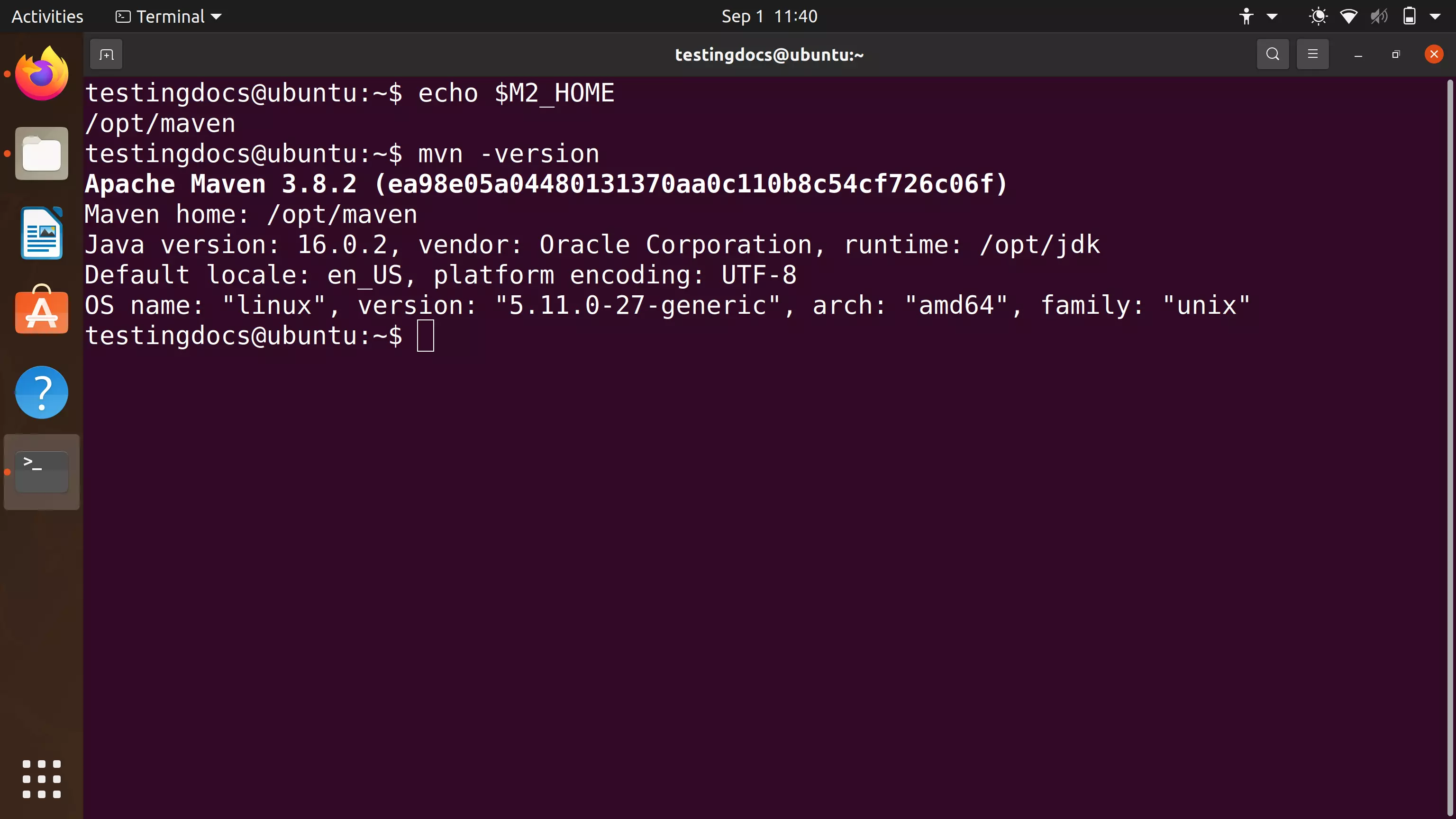
How To Install Maven In Ubuntu Poretarabia

Instalar Maven En WSL2 Ubuntu BytesX Blog
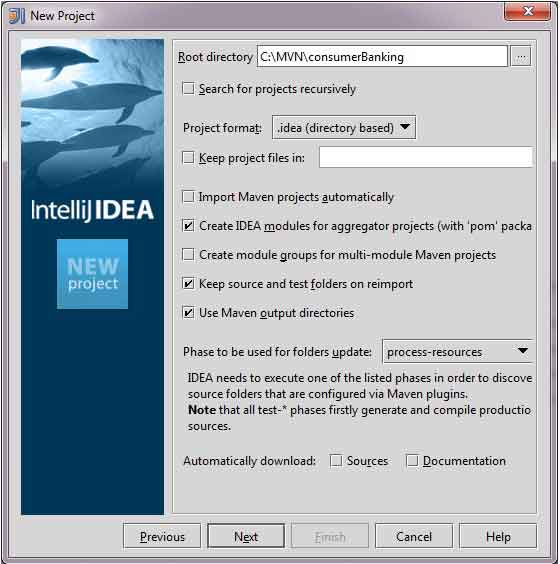
How To Install Maven In Intellij Responselasopa

Nexus apt docker maven npm yum pypi Wulingba CSDN

Advanced Tutorials Installing Maven In Eclipse Juno Or Higher

Apt cache s madison command attempts to mimic the output format and a subset of the functionality of the Debian archive management tool madison It displays available versions of

Ubuntu apt apt get apt apt get Linux

I d like to output a list of all installed packages into a text file so that I can review it and bulk install on another system How would I do this
Sep 15 2012 nbsp 0183 32 I ve searched the net for such information and found different command lines like these ones sudo apt get remove application sudo apt get remove application sudo apt get

Apr 30 2012 nbsp 0183 32 In addition to other good answers an apt apt get s does a quot simulated quot removal or install sudo apt s remove lt pkgname gt Using s or simulate to remove or install packages
[desc-11] [desc-12]
[desc-13]