Affinity Designer Soften Edges Affinity Photo Tutorial How To Live Blur Layer Edges Of Images Etc Screenshot Tutorial Making The QUYLT Logo MISSING Tutorials Serif Soften And Smoothen Skin In Affinity Photo Without Any Brush Or Clone Soften Edges In Photoshop Cc Lenacourses Affinity Designer Blur Edges Monitor Screen Electronics Display In today s tutorial we ll be using Affinity Photo to perform a common photo editing technique feathering edges Knowing how to feather edges in Affinity P
The Blur Brush Tool blurs hard edges in an image Blur Brush Tool You can use the Blur Brush Tool to blur hard edges within an image The effect is cumulative so the more you paint over an area the more pronounced the blur effect will be The blur is only applied to pixels on the currently selected layer and will not affect vector objects Click the Mask Layer icon to convert the selection into a mask Right click on the mask layer and choose Refine Mask then set the Feather level 15px in this case Click Apply You re done It s not something I use a lot but with the right image it can be a nice effect Okay that s it Now go out and make some photographs Hugs M M
Affinity Designer Blur Edges Monitor Screen Electronics Display Blurring Edges Of Photographs Affinity On Desktop Questions macOS Inspired By The Prism Another Key Emblem Embedded In RogerVivier White Edges On Exported png File Pre V2 Archive Of Affinity On Affinity Designer MUHAMMED NEZER TP Web Designer Soften Technolgies LinkedIn How Do I Get Layers Merge Into One Another Or Soften Edges Of The Two Combinaci n Con Puertas En Roble Gris Con Veta Horizontal Y Muebles IKEA Kitchen Hack Put The Space Above The Refrigerator To Work Ikea
Affinity Designer Soften Edges
 Affinity Designer Soften Edges
https://i.ytimg.com/vi/U56d3oRJ0Y4/maxresdefault.jpg
Using Edge Detection for softening We ve looked at using the Edge Detection for sharpening images but let s have a look at it for blurring as well Here is a render of a 3D model of a car
Templates are pre-designed files or files that can be utilized for various functions. They can save effort and time by offering a ready-made format and design for creating various kinds of material. Templates can be utilized for personal or expert tasks, such as resumes, invites, leaflets, newsletters, reports, discussions, and more.
Affinity Designer Soften Edges
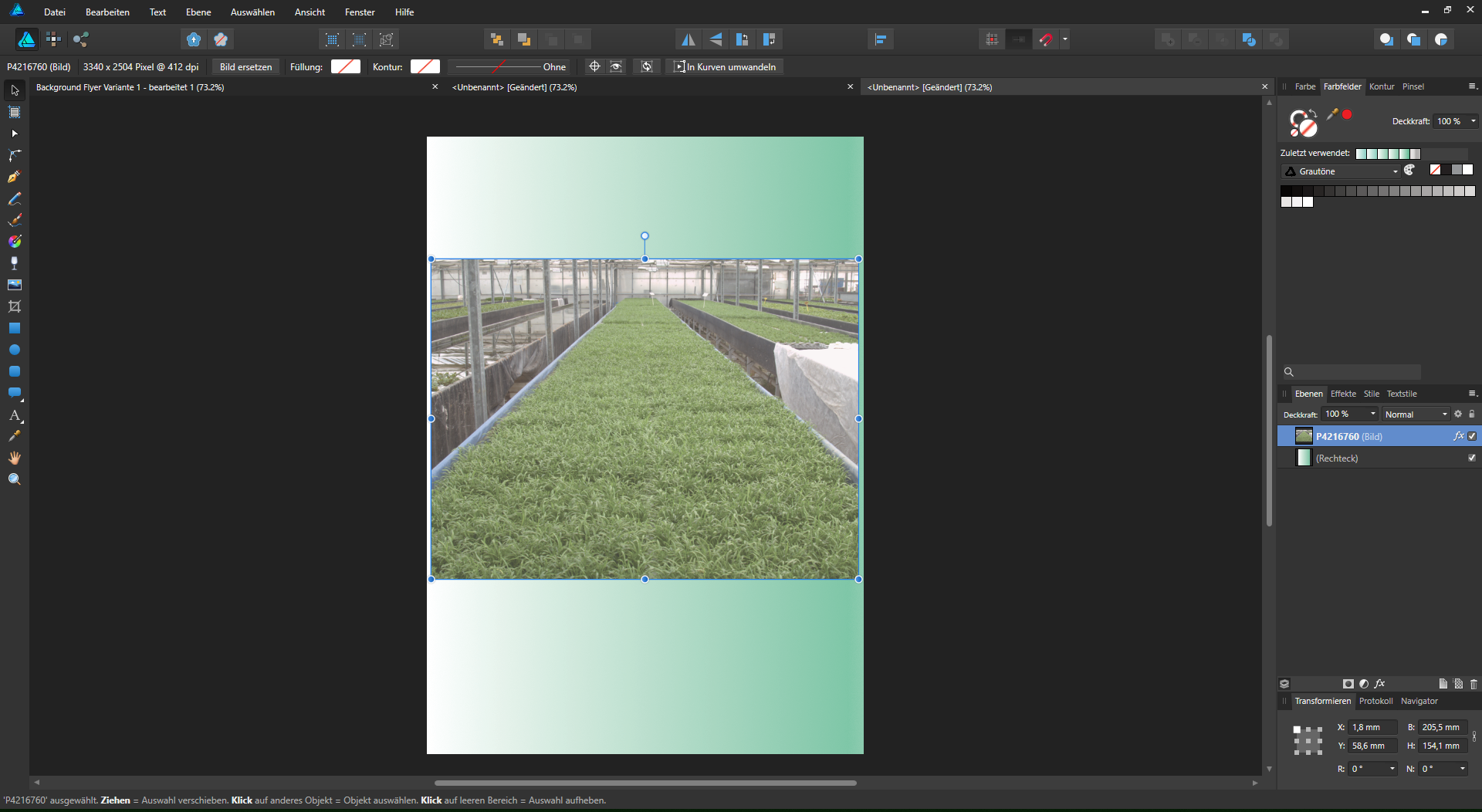
How To Soften A Picture Affinity On Desktop Questions macOS And

Blurring Edges Of Photographs Affinity On Desktop Questions macOS

Inspired By The Prism Another Key Emblem Embedded In RogerVivier

White Edges On Exported png File Pre V2 Archive Of Affinity On

MUHAMMED NEZER TP Web Designer Soften Technolgies LinkedIn

How Do I Get Layers Merge Into One Another Or Soften Edges Of The Two
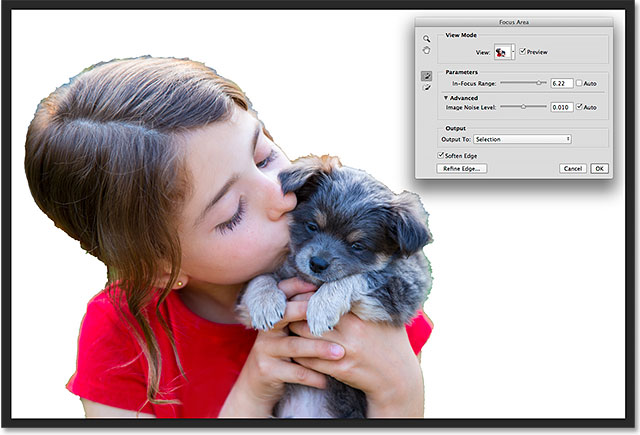
Refining pixel selection edges Once a selection has been created you can refine its edges to ensure your selection is as accurate as needed For very fine selection e g of hair against a colored background use an adjustment brush as part of the refinement to brush in fine detail The following settings can be adjusted from the dialog

November 3 2021 Nick Saporito no comments In today s tutorial we ll be using Affinity Photo to perform a common photo editing technique feathering edges Knowing how to feather edges in Affinity Photo allows you to soften the edges of a selection so that they aren t too jagged or rigid

Blurring The Edges on Images in Affinity Designer On The iPad is super easy using one of these three methods Step by step and only about 4 steps You will
Settings The following settings can be adjusted from the context toolbar Mode sets the way in which your selection develops as you paint Add the brush stroke adds areas to the current selection If there is no selection in place you will create a new selection by painting Subtract the brush stroke removes areas from the current selection
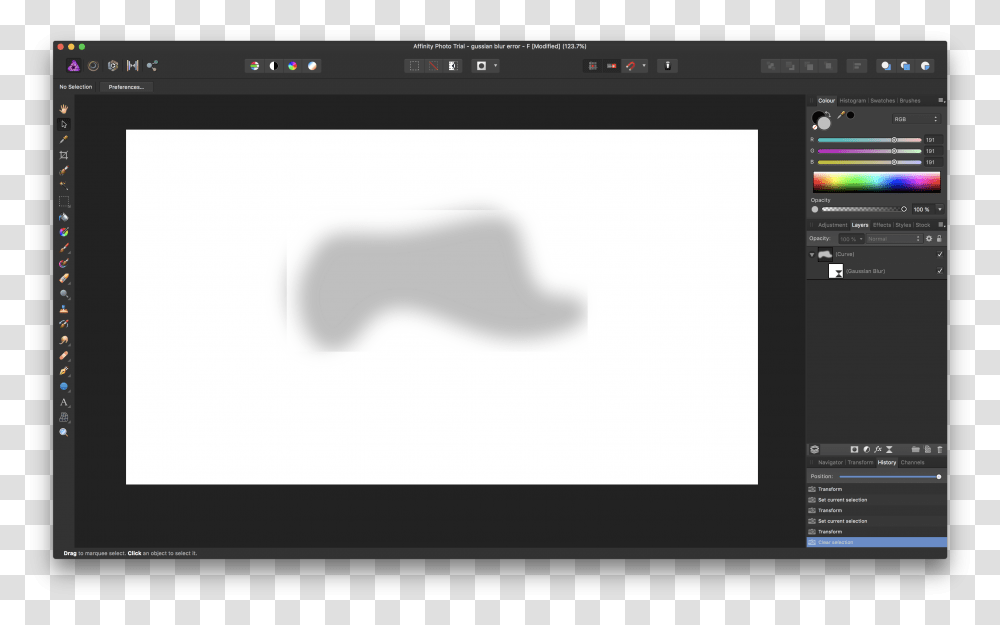
Refine edges in Affinity August 2 2019August 2 2019 What Refine edges Apply Done Where in Affinity Photo A client wanted his name as his logo in a handwritten style He was thinking of a handwritten font I asked him to actually write his name for me because if you want personal it s often good to be personal
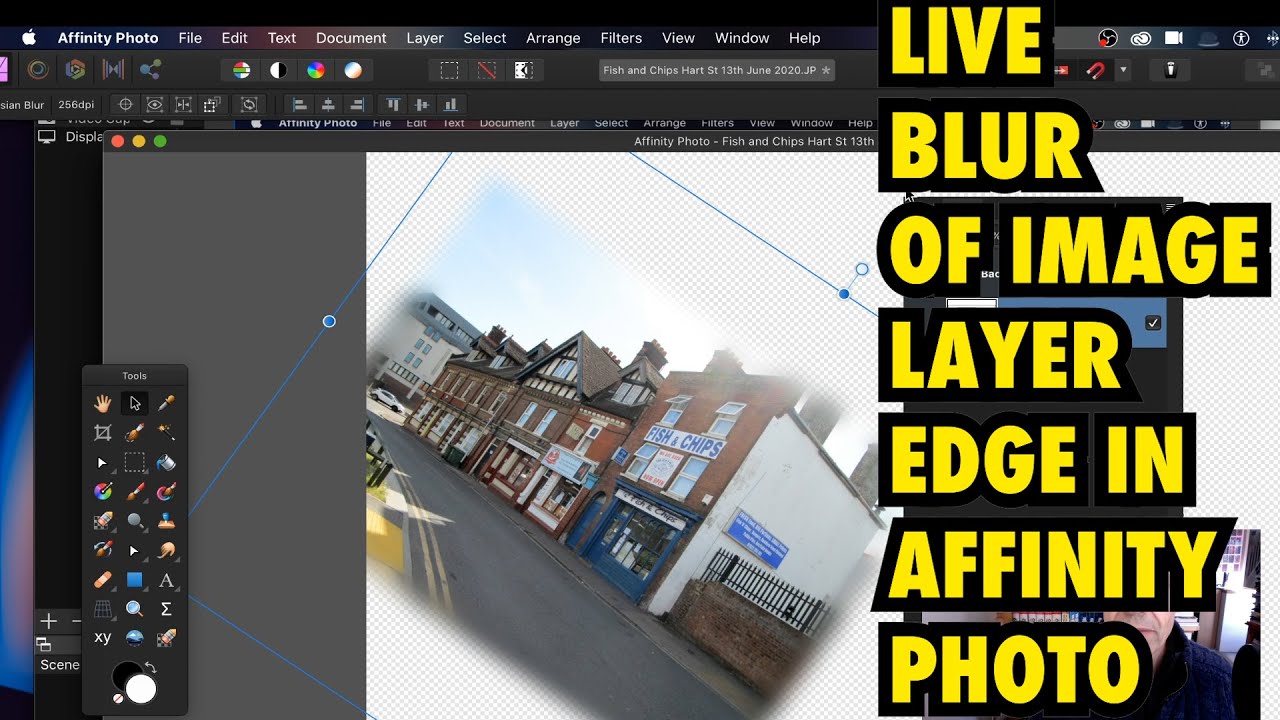
How To Blur Layer Edges In Affinity Photo For Beginners YouTube 0 00 6 58 Start How To Blur Layer Edges In Affinity Photo For Beginners Graphicxtras 14 1K subscribers Subscribe What is Affinity Photo 1 8 New Feature Soft Edges
In this video you learn how to add a brush edge to an image in Affinity Designer either a basic backing frame or a masked edge frame 0 00 Start of tutorial