Affinity Designer Fade Edges How To Fade Edges In Paint Net YouTube Fade Edges Of Photo Inkscape YouTube Affinity Photo Tutorial How To Live Blur Layer Edges Of Images Etc How To Fade Edges In Photoshop EVERY Feathering Method YouTube Affinity Designer Blur Edges Monitor Screen Electronics Display In today s tutorial we ll be using Affinity Photo to perform a common photo editing technique feathering edges Knowing how to feather edges in Affinity P
Posted January 23 2022 For those prepared to dive deep into the functionality of Affinity Designer offers I wrote a tutorial on how to create objects that have edges with a varied level of blurredness along their circumference which is particularly useful when drawing realistic vector portraits or realistic parts of objects Refining pixel selection edges Once a selection has been created you can refine its edges to ensure your selection is as accurate as needed For very fine selection e g of hair against a colored background use an adjustment brush as part of the refinement to brush in fine detail The following settings can be adjusted from the dialog
Affinity Designer Blur Edges Monitor Screen Electronics Display Can You Fade Edges Of Photos In Canva WebsiteBuilderInsider Affinity Designer Tutorial Affinity Designer Halftone Vector Graphics Affinity Music Library Home How Do I Fade Edges In Canva WebsiteBuilderInsider Fade Circle To Transparent At Edges Materials And Textures Blender 68 Comb Over Fade Haircut Designs Styles Ideas Design Trends Affinity Photo Gradient Fade To Transparency YouTube Solved How To Fade Edges Of Image Seriously Adobe Support
Affinity Designer Fade Edges
 Affinity Designer Fade Edges
https://i.ytimg.com/vi/iYDcwsh7t7A/maxresdefault.jpg
Step 1 Identify The Layer You d Like To Use For The Mask In order to create a clipping path with Affinity Designer we first need two objects to work with For this demonstration I ll be creating a clipping mask with text using the follow image Click to enlarge
Templates are pre-designed documents or files that can be used for various functions. They can conserve effort and time by providing a ready-made format and layout for producing different sort of material. Templates can be used for personal or professional tasks, such as resumes, invites, leaflets, newsletters, reports, presentations, and more.
Affinity Designer Fade Edges

Affinity Designer How To Fade An Image For Newbies Donna Designz
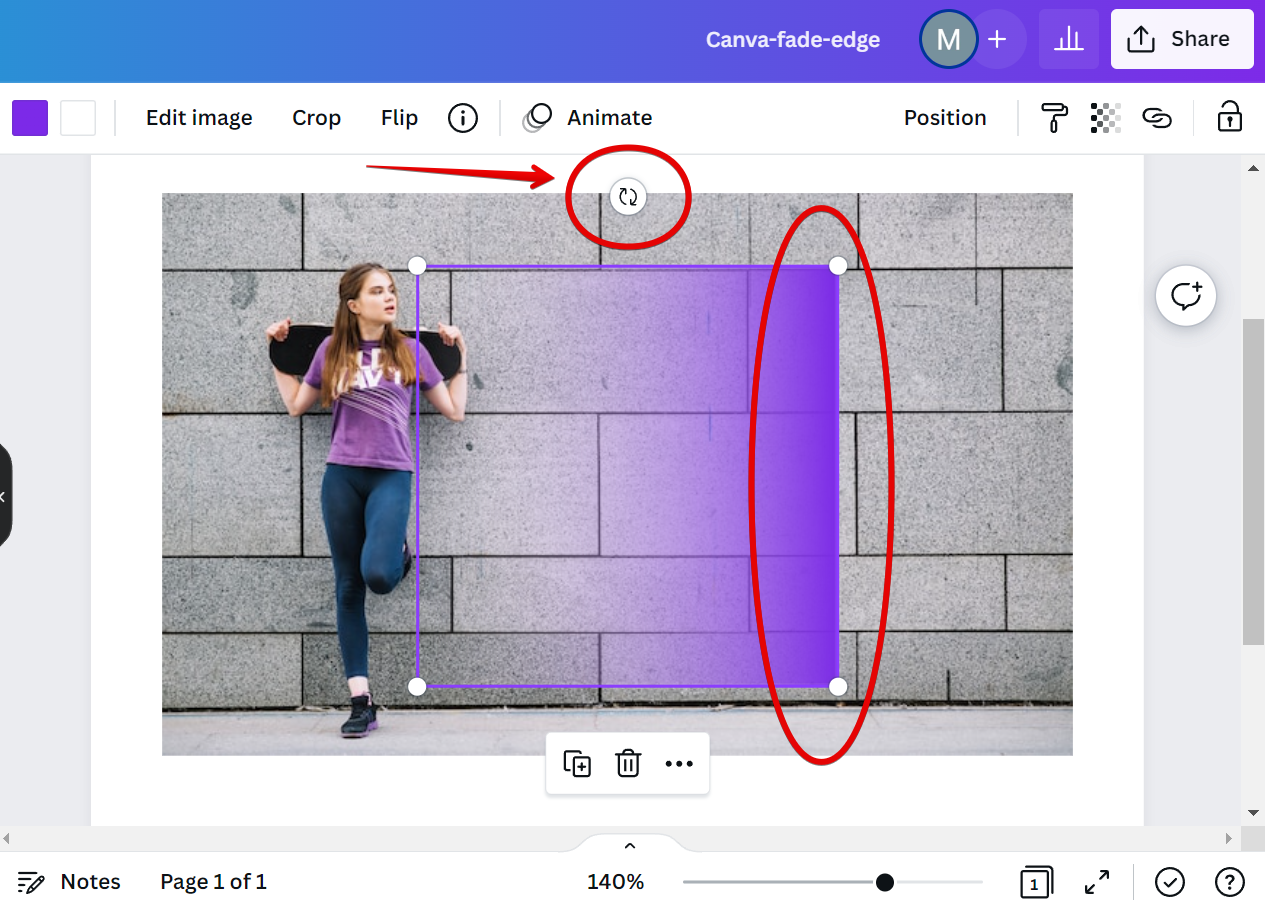
Can You Fade Edges Of Photos In Canva WebsiteBuilderInsider

Affinity Designer Tutorial Affinity Designer Halftone Vector Graphics

Affinity Music Library Home

Fade Circle To Transparent At Edges Materials And Textures Blender

68 Comb Over Fade Haircut Designs Styles Ideas Design Trends

12 6k Posted March 19 2021 You can simply do the same as is shown here for PSE with APh How to Make One Layer Fade Into Another From One Side of the Image to Quote Affinity Designer 1 10 6 Affinity Photo 1 10 6 Affinity Publisher 1 10 6 OSX El Capitan Affinity V2 apps still not installed and thus momentary not in use under MacOS

Start new topic jimh12345 Members 189 Posted November 11 2022 I need to fade the edges of a photo to transparency I ve seen how to do one edge with a gradient mask but for all four edges that s cumbersome And I ll definitely have to adjust it later so any method that uses static rasterized masks is out
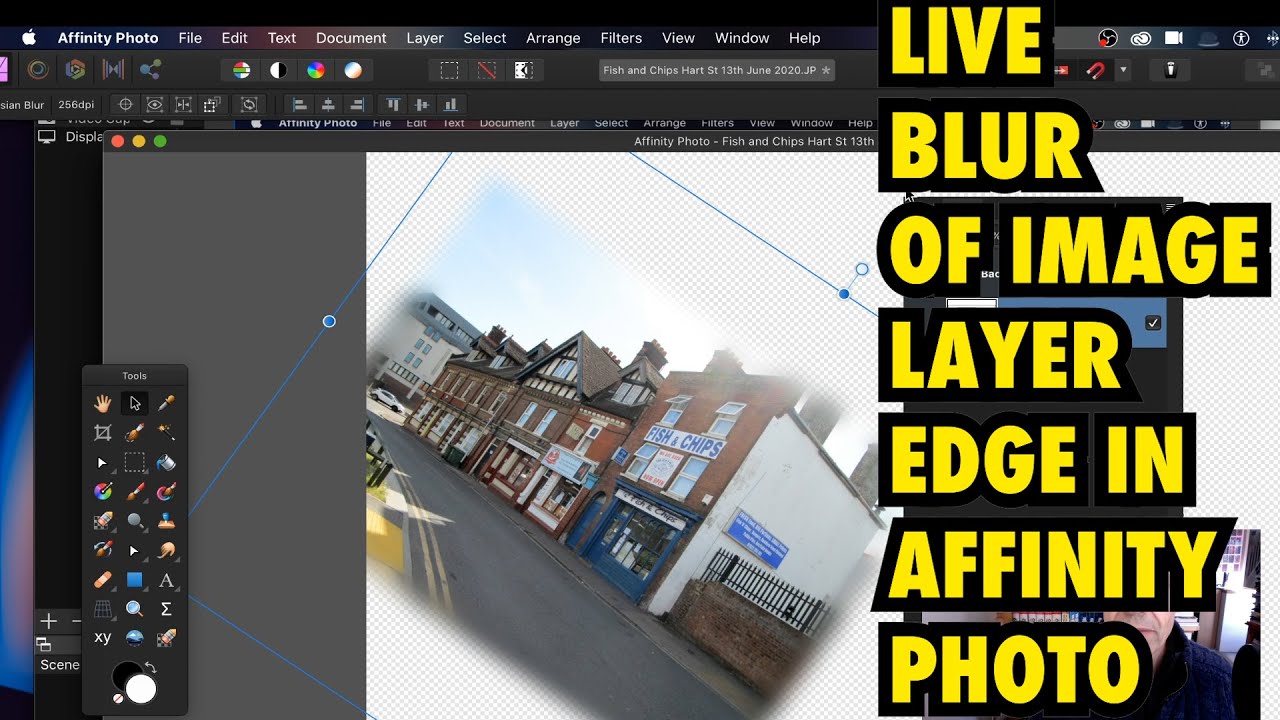
Posted August 18 2022 On 8 17 2022 at 6 32 PM Tokamak said I want to make the other panels edges fade in like the upper left Not sure what you mean I can t recognize any fading in your image A quick way to fade image edges can use the Vector Crop Tool It creates a masking rectangle as child of the image layer

To feather edges in Affinity Photo create a selection using one of the selection tools then click the Refine button in the tool settings menu to open up the Refine menu Within the Refine menu you will see a slider labeled with Feather Use this slider to determine the size in pixels to feather your selection by
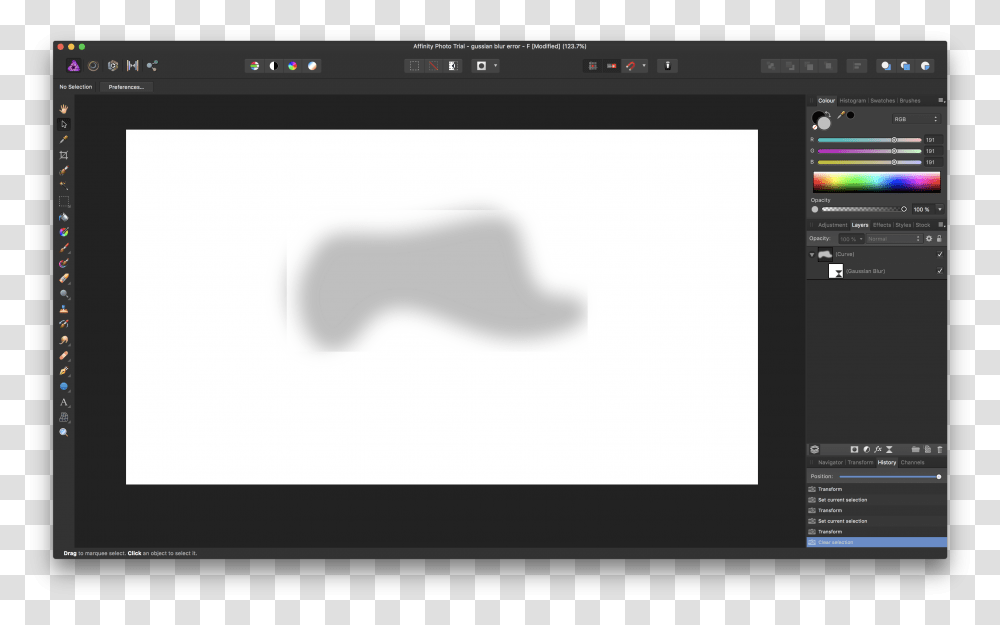
Blurring The Edges on Images in Affinity Designer On The iPad is super easy using one of these three methods Step by step and only about 4 steps You will
Affinity Photo Live blur of shape edges how to tutorial Graphicxtras 13 9K subscribers 6 7K views 3 years ago How To Affinity Photo Tutorials Key How to blur edges of shapes and How To Blur Layer Edges In Affinity Photo For Beginners YouTube 0 00 6 58 Start How To Blur Layer Edges In Affinity Photo For Beginners Graphicxtras 14 1K subscribers Subscribe
Start Affinity Photo and open your image Go to Layer New Fill Layer and fill this new layer with white or black or Alternately you can create a new pixel layer and use the Flood Fill Tool to paint this new pixel layer white or black or Move this new layer under the image layer