Affinity Designer Reset Rotation Set Rotation Of An Object Or Group To 0 Pre V2 Archive Of Affinity On 0008 Re Drape Reset 2d 3d Arrangement Cloth Tool In Clo3D YouTube Change Rotation Origin Affinity Designer Tutorial How To Rotate Marvelous Designer To Unreal Engine For Real Time Cloth Simulation Reset Canva Rotation Using Keyboard Affinity On Desktop Questions WEB The canvas will be rotated in 15 degree increments From the same menu select Reset Rotation to reset the canvas back to its original rotation For greater efficiency assign your own custom keyboard shortcuts to rotating and resetting canvas operations
WEB In short Clicking the quot Add quot icon will reset the bounding box of the selected shape However if the shape s path is not quot closed quot the shape will disappear WEB May 5 2022 nbsp 0183 32 In this tutorial I will show you how to rotate vector objects around a custom origin of transformation point
Reset Canva Rotation Using Keyboard Affinity On Desktop Questions How To Export From Marvelous Designer To Zbrush No Need For Manual Backing Up App Resources And Factory Reset Affinity Photo YouTube Undo Rotation Affinity On Desktop Questions macOS And Windows Forget Reset Rotation Affinity On Desktop Questions macOS And Rotation Reset Rotation In Krita YouTube Curved Perspective Affinity On Desktop Questions macOS And Windows Affinity Designer Rotation Of Artboard With Bleed Or Margin Affinity Default UV Layout Has Changed From Previous MD Versions Marvelous
Affinity Designer Reset Rotation
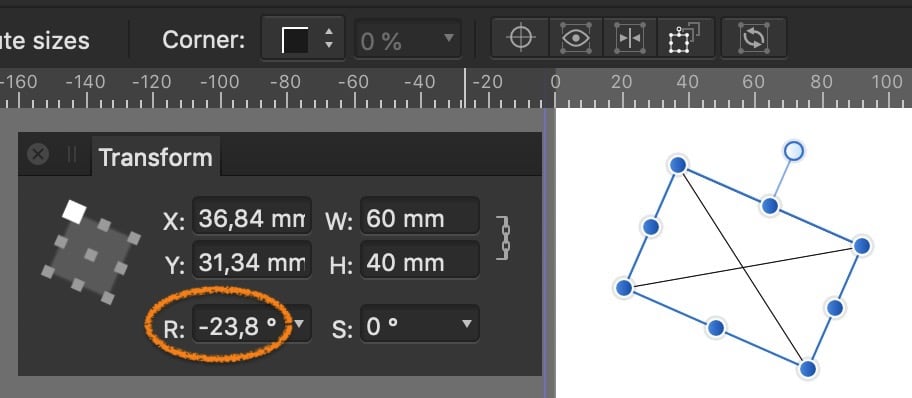 Affinity Designer Reset Rotation
https://forum.affinity.serif.com/uploads/monthly_2021_11/1177383602_rotationbox1.jpg.f6f38d572cd5f5dcc686df2218a53e8c.jpg
WEB Dec 8 2020 nbsp 0183 32 Affinity Designer Tutorial Move Tool Resize Rotate Shear Hendy Marvin 250 subscribers Subscribed 3 570 views 3 years ago
Templates are pre-designed documents or files that can be utilized for numerous functions. They can conserve time and effort by supplying a ready-made format and design for developing various sort of content. Templates can be used for personal or expert tasks, such as resumes, invitations, leaflets, newsletters, reports, presentations, and more.
Affinity Designer Reset Rotation

Document Flipped Again Pre 1 10 Photo Bugs Found On MacOS
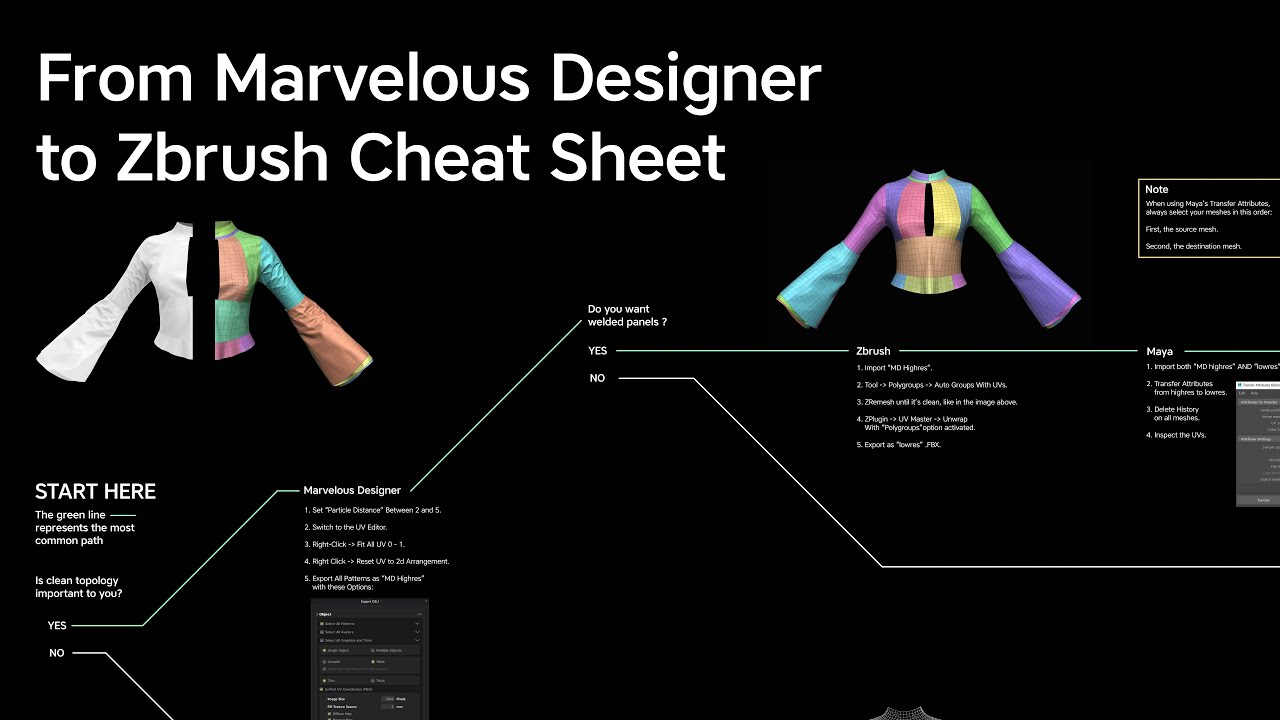
How To Export From Marvelous Designer To Zbrush No Need For Manual

Backing Up App Resources And Factory Reset Affinity Photo YouTube

Undo Rotation Affinity On Desktop Questions macOS And Windows
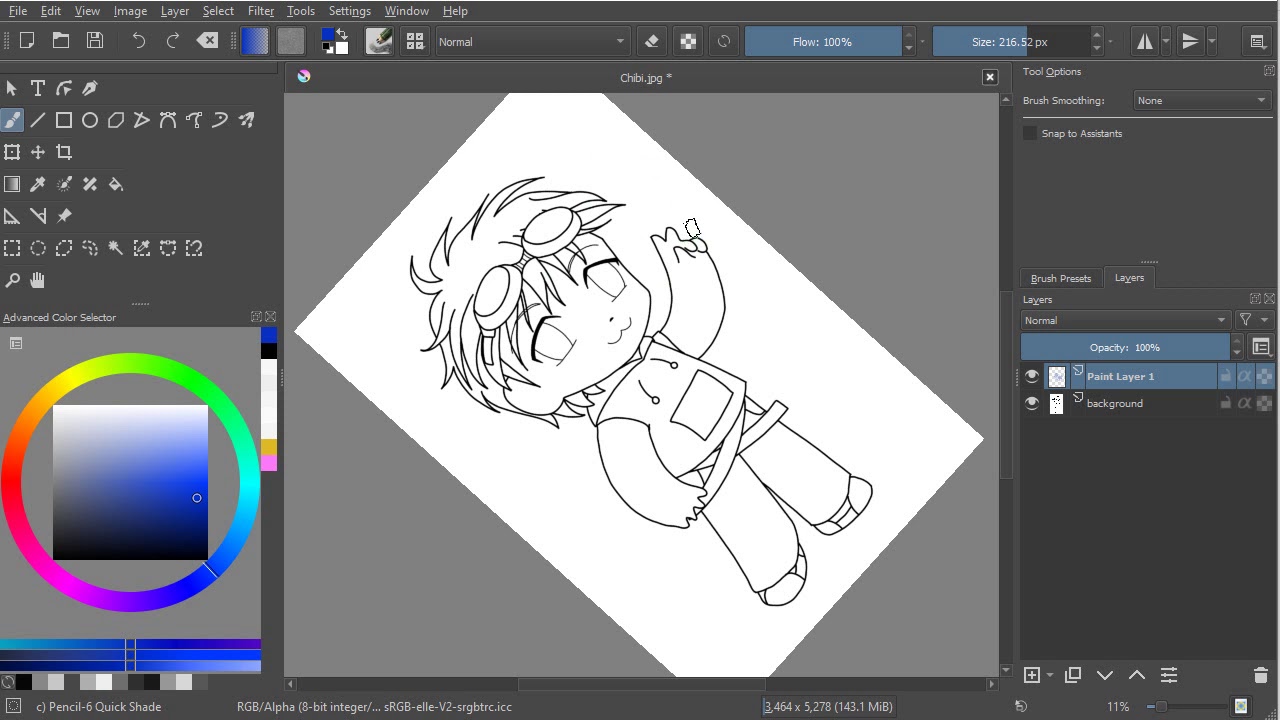
Rotation Reset Rotation In Krita YouTube

Curved Perspective Affinity On Desktop Questions macOS And Windows

WEB Nov 22 2021 nbsp 0183 32 Although not technically a reset if you need to quickly edit an object that you ve rotated you can use Cycle Selection Box on the Context Toolbar with the Move

WEB To rotate the document view On the View menu select Rotate Left or Rotate Right The document view will be rotated in 15 176 increments To reset the document view back to its original rotation On the View menu select Reset Rotation

WEB click in the Document View then select Rotate Left or Rotate Right The document view will be rotated in 15 176 increments Alternatively use the View menu for equivalent commands To reset the document view back to its original rotation

WEB Feb 7 2023 nbsp 0183 32 You can do any boolean operation this will quot reset quot the angle of the rotation 9 Reply Award Share markxtang 1 yr ago There is a button on the top toolbar https forum affinity serif index php topic 153222 how to reset the bounding box in designer amp do findComment amp comment 860864

WEB Dec 14 2015 nbsp 0183 32 The shortcut to reset the rotation is Ctrl Shift Cmd R macOS or Ctrl Alt Shift R Windows or go to menu View gt Reset Rotation You can set a different shortcut going to Affinity Preferences Keyboard Shortcuts section setting the dropdowns to Photo and View and editing the corresponding entry in the list below 2
WEB Sep 26 2023 nbsp 0183 32 Andy gives a refresher on transforming objects and introduces a new 2 2 feature called Move Data Entry a cool way to reposition rotate and duplicate one or more objects all controllable via a dialog WEB Check out the complete feature list and system requirements for Affinity Designer to see how it s revolutionizing the way thousands of professionals work
WEB Feb 18 2020 nbsp 0183 32 The reason why Reset Bounding Box is grayed out in Illustrator is because the feature does not work on certain shapes and lines To fix this click on the shape and navigate to Object gt Shape gt Expand Shape in the menu You should now be able to reset the bounding box