How To Reset Affinity Designer Backing Up App Resources And Factory Reset Affinity Photo YouTube Affinity Photo Remove Object Spaceshooli Affinity Designer Icon Print Affinity Affinity Designer Transform Perspective Design Talk Web Nov 22 2021 nbsp 0183 32 14 4k Posted November 22 2021 If it is a simple thing not a group then you can use the Add from Layer gt Geometry gt Add and you will wind up with a reset bounding box Obviously if it is a group or a Curve s layer more needs to be done Alfred
Web Nov 15 2022 nbsp 0183 32 In this short video I will show you how to restore the UI in Affinity Designer to bring back views menus and missing tools Featured playlist 21 videos Web Customizing the Tools panel The Tools panel can be docked or floating on show or hidden depending on your preference The Tools panel can be customized to fit your individual way of working By removing tools you can slim down the Tools panel and add available tools when needed To dock undock the Tools panel To show hide the Tools
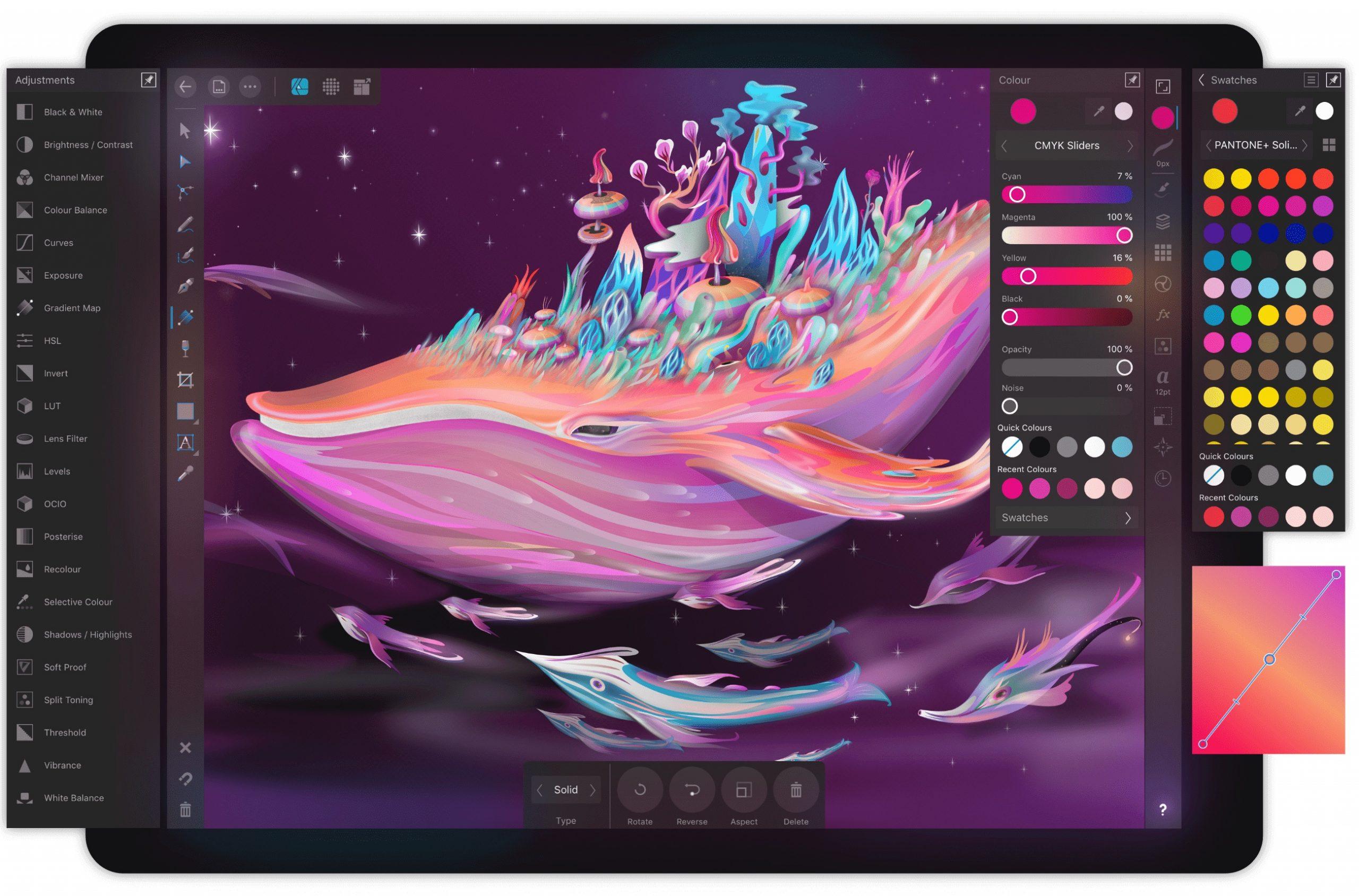
Affinity Designer Transform Perspective Design Talk Affinity Designer 2 1 1 1847 Affinity Designer 1 10 5 Download MacOS Affinity Designer Trial Reset How To Create App Icons In Affinity Designer GFxtra Affinity Designer Affinity Designer Trial Reset Remove Background Affinity Photo Itypodluxe
How To Reset Affinity Designer
 How To Reset Affinity Designer
https://i.ytimg.com/vi/y_QlElUCZUE/maxresdefault.jpg
Web Reset your Affinity Account password Enter your email address below We ll email instructions on how to reset your password Email address Reset password Back to sign in
Templates are pre-designed documents or files that can be utilized for various purposes. They can save effort and time by offering a ready-made format and layout for creating various kinds of content. Templates can be used for individual or expert jobs, such as resumes, invites, leaflets, newsletters, reports, presentations, and more.
How To Reset Affinity Designer

In Affinity Designer Die Bounding Box Zur cksetzen Claudia Sch th

Affinity Designer 2 1 1 1847
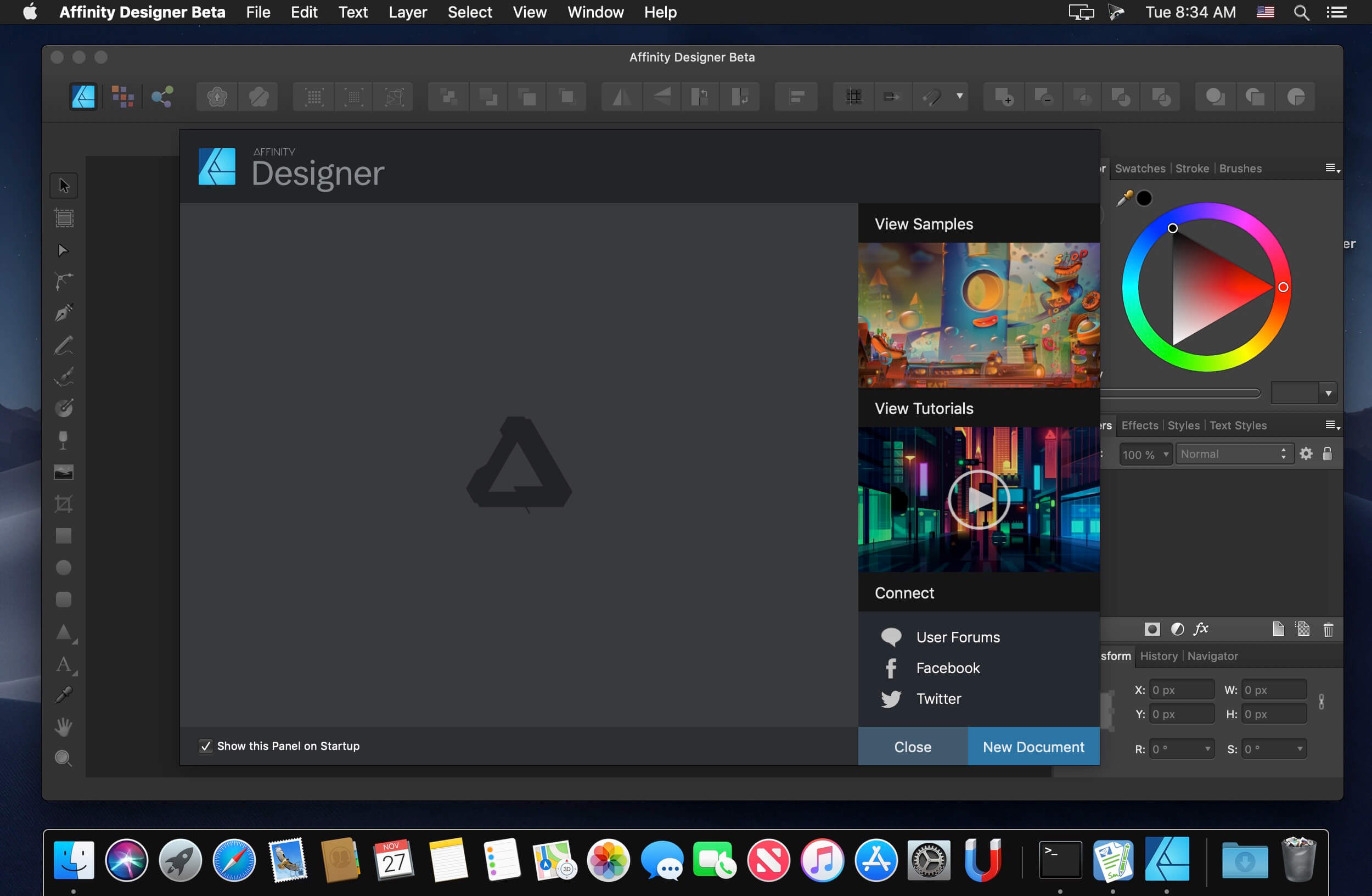
Affinity Designer 1 10 5 Download MacOS

How To Create App Icons In Affinity Designer GFxtra

Affinity Designer

Web Customizing the workspace Each Persona s workspace can be customized to fit your individual way of working A panel can be standalone or in a panel group multiple panel groups make up a Studio If you want to save your favorite arrangement of Studio panels tools or icons on the Toolbar for later use you can save them to a preset

Web Feb 4 2022 nbsp 0183 32 How to do a factory reset I press the control key and the affinity app and it will not open to reset the program What do I do now Rita Quote walt farrell Members 38 8k Posted February 3 2022 Welcome to the Serif Affinity forums You press and hold the Ctrl key then click the application icon to start it

Web Object defaults When you create new objects their appearance is initially determined by the default settings for the particular object you are creating These defaults can be changed in the current document saved globally for future documents or returned to

Web Nov 17 2018 nbsp 0183 32 You can reset your app back to its default settings by holding down the CTRL key while launching the app When the Clear User Data window appears click Select All and then Clear The app will now open Be aware that resetting your app back to its default settings will lose any custom settings such as keyboard shortcuts and brushes etc
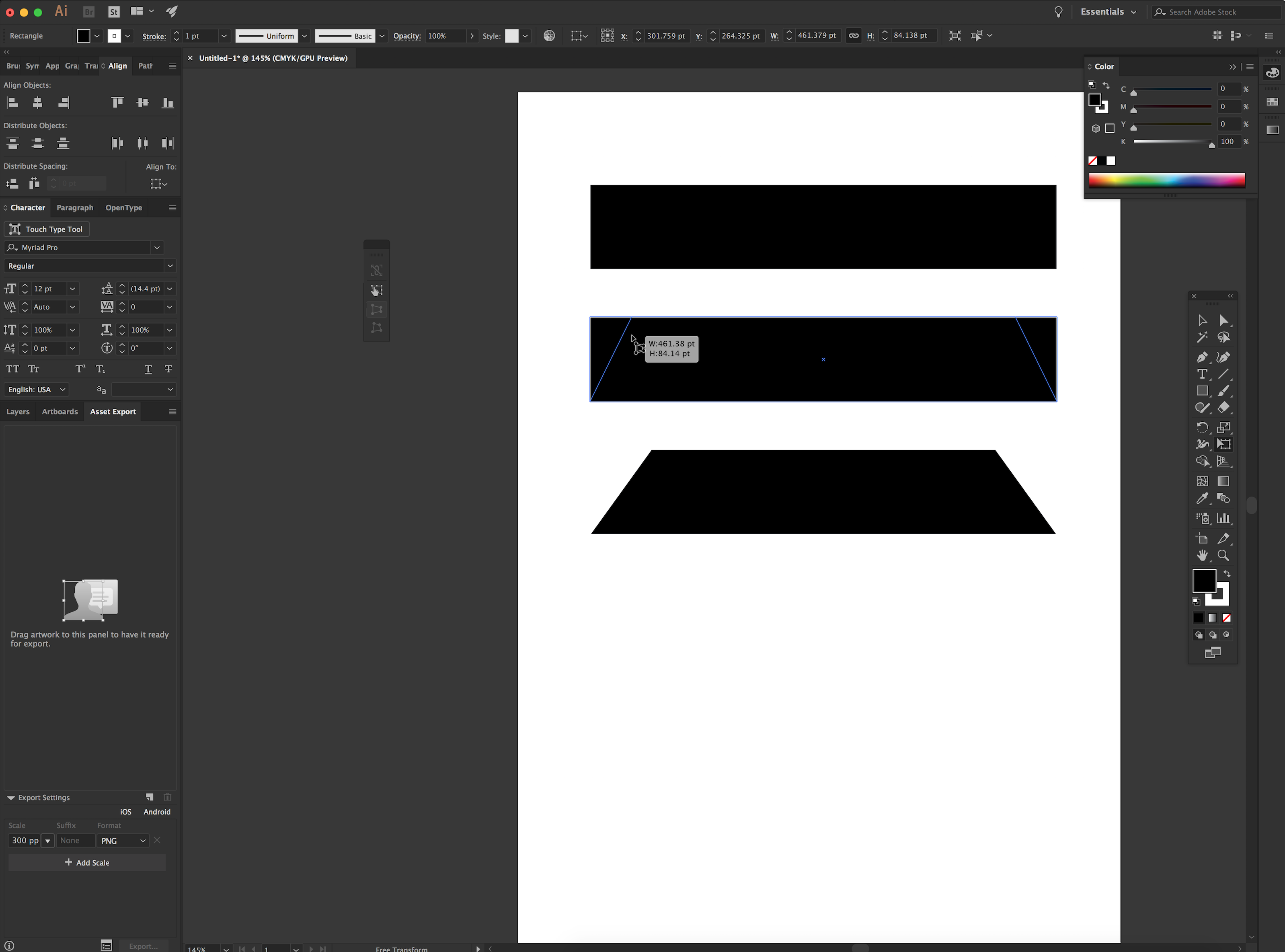
Web Sep 11 2018 nbsp 0183 32 Affinity Photo Master Reset Quick Tip Quickly and easily reset all or parts of Affinity Photo This handy tip is super useful when you wish to clear up a mess you ve made or you just wish to
Web Jul 10 2021 nbsp 0183 32 Go to View gt Studio gt Character If that doesn t work go to View gt Studio gt Reset Studio You may have hidden one of the studios the right is on by default and the left is optional Web Settings The following general settings are available from all adjustment dialogs closes the dialog and deletes the adjustment layer removing the adjustment from the image merges the current adjustment layer with the layer immediately below it in the layer order reverts all dialog settings to default
Web To reset the document view back to its original rotation Do one of the following click in the Document View or enter Viewmenu select Reset Rotation Press R Press R For greater efficiency assign your own custom keyboard shortcuts to rotating and resetting document view operations See Customizing keyboard shortcutsfor more information