Affinity Designer 2 Merge Layers How To Merge Layers In Procreate The Ultimate Guide Affinity Photo Para MAC Caracter sticas Y Requisitos Affinity Designer Software 2022 Reviews Pricing Demo Affinity Designer Merge Layers Bluetooth and vb and tutorial Affinity Designer Merge Layers Bettinaniedermaier 2023 Google LLC How to merge combine multiple text layers in Affinity Designer affinitydesigner00 00 Introduction00 14 Geometry00 43 Shape builder Designer 201 28
In Affinity Designer layers function differently than they do in other applications This tutorial will seek to demystify this feature in case you re a new user and are used to how layers function in other vector environments such as Illustrator and Inkscape 0 00 16 22 Affinity Designer tutorial Grouping layers how to Graphicxtras 14K subscribers 4 9K views 3 years ago UNITED STATES How to group layers how to combine layers and
Affinity Designer Merge Layers Bettinaniedermaier Affinity Designer Merge Layers Bettinaniedermaier How To Merge Layers In Inkscape ByteXD Affinity Photo APP1009 DISTRIBUTION Affinity Designer Photoshop Competitor By Ali Almoullim Almoullim Affinity Designer 1 10 5 Download MacOS How To Use Affinity Designer Layers Panel Design Bundles How To Use The Selection Brush Tool In Affinity Photo Lenscraft Affinity Photo 2 Review 2023 Space
Affinity Designer 2 Merge Layers
 Affinity Designer 2 Merge Layers
https://zaided.com/wp-content/uploads/2022/04/How-To-Merge-Layers-in-Procreate.jpg
How to merge layers in AF2 Hi there I for the life of me can t find the merge down option for layers in Affinity Designer 2 on Mac I find lot s of hints towards this function for Version 1 but nothing if it was moved somewhere else in AF2 I would really appreciate if someone could just tell me how to merge layers in AF2 Thank you kindly
Pre-crafted templates offer a time-saving option for developing a varied range of documents and files. These pre-designed formats and layouts can be made use of for various individual and professional projects, consisting of resumes, invites, leaflets, newsletters, reports, discussions, and more, simplifying the content development process.
Affinity Designer 2 Merge Layers

Affinity Photo How To Merge Blend Layers In Affinity Photo For
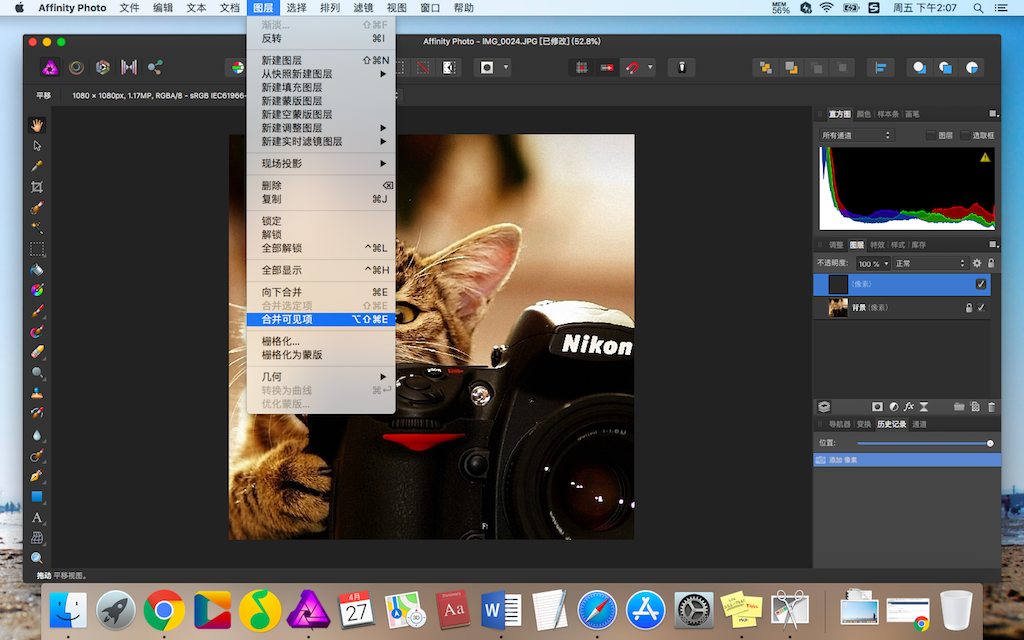
Affinity Designer Merge Layers Bettinaniedermaier

How To Merge Layers In Inkscape ByteXD

Affinity Photo APP1009 DISTRIBUTION
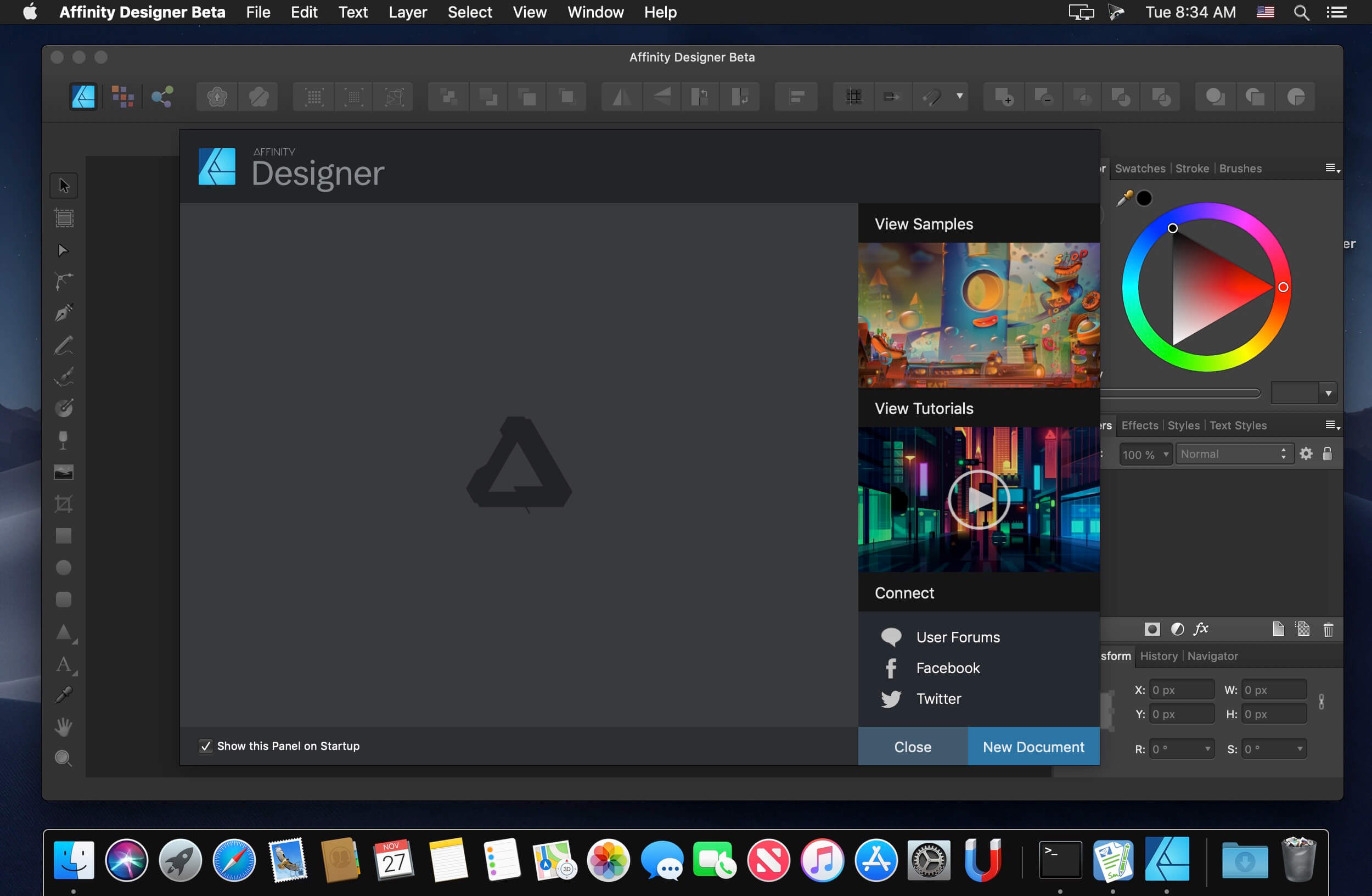
Affinity Designer 1 10 5 Download MacOS

How To Use Affinity Designer Layers Panel Design Bundles

To merge all visible layers to set the visibility of layers in the project A new layer is added one step above the selected layer This layer is a merged copy of all visible layers The selected layers merge down into the lowest layer in the selection The selected layer merges with the first available pixel layer beneath it

First of all Affinity Designer uses two types of layers vector layers and pixel layers Vector layers go hand in hand with the Designer Persona Vector shapes text and curves can be added as standalone objects in the Layers studio Window Layers or stored inside a vector layer

To merge all visible layers On the Layers panel Tap Toggle Visibility to set the visibility of layers in the project as required Tap Merge and Rasterize and then tap Merge Visible A new layer is added one step above the selected layer This layer is a merged copy of all visible layers To merge selected layers On the Layers panel

All Activity Home Affinity Support Affinity Support Questions Affinity on Desktop Questions macOS and Windows designer 2 on win10 How do you combine or flatten layers
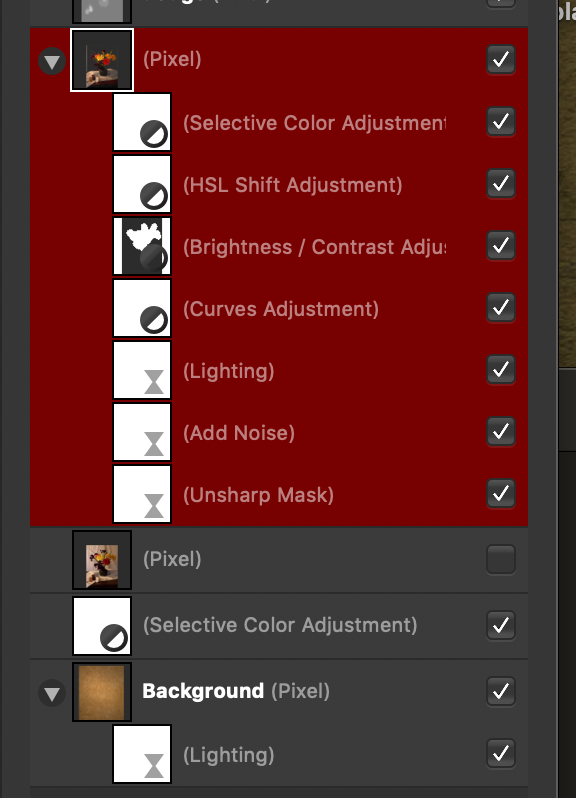
Objects before and after operation splits object areas into separate objects the object from the intersecting area retains the color of the upper object Objects before and after operation merges selected objects into a composite object with transparent area where filled regions overlap Objects before and after operation
How To Combine Vectors In Affinity Designer Tutorial Graphicxtras 13 5K subscribers Subscribe 27 Share 2 2K views 1 year ago Affinity Designer Tutorials How to Guides How to We ve crammed many more new features into Affinity Designer 2 along with a raft of feature enhancements to make everyday tasks such as working with layers and applying effects even more intuitive Here s a quick run down of our favourites that we really wanted to tell you about
Multiple layers can be shifted at once Hold Shift and click on the layers to select then click and drag to rearrange the layers Grouping Layers in Affinity Designer In Affinity Designer there is no option to merge layers In the Designer Persona you are working with vector layers Usually merging these means merging all the shapes together