Activate Windows 10 Product Key Cmd How To Install And Activate Windows 10 Without Product Key Images And How To Get Product Key Windows 10 How To Get Key Windows 10 Activate Using Windows 7 8 Product Keys ITPro How To Find Your Windows 10 Product Key By Using The Command Prompt Windows 7 Enterprise Product Key Cmd Wuservchingcom First press the Windows key search for cmd and click on Run as administrator Then run the following command wmic path softwarelicensingservice get OA3xOriginalProductKey After that you ll see your Windows 10 product key Alternatively you can run this command in the Command Prompt terminal powershell Get WmiObject query
Find your Windows product key Windows 11 Windows 10 Windows 8 1 Windows 7 More A Windows product key is a 25 character code used to activate Windows It looks like this PRODUCT KEY XXXXX XXXXX XXXXX XXXXX XXXXX Locate your product key for Windows 10 or Windows 11 In the elevated Command Prompt window run the following command cscript exe slmgr vbs atp confirmation ID from previous step Key Management Service in Windows Server Installing a KMS host key on a computer running Windows Server allows you to activate computers running the same or earlier versions of Windows Server
Windows 7 Enterprise Product Key Cmd Wuservchingcom How To Activate Windows 10 With Or Without A Product Key Images And Activate Windows 10 Cmd Prompt Jafdas Ingyenes Windows 10 Pro Term kkulcs HU Atsit How To Activate Microsoft Office Without Product Key 2022 Linux Hint How To Get Your Windows 10 Product Key From Command Prompt How To Check Your Windows 10 Product Key Using CMD Adcod Activate Window 10 Without Product Key How To Activate Window 10 Free Windows 10 Activate TechPro
Activate Windows 10 Product Key Cmd
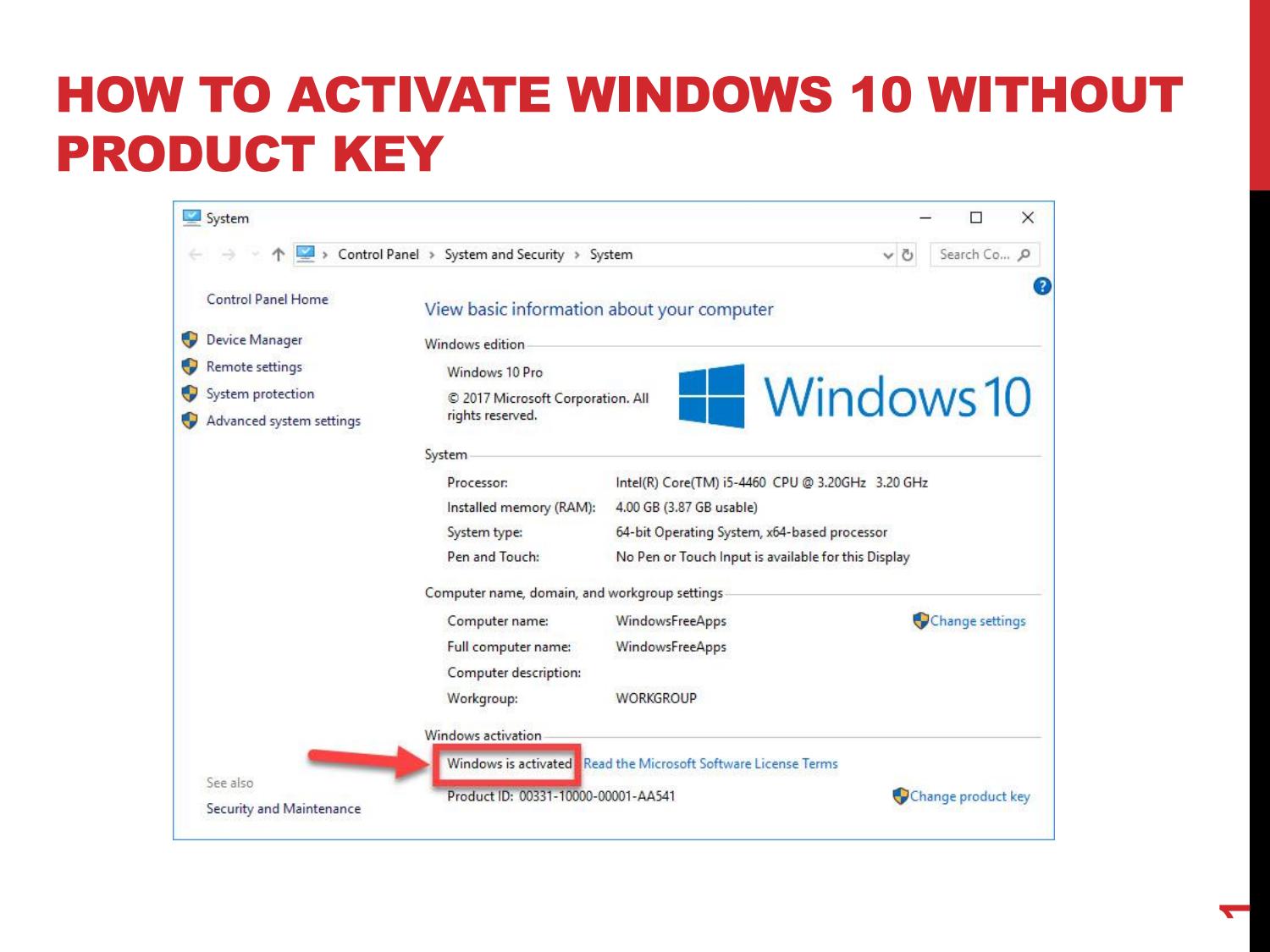 Activate Windows 10 Product Key Cmd
https://image.isu.pub/171225024707-5443fbddadb76b1dea4145c22b945418/jpg/page_1.jpg
How to find your Windows 10 product key 1 Click the Windows search box and type in Command Prompt 2 Once the Command Prompt entry pops up right click that option and select Run as
Pre-crafted templates offer a time-saving option for developing a diverse variety of files and files. These pre-designed formats and designs can be made use of for different individual and professional tasks, including resumes, invitations, leaflets, newsletters, reports, discussions, and more, simplifying the content development process.
Activate Windows 10 Product Key Cmd
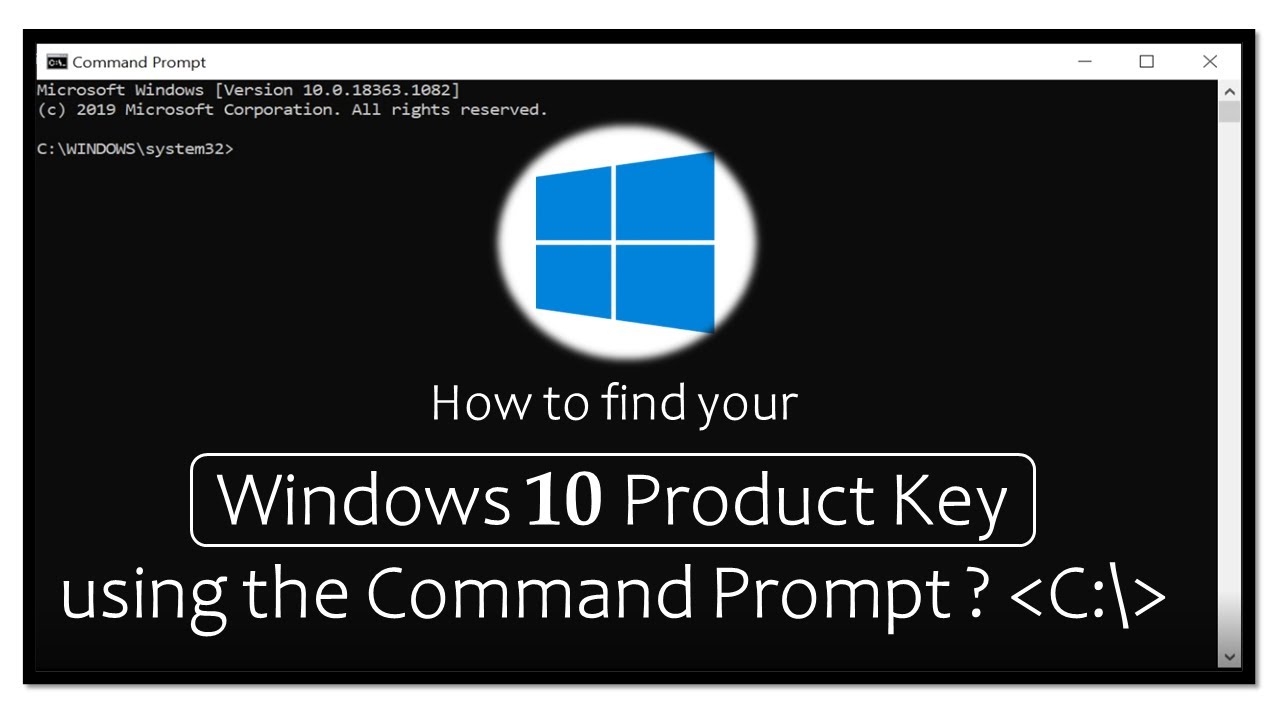
How To Find Your Windows 10 Product Key Using The Command Prompt YouTube
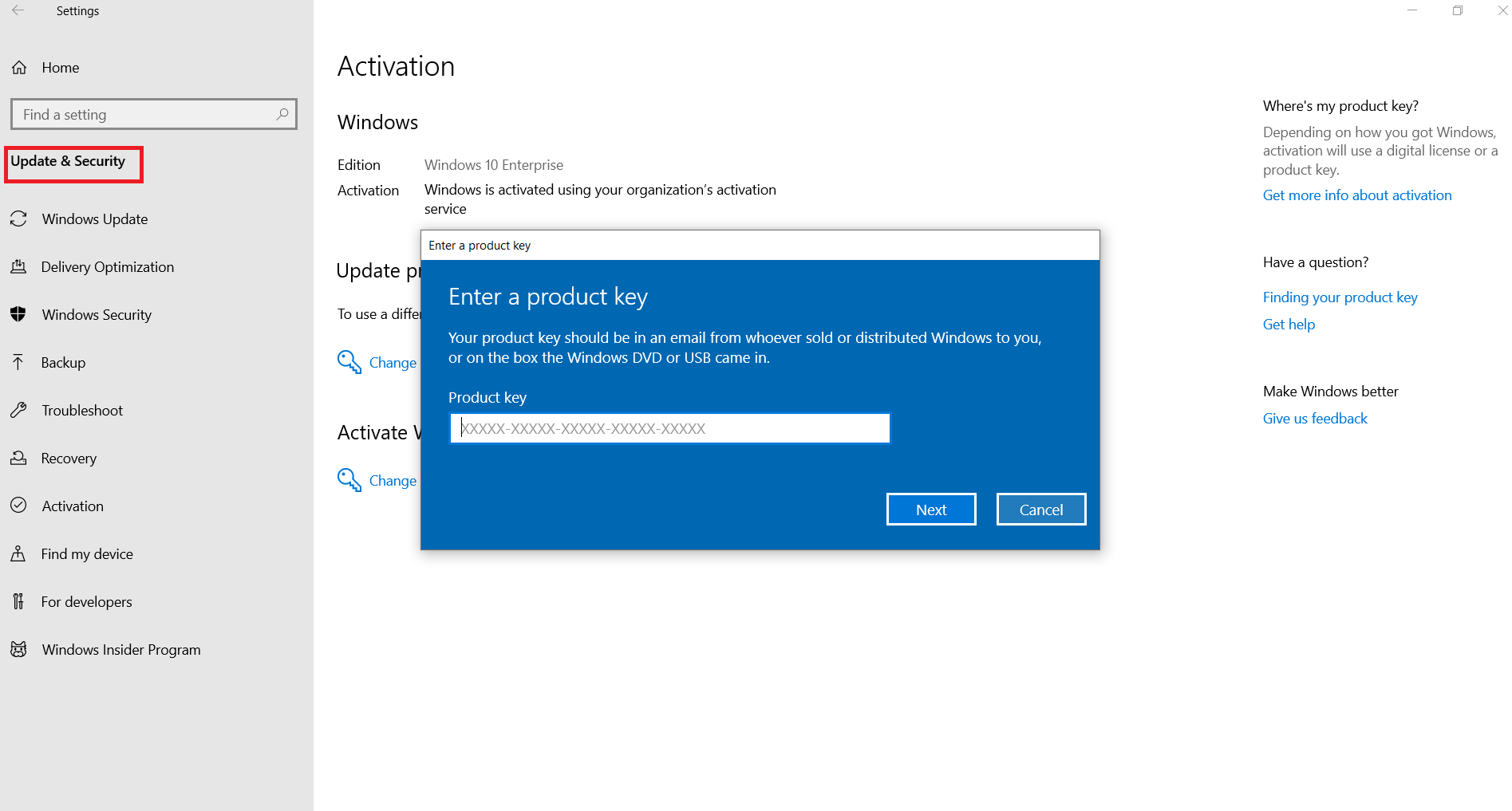
How To Activate Windows 10 With Or Without A Product Key Images And
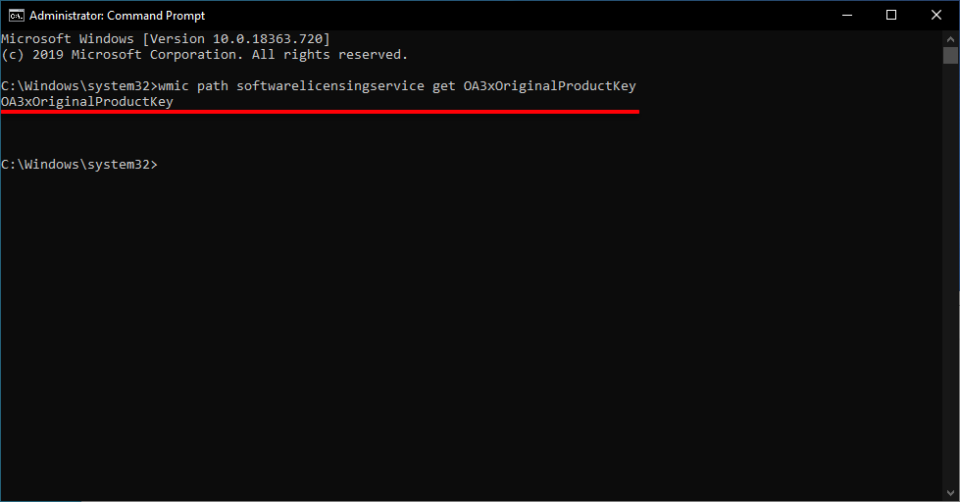
Activate Windows 10 Cmd Prompt Jafdas
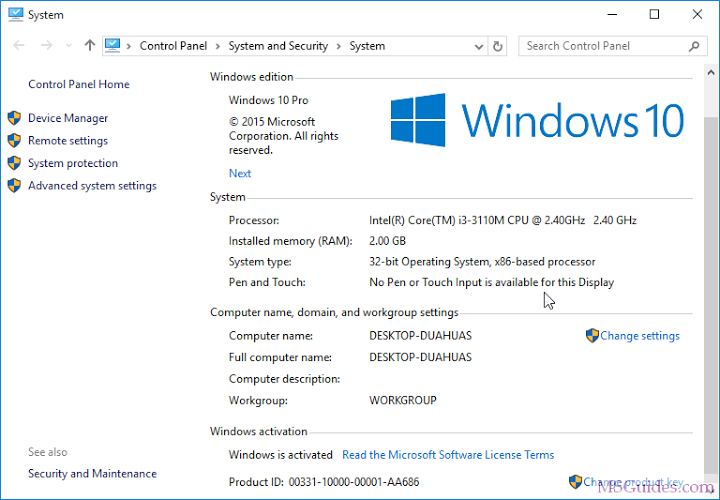
Ingyenes Windows 10 Pro Term kkulcs HU Atsit
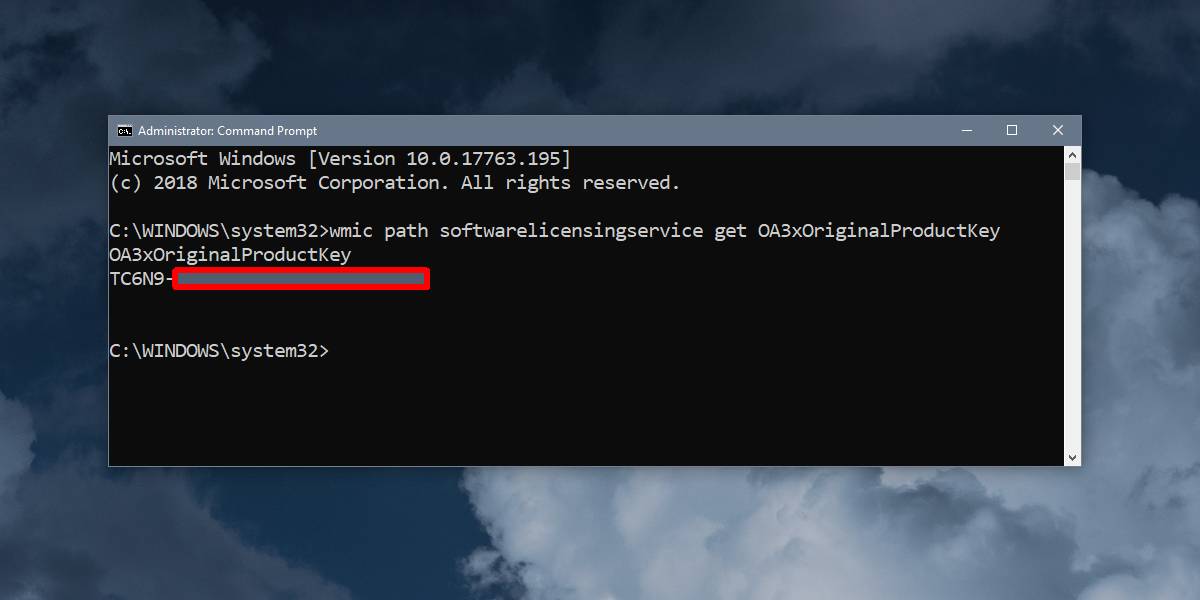
How To Get Your Windows 10 Product Key From Command Prompt
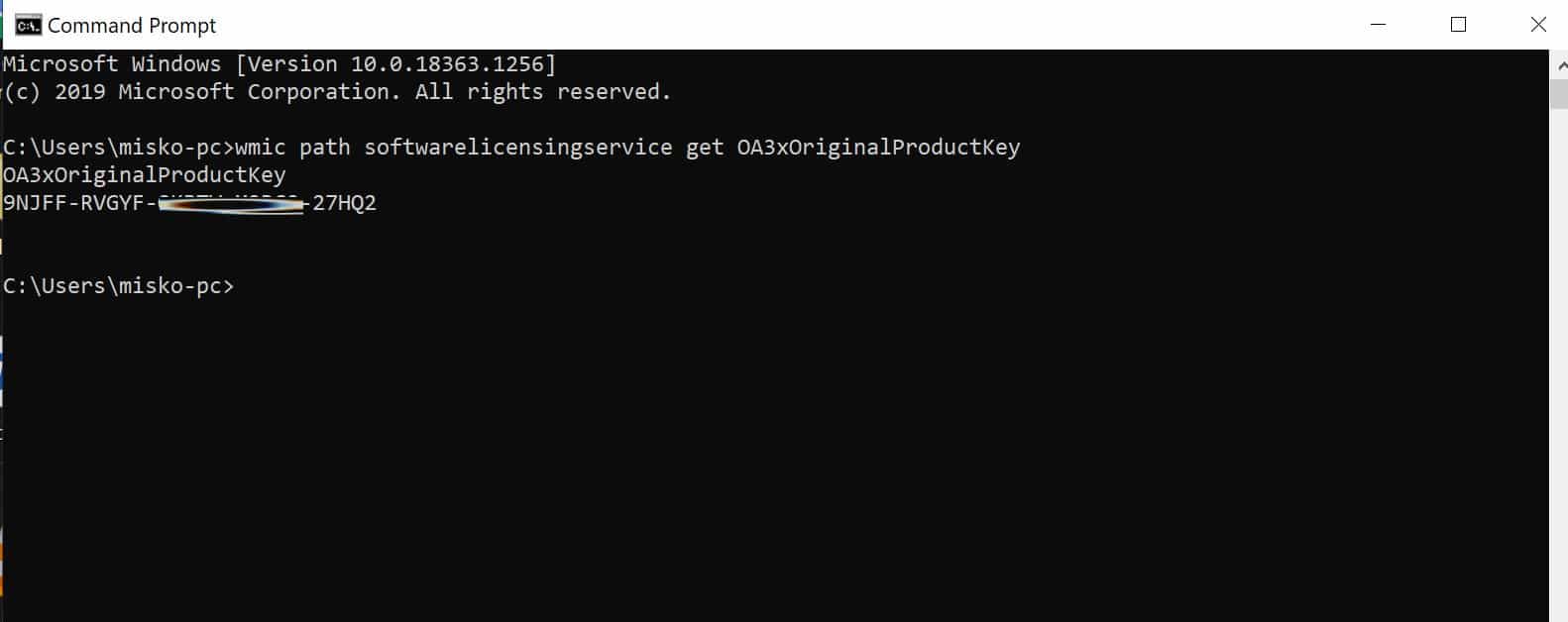
How To Check Your Windows 10 Product Key Using CMD Adcod

How To Activate Windows 10 Using Command Prompt FIRST Open Command Prompt as administrator Do this by clicking on the start button then search for cmd then run it with

Type the command slmgr ato Press Enter After you follow these steps above you should see that Windows 10 or Windows 11 will prompt you with a note that the product has been activated

1 Download Magical JellyBean KeyFinder the free version 2 Extract keyfinder exe from the zip file to a folder on your PC You can skip the other files in the zip archive 3 Launch

Method 1 Finding your Windows Product Key Download Article 1 Find your product key if your PC comes with Windows pre installed If your PC comes with Windows pre installed you do not need to use your product key to activate Windows It s already running

Open Get Help Checking your Windows activation status You ll first want to find out if your Windows 11 is activated and linked to your Microsoft account It is essential that you link your Microsoft account to the Windows 11 license on your device
1 Command prompt The most direct method for finding your Windows 10 product key is from the command line 1 Type cmd into the Windows 10 desktop search box 2 Then right click the command This option looks like two rotating arrows on the Settings menu 2 3 Click Activation on the left menu This will open your product activation options on the right hand side 3 4 Click Change product key This will allow you to enter your 25 digit product key to activate Windows on your computer
To find your Windows 10 Product Key open a PowerShell window with administrative privileges type the following command and hit Enter Get WmiObject query select from