Zsh Theme Not Working Mac GitHub Tungpun lavender zsh theme Minimalistic Lavender Theme For Zsh Z Shell Does Not Find Script In Working Directory Stack Overflow Astro Zsh Theme Excess zsh Theme How To Fix Zsh Command Not Found Error On MacOS 5 Ways EaseUS Projects 1 Wiki Security Insights Insights New issue Oh My Zsh themes not working on Warp Terminal 12082 Closed ANewProfile opened this issue on Dec 3 2023 5 comments Install oh my zsh Add the correct line of code to your zshrc file Source the file in the terminal Sign up for free to join this conversation on GitHub
1 Make sure the line setting your desired theme appears in zshrc before source ZSH oh my zsh sh otherwise it won t get loaded D Bye Dec 13 2015 at 13 33 1 Post your complete zshrc Gilles SO stop being evil See list here In order to enable a theme set ZSH THEME to the name of the theme in your zshrc before sourcing Oh My Zsh for example ZSH THEME robbyrussell If you do not want any theme enabled just set ZSH THEME to blank ZSH THEME Here is a collection of screenshots and descriptions of themes that have been contributed to Oh My Zsh
How To Fix Zsh Command Not Found Error On MacOS 5 Ways EaseUS Unix Linux Zsh Theme Not Being Applied YouTube Oh My Zsh Oh my zsh Theme Not Rendering Properly In IntelliJ Stack What s The Best Theme For Oh My Zsh Slant How To Use Zsh As Default In Terminal For Mac OS GitHub Xuelingkang xlk simple zsh theme A Simple Zsh Prompt Theme ZSH Completion Script Not Working IOS Oh My ZSH Theme Not Matching Colors Learncado Linux CentOS oh My Zsh Linux
Zsh Theme Not Working Mac
 Zsh Theme Not Working Mac
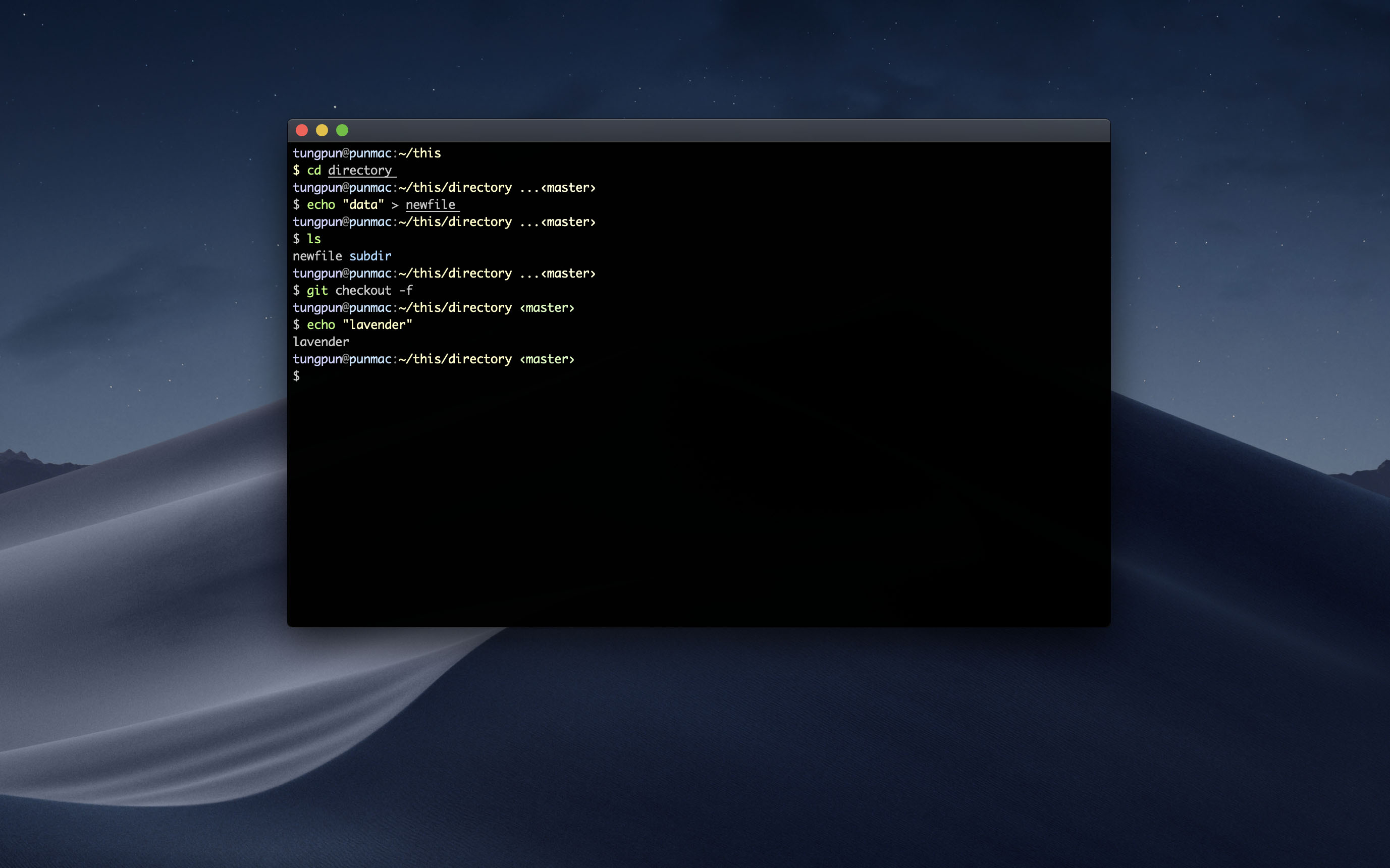
https://raw.githubusercontent.com/tungpun/lavender-zsh-theme/master/screenshot.jpg
The default theme that comes with zsh is the robbyrussell we will be using the agnoster theme To use the agnoster theme open your zshrc file with vim or any other text editor vim zshrc click i to edit vim scroll to the top and look for ZSH THEME robbyrussell or something similar change it to ZSH THEME agnoster Make sure
Pre-crafted templates offer a time-saving service for producing a varied variety of files and files. These pre-designed formats and layouts can be utilized for different personal and expert projects, including resumes, invitations, leaflets, newsletters, reports, discussions, and more, simplifying the material production process.
Zsh Theme Not Working Mac
Henry 3058

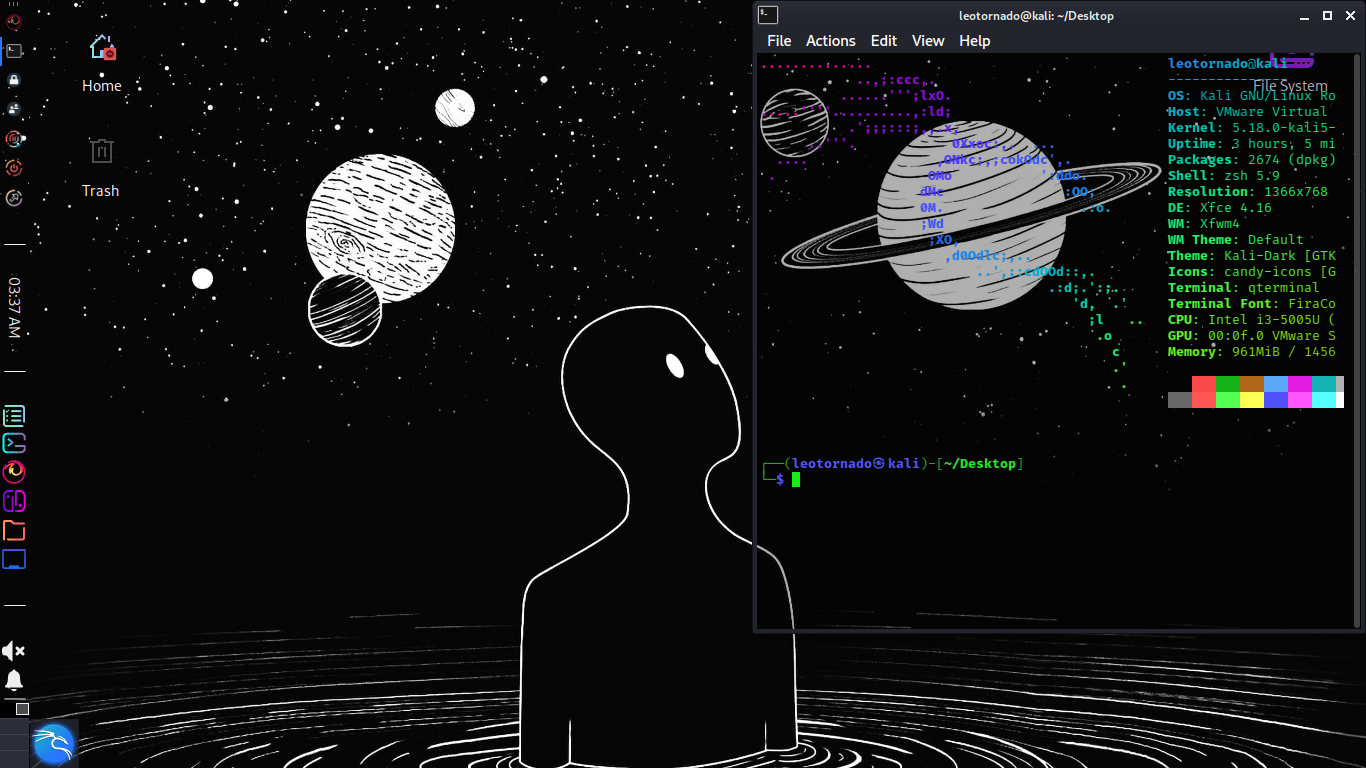
Unix Linux Zsh Theme Not Being Applied YouTube

Oh My Zsh Oh my zsh Theme Not Rendering Properly In IntelliJ Stack
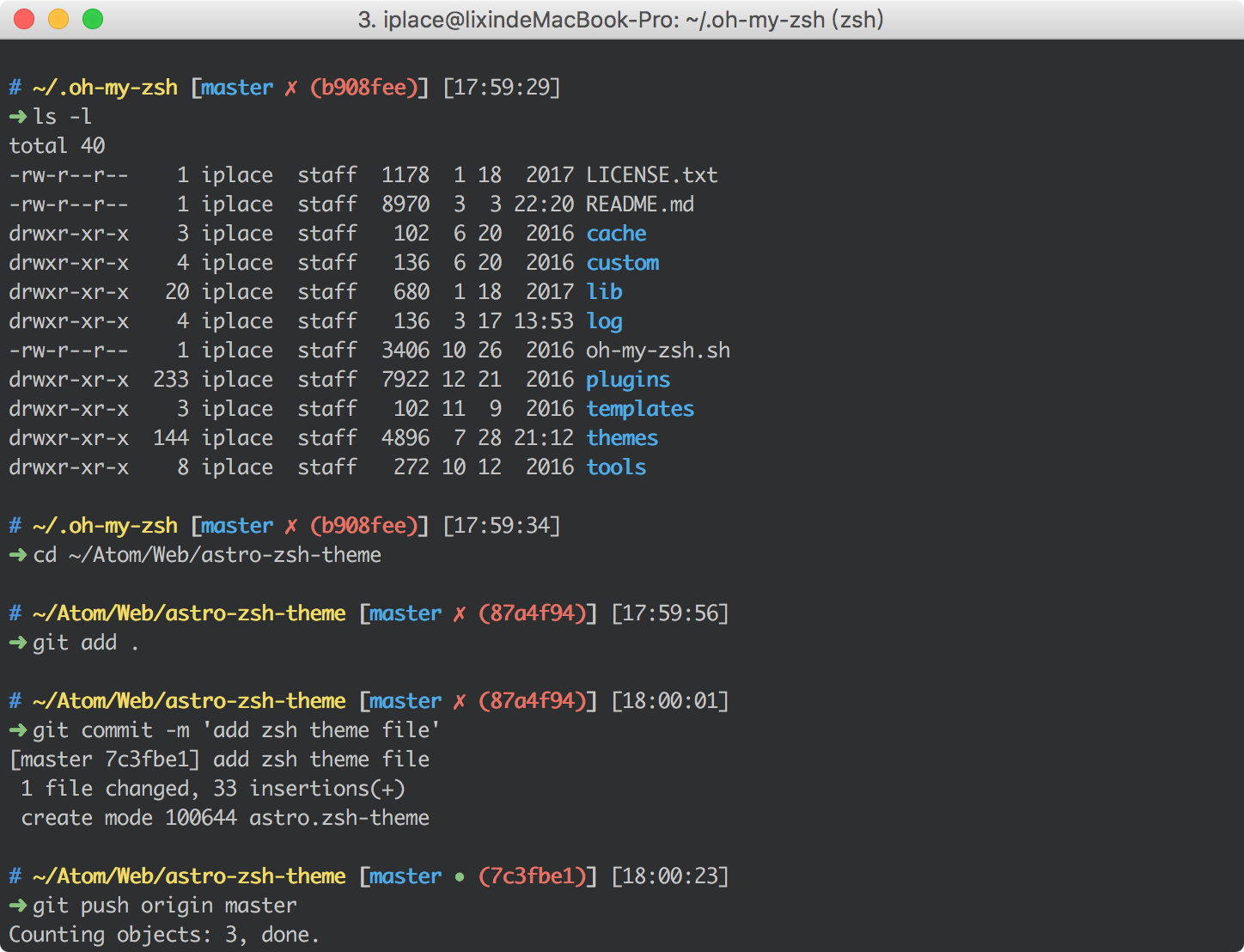
What s The Best Theme For Oh My Zsh Slant
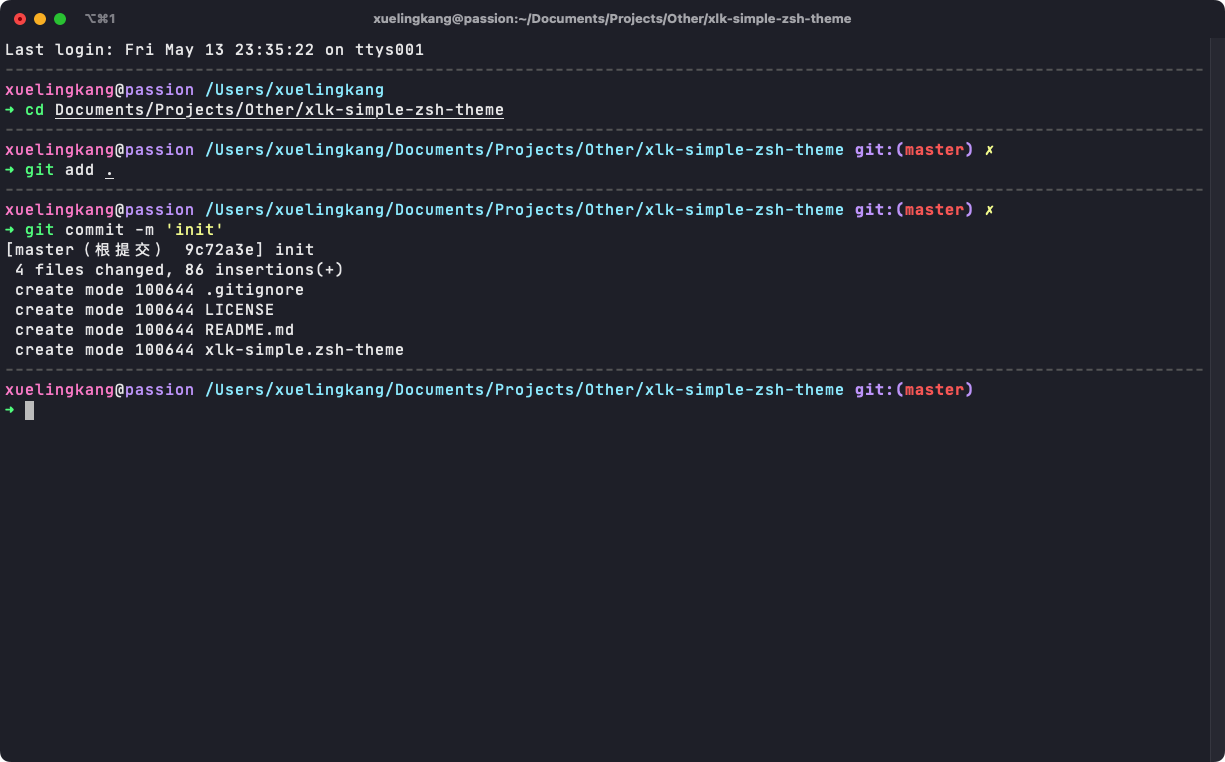
GitHub Xuelingkang xlk simple zsh theme A Simple Zsh Prompt Theme

ZSH Completion Script Not Working IOS
7 I set theme in zshrc file ZSH THEME random And when open new tab it shows that new theme is loaded oh my zsh Random theme Users maks oh my zsh themes gozilla zsh theme loaded mac But in fact I dont see any changes in theme New tab again oh my zsh Random theme Users maks oh my zsh themes crunch zsh theme loaded and again

Open your terminal and run the command xcode select install If you get an error run xcode select r to reset xcode select Then install Homebrew usr bin ruby e curl fsSL https raw githubusercontent Homebrew install master install Step 2 Install iTerm2 iTerm2 is a replacement for terminal and the successor to iTerm
Theme Icons You can set and override the OS icon Since I only use macOS I decided to look for an alternative default icon The GitLab Tanuki which I found available in the NerdFonts cheatsheet Copying the hex code and reading about the correct syntax for setting the OS ICON variable helped modify the p10k zsh configuration file

On Jul 20 2022 Hi I have install zsh and ohmyzsh and have my profiles set however whenever I start my terminal using hyper zsh is not loading even though its the default shell and my theme does not load unless I type zsh into the terminal I am not sure why this is the case Any help or fixes would be appreciated

5 Answers Sorted by 213 The zshrc doesn t exist by default in macOS so you need to create it The translates to your user s home directory and the zshrc is the ZSH configuration file itself
Font setup on iTerm2 Enable the angoster theme in Zshrc sudo vi zshrc ZSH THEME agnoster You may have to remove the default theme robby Remove your username in the prompt add these two In this example we will go through how to download the Powerlevel10k theme but this is similar for all other themes too It comes down to two steps 1 We will have to download the theme into the oh my zsh custom theme directory In this example we use the git clone command for this
vim zshrc ZSH THEME set theme name Take a look at the Themes and Plugins for more details Pick the name of a theme you ll want to use Once the theme has been changed run the command below to apply the changes Alternatively launch a new shell tab or window to use the new theme source zshrc 4 Enable Zsh Plugins