Zebra Zt411 Rfid Setup Zebra ZT411 RFID Zebra ZT411 RFID Liberty Systems Zebra Technologies ZT411 Out Of Box And Basic Setup 60 OFF How To Setup Wireless Connection For Zebra ZT411 Barcode Printer YouTube VERKKO Zebra Technologies Visible Connected Optimized
VERKKO ZT411 ZT421 Industrial Printer User Guide About this Guide Notational Conventions Icon Conventions Printer Setup Selecting a Location for the Printer Ordering VERKKO Subscribe for our channel https www youtube channel UCgeRwYJnTU9SgGzlYm1IBlQ Visit our
ZT411 ZT421 ZT610 io P1083320 038 PLC Zebra ZT411 Takma pl Zebra ZT400 Series How to Install RFID Option YouTube Fogyat kos Elhagyott El z keny Zebra Zt 421 Demokratikus P rt ZEBRA ZT411 Impresora Industrial De Etiquetas TANGOID SRL Zebra ZT400 Series How to Load Ribbon And Media YouTube Zebra ZT411 Label Printer Zebra ZT411 Bar Code Label Printer ZT42162 T410000Z Zebra ZT421 Barcode Printer The ZPS Store
Zebra Zt411 Rfid Setup
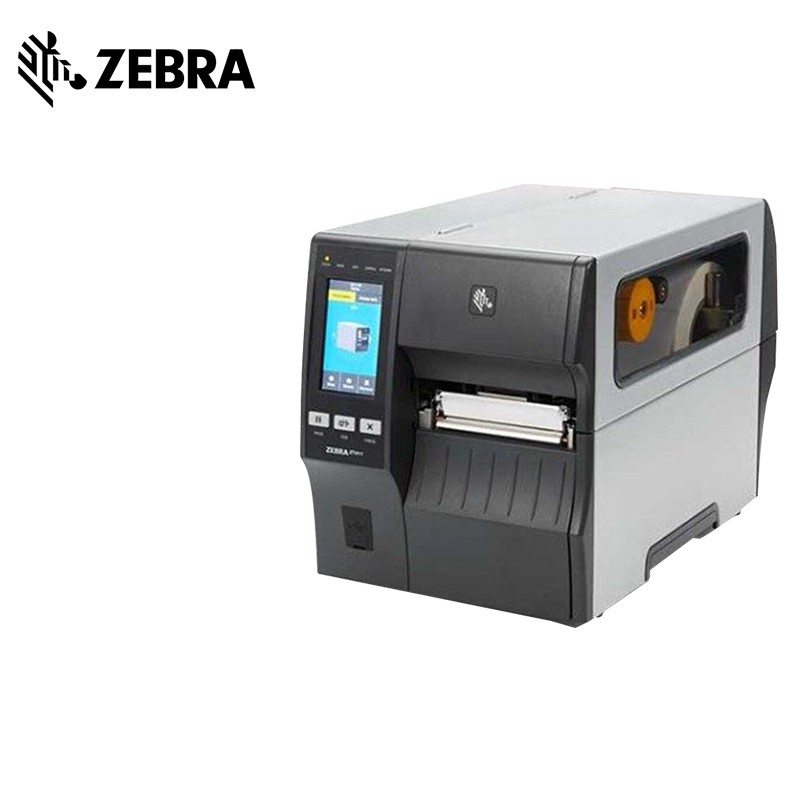 Zebra Zt411 Rfid Setup
http://www.gdxscode.com/Uploads/62ba6cc9308e4.jpg
VERKKO resolution answer Watch the video on how to encode and print RFID tags using Zebra Designer V3 Get an in depth explanation and useful steps to encode and
Templates are pre-designed files or files that can be used for various purposes. They can conserve time and effort by supplying a ready-made format and layout for producing different sort of content. Templates can be utilized for individual or professional jobs, such as resumes, invitations, leaflets, newsletters, reports, discussions, and more.
Zebra Zt411 Rfid Setup
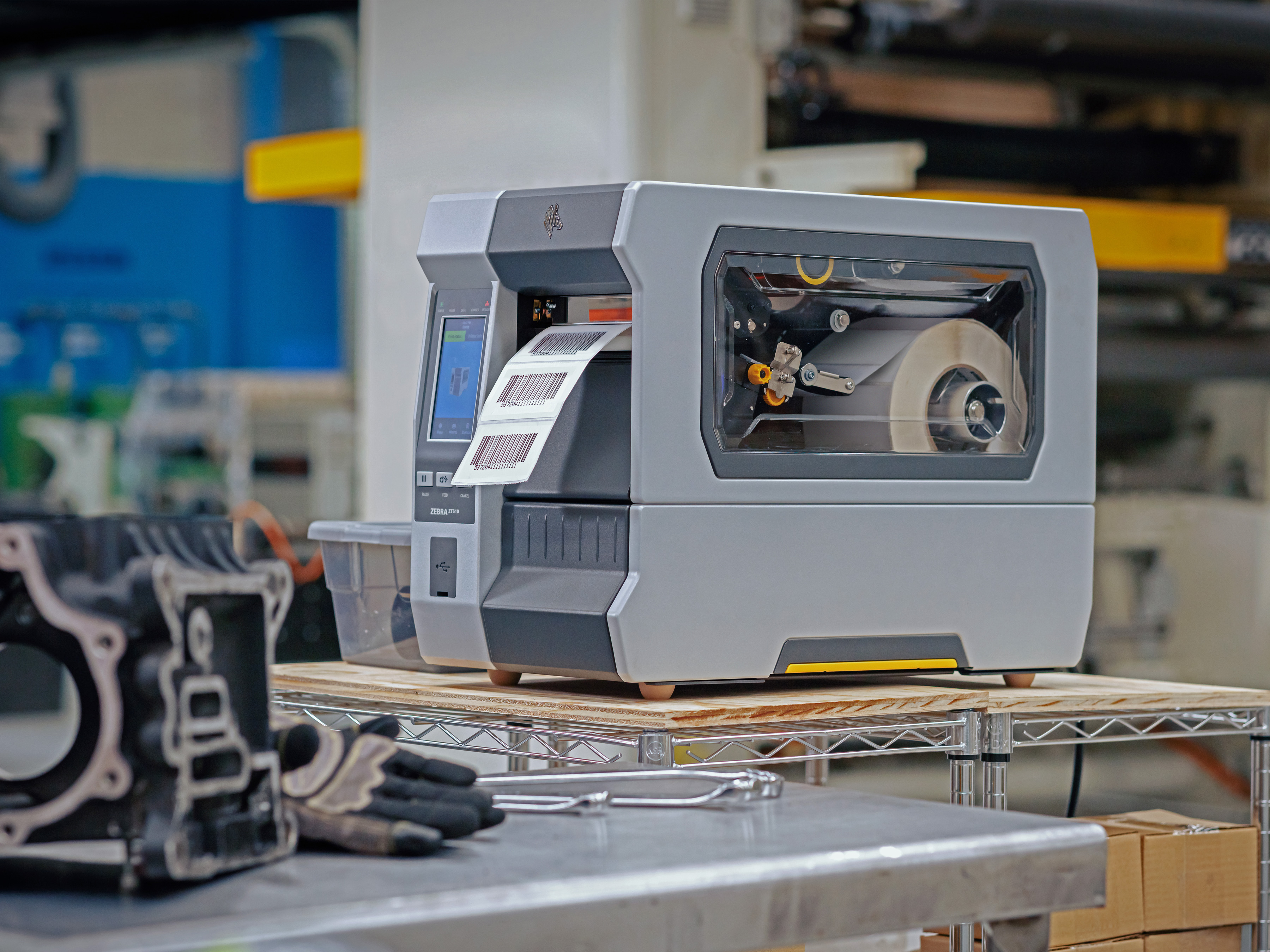
Printer Setup Utilities Zebra
ZT411 ZT421 ZT610 io P1083320 038 PLC
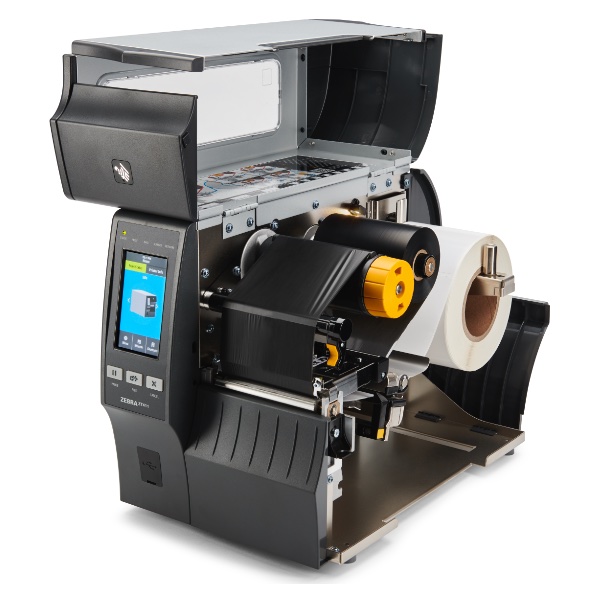
Zebra ZT411 Takma pl

Zebra ZT400 Series How to Install RFID Option YouTube
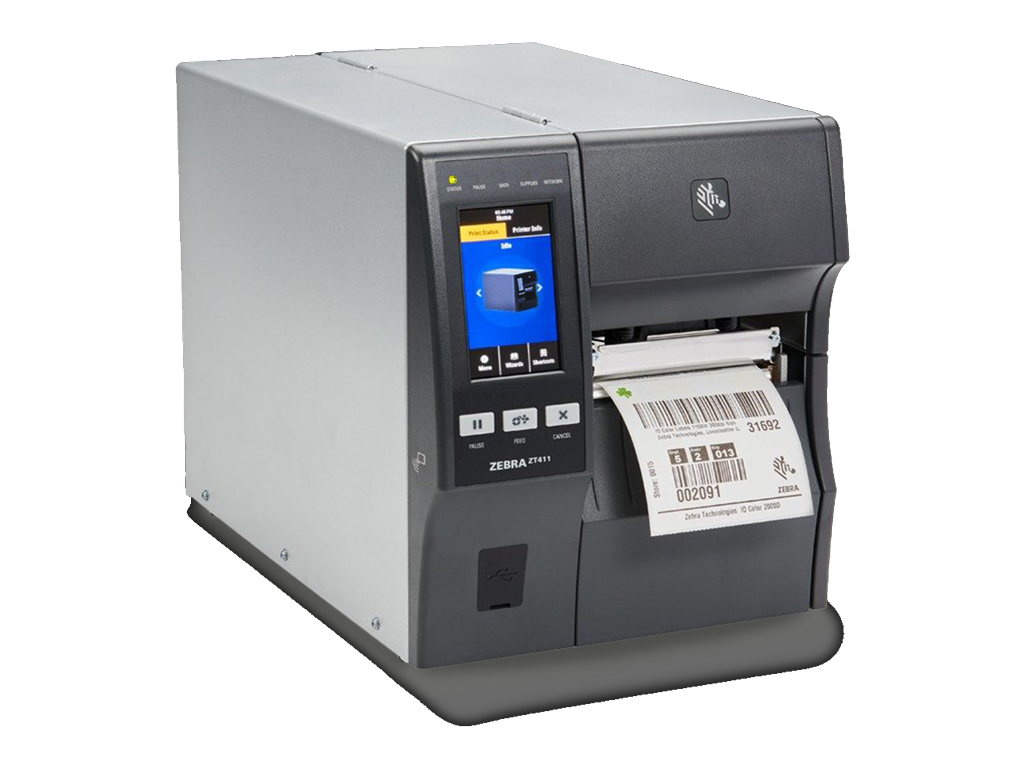
ZEBRA ZT411 Impresora Industrial De Etiquetas TANGOID SRL
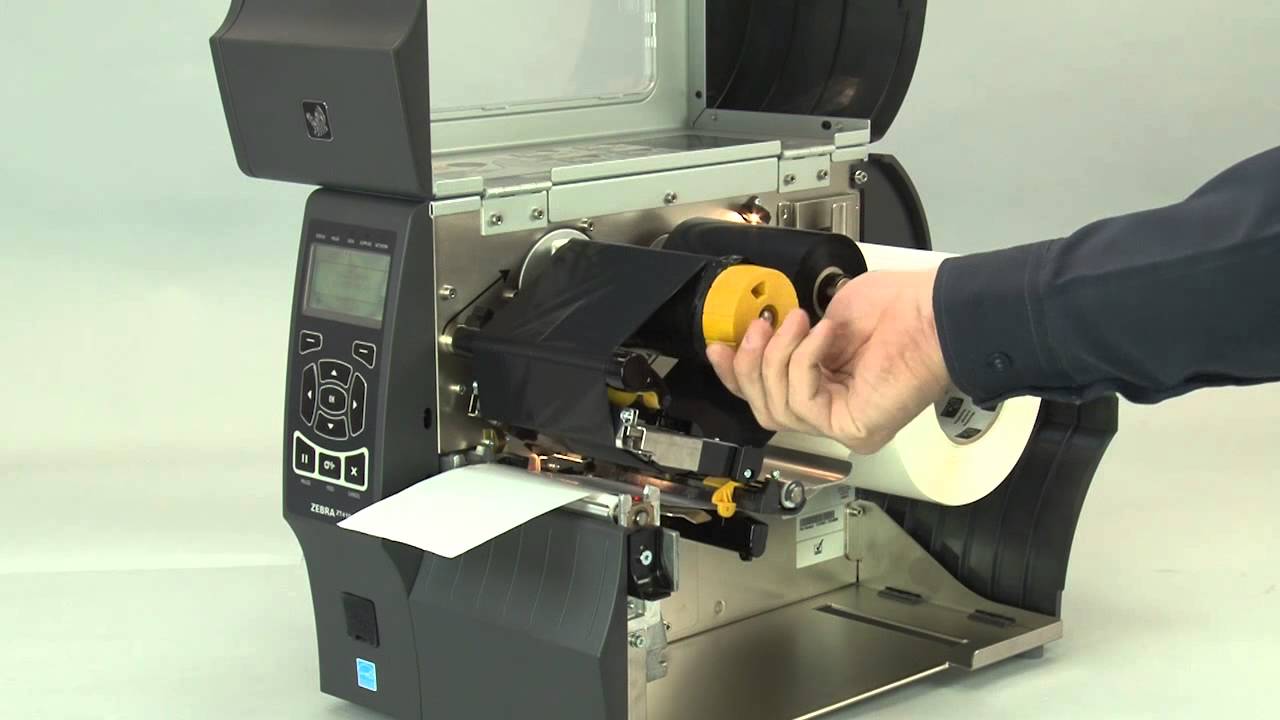
Zebra ZT400 Series How to Load Ribbon And Media YouTube

VERKKO Find the Serial Number of Your Zebra Product Find information on Zebra ZT411 Industrial Printer drivers software support downloads warranty information and more

VERKKO Find information on Zebra ZT411 RFID Printer drivers software support downloads warranty information and more
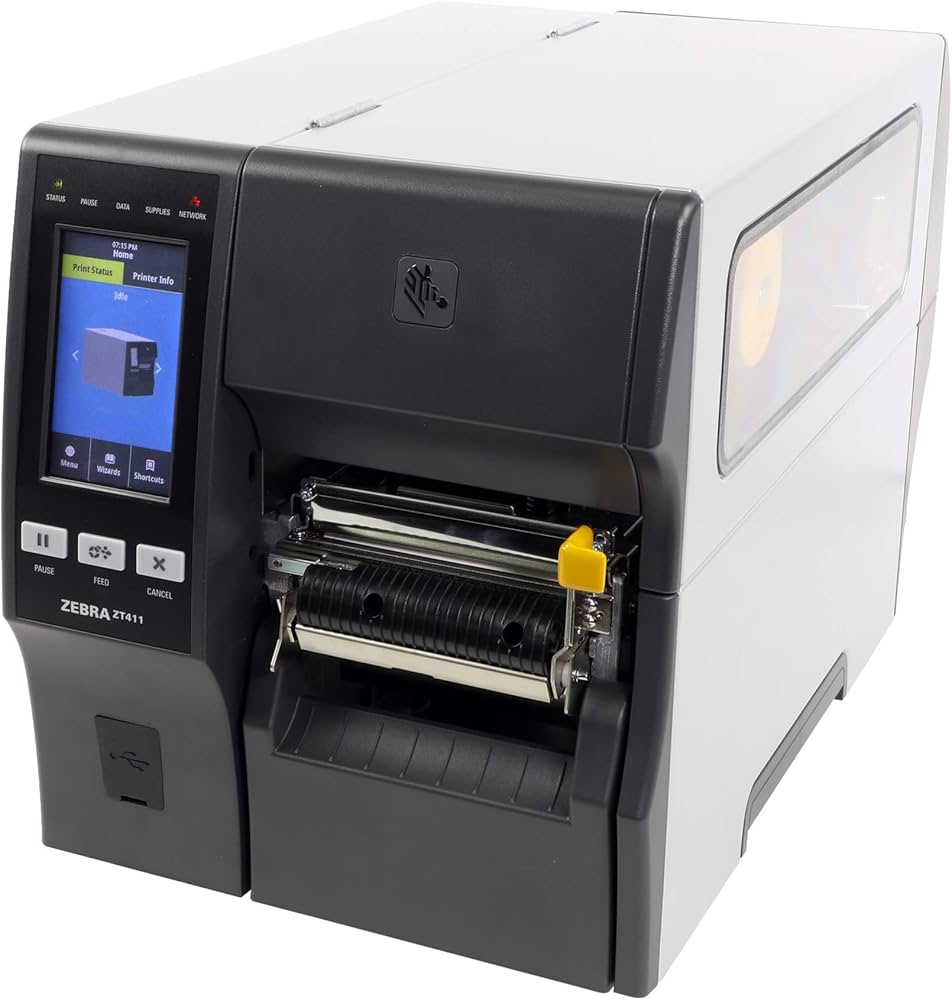
VERKKO 13K views 2 years ago SEATTLE Demonstrates how to setup a Zebra ZT411R printer with thick on metal RFID tags with focus on label stop tearbar position

VERKKO ZT411 amp ZT421 resolution answer RFID Calibrate RFID calibration process is initiated through the front panel menu Please note that this is not the same as

VERKKO 2019 ZIH Corp and or its affiliates All rights reserved
VERKKO RFID Calibrate RFID kalibrointi K 228 ynnist 228 RFID etikettinauhan lapun kalibrointi T 228 m 228 ei ole sama asia kuin etikettinauhan ja v 228 rinauhan kalibrointi Prosessin VERKKO If you wish to use the printer s optional wireless print server you may need to configure the printer to communicate with your Wireless Local Area Network
VERKKO Navigate the front panel into the RFID Menu and scroll to the RFID Calibrate parameter Click the right hand dash under the LCD screen to start the calibration