Zebra Zd620 Network Settings Zebra ZD620 Dosya Zebra Botswana Edit02 jpg Vikipedi Zebra ZD620 HC Yaz c Zebra ZD620 Zebra Print Bedding 171 Go BackInformation
Jun 6 2025 nbsp 0183 32 This guide provides step by step instructions for installing the Zebra ZP505 or ZP506 printer driver on a Windows 10 or Windows 11 PC Zebra Setup Utilities Downloading Fonts to a Printer 171 Go Back
Zebra Print Bedding Zebra ZD620 Network Thermal Label Printer 203dpi Bluetooth PSU 500 Zebra ZD620 Network Card P1088075 101B Ethernet RJ 45 Serial RS 232 Zebra ZD620 Network Thermal Label Printer 203dpi Bluetooth PSU 500 Zebra ZD620 Network Thermal Label Printer 203dpi Bluetooth PSU 500 Zebra ZD620 Network Thermal Label Printer 203dpi Bluetooth PSU 500 File Beautiful Zebra In South Africa JPG Wikipedia Zebra ZD620 series BCR sk Zebra ZD620 Network Card P1088075 101B Ethernet RJ 45 Serial RS 232
Zebra Zd620 Network Settings
 Zebra Zd620 Network Settings
https://cdn11.bigcommerce.com/s-ps5mmp8f7h/images/stencil/960w/products/42377/77740/zd611t-cutter__23322.1668717468.jpg?c=1
Feb 12 2025 nbsp 0183 32 This article resolves the issue when the USB printer fails to install after connecting to a Windows device before installing printer ZDesigner driver
Templates are pre-designed files or files that can be utilized for different functions. They can save time and effort by supplying a ready-made format and layout for creating various type of material. Templates can be utilized for personal or expert jobs, such as resumes, invitations, leaflets, newsletters, reports, presentations, and more.
Zebra Zd620 Network Settings

Imachen Grevy s Zebra 1 jpg Biquipedia A Enciclopedia Libre
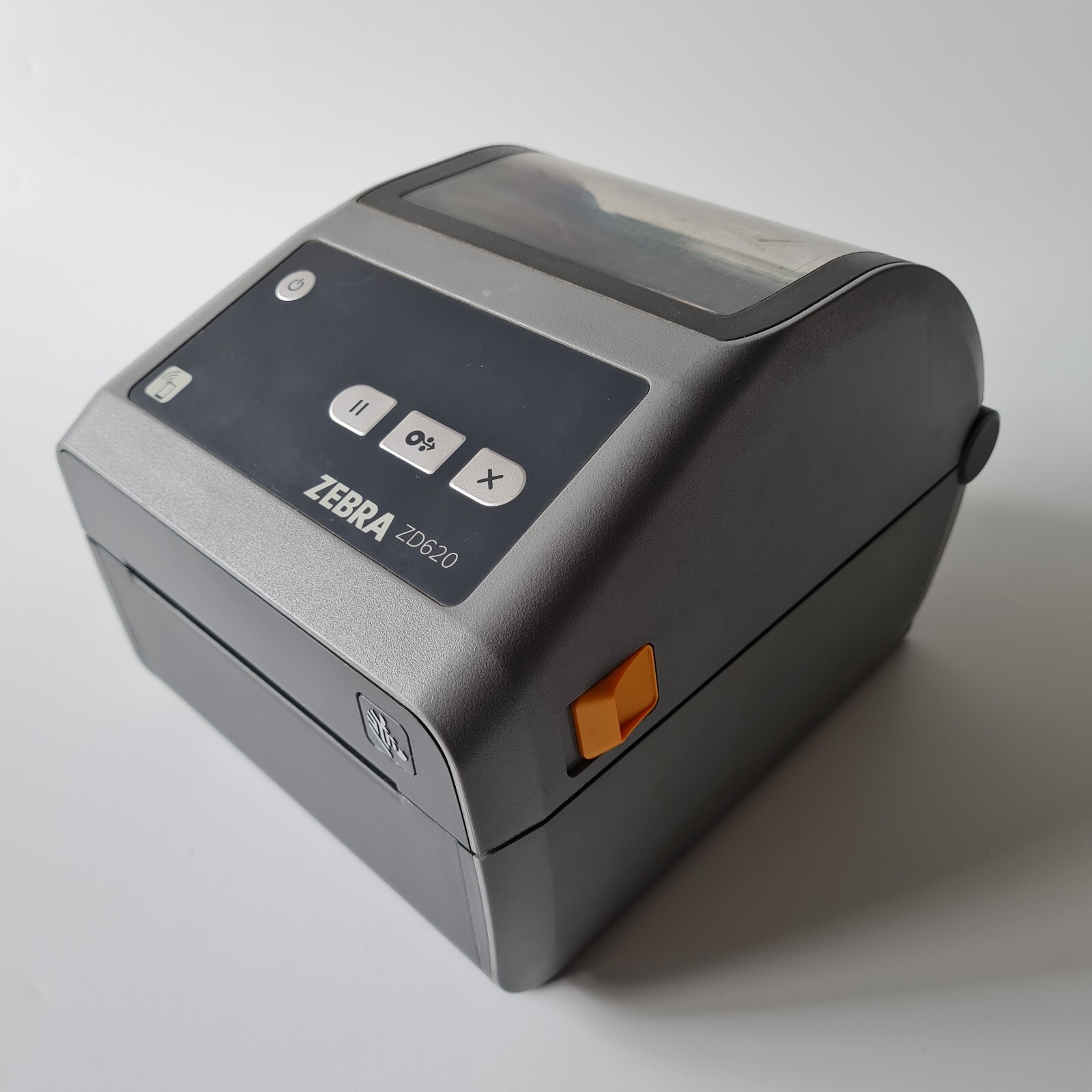
Zebra ZD620 Network Thermal Label Printer 203dpi Bluetooth PSU 500

Zebra ZD620 Network Card P1088075 101B Ethernet RJ 45 Serial RS 232

Zebra ZD620 Network Thermal Label Printer 203dpi Bluetooth PSU 500

Zebra ZD620 Network Thermal Label Printer 203dpi Bluetooth PSU 500

File Beautiful Zebra In South Africa JPG Wikipedia

Sep 17 2025 nbsp 0183 32 This article explains how to clear print queue and troubleshoot spooler issues on Zebra printers by using services and commands

171 Go BackInformation

Jan 23 2025 nbsp 0183 32 This article outlines the steps to print a test page from the Zebra Browser Print web interface

Sep 21 2024 nbsp 0183 32 This article describes how to enable a carriage return line feed Enter Key suffix after every scan with the laser scanners when attached via USB or Keyboard Wedge
May 16 2025 nbsp 0183 32 This article demonstrates how to install the Zebra ZP230D Printer on a Windows Computer
[desc-11] [desc-12]
[desc-13]