Zebra Touch Screen Not Working The Zebra ZT610 And ZT620 Are Now Only Available With Touch Screen IPad Touch Screen Not Working Properly 9 Ways To Fix It Samsung Galaxy Touch Screen Not Working Here s What To Do Asurion Zebra Gloves Touch Screen Compatible Zebra Touch Screen Mitten How To Fix IPhone X Touch Screen Not Working Screen Unresponsive 171 Go BackInformation
Jun 6 2025 nbsp 0183 32 This guide provides step by step instructions for installing the Zebra ZP505 or ZP506 printer driver on a Windows 10 or Windows 11 PC Feb 12 2025 nbsp 0183 32 This article resolves the issue when the USB printer fails to install after connecting to a Windows device before installing printer ZDesigner driver
How To Fix IPhone X Touch Screen Not Working Screen Unresponsive Repair Samsung Galaxy A72 Touch Screen Problem Touch Ways Concerned Samsung Galaxy Touch Screen Is Not Working After Update 5 IPad Touch Screen Not Working Here s The Fix Android Touch Screen Not Working Can t Unlock It 9 Tips Repair Xiaomi Redmi Note 9 Touch Screen Problem Touch Ways IPhone Touch Screen Not Working 5 Attempts To Fix It Quickly Oppo A53 Touch Ways Repair Touch Screen Problem Xiaomi Redmi 8 Touch Screen Problem Solution Touch Ways
Zebra Touch Screen Not Working
 Zebra Touch Screen Not Working
https://www.codipack.com/wp-content/uploads/2022/07/image-touch-screen-1600x900.jpg
Contact Us Zebra s Support Teams are ready to assist you with your inquiry Please select one of the following options below to access and submit an online support request form Upon
Templates are pre-designed documents or files that can be used for different purposes. They can save time and effort by providing a ready-made format and design for creating different kinds of content. Templates can be utilized for individual or professional jobs, such as resumes, invitations, leaflets, newsletters, reports, discussions, and more.
Zebra Touch Screen Not Working
9 Best Tips To Fix Touch Screen Not Working On Samsung
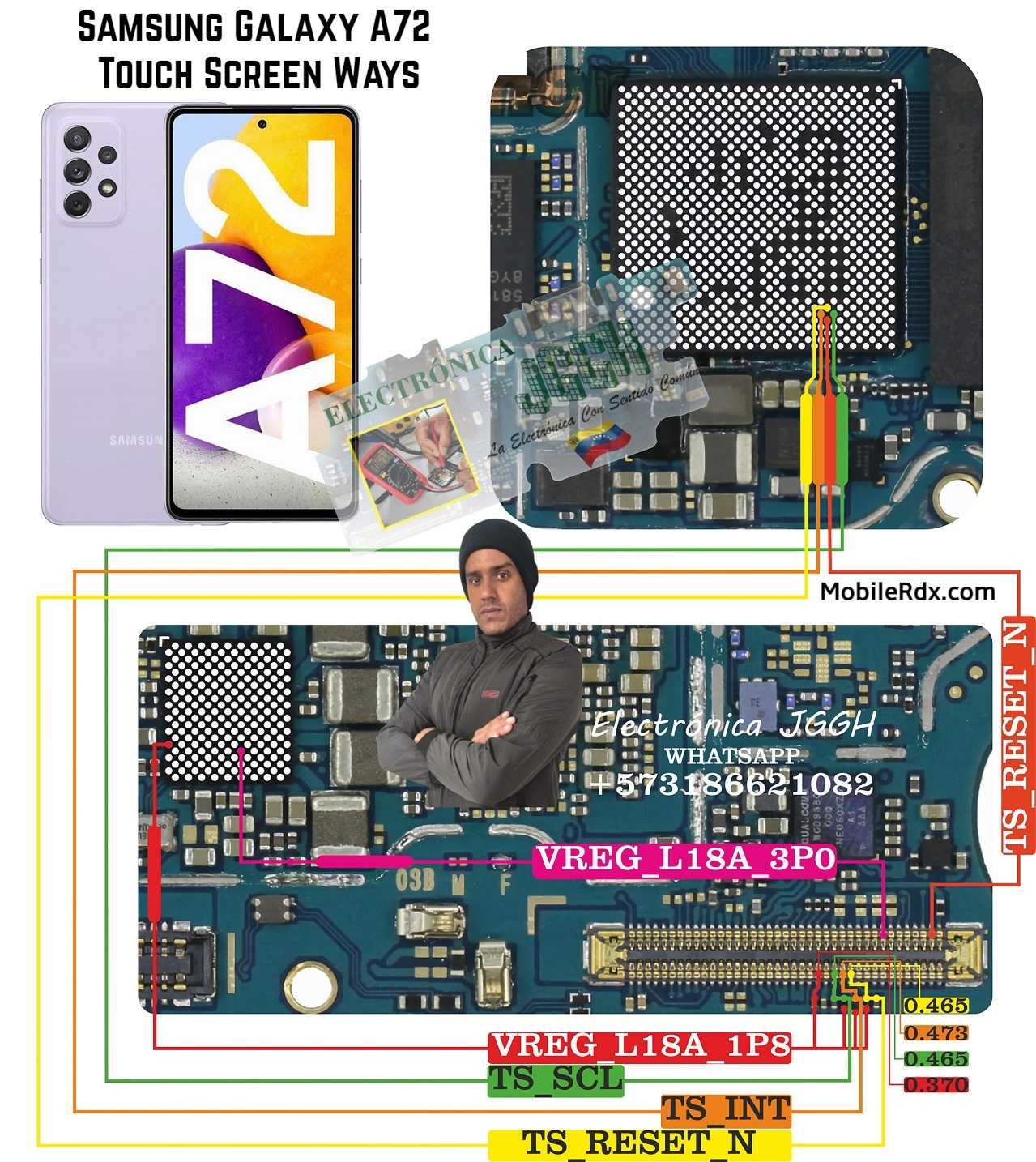
Repair Samsung Galaxy A72 Touch Screen Problem Touch Ways
Concerned Samsung Galaxy Touch Screen Is Not Working After Update 5
IPad Touch Screen Not Working Here s The Fix

Repair Xiaomi Redmi Note 9 Touch Screen Problem Touch Ways
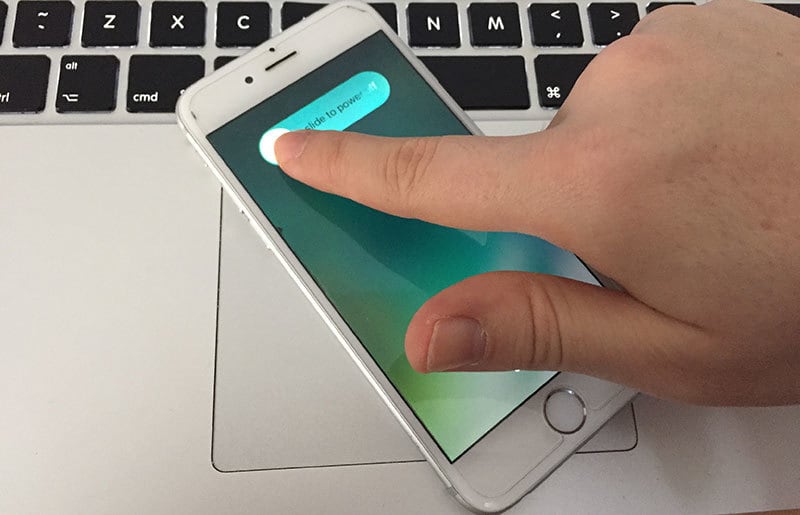
IPhone Touch Screen Not Working 5 Attempts To Fix It Quickly

Identifying Your Printer s IP Address on a Printer Without an LCD Control Panel

May 16 2025 nbsp 0183 32 This article demonstrates how to install the Zebra ZP230D Printer on a Windows Computer

171 Go BackInformation

Sep 21 2024 nbsp 0183 32 This article describes how to enable a carriage return line feed Enter Key suffix after every scan with the laser scanners when attached via USB or Keyboard Wedge

Jan 23 2025 nbsp 0183 32 This article outlines the steps to print a test page from the Zebra Browser Print web interface
[desc-11] [desc-12]
[desc-13]