Zebra Setup Utilities Mac Os Drivers Da Impressora Zebra TLP 2844 Download Installation Of Zebra Setup Utilities For Windows Hero Zebra Setup Utilities Install A USB Driver Or A Network Driver Using Zebra Setup Utilities Install A USB Driver Or A Network Driver Using Programming Zebra Symbol Scanners Support 171 Go BackInformation
Jan 23 2025 nbsp 0183 32 This article outlines the steps to print a test page from the Zebra Browser Print web interface Jun 6 2025 nbsp 0183 32 This guide provides step by step instructions for installing the Zebra ZP505 or ZP506 printer driver on a Windows 10 or Windows 11 PC
Programming Zebra Symbol Scanners Support Zebra Setup Utilities IP USB Zebra Setup Utilities Zebra Setup Utilities ZSU IP Zebra Setup Utilities Sending Files To A Printer Zebra Setup Utilities For OSX Using Printer Tools On The Zebra Setup Utilities Definindo Ip Para Impressora Usando Zebra Setup Utilities ZSU Definindo Ip Para Impressora Usando Zebra Setup Utilities ZSU
Zebra Setup Utilities Mac Os
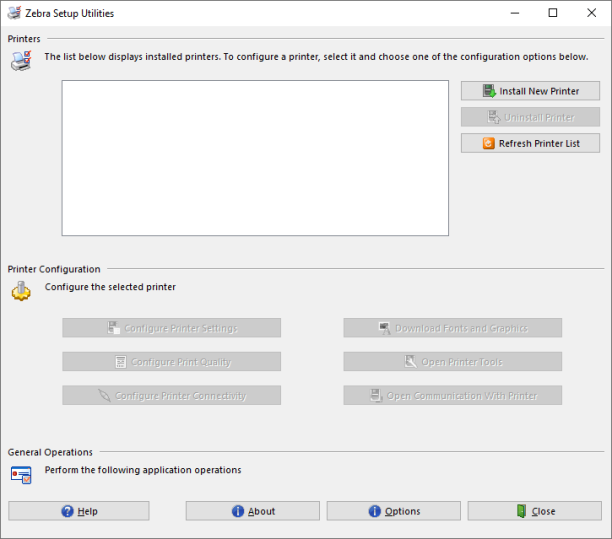 Zebra Setup Utilities Mac Os
https://www.baixesoft.com/wp-content/uploads/2021/08/Captura-de-tela-do-zebra-setup-utilities.png
Zebra Setup Utilities Downloading Fonts to a Printer 171 Go Back
Templates are pre-designed documents or files that can be utilized for various purposes. They can conserve effort and time by offering a ready-made format and layout for producing various sort of material. Templates can be used for personal or professional tasks, such as resumes, invitations, flyers, newsletters, reports, discussions, and more.
Zebra Setup Utilities Mac Os
Zebra Setup Utilities Sending Printer Commands And Receiving Data
Zebra Setup Utilities IP USB
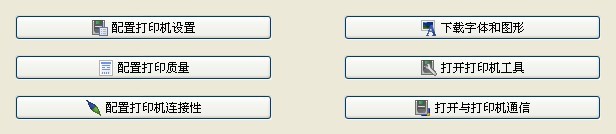
Zebra Setup Utilities
Zebra Setup Utilities ZSU IP

Zebra Setup Utilities For OSX
Using Printer Tools On The Zebra Setup Utilities

Sep 17 2025 nbsp 0183 32 This article explains how to clear print queue and troubleshoot spooler issues on Zebra printers by using services and commands
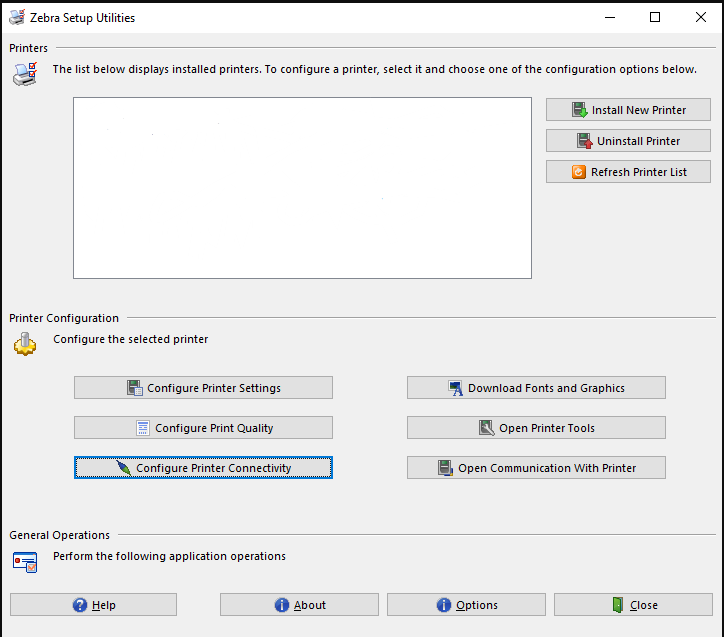
May 16 2025 nbsp 0183 32 This article demonstrates how to install the Zebra ZP230D Printer on a Windows Computer
171 Go BackInformation
Find quick answer for Zebra products check warranty online email Zebra technical Support Software license reset join Zebra Discussion forum and Zebra accessories

Sep 21 2024 nbsp 0183 32 This article describes how to enable a carriage return line feed Enter Key suffix after every scan with the laser scanners when attached via USB or Keyboard Wedge
[desc-11] [desc-12]
[desc-13]