Zebra Scanner Wifi Setup Fichier Zebra Zoo leipzig jpg Wikipedia Dosya Zebra Botswana Edit02 jpg Vikipedi Blender 3D Render Midjourney AI Gamer Computer Setup Isometric Art Zebra TC26 2D Wireless Barcode Scanner Bluetooth WiFi 2D 1D Imager Programming Zebra Symbol Scanners Support The Zebra technologies MC9200 Now in android or windows This video shows how to setup wifi and enable the datawedge for barcode scanning Bar Code Integrators inc
Article ID 000026190 February 28 2023 This article describes how to pair a Zebra wireless scanner directly via open Bluetooth to Windows and Apple iOS operating system host devices and how to Procedure Download the Zebra Printer Setup Utility ZPSU app from the App Store or Google Play Launch the PSU app and tap Discover Printers Select your printer
Programming Zebra Symbol Scanners Support Imachen Grevy s Zebra 1 jpg Biquipedia A Enciclopedia Libre Zebra Print Bedding Zebra TC26 2D Barcode Scanner WiFi Bluetooth Funk 2D 1D Imager File Beautiful Zebra In South Africa JPG Wikipedia New Setup R Backcountry File Darica Zebra 02283 JPG Wikimedia Commons Android POS Terminal Industrial Mobile PDA With 2D QR Zebra Barcode File Zebra Milwaukee County Zoo jpg Wikimedia Commons
Zebra Scanner Wifi Setup
 Zebra Scanner Wifi Setup
http://upload.wikimedia.org/wikipedia/commons/0/0a/Zebra_zoo-leipzig.jpg
Benefit from Cordless Scanners Put Wi Fi interference behind you and move ahead with the mobility and intelligence of our productivity boosting Bluetooth scanners Wi Fi
Templates are pre-designed documents or files that can be utilized for numerous purposes. They can save effort and time by providing a ready-made format and design for producing different type of content. Templates can be utilized for personal or professional tasks, such as resumes, invites, flyers, newsletters, reports, presentations, and more.
Zebra Scanner Wifi Setup

Terminal Mobile Zebra TC21

Imachen Grevy s Zebra 1 jpg Biquipedia A Enciclopedia Libre

Zebra Print Bedding
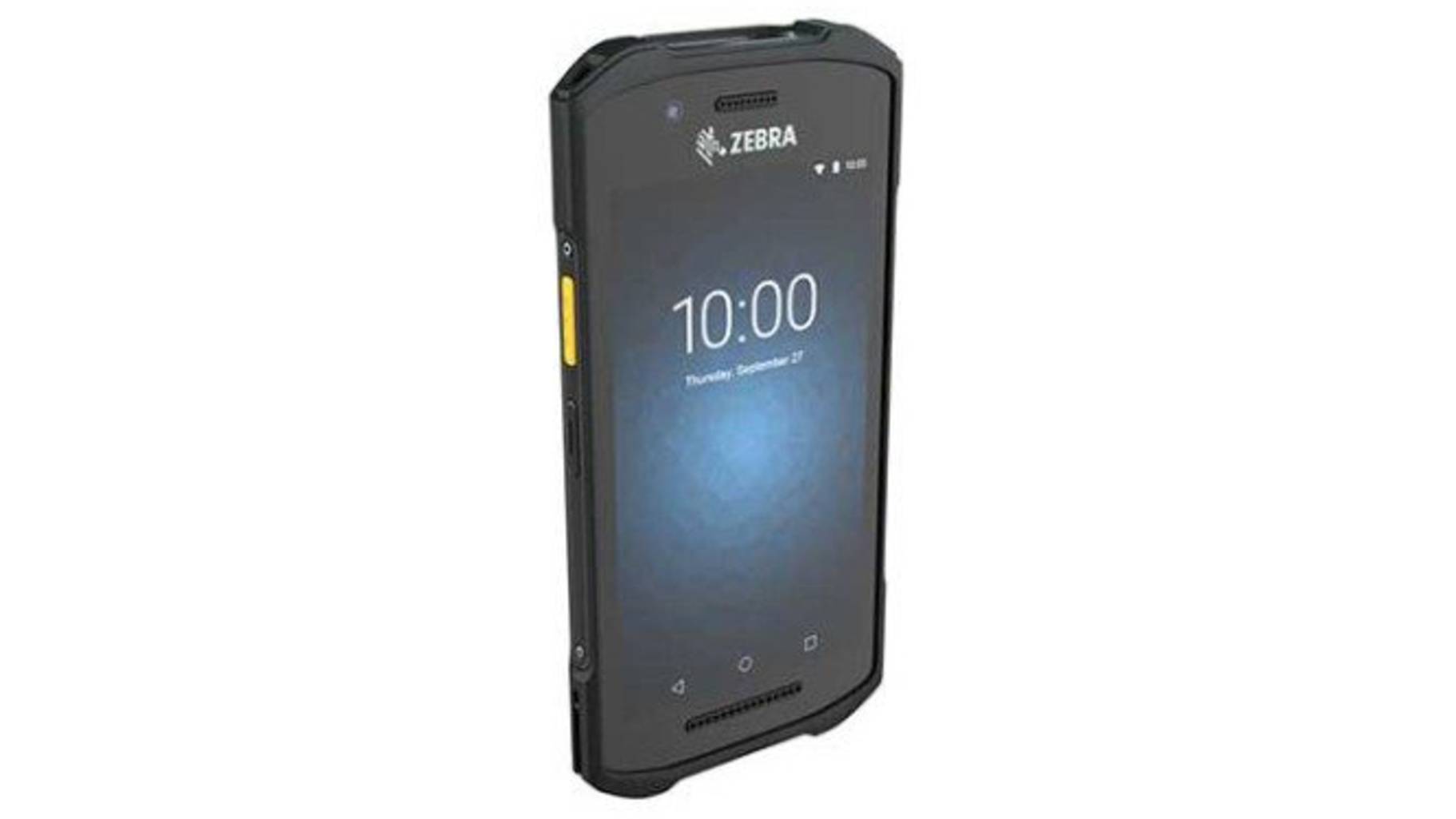
Zebra TC26 2D Barcode Scanner WiFi Bluetooth Funk 2D 1D Imager
New Setup R Backcountry

File Darica Zebra 02283 JPG Wikimedia Commons

Model All Overview Wi Fi Manager Wi Fi administers the wireless LAN settings and network profiles for a device including the settings required for connecting to networks

If the printer has the Wi Fi option please refer to the article Configuring Connectivity for Wired or Wireless Networks Using the Zebra Setup Utilities to connect

Pictorial guide to connect a Zebra printer to a wireless network using Zebra Setup Utilities
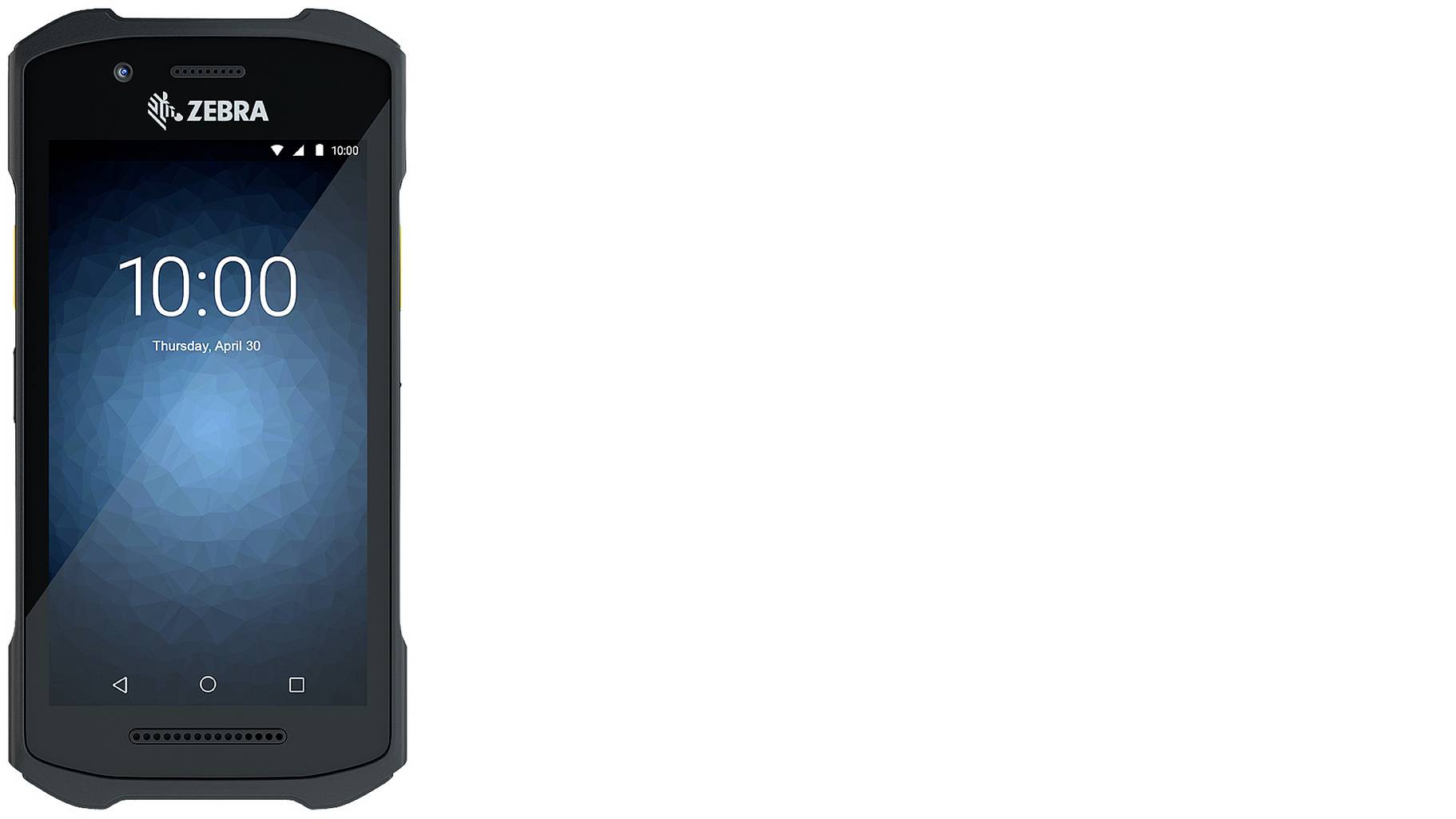
Liberty Systems demonstrates how to connect your Zebra mobile computer to a WiFi network using the MC3300 This is the same process for the MC9300 TC52

To access the network setup wizard open the Zebra Setup Utilities and select Configure Printer Connectivity Select Wired or Wireless Here the Wireless
Article ID 000017747 October 12 2021 This article describes unpacking viewing the ZQ600 printer support webpages installing and charging the battery loading media and Supplies Guide Tech Docs Site Help Setting up and Troubleshooting a Printer for a Wireless Network Article ID 000015597 February 23 2022 This article
To set up a Wi Fi network 1 Swipe down from the status bar and then touch 2 Touch Wi Fi