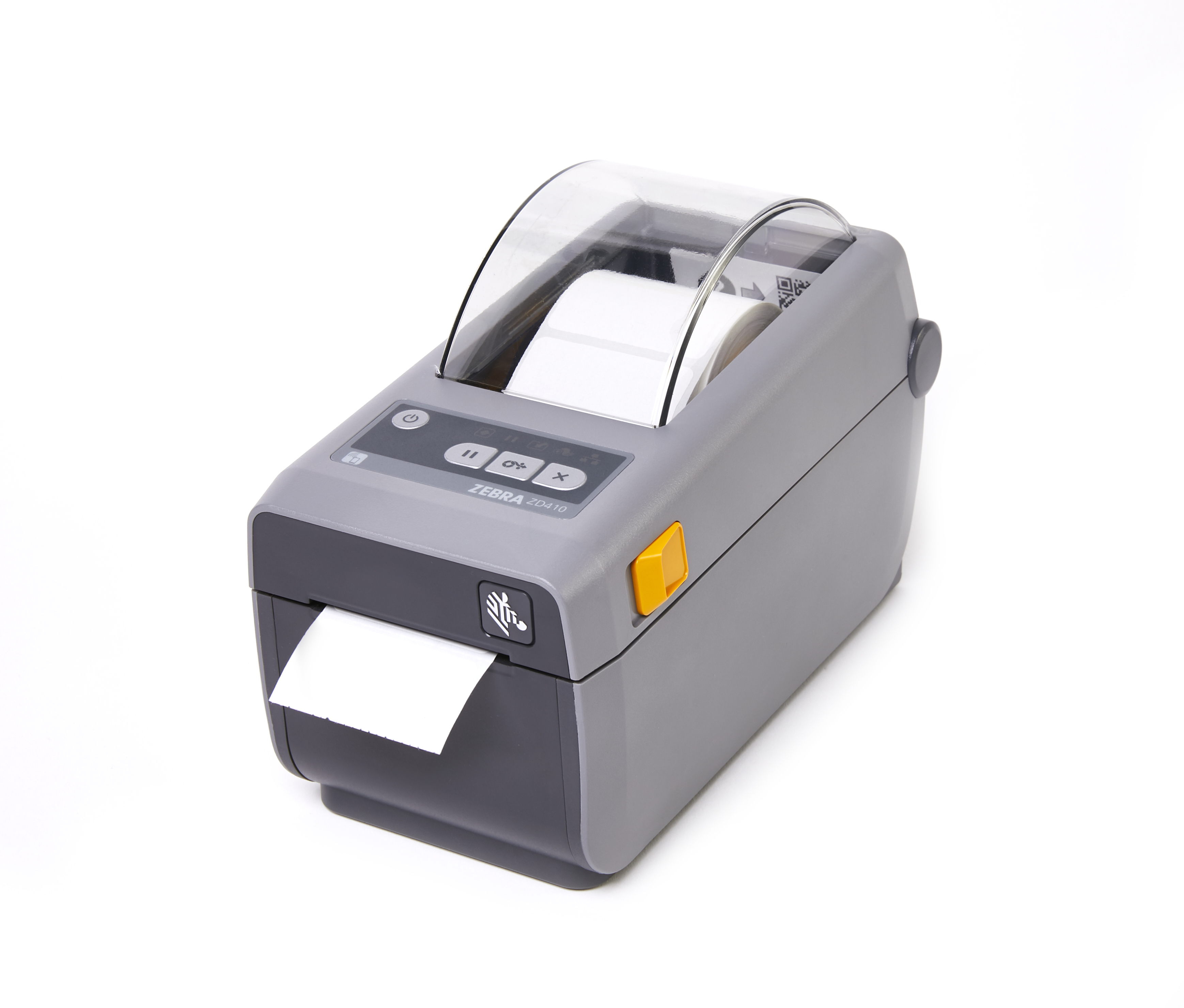
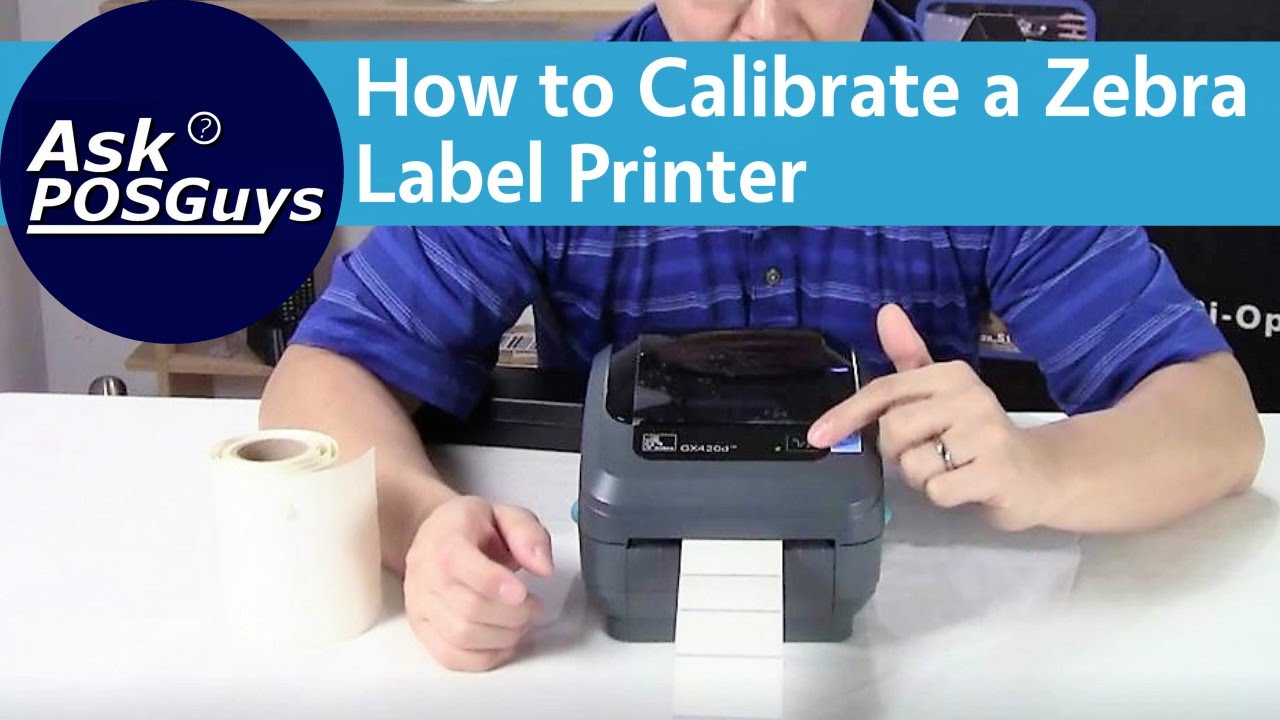
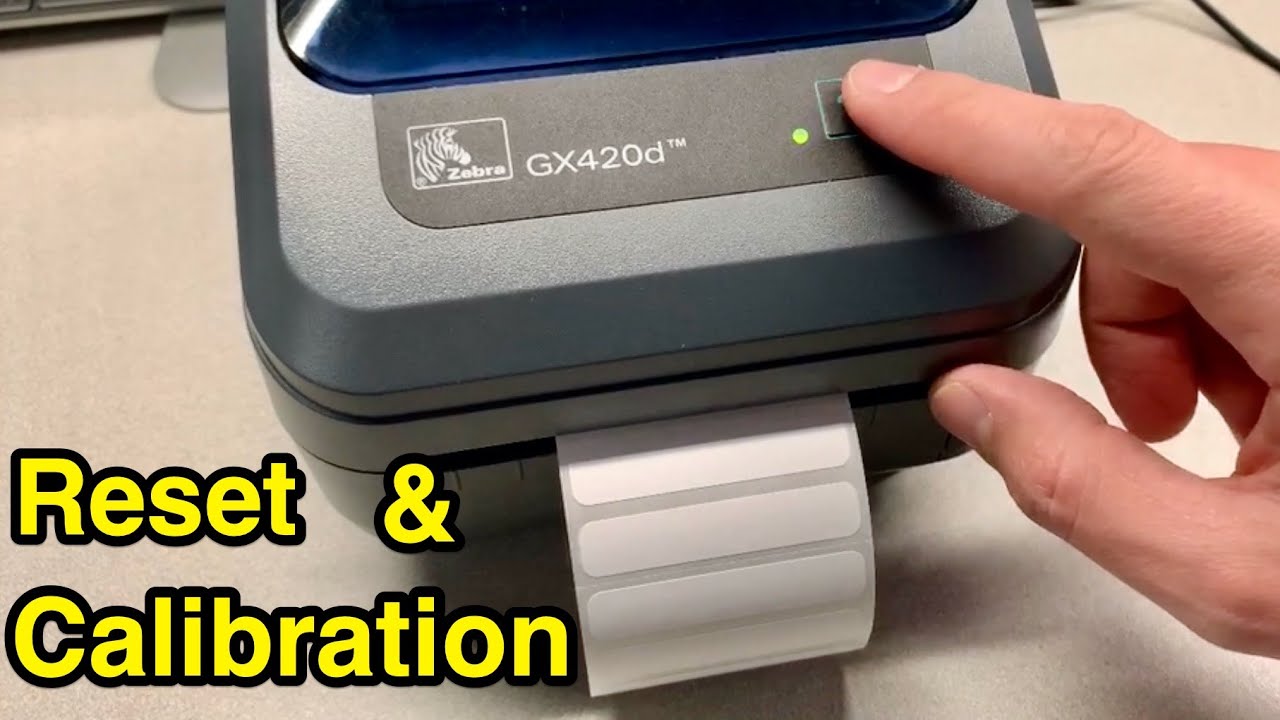
Zebra Printer Zd410 Error Lights Ask POSGuys How To Calibrate A Zebra Label Printer GK420 GX240 How To Manually Calibrate Your Zebra Printer Zebra ZT410 ZT411 Zebra Thermal Label Printer Artificial Escena A Tiempo Impresora Zebra 420 Presidente Neutral Zebra 2824 Labels The latest ZebraDesigner v3 software version is now 3 2 2 649 The installer is zebradesigner3 322649 exe Use ZebraDesigner 3 barcode label design software to easily create industry standard compliant labels based on fixed or variable data
Jun 6 2025 nbsp 0183 32 Go to Printers amp Scanners locate Zebra ZP500 ZPL then click More devices and printer settings To print a test page Right click on the Zebra ZP500 ZPL printer Printer Properties Print Test Page If the printer appears under Unspecified right click it and select Remove device Restart your computer On card printers go to Printing Preferences and become sure you can open it In case there is a pop up saying the printer is not connected then that means you should reinstall the printer s driver which you can find at their support pages on www zebra Helpful Information How to Capture a Print Job from the Windows Spooler
Zebra 2824 Labels Zebra Label Printer Color Probleemoplossing Voor De Zebra ZD410 Lightspeed Retail Zebra Printer Zd420 Not Printing Shop Blog websoft9 Setting Up The Zebra ZD410 ZD411 ZD420 And ZD421 USB Lightspeed Troubleshooting The Zebra Label Printers Lightspeed Retail R Series Troubleshooting The Zebra Label Printers Lightspeed Retail R Series How To Replace Platen Roller In Label Printer Zebra ZT410 ZT411 Zebra ZD411 Desktop Printer Rugged SA
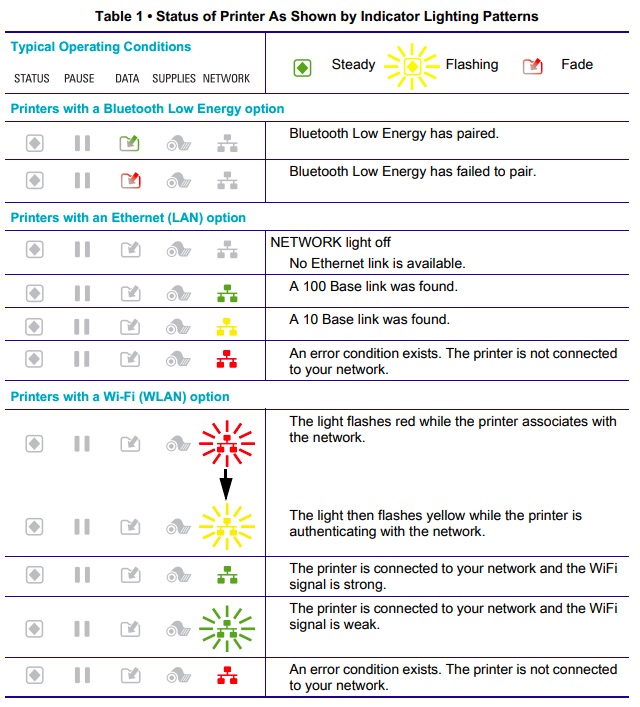
Zebra Printer Zd410 Error Lights
 Zebra Printer Zd410 Error Lights
https://i.ytimg.com/vi/8zkxGLEdFbQ/maxresdefault.jpg
Aug 10 2024 nbsp 0183 32 Impresoras de etiquetas Zebra excepto ZQ110 EM220 EM220II utilidades de configuraci 243 n de Zebra resoluci 243 n respuesta Las utilidades de configuraci 243 n de Zebra ZSU se pueden utilizar para configurar los ajustes de su impresora de etiquetas
Pre-crafted templates offer a time-saving solution for producing a varied range of files and files. These pre-designed formats and designs can be utilized for numerous individual and expert tasks, consisting of resumes, invites, flyers, newsletters, reports, presentations, and more, streamlining the content creation process.
Zebra Printer Zd410 Error Lights

Printing From Fresh KDS Setup Guide
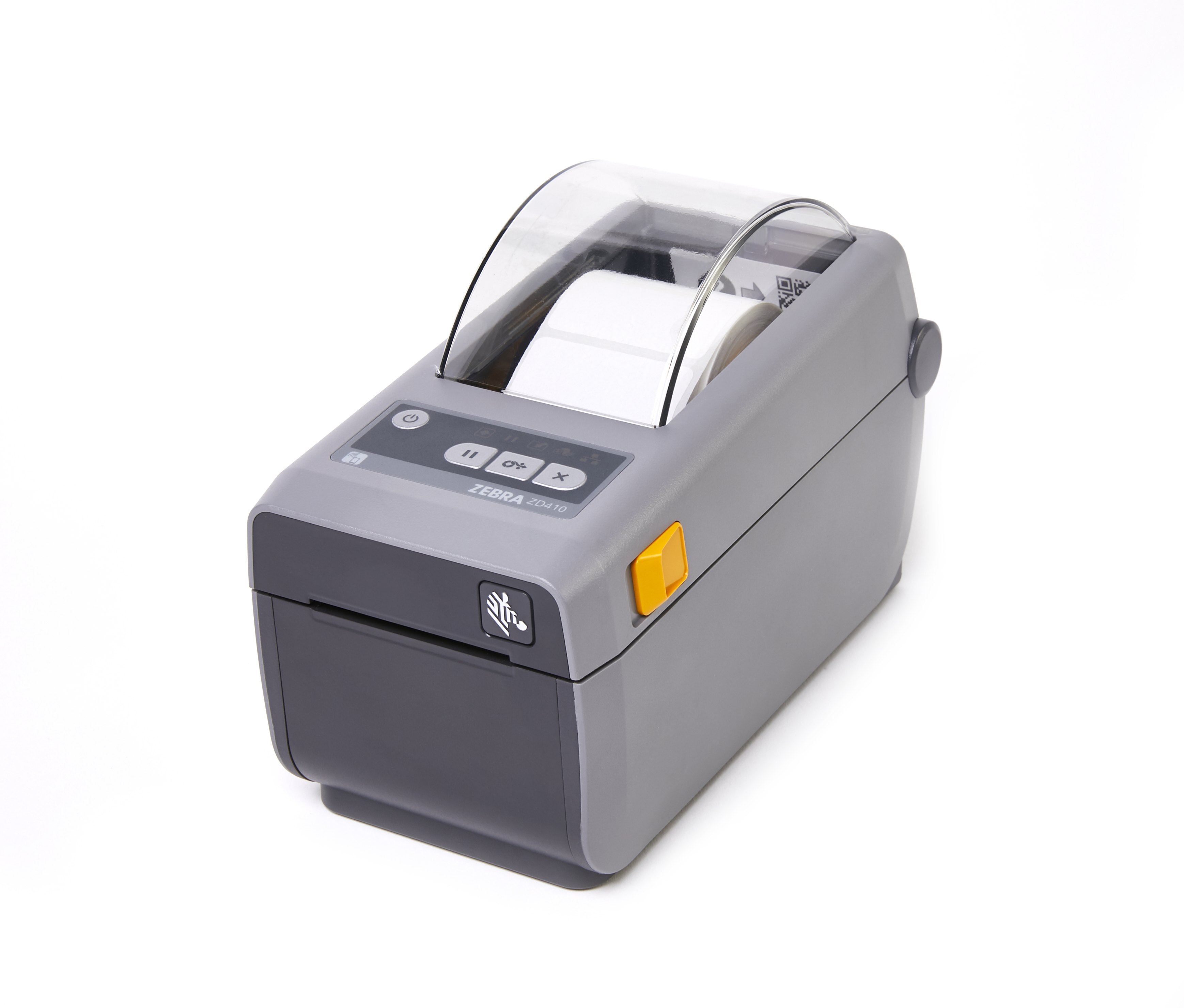
Zebra Label Printer Color
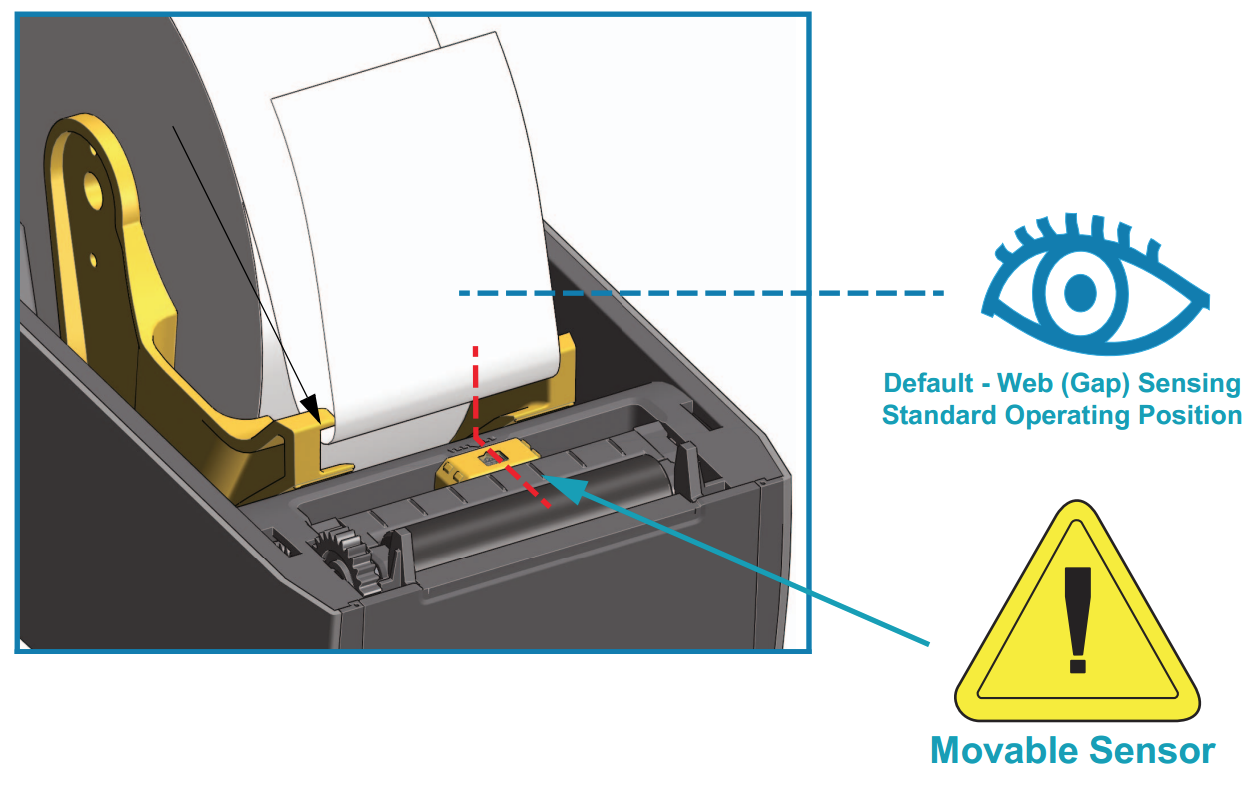
Probleemoplossing Voor De Zebra ZD410 Lightspeed Retail
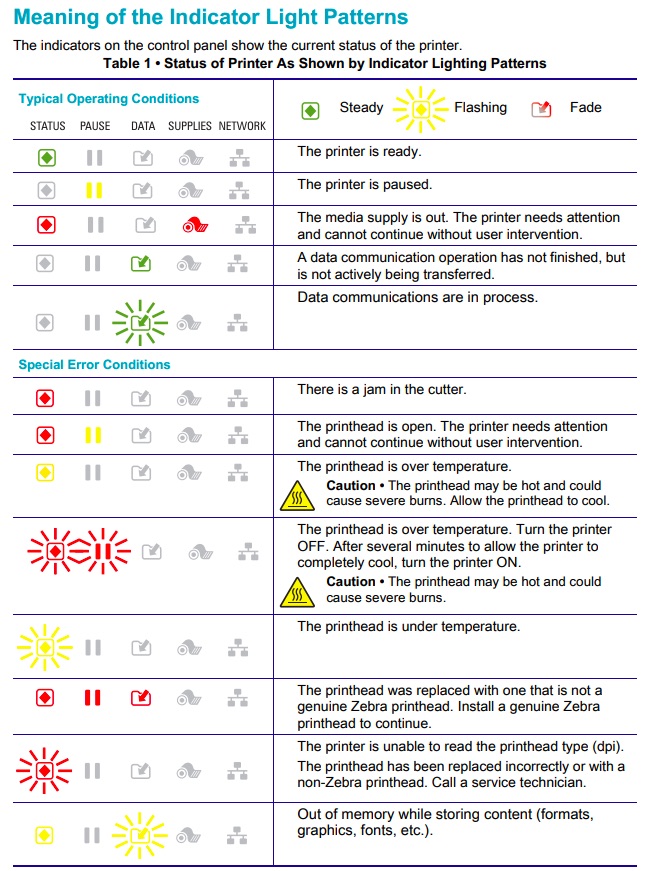
Zebra Printer Zd420 Not Printing Shop Blog websoft9
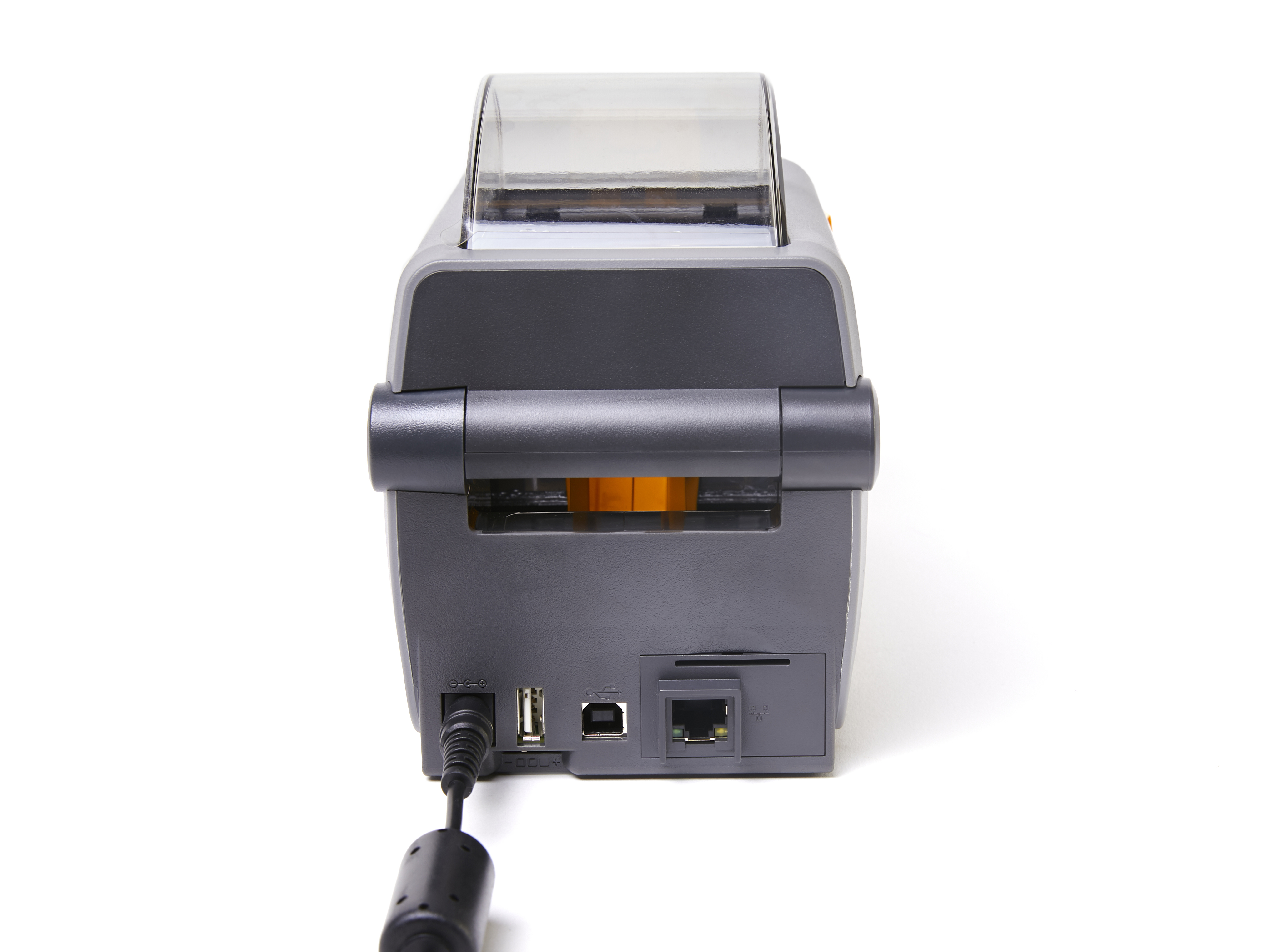
Troubleshooting The Zebra Label Printers Lightspeed Retail R Series
Troubleshooting The Zebra Label Printers Lightspeed Retail R Series
Use the Zebra Setup Utilities to convert and download fonts to your Zebra printer and recall them later when printing labels For full details refer to User Guide ZebraDesigner Fonts and Graphics Downloader Procedure Download and install Zebra Setup Utilities Open Zebra Setup Utilities and select your printer

Oct 23 2024 nbsp 0183 32 Zebra e a cabe 231 a de Zebra estilizada s 227 o marcas comerciais da ZIH Corp registradas em muitas jurisdi 231 245 es em todo o mundo Todas as outras marcas comerciais pertencem a seus respectivos propriet 225 rios

Use Zebra Setup Utilities network setup wizard for wired or wireless configuration requiring appropriate print server options Procedure Open Zebra Setup Utilities and select Configure Printer Connectivity
End Of Service Life EOSL Zebra no longer provides services or support for ZM400 ZM600 RZ400 and RZ600 products This knowledge article is for your reference only and is no longer proactively updated For more details refer to Discontinued Printers If you are interested in upgrading your products Contact Zebra
Helpful Information ZT411 ZT421 Colour Touch User Guide ZT411 and ZT421 Ribbon and Media Sensor Manual Calibration
[desc-11] [desc-12]
[desc-13]