Zebra Printer Utility Setup Blew Monsey Long Sleeve Unisex Quarter Zip Quilted Sweatshirt For Toddler Old Navy Water Resistant Quilted Utility Puffer Vest For Toddler Old Navy Zebra Setup Utility Zebra Printer Setup Utility Android Apps On Google Play WEB Install the Zebra Setup Utility before applying power to the printer connected to the PC running a Zebra driver supported Windows operating system The utility installs the driver first The installation wizard will then prompt you to apply the printer power
WEB Zebra Setup Utilities ZSU provides a quick and easy way to configure your printers for various purposes including setting them up for wireless communications either on a Local Area Network LAN or using the international Bluetooth communications standard WEB With Zebra s Printer Setup Utility configuring your Print DNA printers to optimize performance is easy no specialized knowledge required To use tap the printer you wish to configure
Zebra Printer Setup Utility Android Apps On Google Play How To Configure Zebra Printer To Android IOS YouTube How To Setup And Install Zebra Lp2844 Printer On Windows 10 4x6 Works Relaxed Utility Cargo Pants Gap Utility Jacket Gap Factory High Rise Sweatpant Jean Joggers Gap Factory Zebra Printer Setup Utility Android Apps On Google Play Zebra Printer Setup Utility APK Para Android Download Epson Connect Printer Setup Utility Epson connect Steps Install
Zebra Printer Utility Setup
 Zebra Printer Utility Setup
https://blewinc.com/wp-content/uploads/2023/08/bluelogo.png
WEB The Zebra Printer Setup Utilities tool provides a quick and easy way to configure your printer for a variety of purposes including setting it up to use the international Bluetooth communications standard
Pre-crafted templates offer a time-saving option for creating a diverse variety of files and files. These pre-designed formats and designs can be made use of for various personal and expert projects, consisting of resumes, invites, flyers, newsletters, reports, discussions, and more, improving the content development procedure.
Zebra Printer Utility Setup
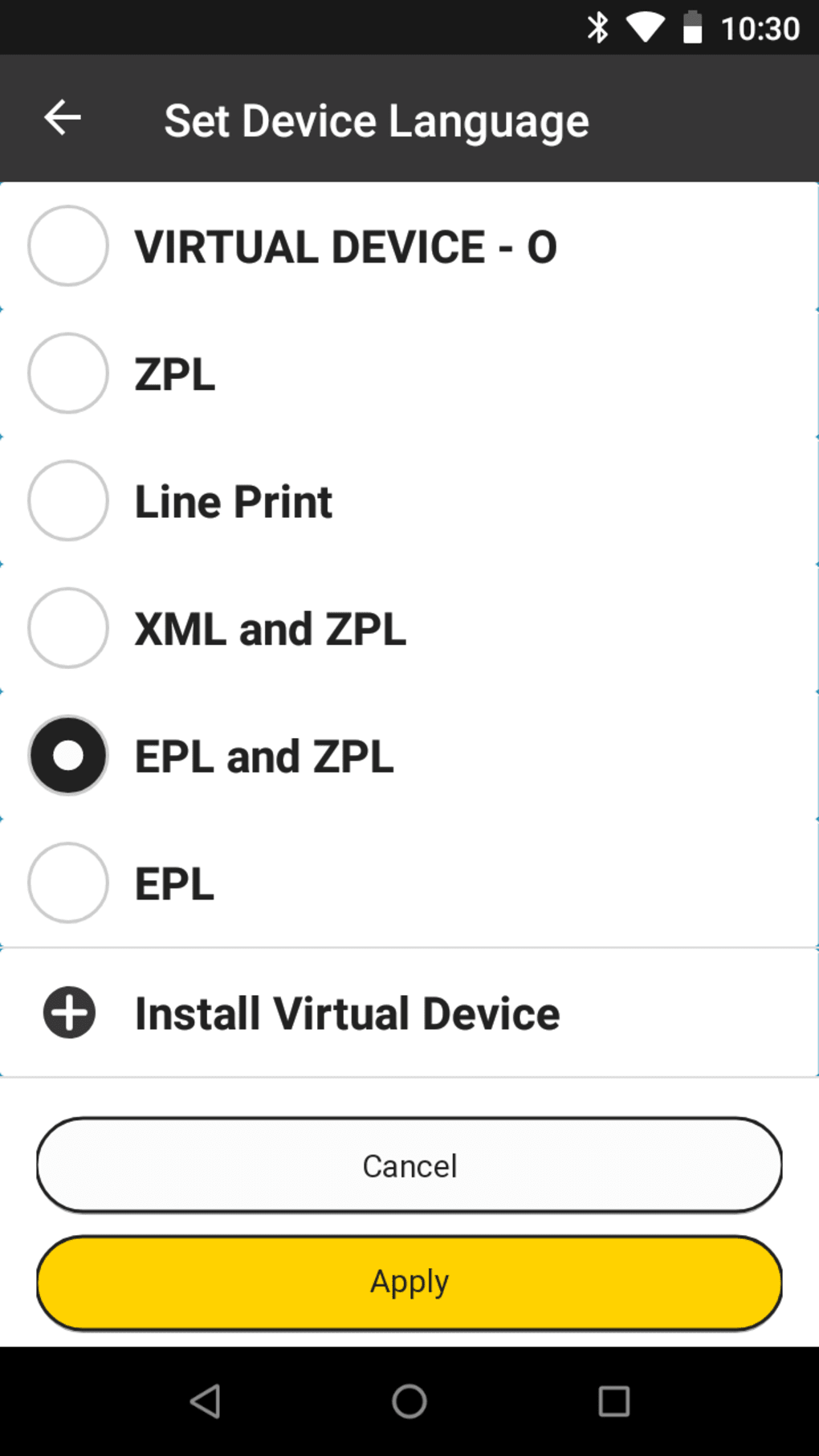
Zebra Printer Setup Utility APK Para Android Download

How To Configure Zebra Printer To Android IOS YouTube

How To Setup And Install Zebra Lp2844 Printer On Windows 10 4x6 Works

Relaxed Utility Cargo Pants Gap

High Rise Sweatpant Jean Joggers Gap Factory

Zebra Printer Setup Utility Android Apps On Google Play

WEB The free Windows PC based Zebra Setup Utilities will enhance your out of the box printer experience by enabling you to quickly and easily configure select Zebra industrial mobile and desktop printers
WEB Oct 24 2019 nbsp 0183 32 This article demonstrates how to configure printer settings using the Zebra Setup Utilities ZSU

WEB Dec 31 2021 nbsp 0183 32 Download and install the Zebra Setup Utilities ZSU printer configuration utility How to download and install ZSU Windows Printer Driver v5 is included with the ZSU download To install the driver select quot Install New Printer quot on the ZSU interface and proceed with steps 12 to 15 in this article 2
WEB This article demonstrates how to configure a printer to connect to a network using the Zebra Setup Utilities tool

WEB Mar 31 2023 nbsp 0183 32 This article demonstrates how to install Zebra Setup Utilities and send commands to printers
WEB To use your printer with a Microsoft Windows based computer you must install the correct drivers first Use the Zebra Setup Utilities to install the printer drivers on your central device and run the Utilities with power to the printer is switched OFF WEB Nov 25 2021 nbsp 0183 32 Open the Zebra Setup Utilities ZSU and select your printer then click Configure Print Quality Here you can choose to print the sample labels or choose the settings manually Choose Print sample labels and choose print Speed and Darkness
WEB Oct 10 2012 nbsp 0183 32 The printer settings must match the supplies you are using for your print job and the options on your printer Adjust the printer settings using Zebra Setup Utilities software or Windows Printer Driver v8