Zebra Printer Printing Lines Epson Printer Printing Lines Through Pictures Or Photos YouTube Epson Printer Skipping Lines When Printing Zebra Programming Language ZPL II And Raw Printing Website Flix Datei Zebra 1 jpg Wikipedia 0 00 3 32 Zebra LP2844 Printing Lines Solution Smitty s World 12 6K subscribers Subscribe 9 3 8K views 3 years ago So if you are new to thermal printers or have used one for awhile but are
Troubleshooting Issue General Print Quality Issues Issue No Print on the Label Issue Labels Are Distorted in Size or Print Area Start Position Varies This section helps you identify issues with printing or print quality the possible causes and Poor print quality Possible causes for blue and red vertical lines The most common cause for this issue is a damaged stepper motor belt If the stepper motor belt is damaged the lines will be in a different position on the card each time a new card is printed
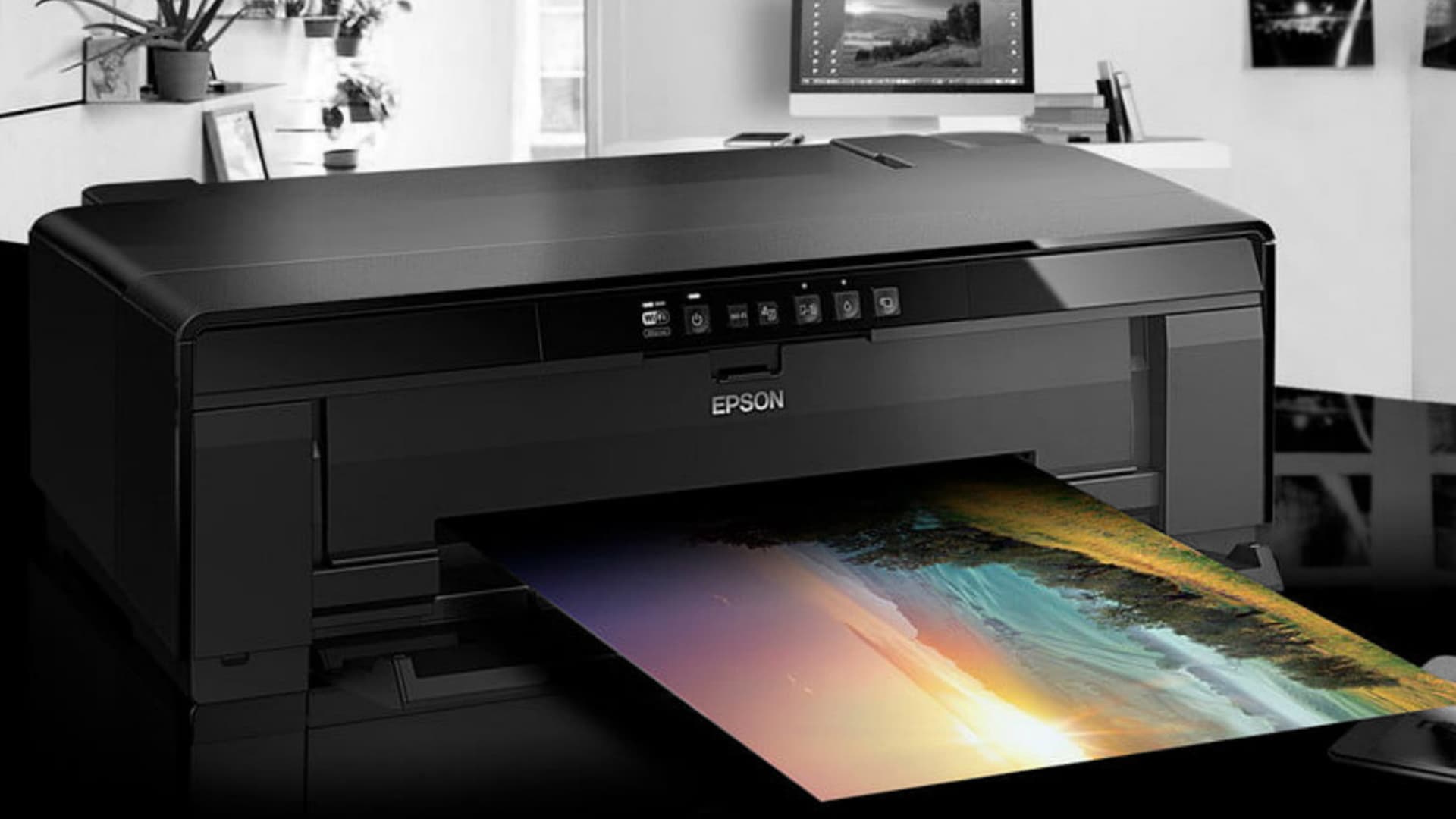
Why Is My Printer Printing Lines 4 Common Reasons DeviceTests Why Is My Printer Printing Lines 5 Ways To Fix It Solved Vertical Lines In Prints HP Support Community 5953143 How To Fix Epson Sublimation Printer Printing Lines Printer Skipping Lines Why It Happens How To Fix It And Tips To Zebra ZT230 Industrial Label Printer Why Is My Printer Printing Lines Epson Canon HP Zebra ZD620 Label Printer AGiiLE
Zebra Printer Printing Lines
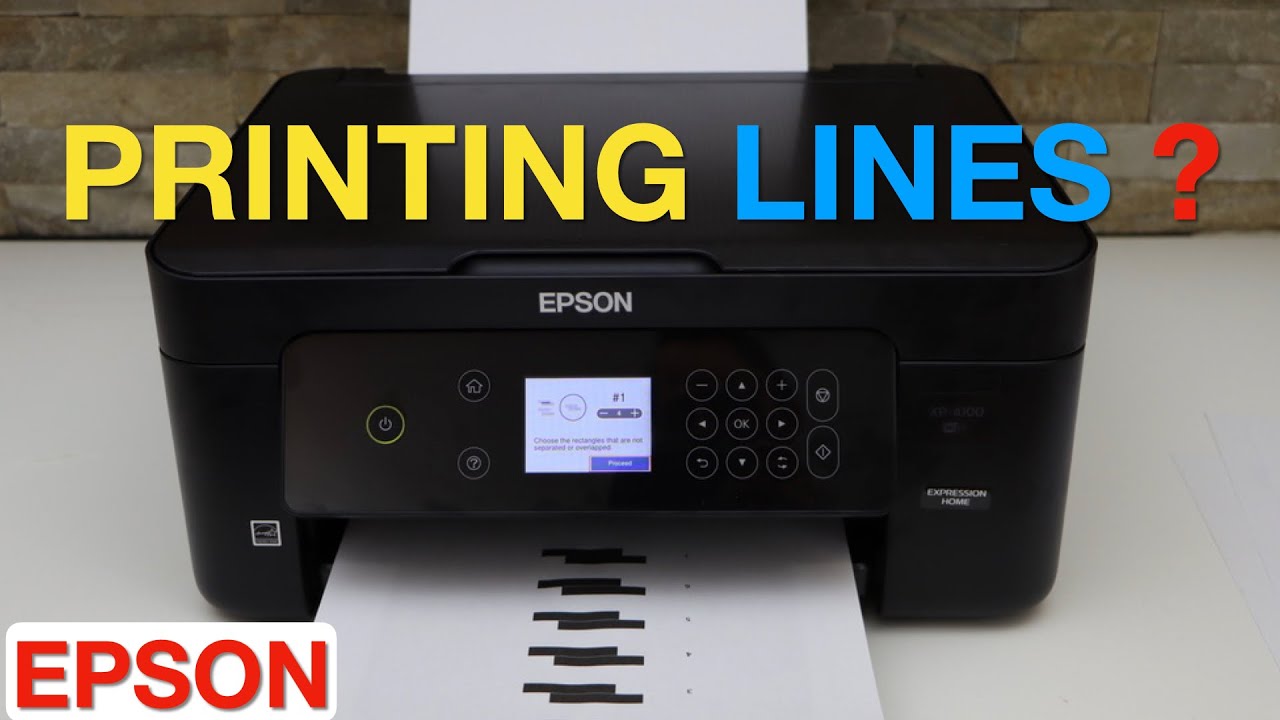 Zebra Printer Printing Lines
https://i.ytimg.com/vi/11hBF5vjOt0/maxresdefault.jpg
Many of Zebra s lines of printers come with the line print option This mode allows a user to simply send text straight down to the printer without extra formatting Instead of designing a label and specifying each text field and barcode location raw ASCII text is sent to the printer and is printed out as raw text
Pre-crafted templates provide a time-saving solution for creating a diverse variety of documents and files. These pre-designed formats and designs can be made use of for different individual and professional tasks, consisting of resumes, invites, flyers, newsletters, reports, discussions, and more, enhancing the content creation procedure.
Zebra Printer Printing Lines
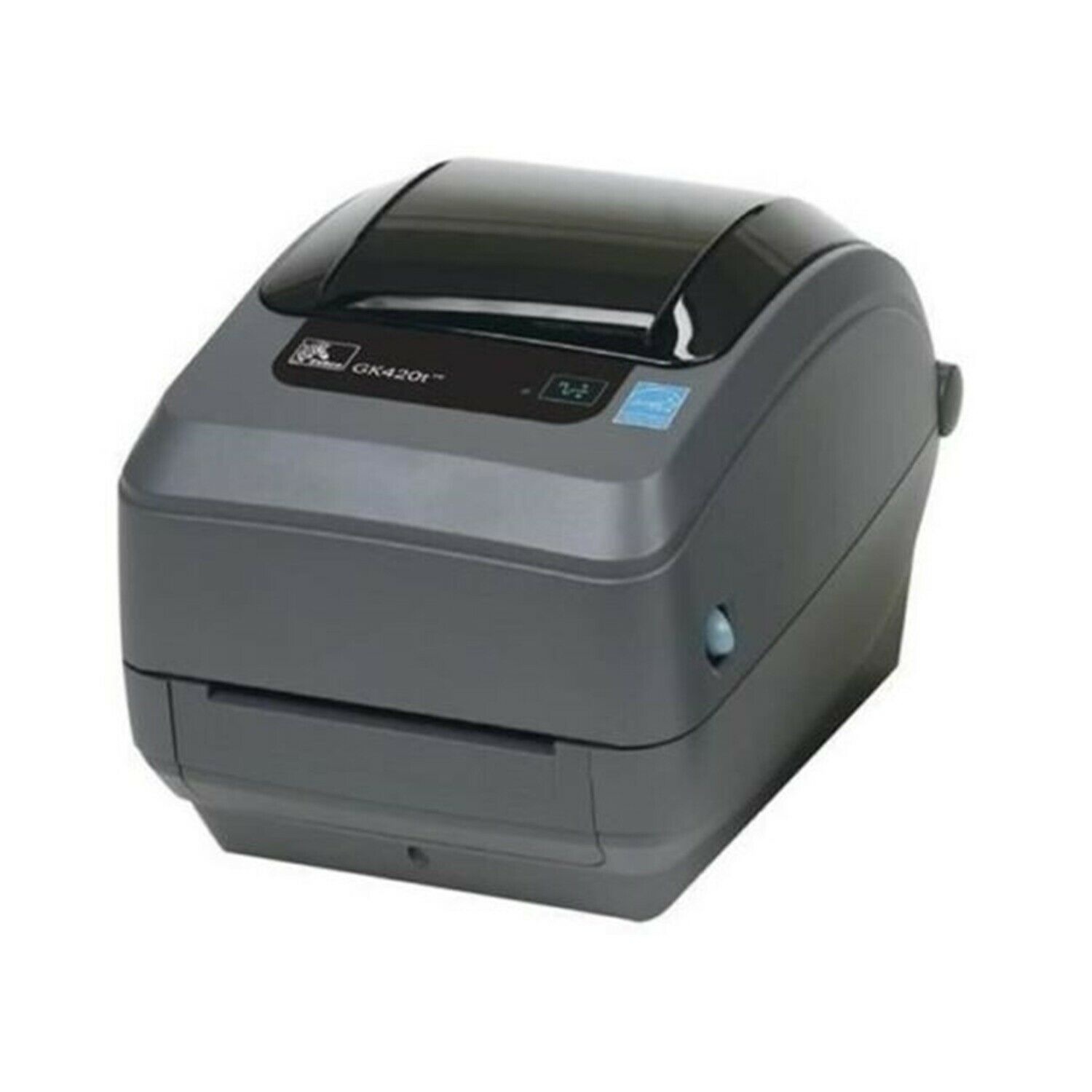
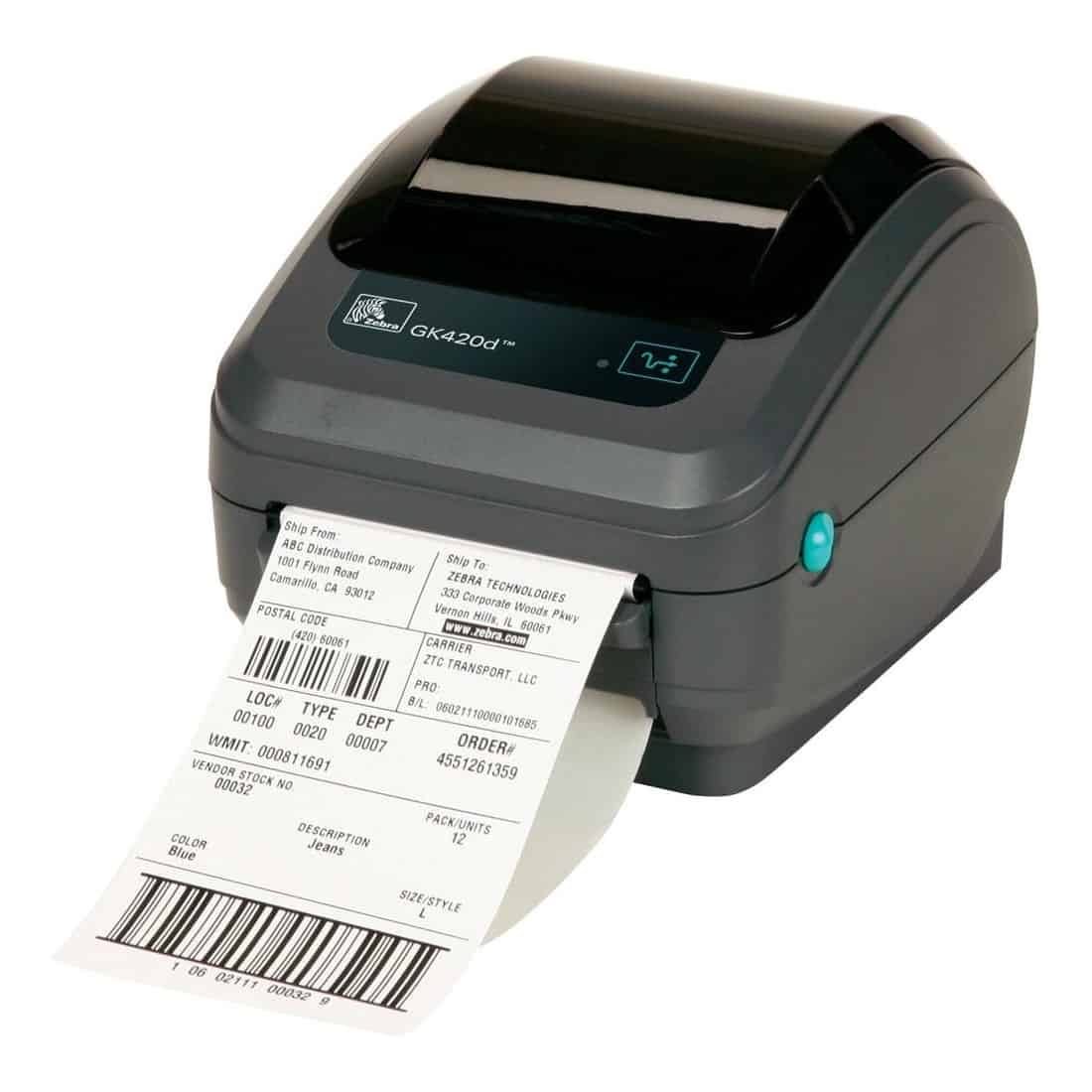
Zebra GK420T Receipt Printer Label Printer Thermal Printer

Why Is My Printer Printing Lines 4 Common Reasons DeviceTests
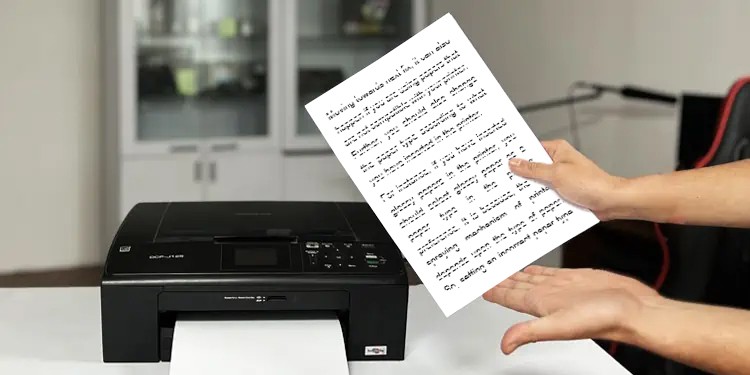
Why Is My Printer Printing Lines 5 Ways To Fix It
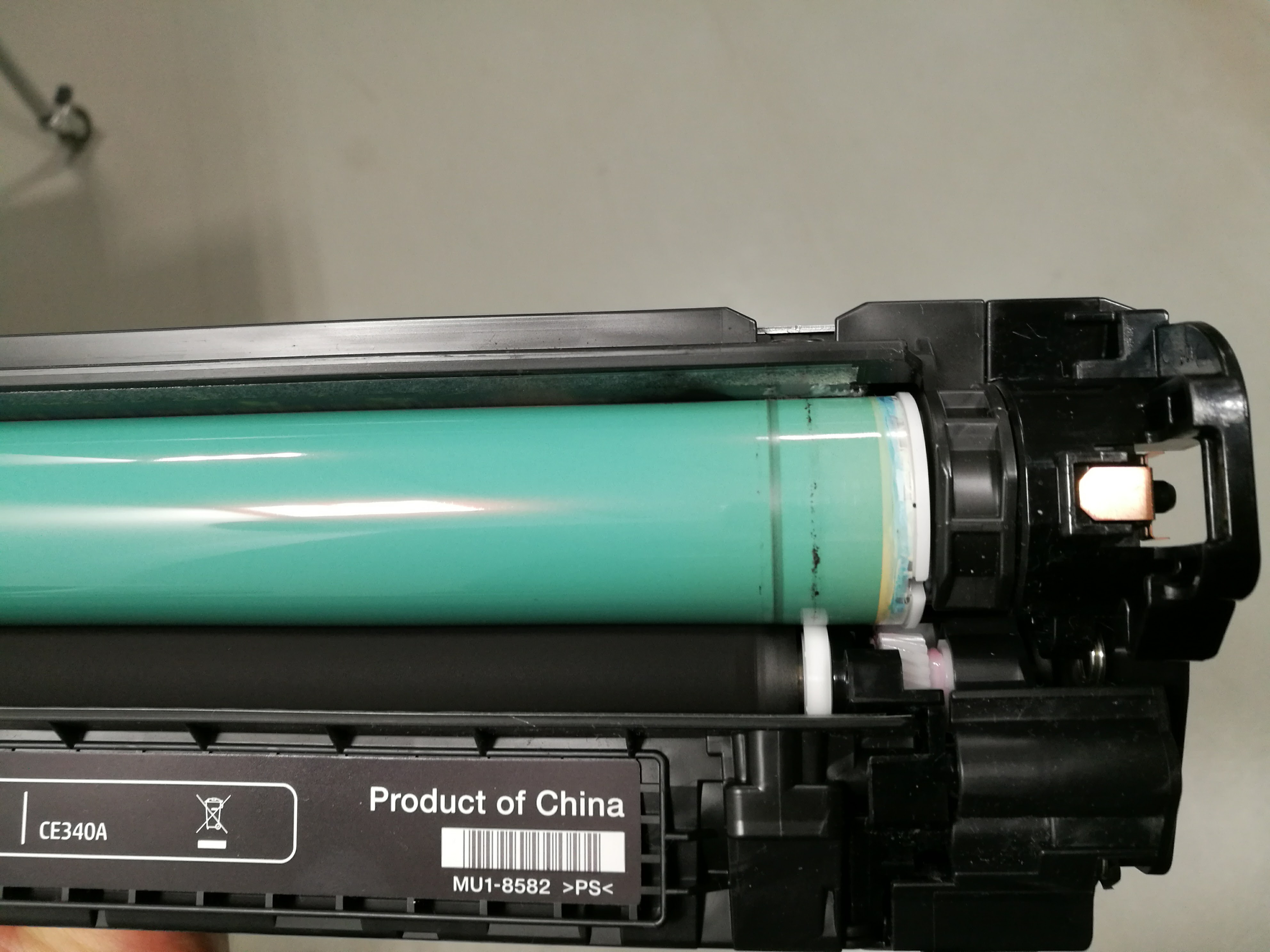
Solved Vertical Lines In Prints HP Support Community 5953143
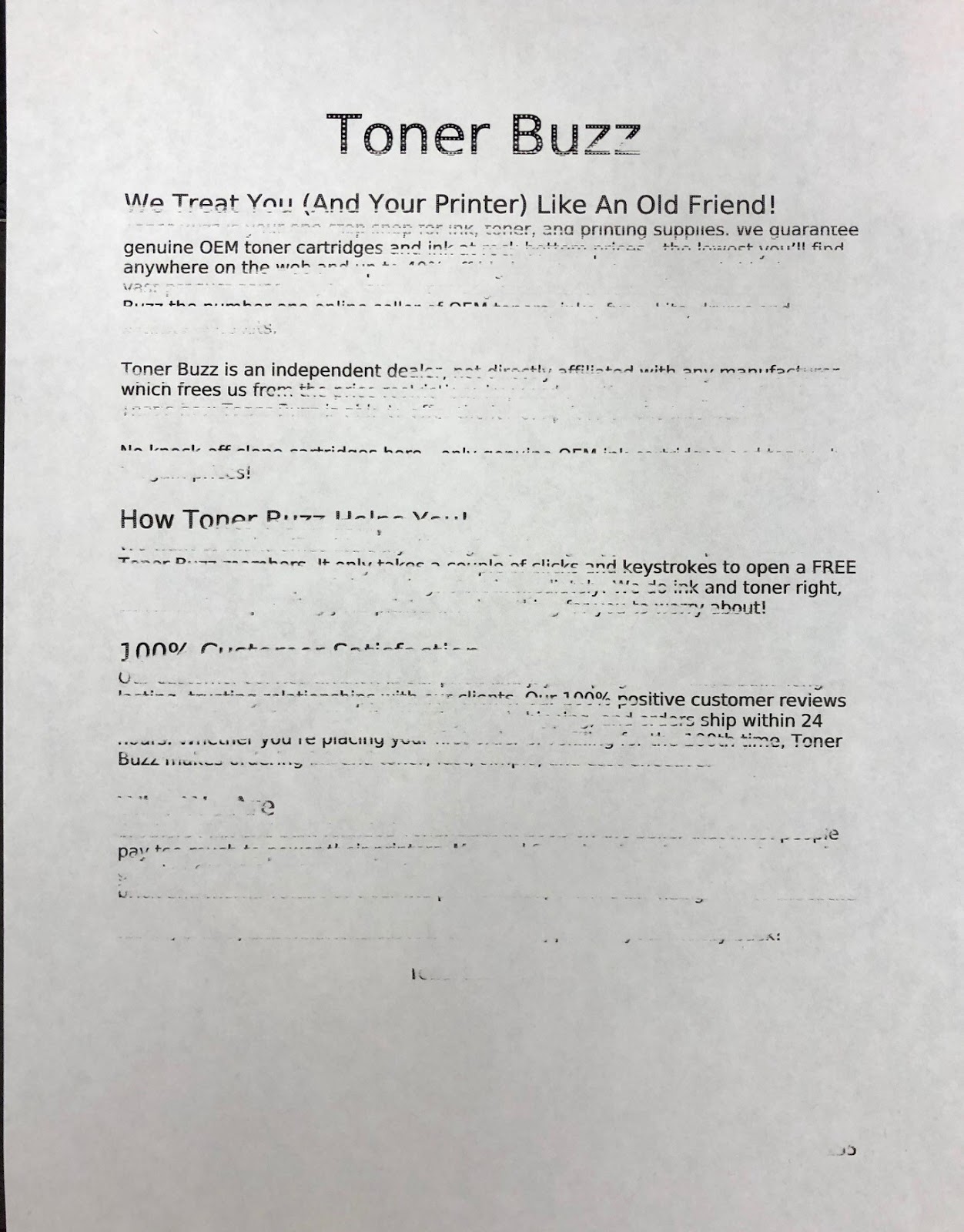
Printer Skipping Lines Why It Happens How To Fix It And Tips To

Zebra ZT230 Industrial Label Printer

Article ID 000016417 February 10 2021 This article outlines the way to resolve white lines printed across the cards when using a Zebra Card Printer issue question Horizontal white lines or voids show across the cards after printing applicable to All Zebra Card Printer Models Print quality issues resolution answer Cause
Article ID 000015875 February 16 2021 This article explains the causes of vertical lines printed on cards issue question There are dark vertical lines printing on my cards applicable to All Zebra card printer models except P620 and P640 resolution answer Possible causes for dark vertical lines on cards
How to solve light print faded images broken bars or lines in a barcode What to do if the print is partially missing or cut off How to solve white lines in the print poor or low barcode ANSI grade applicable to ZT200 ZM400 ZM600 RZ400 RZ600 Series Printers resolution answer

If your LP 2824 is printing random garbage text when you try to print a label it may not have the correct setting Manually Setting Line Mode The printer utilizes the Feed button during printer power up to toggle between printer personality modes Line
I am using Code 128 Mode A to print the barcode as follows sb AppendLine String Format CultureInfo InvariantCulture B50 13 0 1A 1 3 100 B 0 aList x Replace Trim 1 of the attached file is no longer available Printers
How does it work The Zebra Printer is a command driven printer that requires programming commands to produce an image on the labels Some applications can produce the printer language and are compatible with the printer without needing a Windows Driver Zebra ZE500 Print Engine How to Calibrate the Print Line Demonstration of how to calibrate the print line on the ZE500 To learn more about Zebra s ZE500 print engine visit https goo gl
1 Answer Sorted by 2 One issue you need to be wary of is wrapping of text by default you will have a paper size of Letter or A4 which will wrap the text automatically after approximately 80 characters