Zebra Printer Not Printing Barcode Zebra Printer Not Printing Anything - YouTube How to reset & calibrate Zebra G series label printer - blinking red light - GX420D. - YouTube Ten Most Common Thermal Printing Barcode Problems Cannot Print Greater-Than (">") Characters in Code-128 Barcode When Using Zebra Printer net - issues printing bar code in a Zebra ZXP series 3 printer - Stack Overflow VERKKO Zebra s utility provides step by step guidance to install a driver and connect your printer USB connection Go Wireless network Go Bluetooth printing from
VERKKO The bar code is not within specifications because the print is too light or too dark Perform the Evaluating Barcode Quality Adjust the darkness or print speed VERKKO resolution answer Troubleshooting Zebra Printer Printing Issues Using ZPL Printing too high on the label Remove any ZPL commands conflicting with printer settings
net - issues printing bar code in a Zebra ZXP series 3 printer - Stack Overflow ZT400 Series Industrial Printers | Zebra The Best Thermal Printer Settings For Zebra on Windows 10 | Barcode Stops In the Middle Troubleshoot - YouTube Lightspeed Label Printing | DYMO Setup | ShopKeep Support Zebra Direct Thermal Printer Print Head Fading Fix - YouTube Zebra Generic Text Printer Driver Problem printing text linked to barcode – BarTender Support Portal GK/GX Series How to Calibrate - YouTube Setting up the Zebra label printers for custom label printing – Lightspeed Retail (R-Series)
Zebra Printer Not Printing Barcode
 Zebra Printer Not Printing Barcode
https://i.ytimg.com/vi/bms0R09YS14/maxresdefault.jpg
VERKKO Manual Calibration Troubleshooting Tests Resetting the Factory Default Values Communications Diagnostics FEED Button Modes This section provides
Templates are pre-designed files or files that can be utilized for different purposes. They can conserve time and effort by supplying a ready-made format and layout for creating different kinds of content. Templates can be used for individual or expert tasks, such as resumes, invitations, flyers, newsletters, reports, presentations, and more.
Zebra Printer Not Printing Barcode
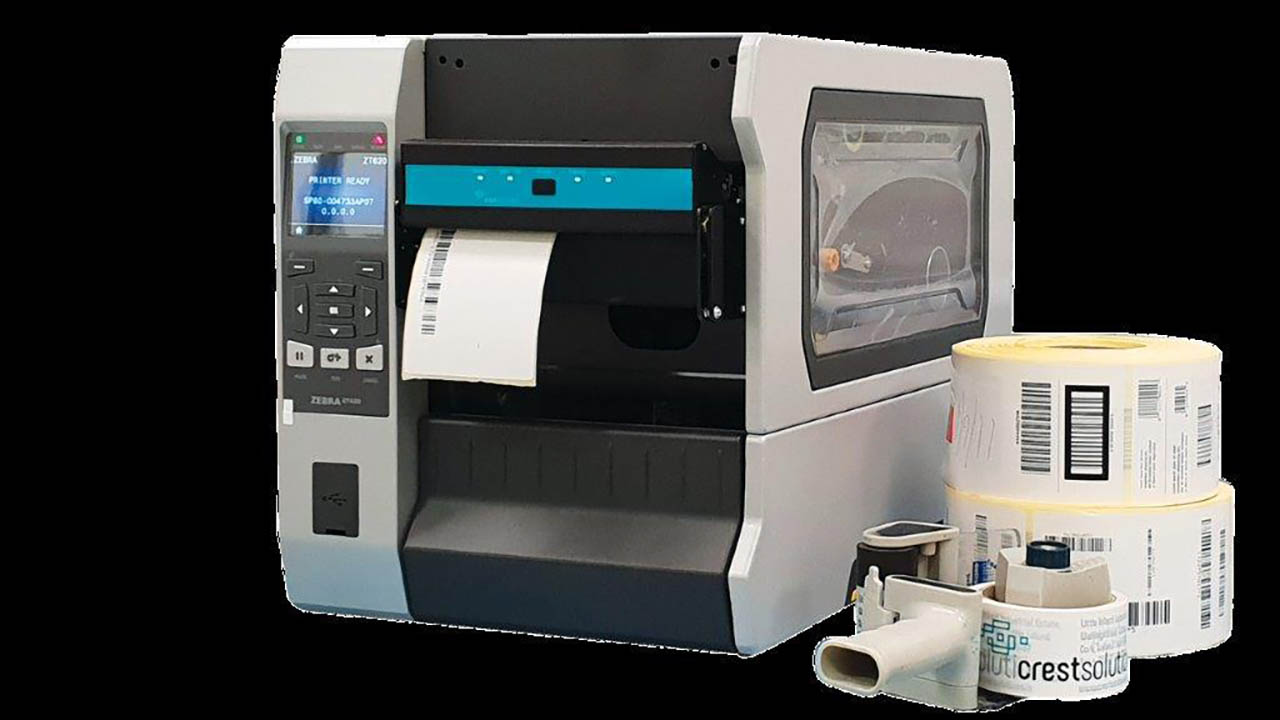
Being 100% Accurate When Printing Labels with Zebra's Industrial Printers | Zebra Blog
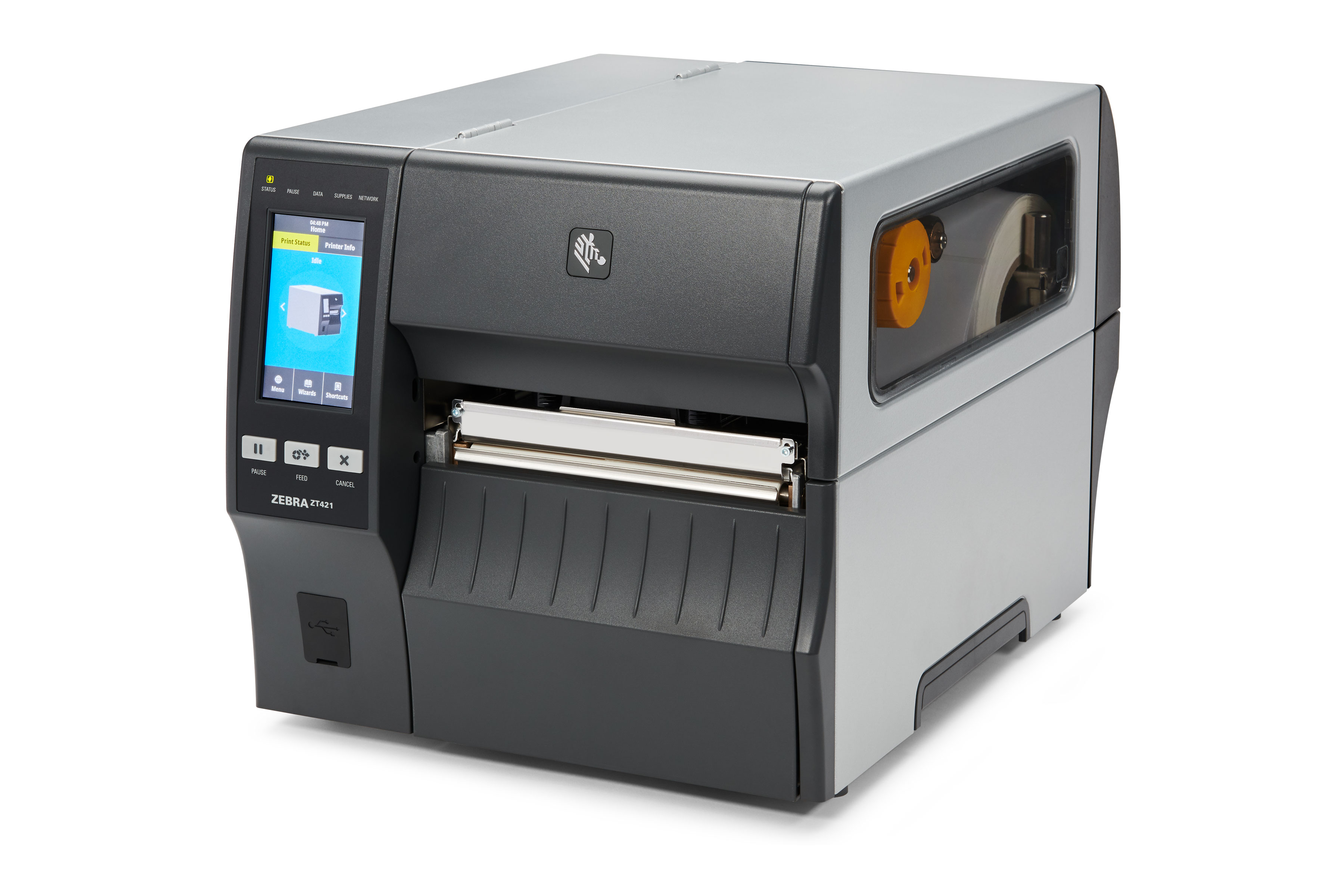
ZT400 Series Industrial Printers | Zebra

The Best Thermal Printer Settings For Zebra on Windows 10 | Barcode Stops In the Middle Troubleshoot - YouTube
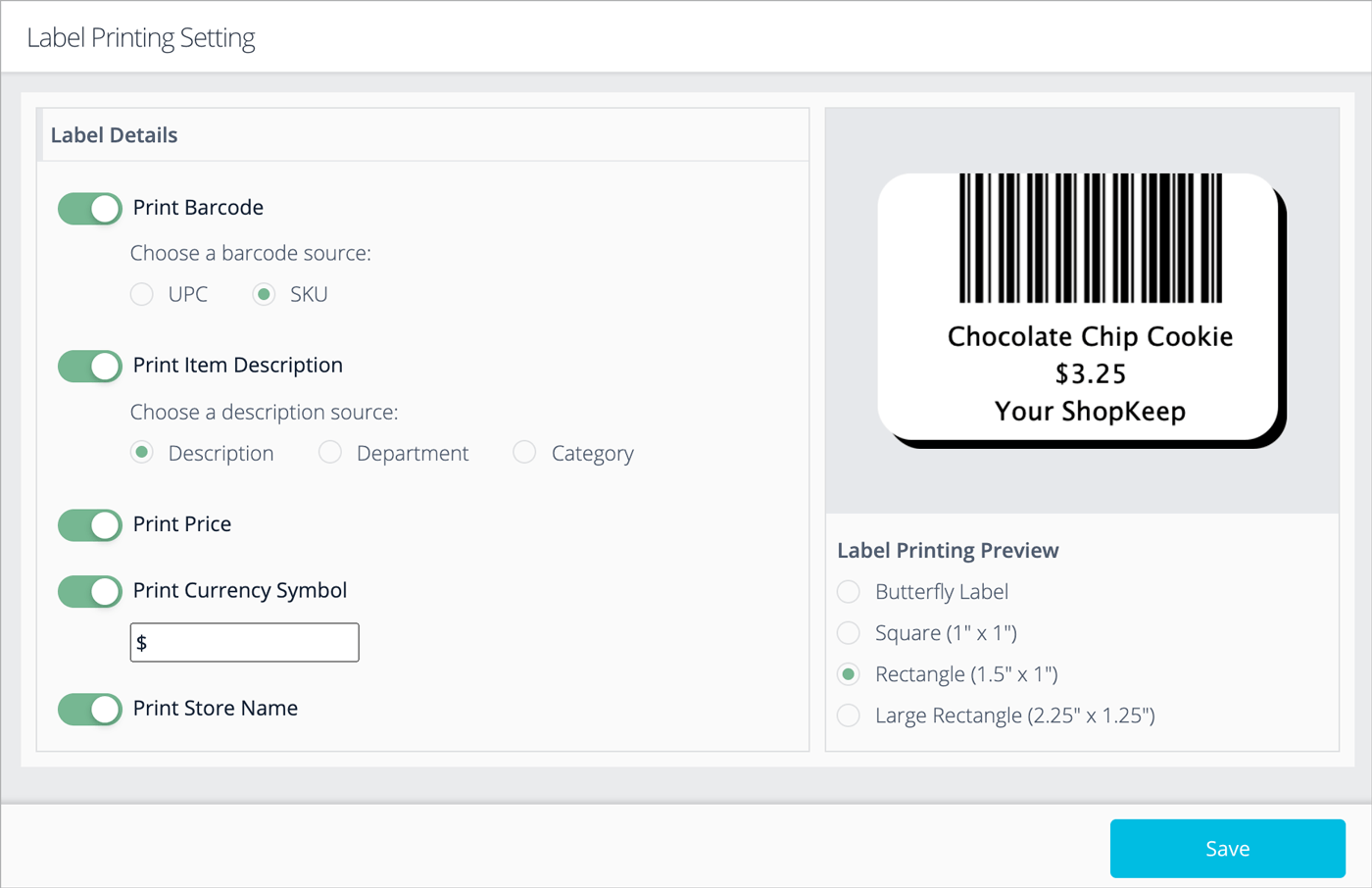
Lightspeed Label Printing | DYMO Setup | ShopKeep Support
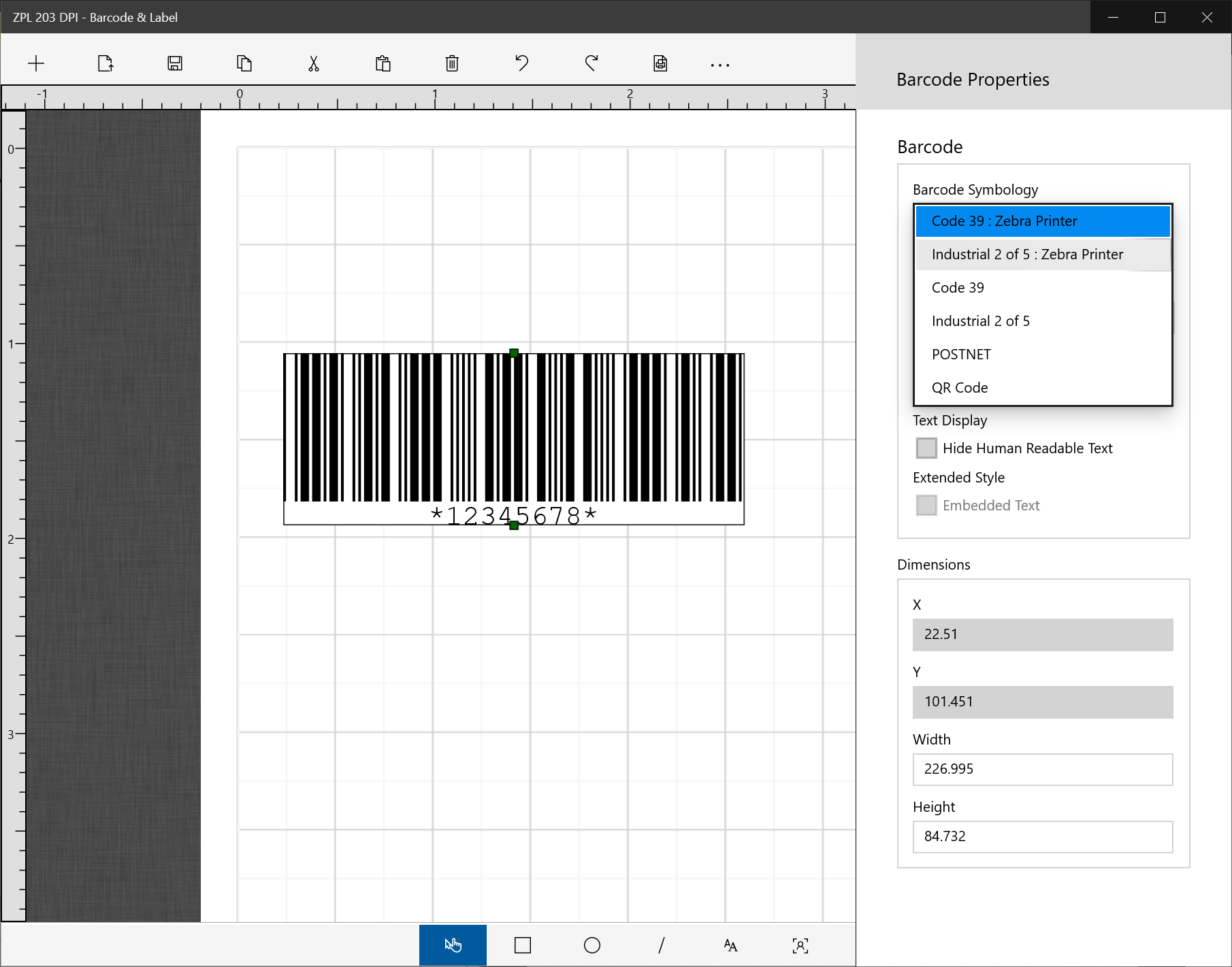
Zebra Generic Text Printer Driver

Problem printing text linked to barcode – BarTender Support Portal
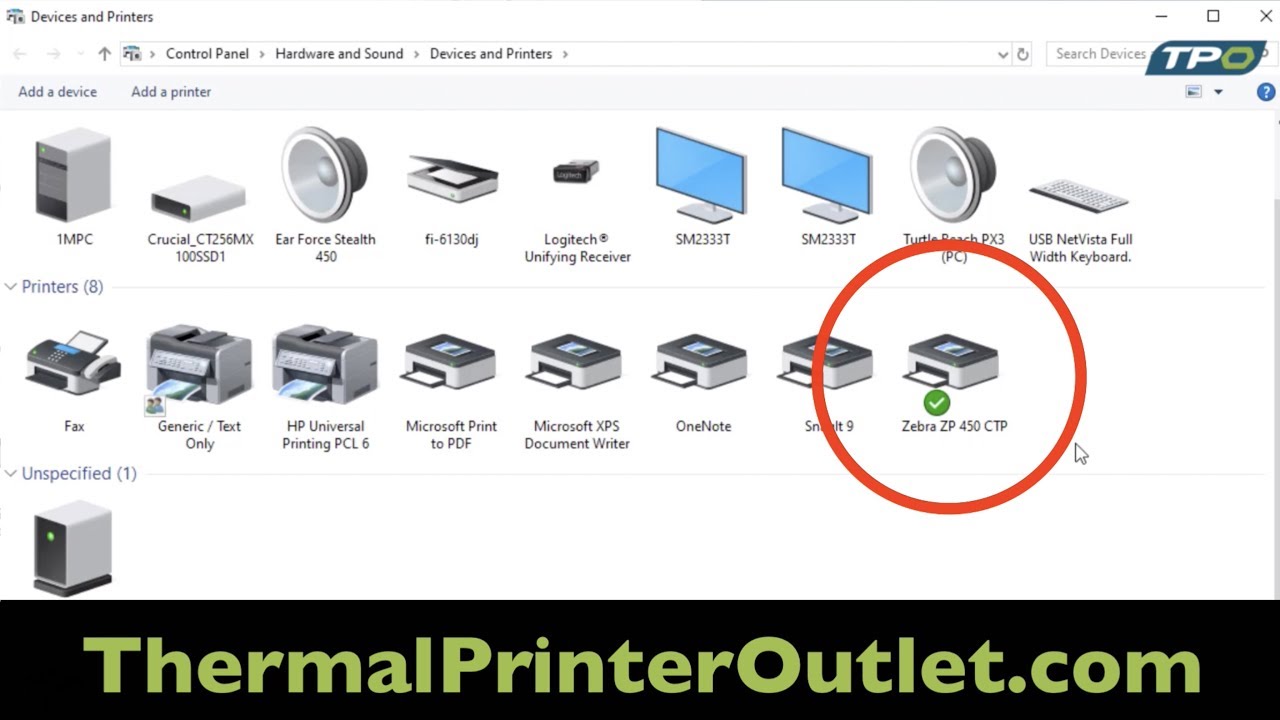
VERKKO I do believe I had narrowed it down to a settings problem because when I signed on as an administrator to the users PC and tried to print a test label it printed out without
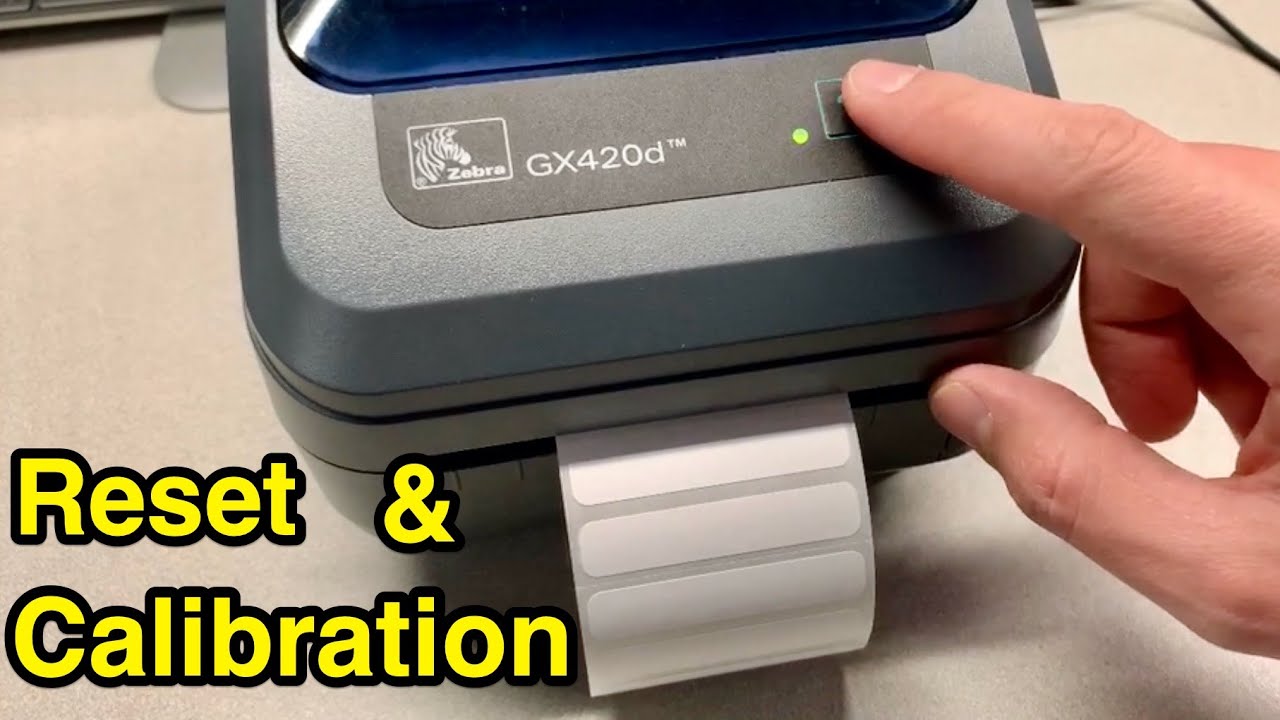
VERKKO Diagnostics and Troubleshooting This section provides diagnostic tests and other information that may help you to optimize printing or to troubleshoot issues with your

VERKKO When your Zebra printer needs to be fixed it can be frustrating and time consuming to figure out the problem In this blog we ll explore some of the most common issues
VERKKO ZD421 Series Printer Support Zebra The ZD421 printers standard and healthcare are part of the ZD400 Series Printer family Retain proof of purchase for warranty

VERKKO Choose Zebra s reliable barcode RFID and card supplies carefully selected to ensure high performance print quality durability and readability See all Printing Supplies
VERKKO The printed barcode and information does not look right Clean the printhead using an alcohol wipe The label is misaligned Check to make sure the label roll is loaded VERKKO Check if the barcode was created is Windows based or built in Check if the printout is Landscape or Portrait If it is set in portrait check then validity of barcode If the
VERKKO We re trying to print barcodes from a web page to our Zebra printer I m wondering if there s a way to print them using the printer s own font perhaps using web fonts or