Zebra Printer Issues Job Lot 9 X Zebra LP2844 Label Thermal Printer Various Issues No Zebra ZD420 Manual Print Darkness Adjustment YouTube Zebra ZT230 Label Printer AGiiLE Zebra Printer Zebra Printer Portfolio Jarltech blog Issue question How do I solve print quality issues for G Series Printers GX GK and GC Series Printers Light print or faded image Partially missing print or cut off Broken bars or lines in a barcode Poor or low barcode ANSI grade White lines in the print applicable to G Series Printers GX GK and GC Series Printers
Article ID 000015124 December 27 2022 This article explains how to solve ZT and ZM Series printers print quality issues issue question How to solve light print faded images broken bars or lines in a barcode What to do if the print is partially missing or cut off How to solve white lines in the print poor or low barcode ANSI grade Article ID 000014635 August 31 2023 This article explains that incorrect printer settings misconfigured driver application settings incompatible media ribbons and labels or a dirty printhead can cause print quality issues issue question Print Quality Adjustments and Configurations
Zebra Printer Portfolio Jarltech blog Zebra ZD420 Series ZD420 Thermal Transfer Printer Labeldrucker Zebra ZD620 Label Printer AGiiLE 50 Zebra Printer Image Print Images Tips Seputar Printer Ups Thermal 2844 Driver Download Windows 7 Yellowglow Zebra Yellow Labels 4 00 X 6 00 Direct Thermal Label RD 4 6 250 Zebra GK420T USB SER Thermal Transfer Label Printer Melbourne Zebra ZD420 Label Printer AGiiLE Ask POSGuys How To Calibrate A Zebra Label Printer GK420 GX240
Zebra Printer Issues
 Zebra Printer Issues
https://www.pcbitz.com/content/images/products/20735/main/job-lot-9-x-zebra-lp2844-label-thermal-printer-various-issues-no-psus-1.JPG
Troubleshooting This section provides information about printer error reporting that you might need for printer troubleshooting Assorted diagnostic tests are included Status Light Descriptions Status Light Error Resolutions Print Quality Problems Manual Calibration Troubleshooting Tests Resetting the Factory Default Values
Pre-crafted templates provide a time-saving solution for producing a diverse range of files and files. These pre-designed formats and designs can be made use of for different individual and professional tasks, consisting of resumes, invites, flyers, newsletters, reports, presentations, and more, improving the material development procedure.
Zebra Printer Issues

Zebra XI4 Series Printer Manual Calibration YouTube

Zebra ZD420 Series ZD420 Thermal Transfer Printer Labeldrucker
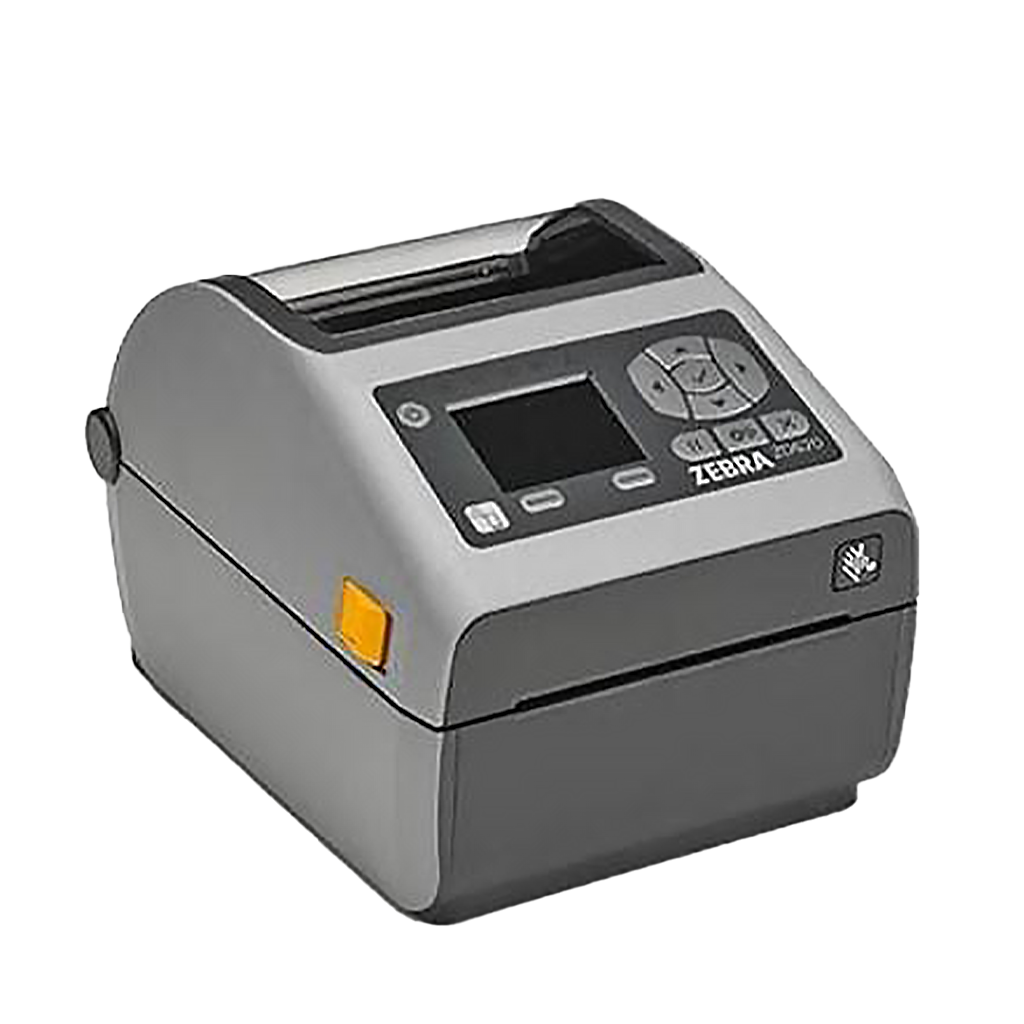
Zebra ZD620 Label Printer AGiiLE
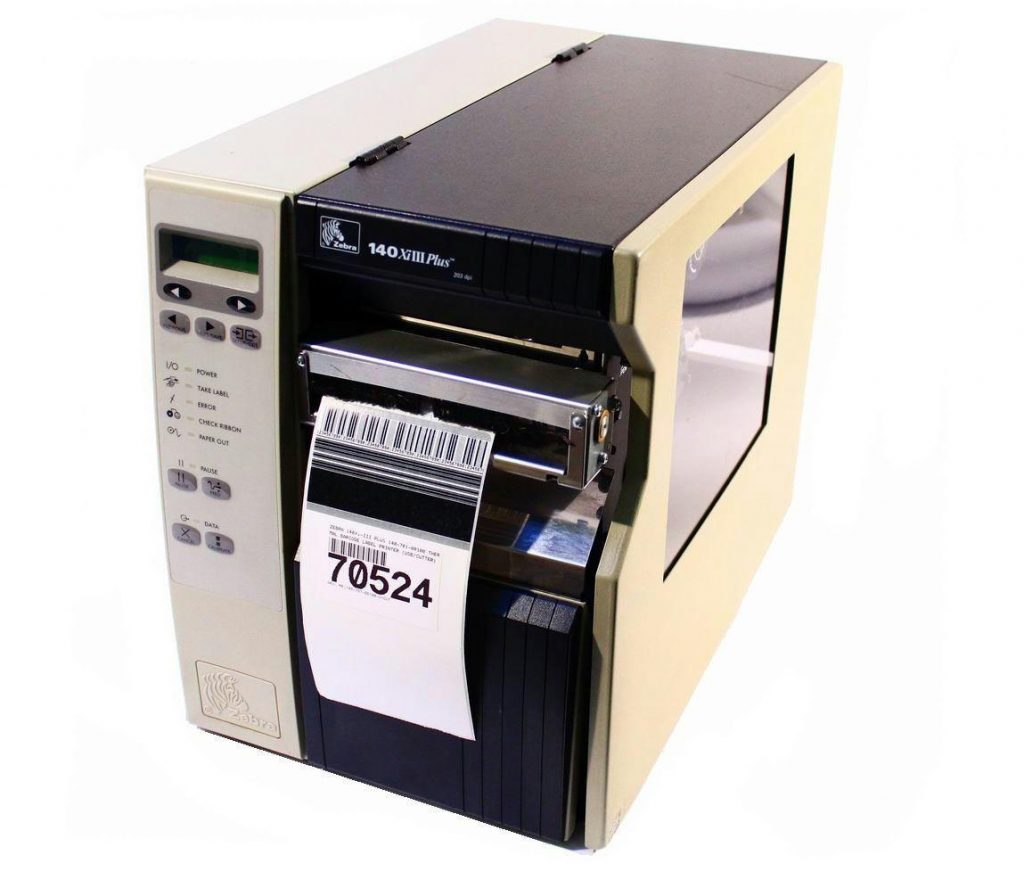
50 Zebra Printer Image Print Images Tips Seputar Printer
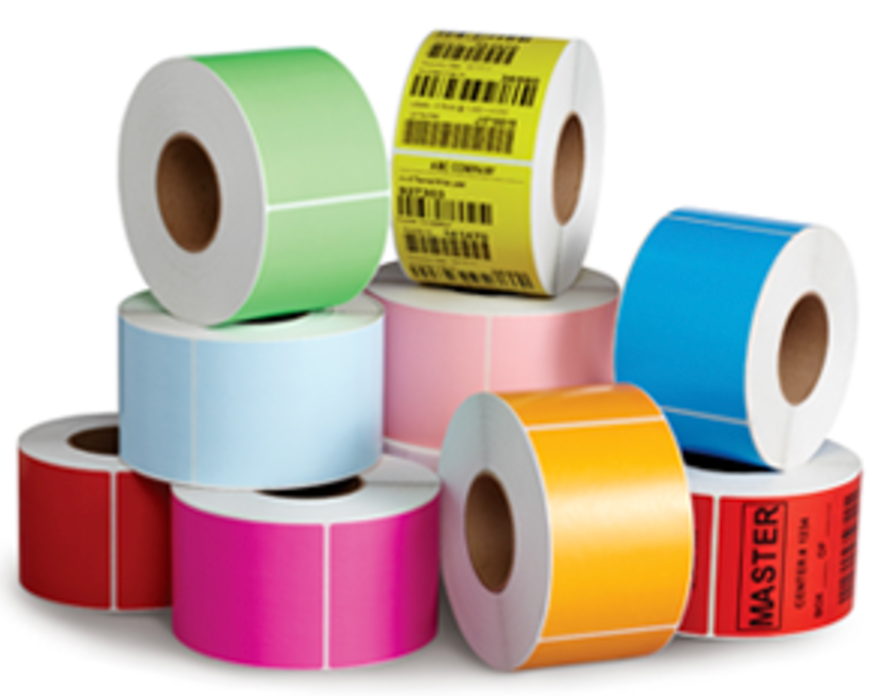
Zebra Yellow Labels 4 00 X 6 00 Direct Thermal Label RD 4 6 250

Zebra GK420T USB SER Thermal Transfer Label Printer Melbourne

Recommended Solution General print quality issues The printer is set at the incorrect print

When your Zebra printer needs to be fixed it can be frustrating and time consuming to figure
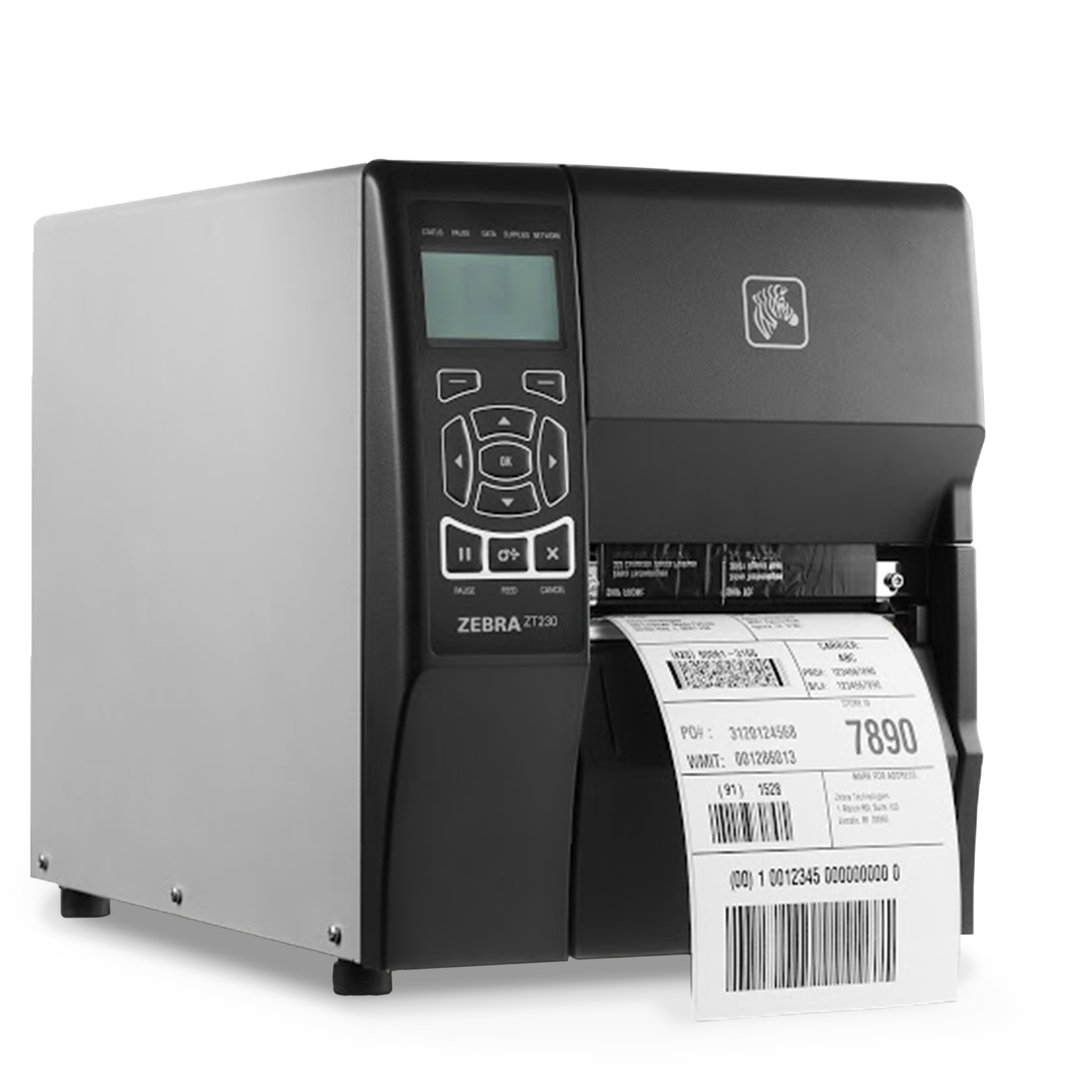
Resolution answer This article has five sections Symptoms Causes Problems and Resolution Helpful Information How the ZT410 and ZT420 Printers work Symptoms Light print or faded image Partial missing print or image cut off Broken bars or lines in a barcode Poor or low barcode ANSI grade White lines appearing in the print

Resolution answer Procedure On your PC navigate to Control Panel and select Devices and Printers Disconnect the printer from the local connection USB not applicable to the network printer Right click on the driver and click Remove device Restart your PC

This section provides diagnostic tests and other information that may help you to optimize printing or to troubleshoot issues with your printer Go to zebra zt600 info for access to videos and additional online information that
[desc-11] [desc-12]
[desc-13]