Zebra Printer Icon Meaning File Zebra 2 jpg Wikimedia Commons Zebra Logo Symbol Free Stock Photo Public Domain Pictures Zebra Technologies Label Printer Thermal transfer Printing Zebra Zebra Insights X PODIUM Talks Series Zebra Insights Zebra 10003051 Compatible Labels Discount Thermal Labels Green The printer is ready to print and engage in data transfer Green slowly turning on and off The printer is in sleep mode Red Media out media detection error head cover printhead open cut error or printhead authentication failure Amber Printhead over temp temperature printhead element failure
This mode is the display shown when the printer is idle printing and or receiving data and has no need to convey information beyond icons shown on the display The LCD can display up to five status icons including An off or un lit status indicator does not require the operator s attention A status indicator can flash blink fade bright to off alternate between colors or remain on in a variety of patterns that denote various printer activities and
Zebra 10003051 Compatible Labels Discount Thermal Labels How To Troubleshoot For The Zebra Label Printer ShippingEasy Leeds English Language School Clip Art Library Zebra ZD621 Desktop Printers Cps File Zebra Botswana Edit02 jpg Wikimedia Commons Zebra Print Free PNG Image Zebra Printer Troubleshooting Common Issues Fixes Lexicon Technologies Fayl Zebra 02 jpg Vikipediya Free Zebra Svg Asebands
Zebra Printer Icon Meaning
 Zebra Printer Icon Meaning
http://upload.wikimedia.org/wikipedia/commons/6/62/Zebra_2.jpg
ZD620 Thermal Transfer Printer www zebra zd620t info ZD620 Direct Thermal Printer www zebra zd620d info ZD420 Thermal Transfer
Templates are pre-designed files or files that can be utilized for numerous purposes. They can conserve time and effort by supplying a ready-made format and design for producing different type of material. Templates can be used for individual or expert projects, such as resumes, invites, leaflets, newsletters, reports, discussions, and more.
Zebra Printer Icon Meaning
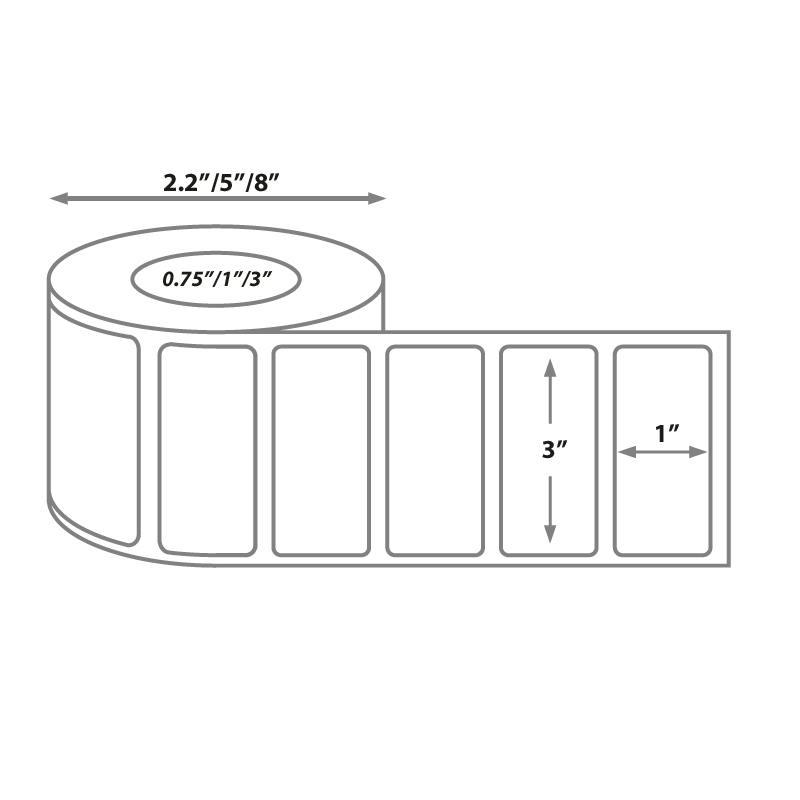
Zebra 10000303 Compatible Labels Discount Thermal Labels

How To Troubleshoot For The Zebra Label Printer ShippingEasy

Leeds English Language School Clip Art Library

Zebra ZD621 Desktop Printers Cps

Zebra Print Free PNG Image

Zebra Printer Troubleshooting Common Issues Fixes Lexicon Technologies

All Link OS 4 inch printers include status indicators on their user interfaces The indicators may be off or on in a variety of lighting patterns of red green or amber orange yellow They may flash blink fade bright to off alternate between colors or simply remain lit as indicated in the table below Steady on Flashing Fade Off

All Link OS 4 inch printers include status indicators on their user interfaces The indicators may be off or on in a variety of lighting patterns of red green or amber orange yellow They may flash blink fade bright to off alternate between colors or simply remain lit as indicated in the table below Steady on Flashing Fade Off

Icon Conventions The documentation set is designed to give the reader more visual clues The following graphic icons are used throughout the documentation set These icons and their associated meanings are described below The text here indicates information that is supplemental for the user to know and that is not

Icon Conventions Finding ZD411T Printer References Icon Conventions The documentation set is designed to give the reader more visual clues The following graphic icons are used throughout the documentation set These icons and their associated meanings are described below

This section introduces you to your new Zebra ZD410 desktop thermal label printer ZD410 Direct Thermal Printers The Zebra ZD410 models are desktop label printers with the widest range of features and options When connected to a host computer your printer functions as a complete system for printing labels tags tickets wrist
Resolution answer The top of the printer s display shows several icons which indicate the status of various printer functions Check the indicator status then refer to the Troubleshooting topic referenced in the Resolution answer The printer status and Media Status indicators work together to inform the user about various printer operating conditions the indicators may be ON or OFF in a variety of lighting patterns of green orange and yellow The status indicators can blink flash alternate between colors alternate
Meaning of the Indicator Light Patterns All of the Link OS 4 inch printers have status indicators The indicators may be off or on in a variety of lighting patterns of red green or amber orange yellow ZEBRA ZD620 PRINTER READY V84 20 05ZP37288 168 192 0 1 Created Date 10 2 2020 4 27 34 PM Title