Zebra Label Printer Not Printing Dark Zebra Printers Labeling Equipment Why Is My Epson Printer Not Printing Dark Enough YouTube How To Make Epson Printer Print Darker Easy Steps To Follow Printer Nub Zebra GK Desktop Label Printer Atlantic Scale Zebra ZT230 Industrial Label Printer Web Mar 2 2023 nbsp 0183 32 Adjusting the quality of the printed image Setting the print darkness Setting the print speed Symptoms addressed by this solution include Light print Faded image Partially missing print or blank labels Broken bars or lines in a barcode applicable to ZP450 ZP500 ZP505 and ZP550 ZP Series resolution answer Cause or Overview
Web Dec 27 2022 nbsp 0183 32 The printer setup includes Adjusting the printhead pressure Setting the appropriate darkness level Optimizing the print speed In addition regular maintenance and media compatibility ensure the printer is operating at an optimal level Web Mar 1 2023 nbsp 0183 32 Go to Printing Preferences gt Options gt Print Speed For more information refer to the Configure or Modify Basic ZDesigner Driver Version 5 Settings Print Darkness Print Darkness also referred to as Density or Burn Temperature is a user adjustable setting Avoid overheating the ribbon as it can melt if set too high
Zebra ZT230 Industrial Label Printer Zebra ZT410 Label Printer Barcode Malaysia HP Printer Not Printing Dark Enough Reasons Solutions Zimhomeprinter HP M177fw LaserJet Pro All in One Color Laser Printer CZ165A B H Zebra ZD621 Label Printer AGiiLE Zebra ZM4Plus Label Printer Industrial Label Printers Zebra Printer Printing Half Label Lederhosroegner 99 Printer Printing Too Light PRINTING DRT How Do I Fix My Printer Not Printing Dark Enough
Zebra Label Printer Not Printing Dark
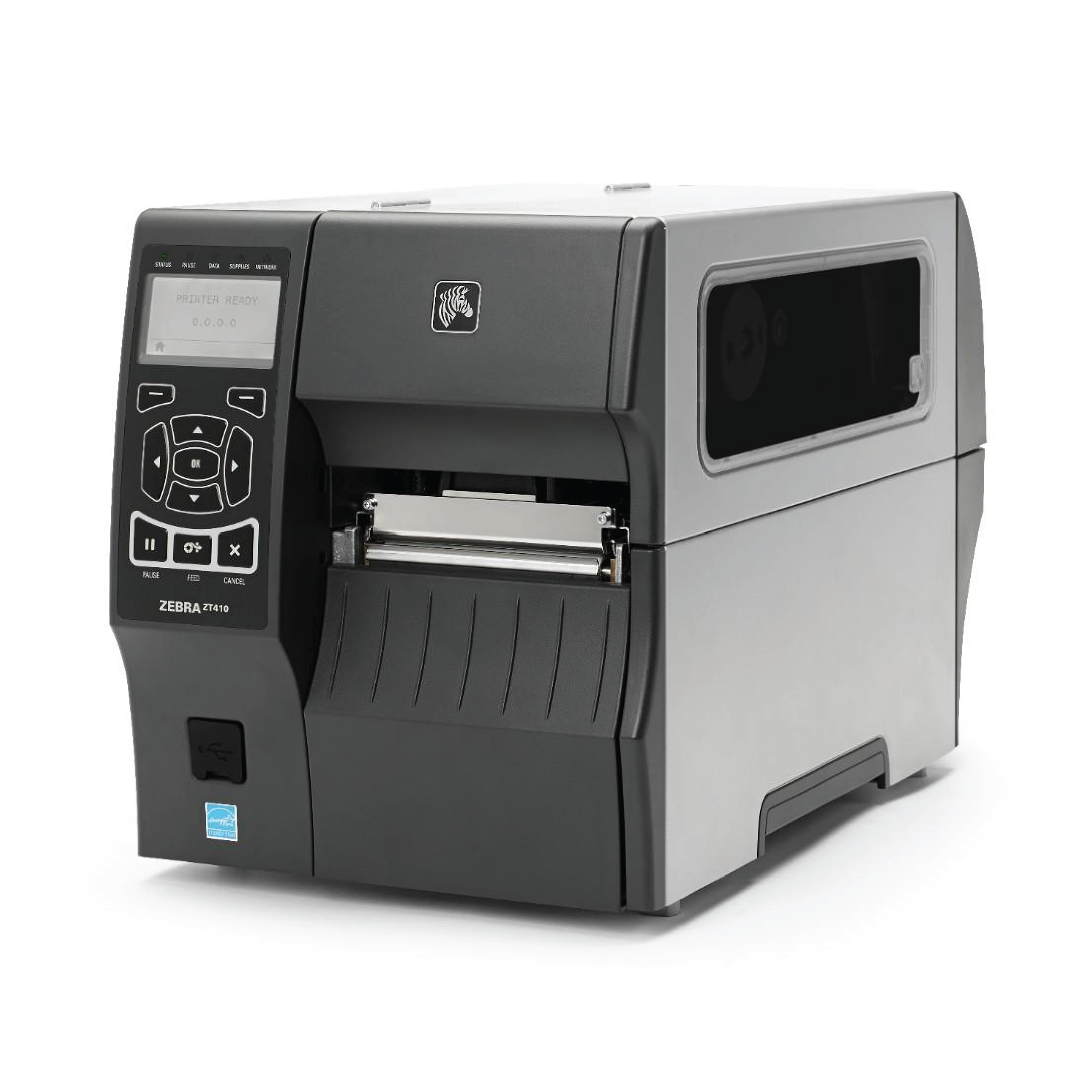 Zebra Label Printer Not Printing Dark
https://www.dasco.com/media/catalog/category/Printers_-_By_Brand_-_Zebra-01.png
Web choose Configure Print Quality Select Print sample labels and choose Print Speed and Darkness Choose the number of sample labels to print Pick the 2 character identifier for the label with the best print quality Print speed
Templates are pre-designed files or files that can be used for various purposes. They can conserve time and effort by providing a ready-made format and layout for developing various sort of content. Templates can be used for individual or expert projects, such as resumes, invites, leaflets, newsletters, reports, presentations, and more.
Zebra Label Printer Not Printing Dark

Why Is My Printer Printing Faded Text 6 Causes Fixes Print Like
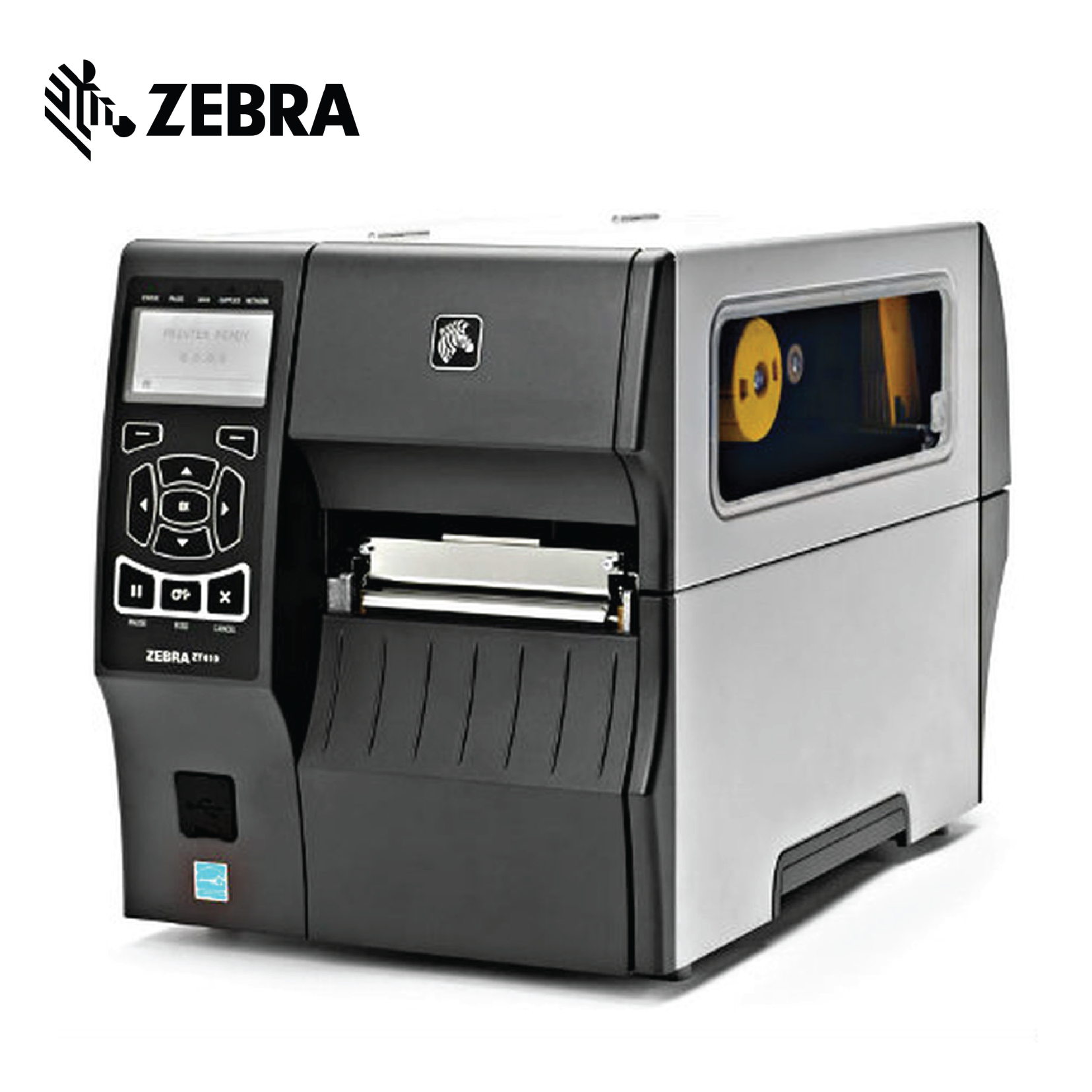
Zebra ZT410 Label Printer Barcode Malaysia

HP Printer Not Printing Dark Enough Reasons Solutions Zimhomeprinter

HP M177fw LaserJet Pro All in One Color Laser Printer CZ165A B H
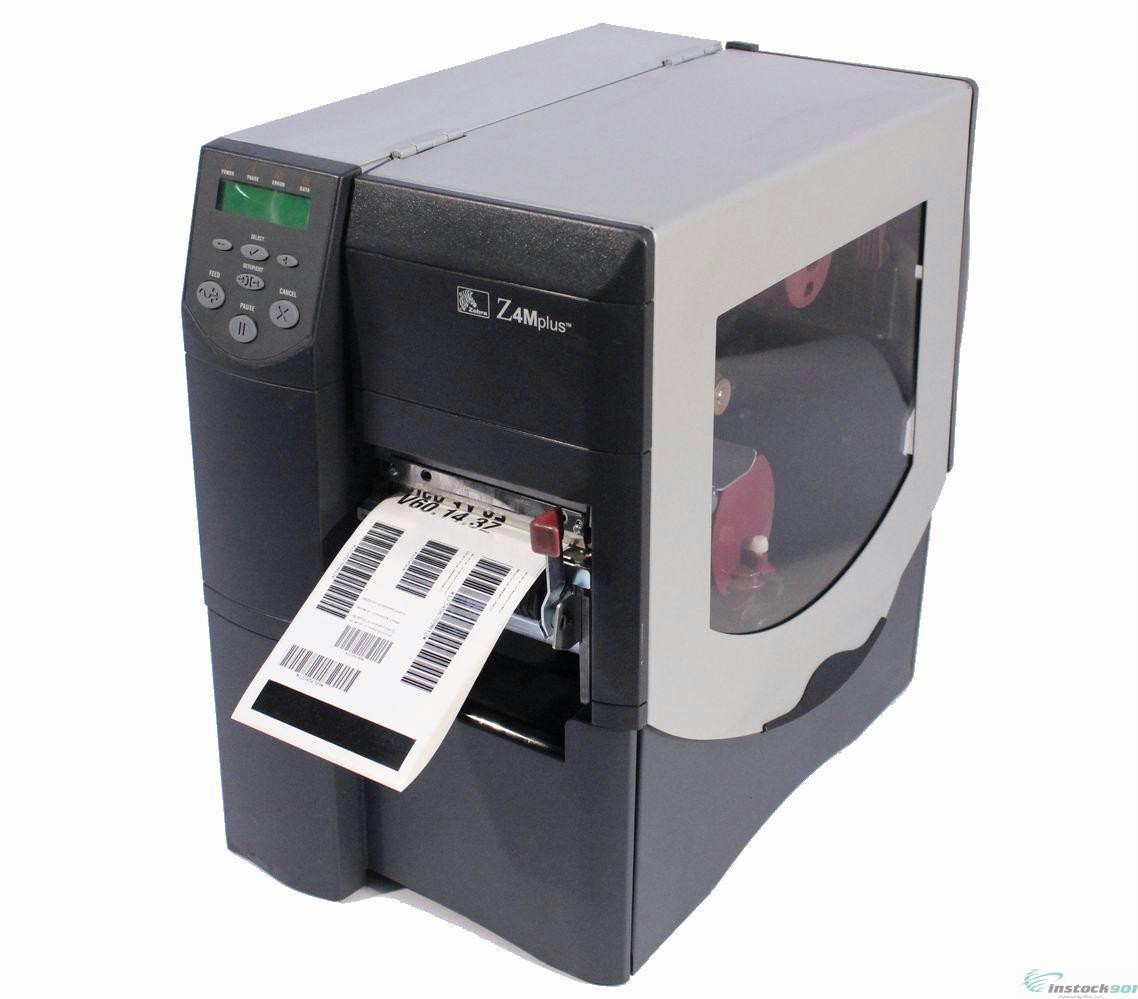
Zebra ZM4Plus Label Printer Industrial Label Printers
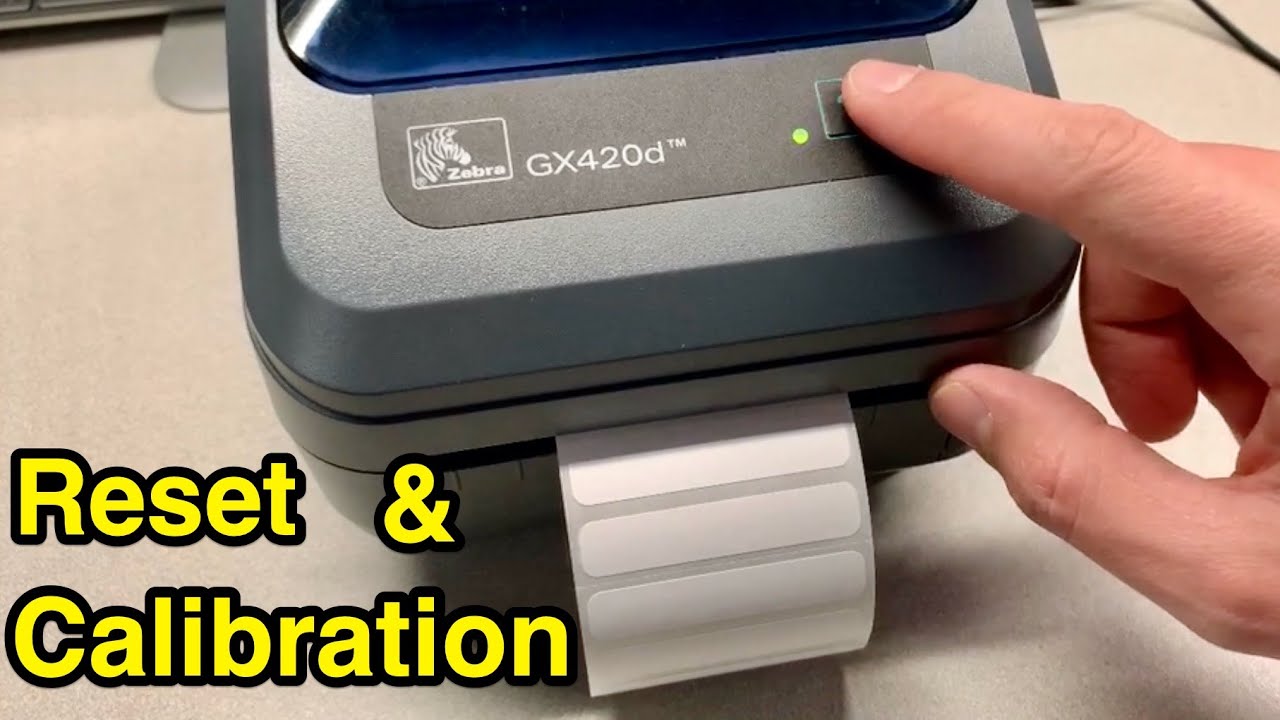
Zebra Printer Printing Half Label Lederhosroegner 99

Web The printer may be set at an incorrect darkness level and or print speed Perform the Print Quality test FEED self test to determine the ideal darkness and speed settings for your application Be sure NOT to set print speeds above the manufacturer s maximum rated speed for your print media

Web Set the print darkness to the lowest setting that provides good print quality If you set the darkness too high the label image may print unclearly barcodes may not scan correctly the ribbon may burn through or the printhead may wear prematurely

Web Troubleshooting Issue General Print Quality Issues Issue No Print on the Label Issue Labels Are Distorted in Size or Print Area Start Position Varies This section helps you identify issues with printing or print quality the possible causes and
Web The printer is set at an incorrect darkness level For optimal print quality set the darkness to the lowest possible setting for your application Perform the steps in Running the Print Wizard and Printing a Test Label If necessary manually adjust the

Web The printer is set at an incorrect darkness level For optimal print quality set the darkness to the lowest possible setting for your application You may want to perform the Feed Self Test to determine the ideal darkness setting See Print Darkness for how to change the darkness setting The printhead is dirty
Web If you set the darkness too high the label image may print unclearly bar codes may not scan correctly the ribbon may burn through or the printhead may wear prematurely See Print Darkness on page 67 for more information Select the Print Speed Select the speed for printing a label given in inches per second Web Jun 12 2019 nbsp 0183 32 66 26K views 4 years ago This video describes how to manually adjust the print darkness on the ZD420 and ZD600 series Zebra printers 169 2017 Zebra Technologies more more ZD420 Manual
Web I have a ZT 411 printer that is printing about a 1 2 inch dark section at the beginning of each label weather we print 1 or 100 I have cleaned the print head and platen roller and also tried a new ribbon The area of the label is not too dark but it s not producing a high quality label I am looking for any recommended resolutions of fixing