Zebra Label Printer Driver For Mac How To Install Setup Zebra Compatible Driver For Label Printer 2054A Zebra ZT231 Label Printer AGiiLE Zebra Technologies Barcode Scanners Label Printers Zebra GK Desktop Label Printer Atlantic Scale Zebra ZM600 300 DPI Industrial Label Printer Thermal Label Printer Verkko Information about CUPS Driver for label printers OPERATING SYSTEM Mac OS Linux Unix Install CUPS Driver for Zebra Printer in Mac OS Download 476 KB ZD421 621 888D 888T China Local OS
Verkko Knowledge Base Mac How to Install Zebra Label Printer Driver on Mac OSX 1 Plug in the Zebra printer Power and USB 2 Turn the printer on power switch on right side 3 Go to Mac System Preferences Verkko You ve found it Prints sharp readable barcodes No software subscription fees Print straight from Mac applications and websites Easy set up with full control over labels and sizes Choose your
Zebra ZM600 300 DPI Industrial Label Printer Thermal Label Printer Zebra ZD230t Label Printer Barcode Scanner RFID Mobility Zebra LP 2844 2844 20300 0001 Thermal Printer Zebra ZT220 Label Printer Label Printer Provider Refurbished Zebra Technologies Inc TLP 2844 Label Printer 50 Zebra Printer Image Print Images Tips Seputar Printer Brother QL500 QL Label Printer Driver Device Drivers Zebra ZM4Plus Label Printer Industrial Label Printers Smart Label Printer Drivers Lostol
Zebra Label Printer Driver For Mac
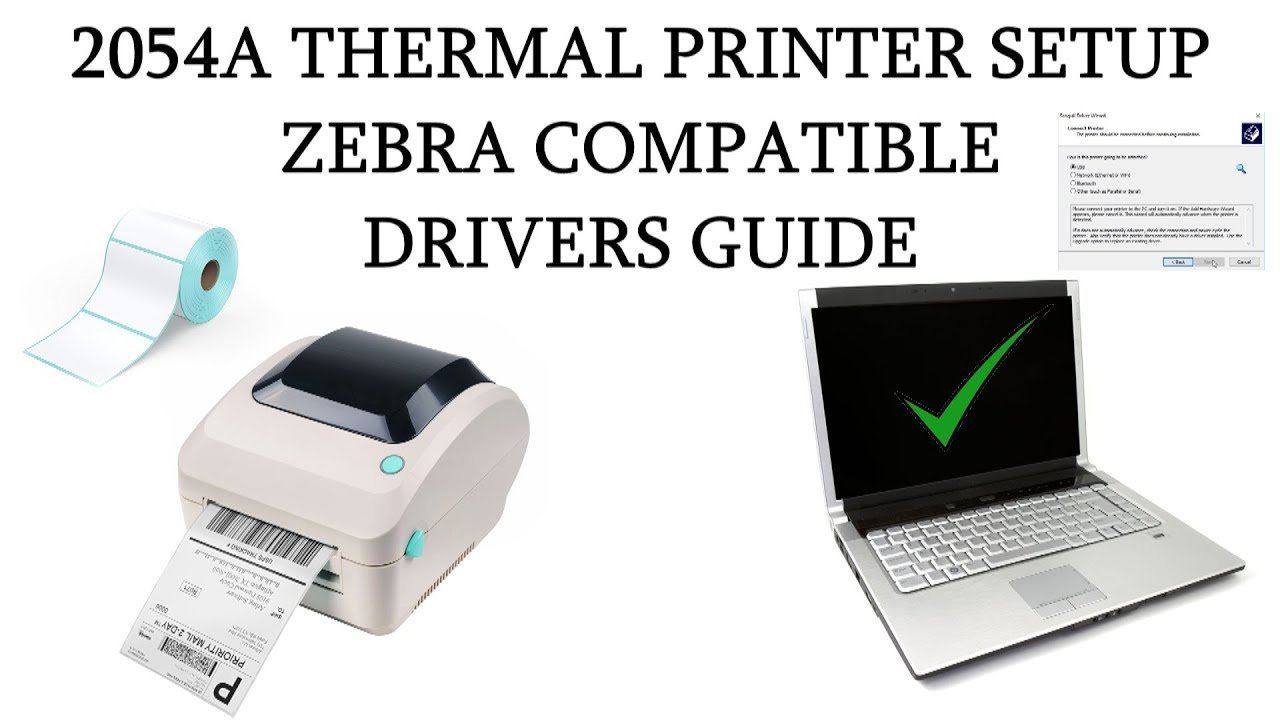 Zebra Label Printer Driver For Mac
https://i.ytimg.com/vi/AjLMOtyJBYM/maxresdefault.jpg
Verkko 31 jouluk 2021 nbsp 0183 32 1 Download and install the Zebra Setup Utilities ZSU printer configuration utility How to download and install ZSU from the DRIVERS section
Templates are pre-designed documents or files that can be utilized for numerous purposes. They can save effort and time by supplying a ready-made format and design for producing different kinds of content. Templates can be used for individual or expert jobs, such as resumes, invites, leaflets, newsletters, reports, presentations, and more.
Zebra Label Printer Driver For Mac

Zebra ZD220T 4 Inch Thermal Transfer Label Printer With USB Cable

Zebra ZD230t Label Printer Barcode Scanner RFID Mobility

Zebra LP 2844 2844 20300 0001 Thermal Printer
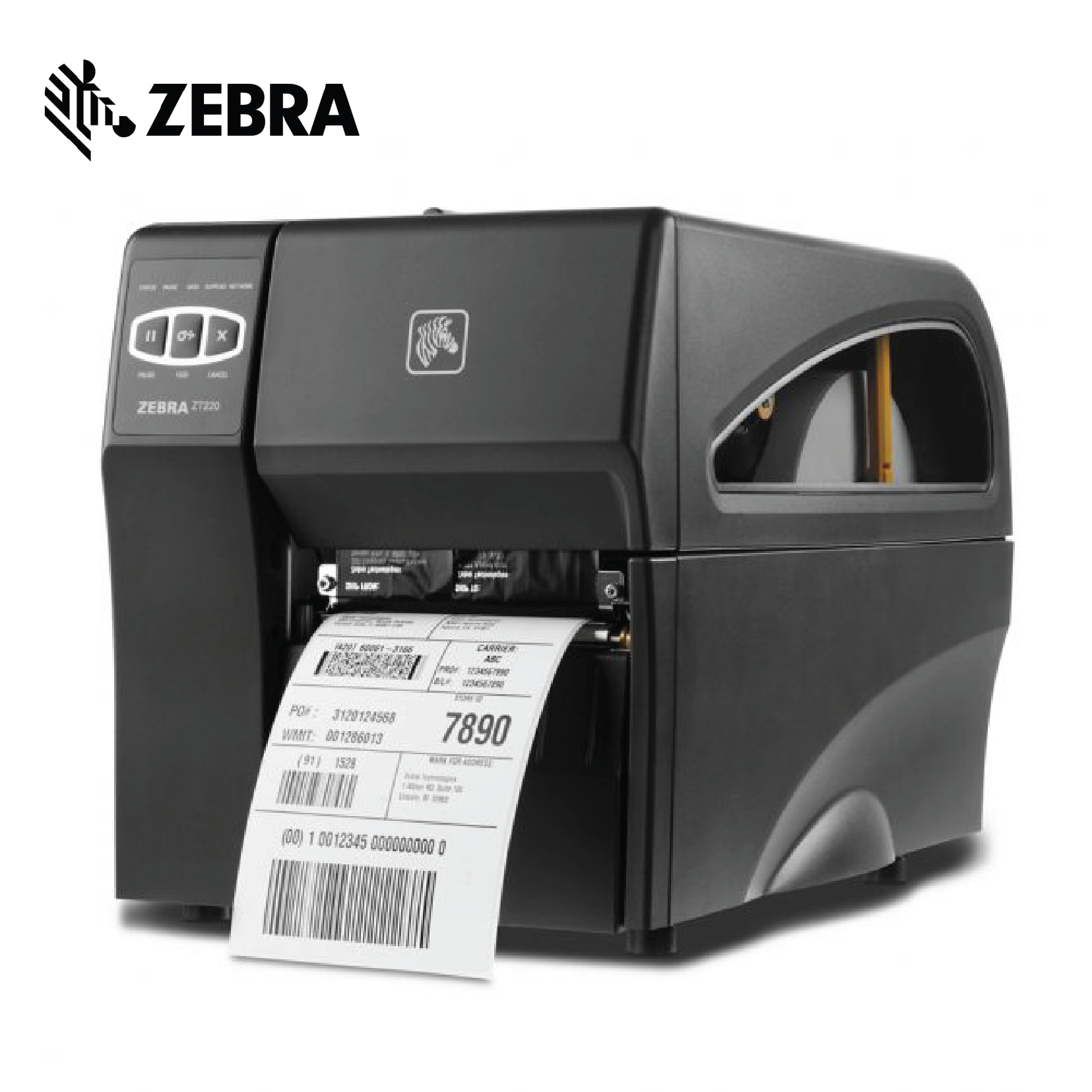
Zebra ZT220 Label Printer Label Printer Provider
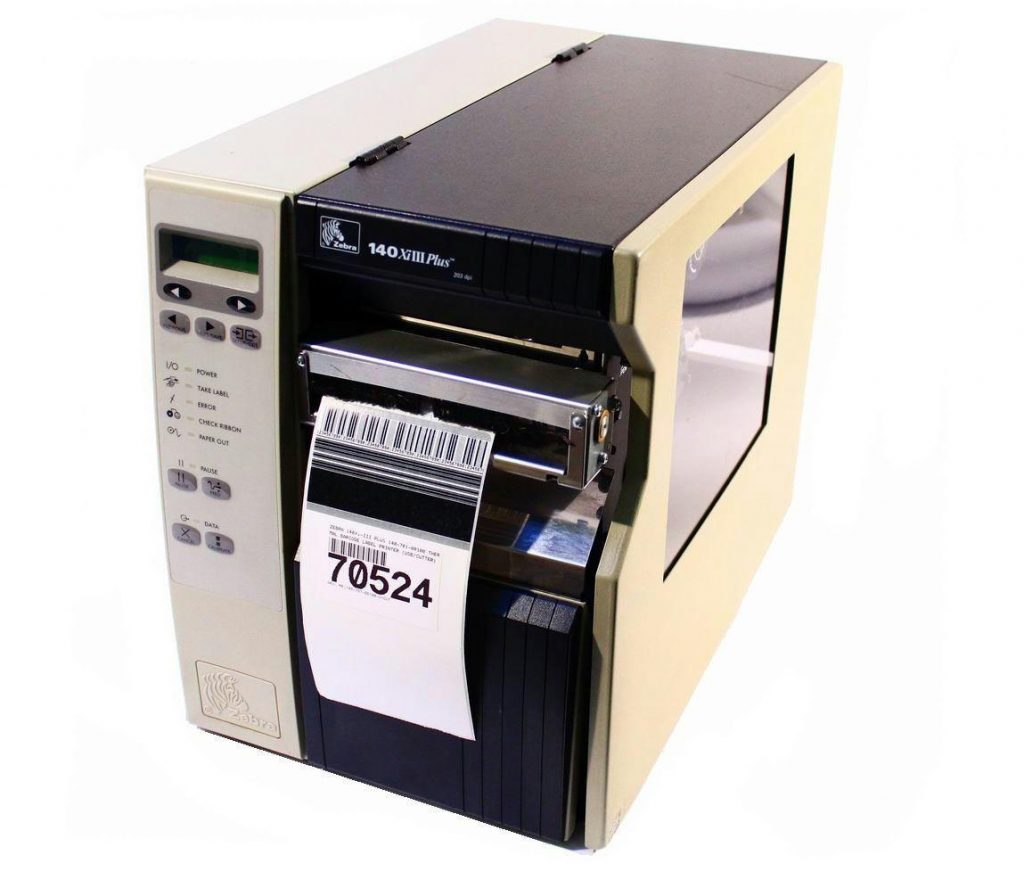
50 Zebra Printer Image Print Images Tips Seputar Printer

Brother QL500 QL Label Printer Driver Device Drivers

Verkko 1 Go to System Preferences then Print amp Fax 2 Click on to add printer 3 Available printer s will appear Select Zebra printer 4 Now select dropdown to select a driver

Verkko How to Install your Zebra USB label printer on Mac Written by Brian Curtis Updated over a week ago This guide covers setup and installation of the Zebra ZD410 USB

Verkko Hardware Setup Follow the manufacturer s guide to plug in and set up your printer hardware When you are finished move on to the next step to set up your drivers
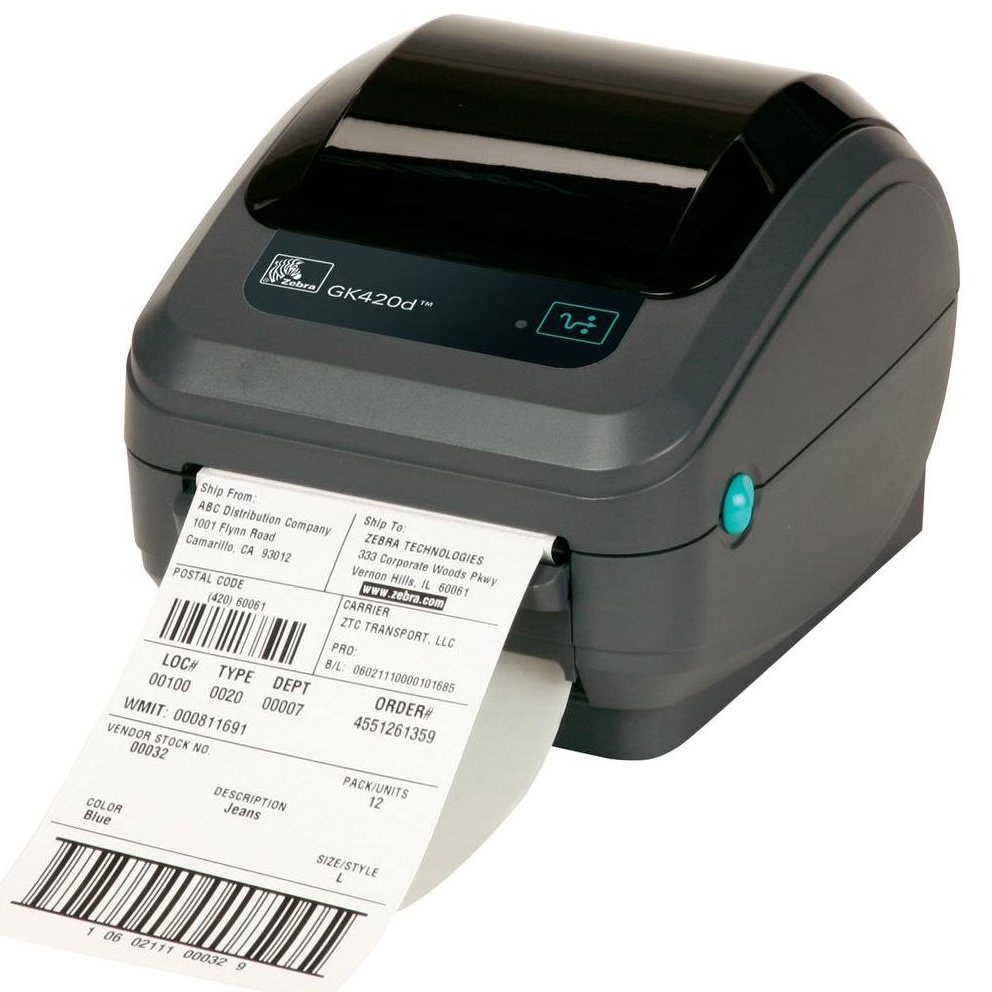
Verkko Mac Thermal Driver For OSX Print Directly To Label Printers On OSX Perfect On MacOS Monterey Ventura and Sonoma Works on M1 M2 and other ARM and Intel Macs MacOS Catalina and BigSur Are Fine

Verkko 3 tammik 2023 nbsp 0183 32 Zebra suggests using the Common Unix Printing System CUPS driver on Mac OS X operating systems The CUPS driver is pre installed on Mac OS X operating systems Therefore it
Verkko 14 lokak 2019 nbsp 0183 32 zebra FrankB6 Bit poster Messages 3 Hi I have a Zebra GK420t label printer for which only Windows drivers exist installed on Windows 10 in Verkko 25 lokak 2023 nbsp 0183 32 NOTE ZDesigner Driver version 10 is for all label printers with Link OS ZDesigner Driver version 5 is for all label printers without Link OS For example the
Verkko 3 tammik 2023 nbsp 0183 32 The CUPS driver is pre installed on Mac OS X operating systems Therefore it is not necessary to download and install a driver for Zebra printers on