Zebra Label Printer Change Ip Address Changing The IP Address On A Zebra ZT410 Label Printer BENISNOUS THERMAL TRANSFER Zebra ZT230 Industrial Label Printer 203dpi Spenic Zebra Printers Labeling Equipment Zebra GK420D Ethernet Direct Thermal Printer Thermal Labels Zebra GK420T Receipt Printer Label Printer Thermal Printer VERKKO 8 marrask 2021 nbsp 0183 32 23K views 2 years ago Watch and learn how to set a static IP address on a Zebra ZT410 Label Printer And see how to overcome the common problems of settings not being saved or the
VERKKO 5 jouluk 2019 nbsp 0183 32 Turn DHCP off to set a static IP address default is On Turn SNMP off if you do not want the printer to be discoverable on the network default is On IPv4 Address Displays the IP address VERKKO View and if necessary change the printer s wireless IP address To save changes to this setting set WLAN IP PROTOCOL to PERMANENT and then reset the print
Zebra GK420T Receipt Printer Label Printer Thermal Printer Zebra Printer ZT230 How To Change IP Setting Front Menu DIY Zebra ZD620 Label Printer AGiiLE ZEBRA GK420D Direct Thermal Label Printer GK42 2022P0 000 Harry Zebra ZM600 Label Printer Thermal Printers Barcodes au Zebra Z4M Plus Label Printer Industrial Printers Australia Zebra QLn420 Mobile Label Printer BT USB Serial Buy Online Vanaf Daar Reparatie Weglaten How To Print Barcode Labels Using Zebra Zebra ZT410 300 Dpi DT TT Industrial Label Printer ZT41043 T410000Z W
Zebra Label Printer Change Ip Address
 Zebra Label Printer Change Ip Address
https://benisnous.com/wp-content/uploads/2020/09/Changing-the-IP-address-on-a-Zebra-ZT410-label-printer.jpg
VERKKO Network Communications Setup TCP IP Settings Subnet Mask View and if necessary change the subnet mask To save changes to this setting set IP
Pre-crafted templates provide a time-saving solution for producing a diverse variety of files and files. These pre-designed formats and designs can be utilized for different personal and expert projects, including resumes, invites, leaflets, newsletters, reports, discussions, and more, streamlining the material creation process.
Zebra Label Printer Change Ip Address
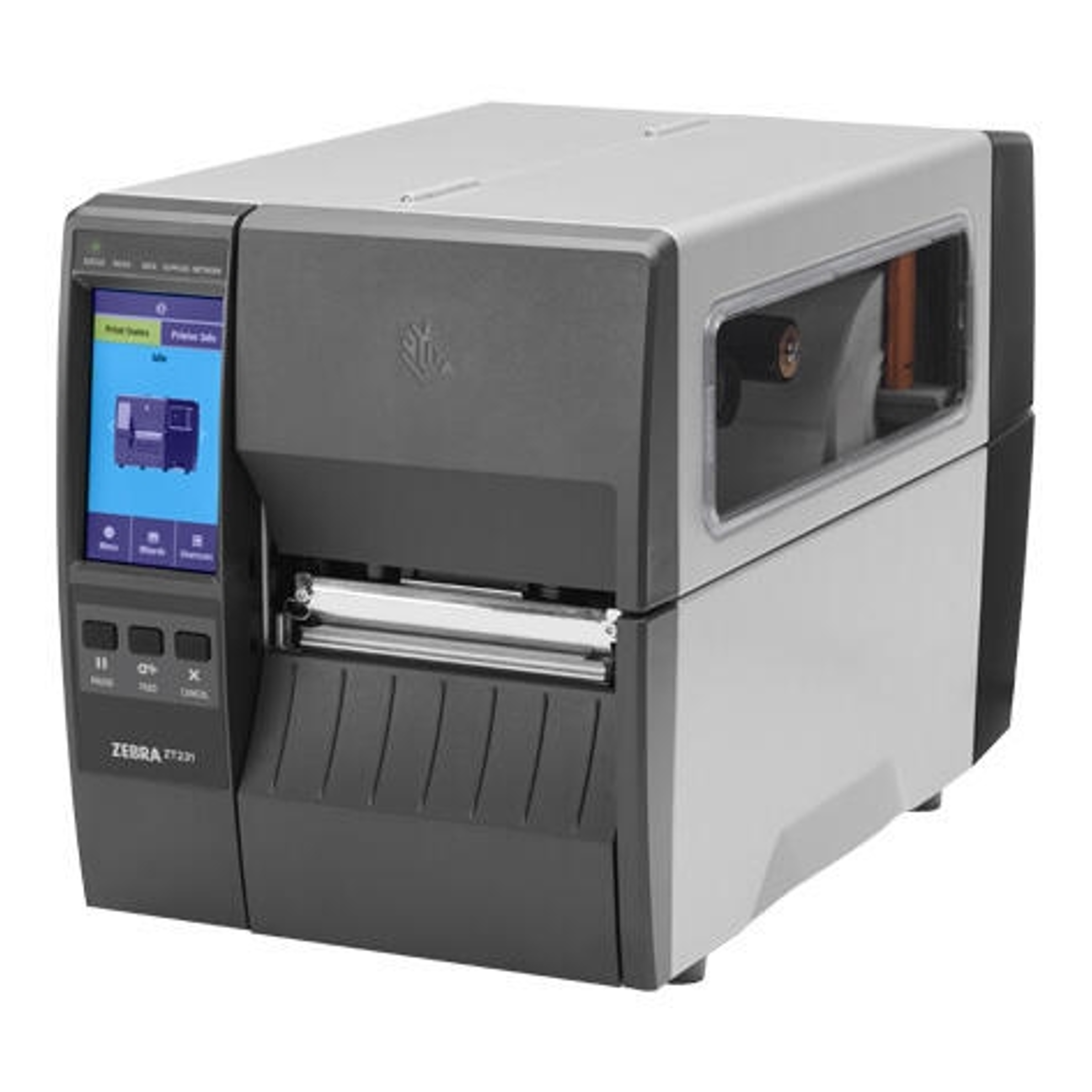
Zebra ZT231 Label Printer AGiiLE
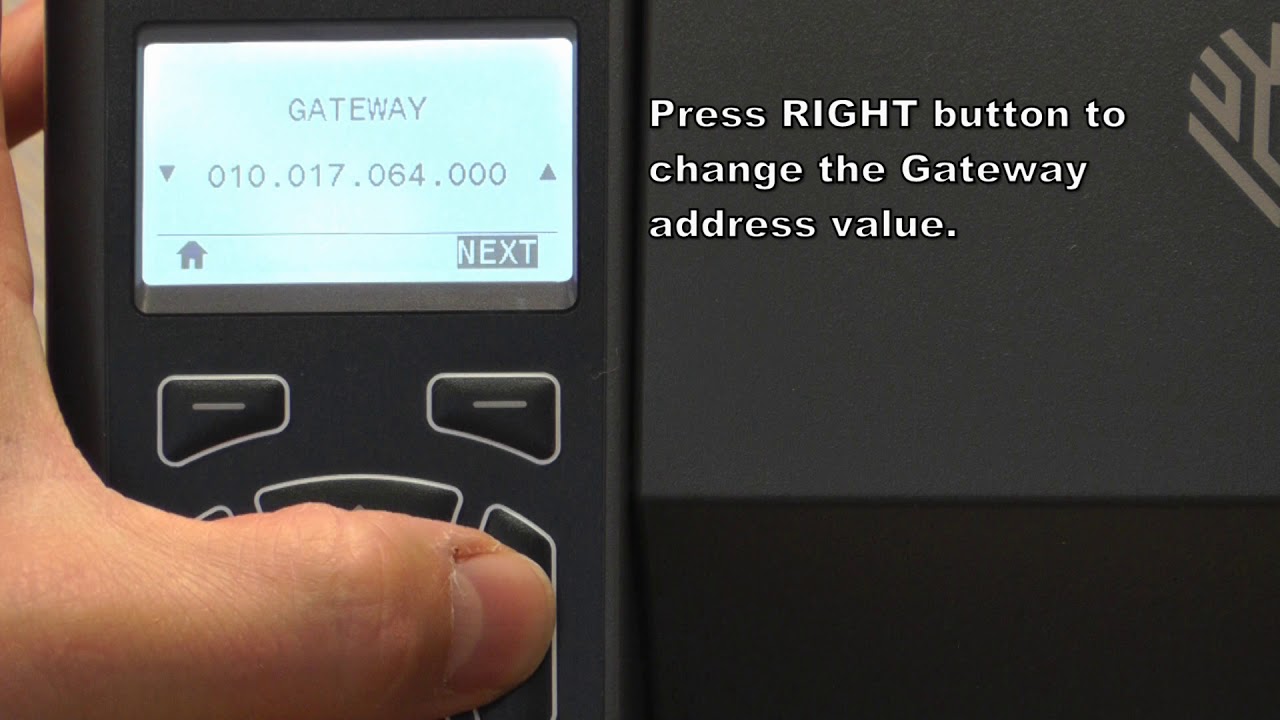
Zebra Printer ZT230 How To Change IP Setting Front Menu DIY
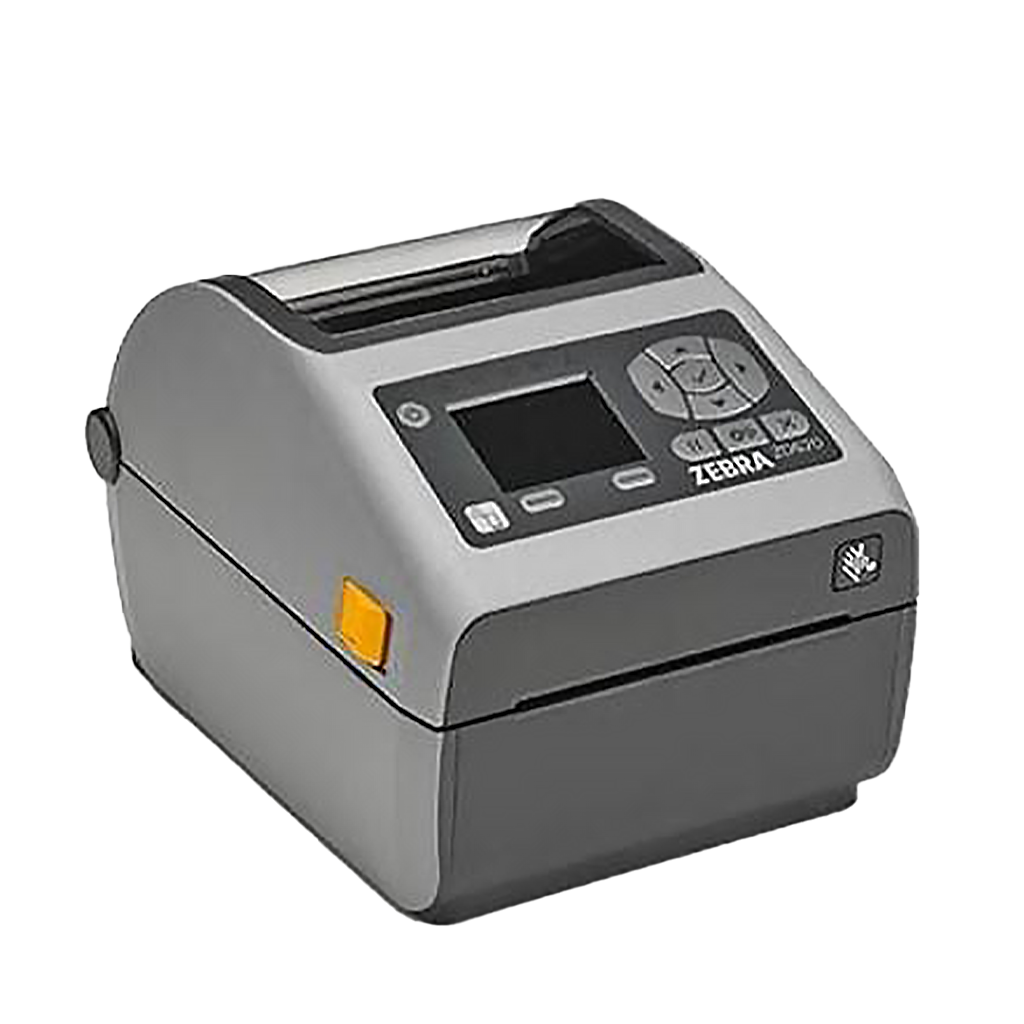
Zebra ZD620 Label Printer AGiiLE

ZEBRA GK420D Direct Thermal Label Printer GK42 2022P0 000 Harry

Zebra Z4M Plus Label Printer Industrial Printers Australia

Zebra QLn420 Mobile Label Printer BT USB Serial Buy Online

VERKKO IMPORTANT Do check the network interface you are currently using Ethernet or WiFi to connect your computer to the network The one in use is with an IP address in

VERKKO 4 helmik 2021 nbsp 0183 32 Steps to be taken 1 Configure your computer IP address to static IP Go to Control panel gt Network and Internet gt Network and Sharing Center gt Click

VERKKO There are five ways to assign an IP address DHCP Dynamic Host Configuration Protocol default setting Zebra Setup Utilities includes the ZebraDesigner
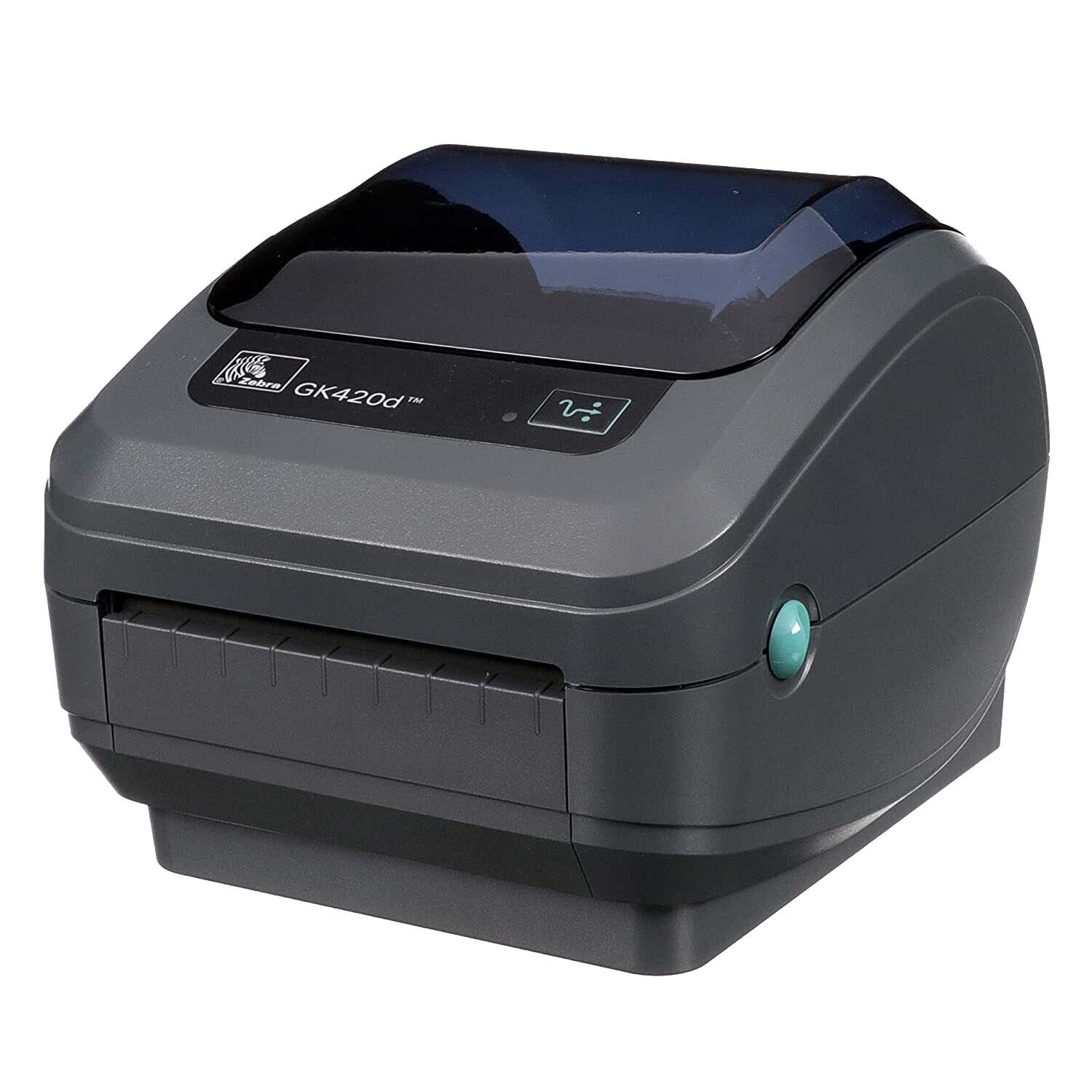
VERKKO 25 tammik 2023 nbsp 0183 32 Procedure Assigning a static IP Address using the printers web page Launch Internet Explorer or Google Chrome and type in the IP address of the printer The printer s home page

VERKKO There are five ways to assign an IP address DHCP Dynamic Host Configuration Protocol default setting Zebra Setup Utilities includes the ZebraDesigner
VERKKO The copyrights in this manual and the software and or firmware in the label printer described therein are owned by ZIH Corp Unauthorized reproduction of this manual VERKKO 9 lokak 2023 nbsp 0183 32 You can use the following to change the wired TCP IP settings through the LCD menu of the printer The printer s default setting is to get the wired
VERKKO If your printer has an integrated ZebraNet 10 100 Internal Print Server option you will need the printer s IP address and other networking information to identify and