Zebra Gk420d Label Printer Setup Zebra ZT230 Label Printer AGiiLE Zebra Printers Labeling Equipment Zebra GK420D Label Printer GK42 202210 000 POS Portal Zebra GK420d Label Printer Direct Thermal 203 X 203 DPI 127 Mm sec Zebra GK420d Printer Added For Labels Exatouch Knowledge Base WEB This article demonstrates how to configure a printer to connect to a network using the Zebra Setup Utilities tool
WEB You can use the Zebra Printer in various applications and it must be appropriately configured to function with your media labels tags etc You must set the label size print darkness and print speed to optimize WEB The free Windows PC based Zebra Setup Utilities will enhance your out of the box printer experience by enabling you to quickly and easily configure select Zebra industrial mobile and desktop printers
Zebra GK420d Printer Added For Labels Exatouch Knowledge Base Zebra Gk420D Lan Setup IN VENDITA PicClick IT Zebra GK420d Label Printer Zebra GK420D Direct Thermal Printer Thermal Labels Doma i Povrijediti Mje ovit Zebra Printer Configuration Cirkus 2 Rolls 1000 Labels Direct Thermal Labels White 6 By 4 100mm X Zebra GK420d Direct Thermal Shipping Label Printer Complete Setup Zebra GK420d Direct Thermal Printer Monochrome Desktop Label Zebra Network Label Printer Labels Ideas 2019
Zebra Gk420d Label Printer Setup
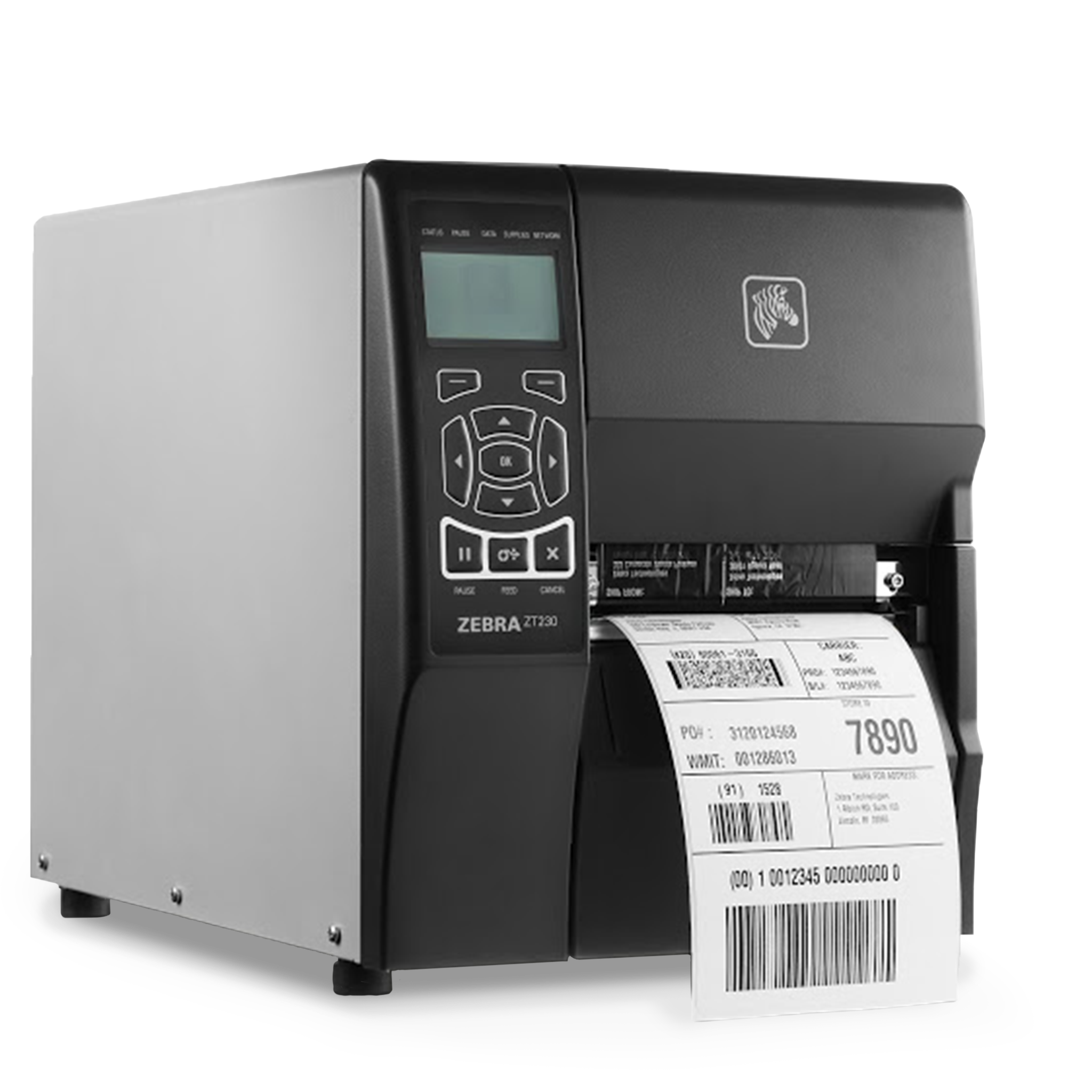 Zebra Gk420d Label Printer Setup
https://agiile.com/wp-content/uploads/2020/04/Zebra-ZT230-FR-Sh-x2048-3.png
WEB Procedure Launch the Zebra Setup Utilities Select your printer and click Configure Printer Settings Set the Label Size and Orientation in the Label Parameters window Units cm mm inches Width The width of the
Templates are pre-designed files or files that can be used for different purposes. They can save time and effort by supplying a ready-made format and design for creating different type of material. Templates can be utilized for individual or expert projects, such as resumes, invitations, leaflets, newsletters, reports, discussions, and more.
Zebra Gk420d Label Printer Setup
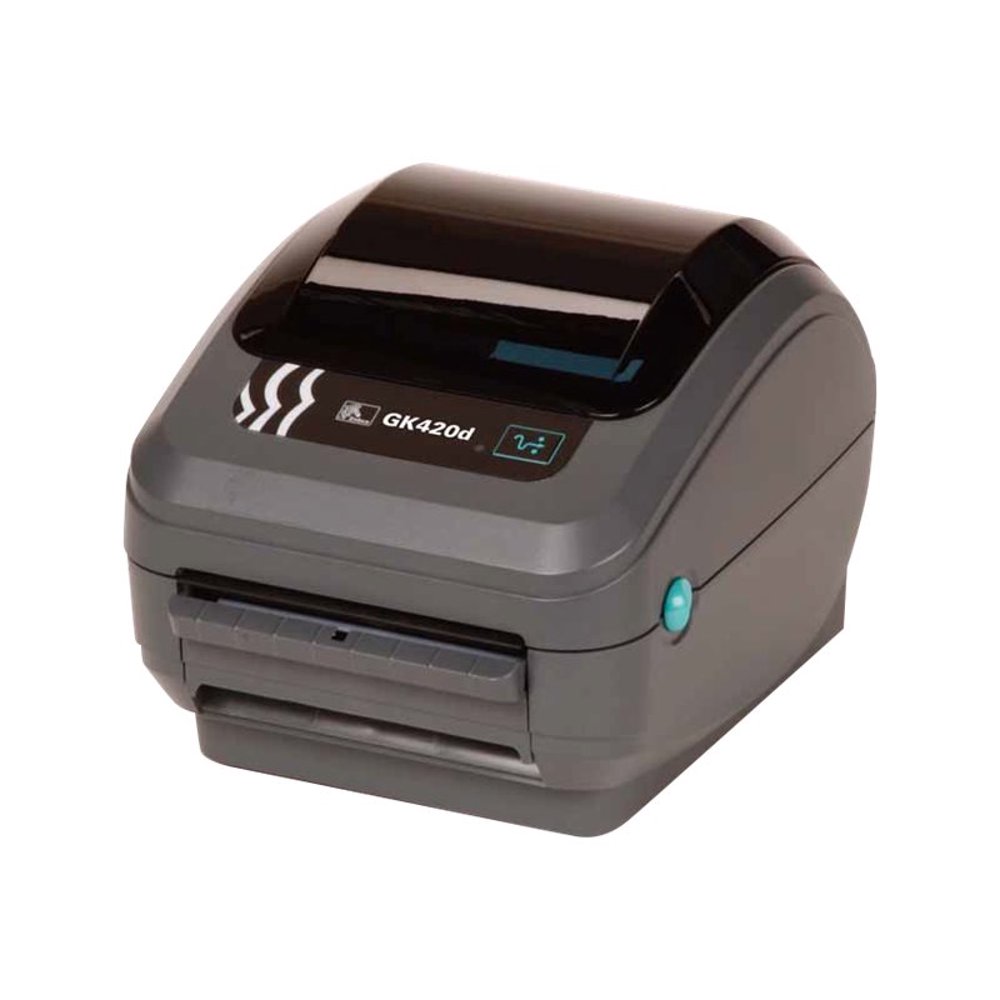
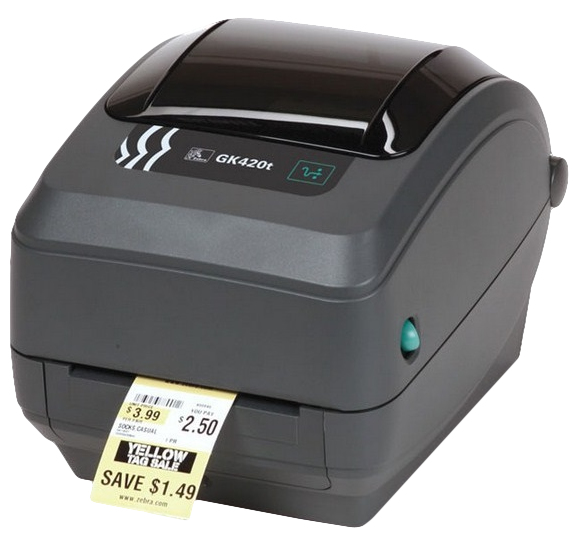
Zebra GK Series GK420d Label Printer Direct Thermal Roll 4 25 In

Zebra Gk420D Lan Setup IN VENDITA PicClick IT

Zebra GK420d Label Printer
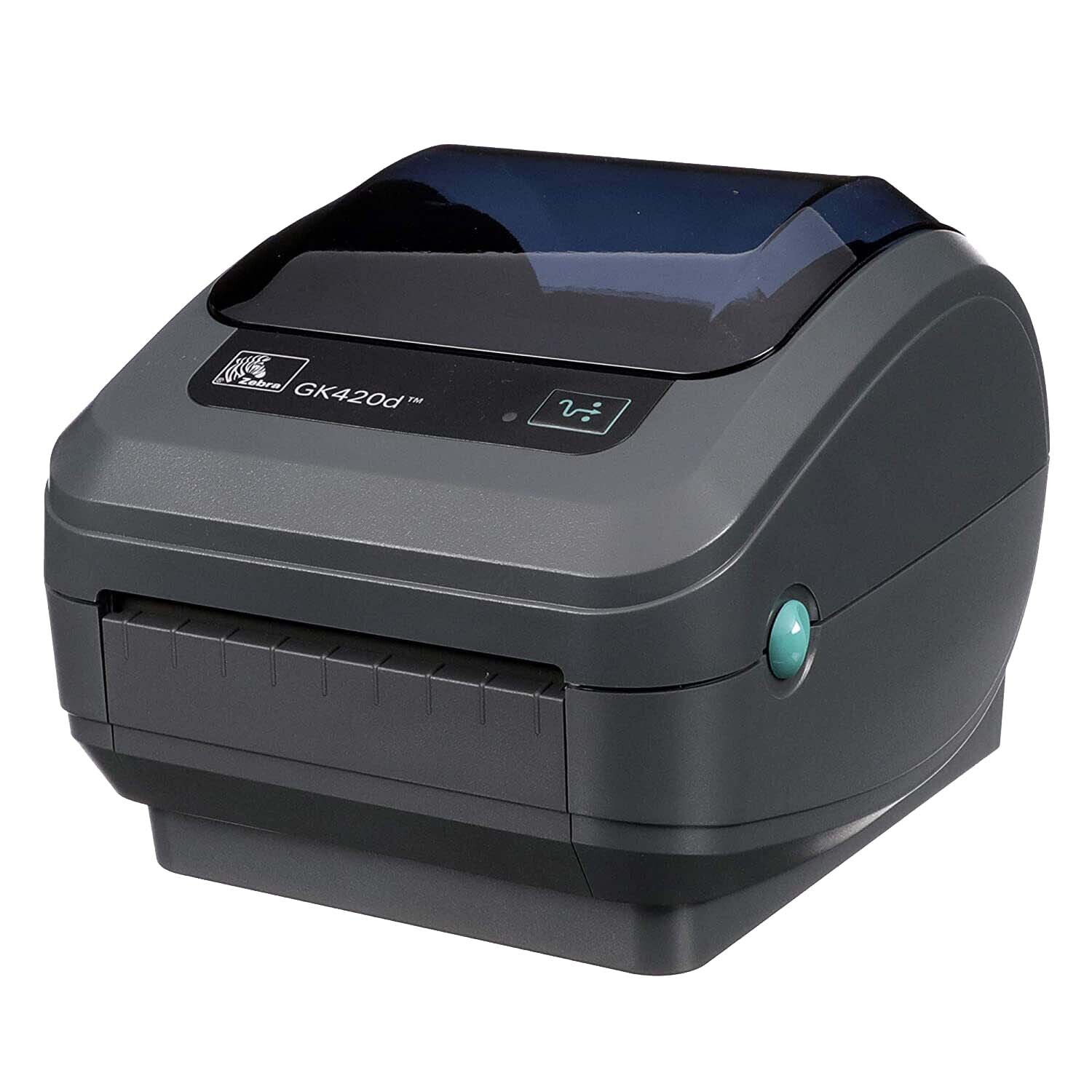
Zebra GK420D Direct Thermal Printer Thermal Labels

2 Rolls 1000 Labels Direct Thermal Labels White 6 By 4 100mm X

Zebra GK420d Direct Thermal Shipping Label Printer Complete Setup
WEB Test Print with a Copied ZPL Command File What to Do If You Forget to Install Printer Drivers First Print Operations Determining Printer Configuration Localizing the Printer

WEB print labels and receipts get printer status import graphics and fonts send programming commands update firmware and download files Clone printer settings and send
WEB Jul 14 2015 nbsp 0183 32 Setting up GK420d label printer The drivers can be download from the link below https www zebra us en support d Video guide on installing GK420d
WEB print labels and receipts get printer status import graphics and fonts send programming commands update firmware and download files Clone printer settings and send
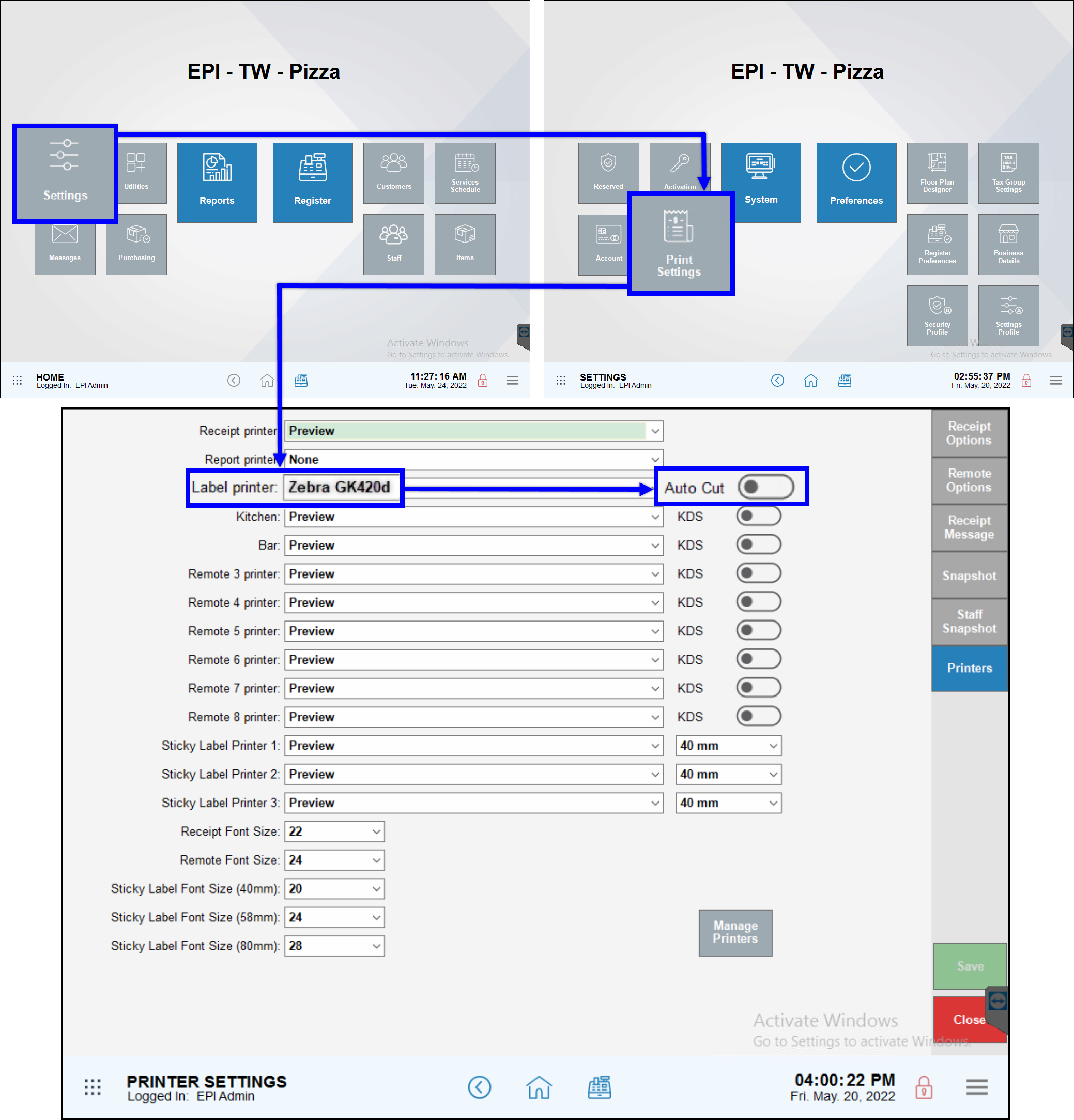
WEB Connect the printer to your computer s USB port and power it on Learn how to use Zebra Setup Utilities to configure your printer with a wired or wireless connection See the
WEB How to set the ZDesigner driver to Use Printer Settings to prevent the driver from over writing printer settings set on the printer applicable to ZDesigner Driver version 5 WEB Procedure Open Zebra Setup Utilities and select Install New Printer Click Next and select Install Printer Select your printer model and the correct dpi In this case we will use the
WEB When the setup is complete you may select to add the drivers to your system Configure System or to add specific printers see Running the Printer Installation Wizard