Zebra Gk420d Driver Install Cyrstal Lugo Zebra GK420d Printhead Replacement IFixit Repair Guide Manual Zebra GK420D page 1 Of 102 English Zebra Gk420d Driver Install Mac Mignon Turley Zebra Gk420d Driver Install Marvellous Things Newsletter Photos Zebra Product Warranty Check Online Warranty Lookup Check Warranty Status Warranty start date and end date Checker Zebra OneCare Service Contract Entitlement
Issue Question How to calibrate ZP450 ZP500 ZP Series printers Why is the ZP450 ZP500 printer skipping labels Find quick answer for Zebra products check warranty online email Zebra technical Support Software license reset join Zebra Discussion forum and Zebra accessories
Zebra Gk420d Driver Install Marvellous Things Newsletter Photos Zebra Gk420d Driver Install Mac Sharen Bloom Zebra Gk420d Driver Download Mac Islandtree Zebra Gk420d Driver Install Arouse Online Diary Pictures Library Zebra GK 420D Thermal Label Printer GK420D Driver Manual Office Equipment Business Zebra GK420d 100 X 100mm Direct Thermal How To Install A Zebra GK420d Thermal Printer Through USB Install Carla al Zebra Desen Fil Di i Zebra GK420 AMRO BALTIC
Zebra Gk420d Driver Install
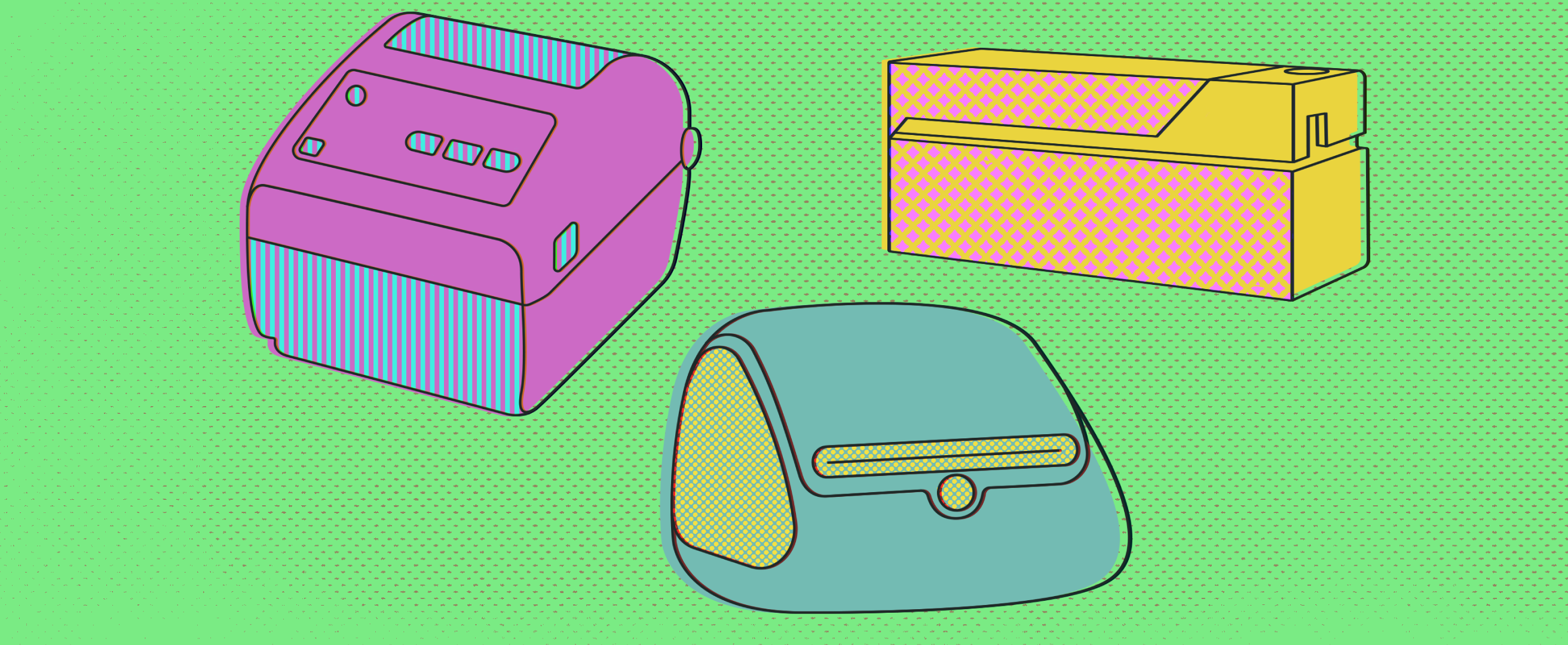 Zebra Gk420d Driver Install
https://www.shipstation.com/wp-content/uploads/2018/10/printerblog_blog-feature.png
Jun 18 2025 nbsp 0183 32 Resetting the Device There are two reset functions soft reset and hard reset Performing a Soft Reset if the application stop responding
Templates are pre-designed documents or files that can be used for different purposes. They can save time and effort by supplying a ready-made format and layout for creating various kinds of content. Templates can be used for personal or professional projects, such as resumes, invitations, flyers, newsletters, reports, presentations, and more.
Zebra Gk420d Driver Install
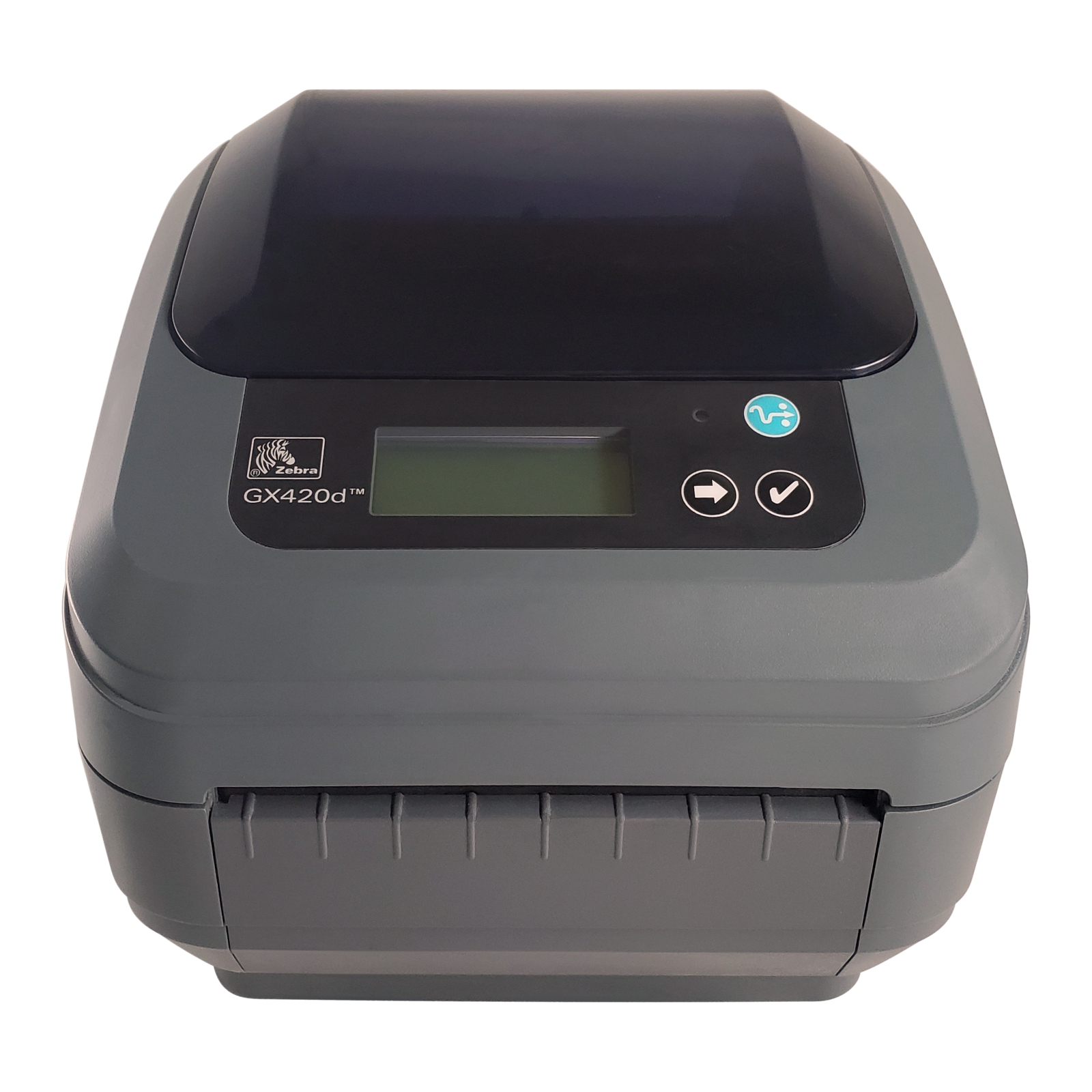
Install Zebra Zp 505 Driver Windows 10 Operfsit

Zebra Gk420d Driver Install Mac Sharen Bloom

Zebra Gk420d Driver Download Mac Islandtree

Zebra Gk420d Driver Install Arouse Online Diary Pictures Library
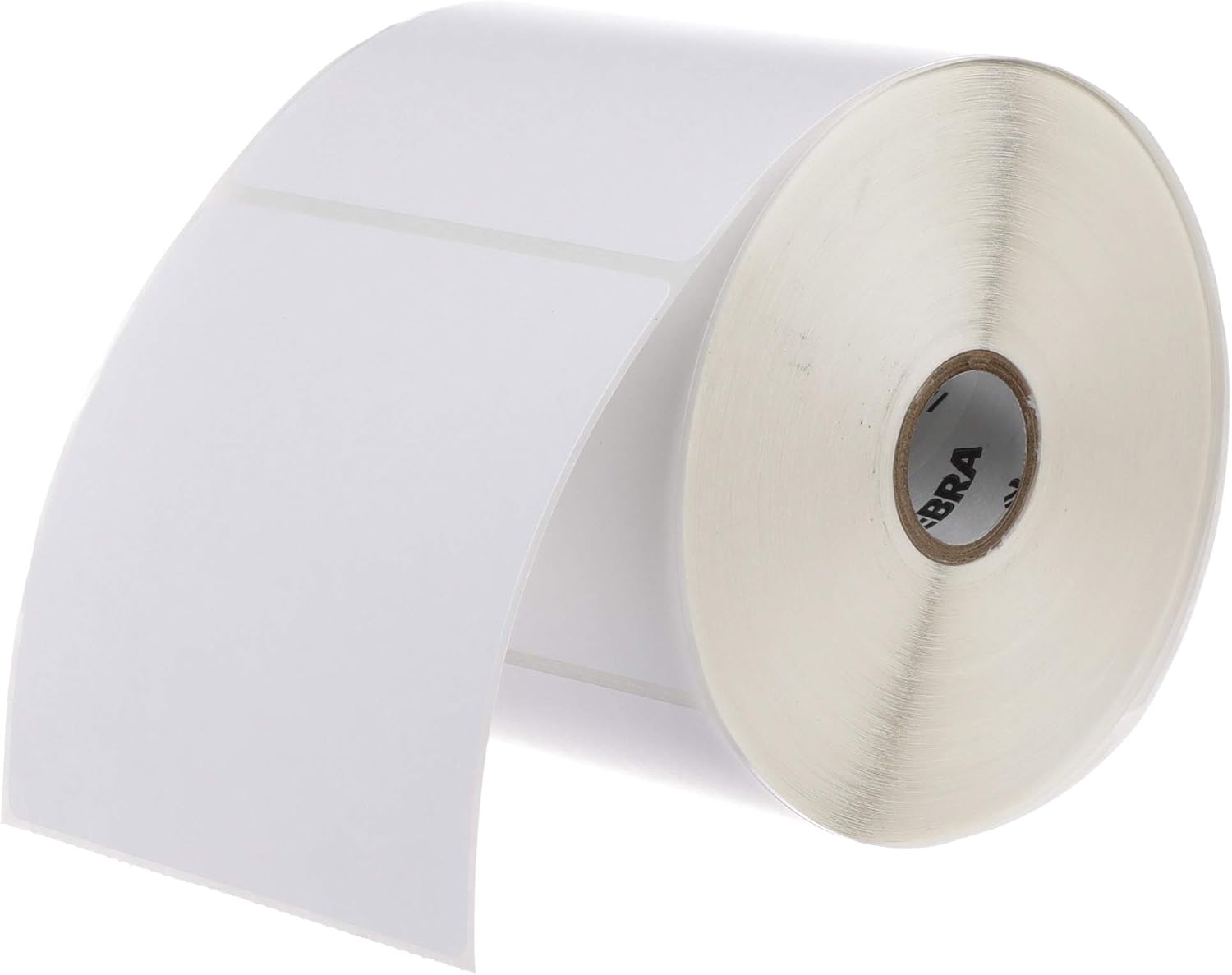
Office Equipment Business Zebra GK420d 100 X 100mm Direct Thermal

How To Install A Zebra GK420d Thermal Printer Through USB Install

NOTE Before you proceed ensure that Zebra Setup Utilities is installed in your PC with the printer s programming language and printer driver set to ZPL Zebra Programming Language Read this article for more details Change Printer Language and Driver to ZPL or EPL

Use Zebra Setup Utilities network setup wizard for wired or wireless configuration requiring appropriate print server options Procedure Open Zebra Setup Utilities and select Configure Printer Connectivity

Helpful Information ZT411 ZT421 Colour Touch User Guide ZT411 and ZT421 Ribbon and Media Sensor Manual Calibration
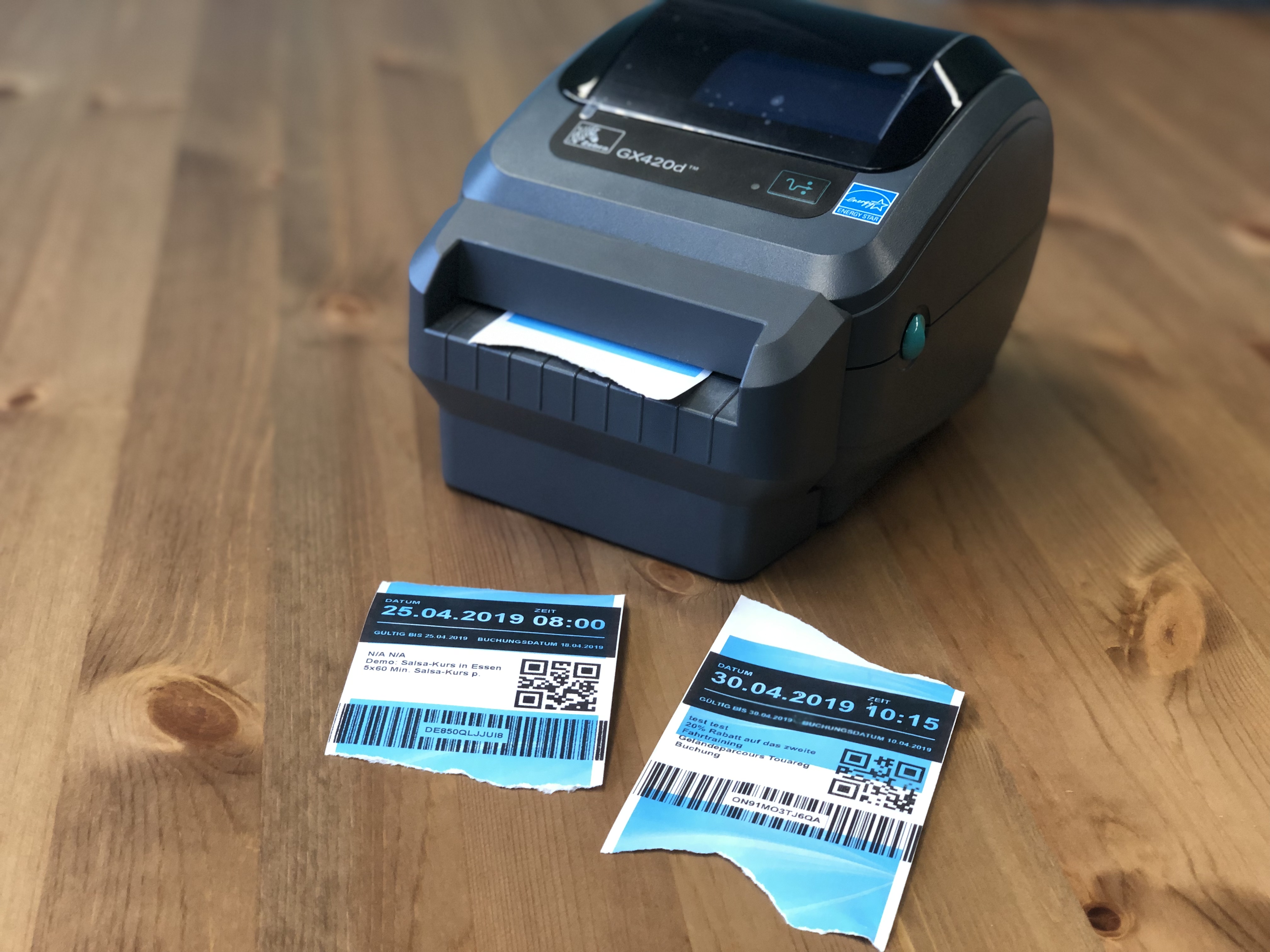
End Of Service Life EOSL Zebra no longer provides services or support for ZM400 ZM600 RZ400 and RZ600 products This knowledge article is for your reference only and is no longer proactively updated For more details refer to Discontinued Printers If you are interested in upgrading your products Contact Zebra

The latest ZebraDesigner v3 software version is now 3 2 2 649 The installer is zebradesigner3 322649 exe Use ZebraDesigner 3 barcode label design software to easily create industry standard compliant labels based on fixed or variable data
[desc-11] [desc-12]
[desc-13]