Zebra Barcode Scanner Installation Zebra RS5100 Single Finger BlueTooth Ring Scanner TVS BARCODE SCANNER BS L150S WL INSTALLATION WORKING YouTube Barcode Scanner Brickbilla Programming Zebra Symbol Scanners Support Dosya Zebra Botswana Edit02 jpg Vikipedi Find quick answer for Zebra products check warranty online email Zebra technical Support Software license reset join Zebra Discussion forum and Zebra accessories
Jan 23 2025 nbsp 0183 32 This article outlines the steps to print a test page from the Zebra Browser Print web interface Zebra Setup Utilities Downloading Fonts to a Printer 171 Go Back
Dosya Zebra Botswana Edit02 jpg Vikipedi Buy NetumScan Upgraded Version Wireless Barcode Scanner With Stand 3 Best Handheld Barcode Scanners For Scanning QR Codes Buy MUNBYN Barcode Scanner Android Long Range Barcode Scanner 2D Zebra DS2278 Cordless 2D Scanner Zebra LS2208 1D Barcode Scanner Buy 2023 Android Barcode Scanner With Pistol Grip Android 11 Wi Fi 6 Ls300 Barcode Scanner Manual Seoozseods Zebra Mobile Barcode Printers RMS Omega
Zebra Barcode Scanner Installation
 Zebra Barcode Scanner Installation
http://www.zebraelterminali.com/Upload/Product/Big/zebra-rs5100-yuzuk-tipi-barkod-okuyucu_0eb6cc.jpg
171 Go BackInformation
Templates are pre-designed documents or files that can be used for different purposes. They can conserve effort and time by offering a ready-made format and design for developing various type of material. Templates can be used for individual or professional projects, such as resumes, invites, flyers, newsletters, reports, presentations, and more.
Zebra Barcode Scanner Installation
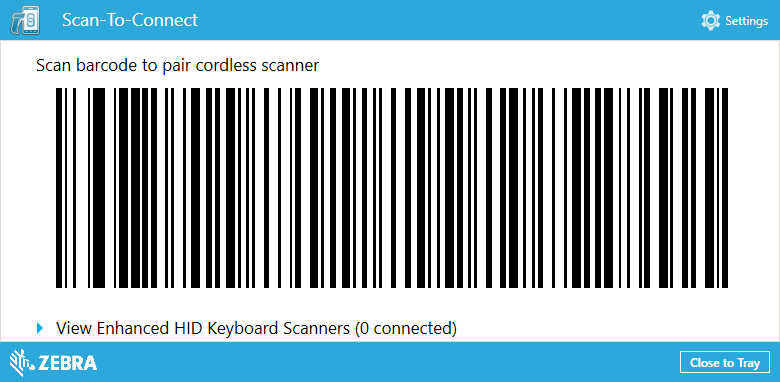
Scan To Connect Utility For Windows Barcode Printing Zebra Technologies

Buy NetumScan Upgraded Version Wireless Barcode Scanner With Stand
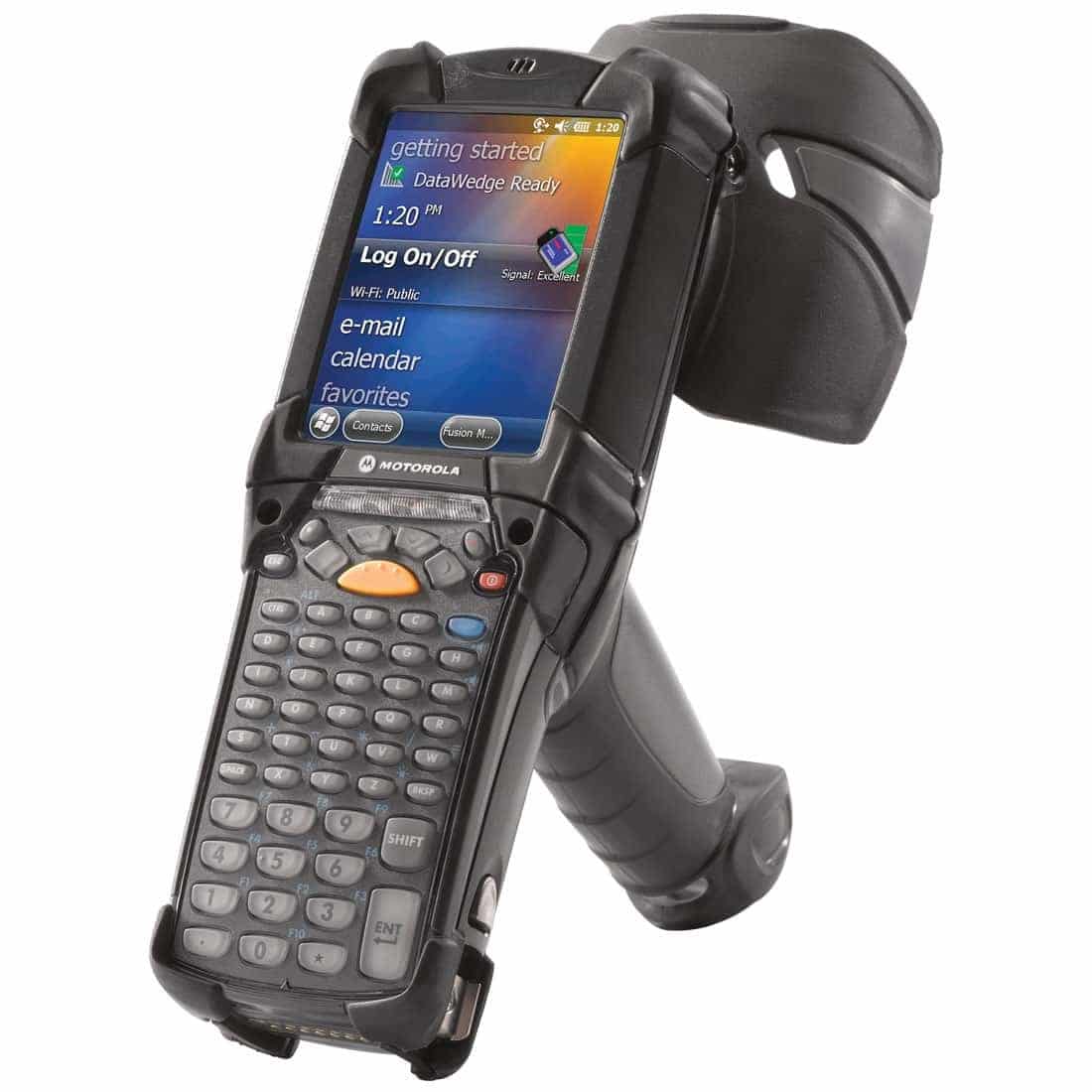
3 Best Handheld Barcode Scanners For Scanning QR Codes

Buy MUNBYN Barcode Scanner Android Long Range Barcode Scanner 2D

Zebra LS2208 1D Barcode Scanner

Buy 2023 Android Barcode Scanner With Pistol Grip Android 11 Wi Fi 6

Identifying Your Printer s IP Address on a Printer Without an LCD Control Panel

May 16 2025 nbsp 0183 32 This article demonstrates how to install the Zebra ZP230D Printer on a Windows Computer

171 Go BackInformation

Jun 6 2025 nbsp 0183 32 This guide provides step by step instructions for installing the Zebra ZP505 or ZP506 printer driver on a Windows 10 or Windows 11 PC

Sep 21 2024 nbsp 0183 32 This article describes how to enable a carriage return line feed Enter Key suffix after every scan with the laser scanners when attached via USB or Keyboard Wedge
[desc-11] [desc-12]
[desc-13]