Zebra Barcode Printer Settings Zebra Direct Thermal Desktop Barcode Printers In Stock ULINE Zebra ZD220 Thermal Barcode Printer Max Print Width 4 Inches Zebra ZD421 Barcode Printer ZD4A042 301M00EZ Advanced Automation Inc Zebra ZD220 Barcode Printer Max Print Width 4 Inches Resolution Barcode Printers Decoding The Barcode Printing Process Accurate Web Feb 25 2022 nbsp 0183 32 ZT200 Series Initial Printer Setup Details and Information Article ID 000013203 February 25 2022 This article describes details on media ribbon and communication settings print quality and printing from an app driver or a program on the ZT200 Series printers
Web Print Settings Table 1 Print Settings Print Darkness Set the darkness to the lowest setting that provides good print quality If you set the darkness too high the label image may print unclearly bar codes may not scan correctly the ribbon may burn through or the printhead may wear prematurely Web This guide is for integrators and operators of Zebra Link OS ZD410 desktop printers Use this guide to install change configuration operate and maintain these printers Other online resources are available to support this printer include How to videos Link to printer specifications Printer accessory supplies parts and
Barcode Printers Decoding The Barcode Printing Process Accurate Zebra Zt230 Barcode Label Printer Max Print Width 4 Inches 3 Best Handheld Barcode Scanners For Scanning QR Codes ZEBRA ZT411 300 DPI BARCODE PRINTER Max Print Width 4 Inches At Rs Barcode Printer Zebra ZD220 Toko Barcode ID Card Printer Dan Mesin Amazon Zebra LP2844 120627 061 Direct Thermal Barcode Label Zebra Barcode Label Printer Zd220 Available Official Store Sri Lanka Zebra Zd220 Barcode Label Printer Max Print Width 4 Inches Zebra Barcode Label Printer Zd230 Available Official Store Sri Lanka
Zebra Barcode Printer Settings

https://img.uline.com/is/image/uline/HD_7113_txt_USEng?$Mobile_Zoom$
Web Connectivity Settings Wizard Configure the printer s Network and Bluetooth settings Media Settings Wizard Configure the printer for the correct media size and type Print Quality Wizard Set the best speed and darkness combination for your media
Templates are pre-designed files or files that can be utilized for different functions. They can conserve effort and time by offering a ready-made format and design for creating different kinds of content. Templates can be utilized for personal or expert jobs, such as resumes, invites, flyers, newsletters, reports, presentations, and more.
Zebra Barcode Printer Settings

Zebra Zd220 Barcode Printer 4 Inch At Rs 10500 In Ahmedabad ID

Zebra Zt230 Barcode Label Printer Max Print Width 4 Inches
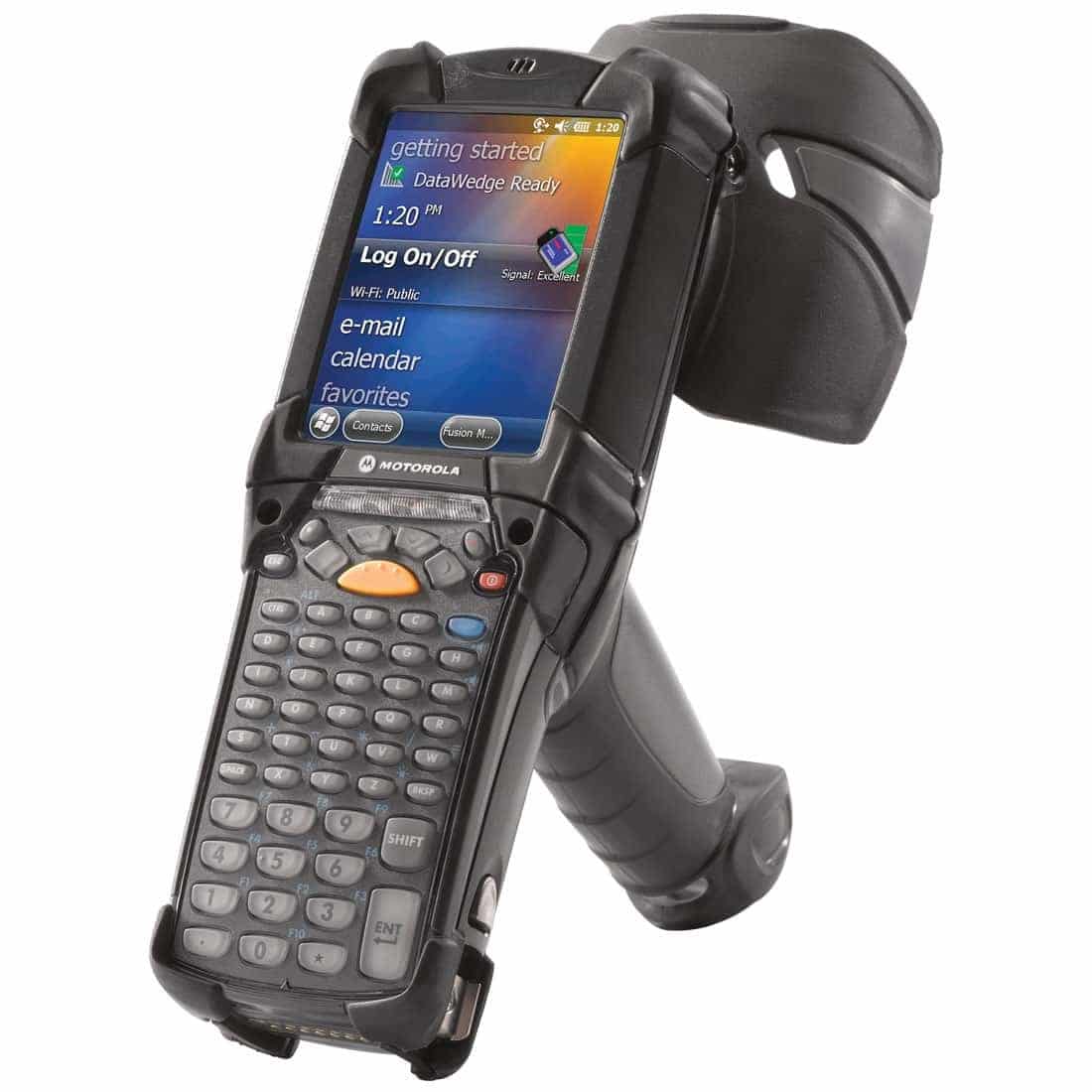
3 Best Handheld Barcode Scanners For Scanning QR Codes

ZEBRA ZT411 300 DPI BARCODE PRINTER Max Print Width 4 Inches At Rs
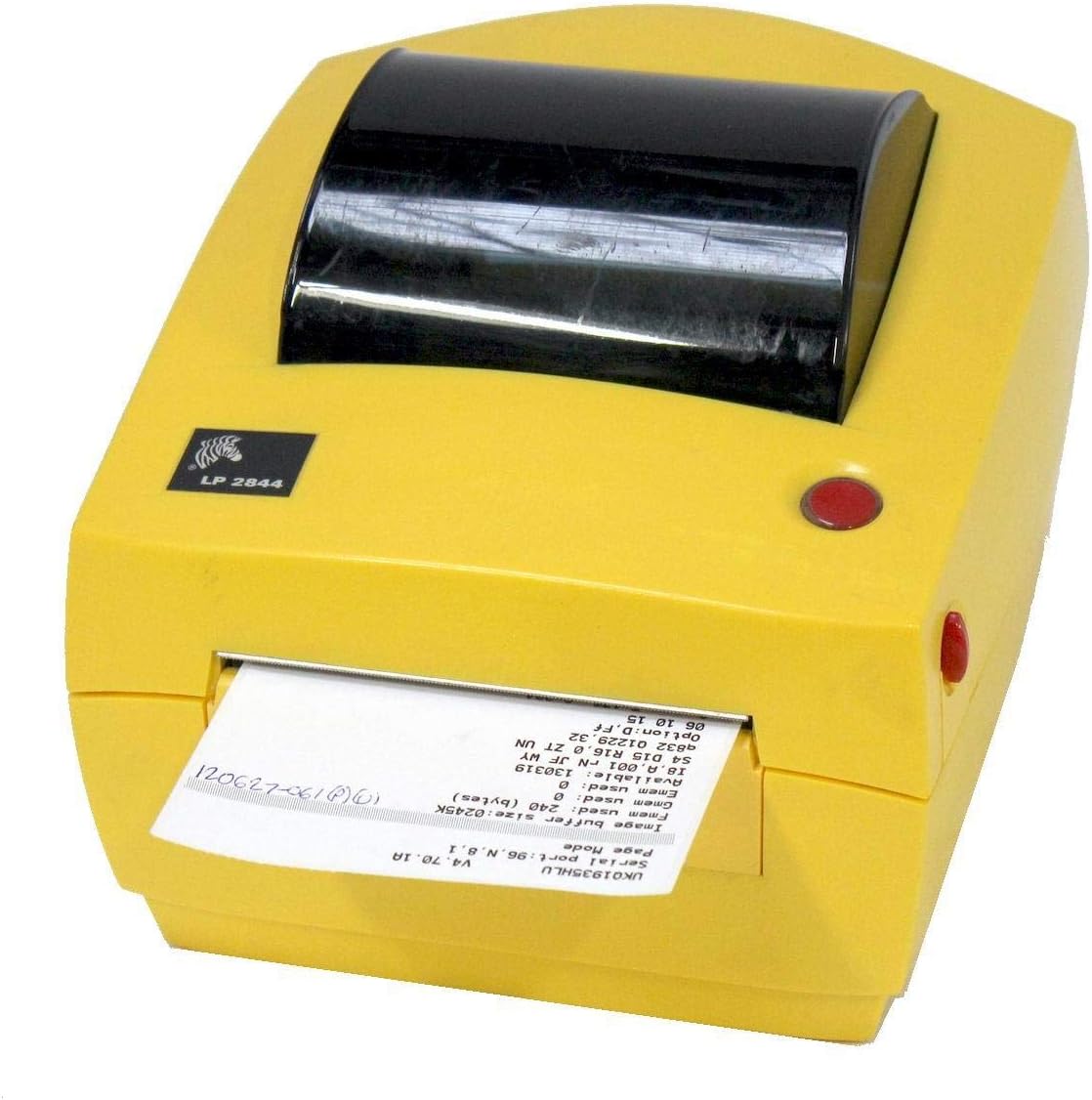
Amazon Zebra LP2844 120627 061 Direct Thermal Barcode Label
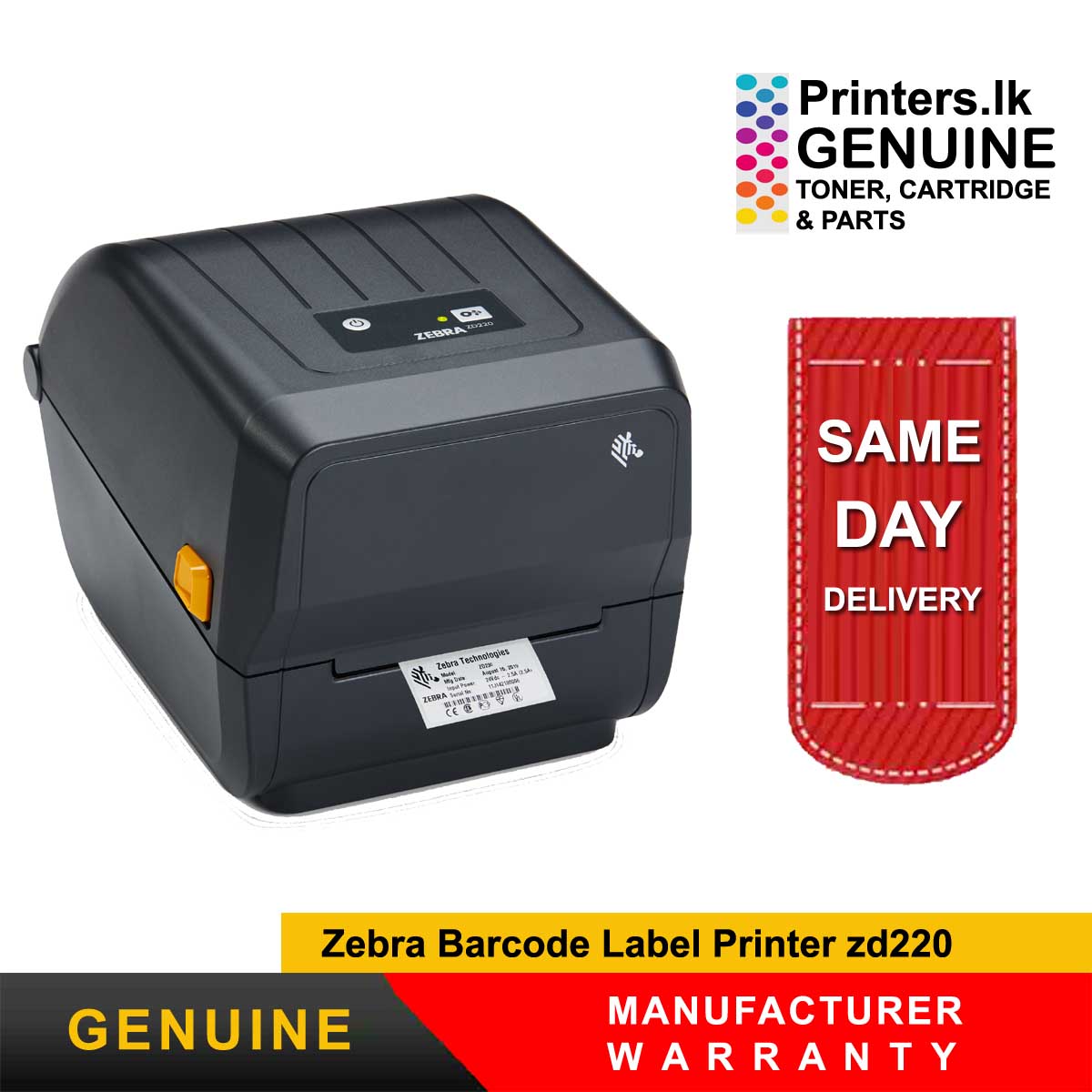
Zebra Barcode Label Printer Zd220 Available Official Store Sri Lanka

Web Adjust Printer Settings You can modify printer settings in one or more of the three ways described here Some settings are modifiable only through a subset of these methods The appropriate methods available to modify each setting are listed under the various menu tables in this guide

Web Printer Configuration and Adjustment Tulostimen m 228 228 ritykset ja s 228 228 t 228 minen T 228 ss 228 osassa kerrotaan tulostimen m 228 228 rityksist 228 ja s 228 228 d 246 ist 228 Aloitusn 228 ytt 246 Tulostimen asetusten muuttaminen V 228 ri ja etikettinauhan paikoitusanturin kalibrointi Tulostusp 228 228 n paineen s 228 228 t 228 minen Anturin asennon s 228 228 t 228 minen

Web Zebra Printer Setup Utilities Windows computers Android devices Apple devices Other ways documented in this guide See Other Ways to Change Printer Settings Printer Configuration and Adjustment Changing Printer Settings through the Windows Driver Other Ways to Change Printer Settings

Web Zebra Setup Utilities Downloading ZSU and Configuring Printer Settings Article ID 000016693 October 24 2019 This article demonstrates how to configure printer settings using the Zebra Setup Utilities ZSU

Web Operational status darkness speed media type etc installed printer options network interface settings cutter etc and printer description information serial number model name firmware version etc are all included on the configuration report See Testing Printing with the Configuration Report to print this label
Web Nov 7 2019 nbsp 0183 32 On the ZT411 and ZT421 hold the cancel and feed buttons or use the touch display to navigate to Menu gt Gear icon gt Settings gt Print System Settings Desktop Printers For G Series Printers press and hold the Feed Button for one flash then release Refer to Printing Self Test Labels For ZD500 press and hold the Cancel Key Web Zebra Printers resolution answer Cause or Overview IMPORTANT Ensure the settings in the printer driver and the label software are identical Verify that any printer configurations on your host application or driver are set to
Web May 18 2023 nbsp 0183 32 Listed are the methods that can be used to alter the print width if necessary The Zebra Setup Utility can be used to configure the printer s settings Refer to Zebra Setup Utilities Downloading ZSU and Configuring Printer Settings If your application is printing through the ZDesigner Driver