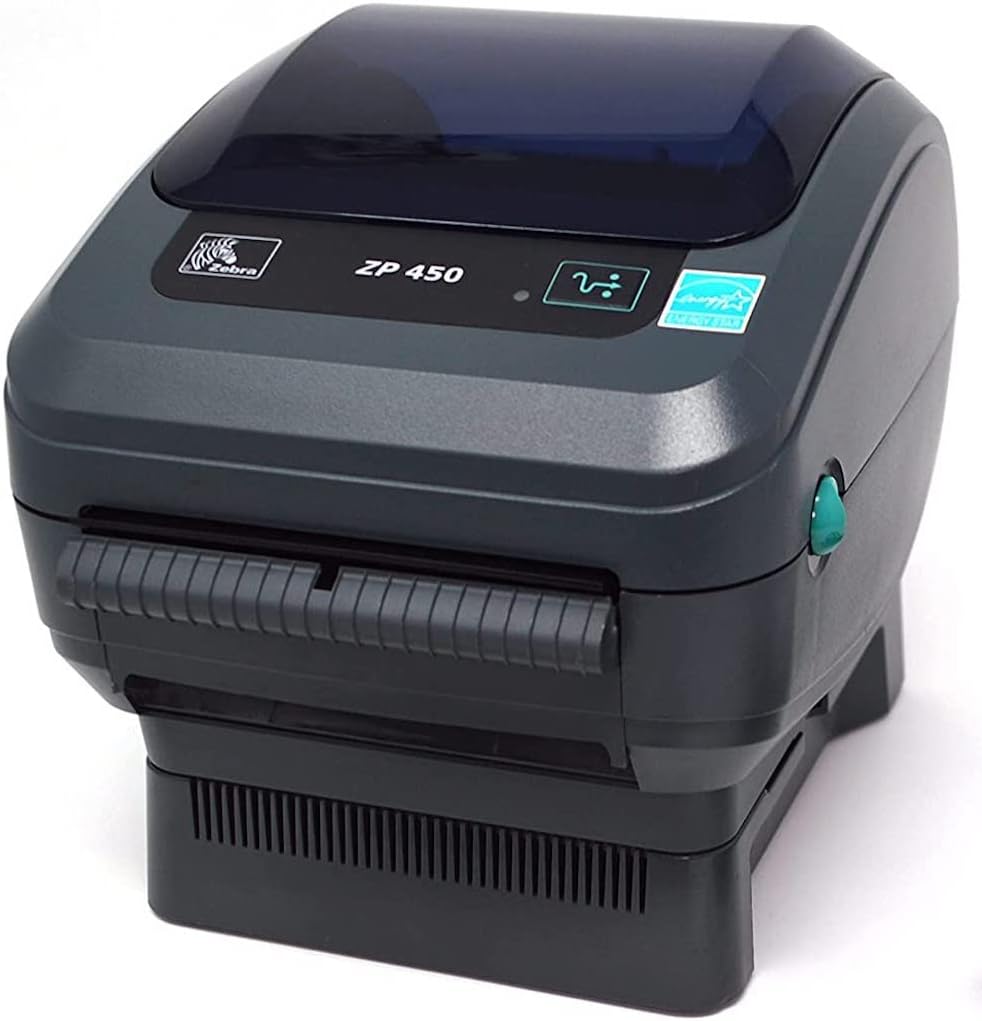
Zebra 450 Label Printer Troubleshooting Zebra ZP 450 Label Thermal Bar Code Printer Zebra ZP 450 Cadgulf Zebra 450 Not Printing PRINTING CDR Dymo LabelWriter 450 USB Label Printer 1752264 B H Photo Video Zebra ZP450 ZP 450 Label Thermal Bar Code Printer Botswana Ubuy Dymo LabelWriter 450 Duo Label Printer 1752267 B H Photo Video Verkko Troubleshooting Feed Button Modes 54 980546 003 B ZP 450 User Guide 12 17 07 Users familiar with the Zebra EPL desktop printer use this Feed mode to replace
Verkko 7 tammik 2022 nbsp 0183 32 Tech Docs Site Help ZP Series Calibrating the Printer Article ID 000016142 January 7 2022 This article outlines the steps to calibrate the Verkko Manual Calibration Troubleshooting Tests Resetting the Factory Default Values Communications Diagnostics FEED Button Modes This section provides information
Dymo LabelWriter 450 Duo Label Printer 1752267 B H Photo Video How To Troubleshoot For The Zebra Label Printer ShippingEasy ZP 450 Zebra Thermal Postage Printer Overview YouTube Dymo LabelWriter 4XL Label Printer 1755120 B H Photo Video Zebra ZP 450 Label Thermal Bar Code Printer ZP450 0501 0000A New And Original ZE500 4 Printer Platen Roller For Zebra ZE500 4 Zebra ZP 450 Label Thermal Bar Code Printer ZP450 0501 0000A NEW DYMO LabelWriter Label Maker Printer Silver Black USB 450 For Zebra Lp2844 Label Holder Complete Set Printer Parts Ink
Zebra 450 Label Printer Troubleshooting
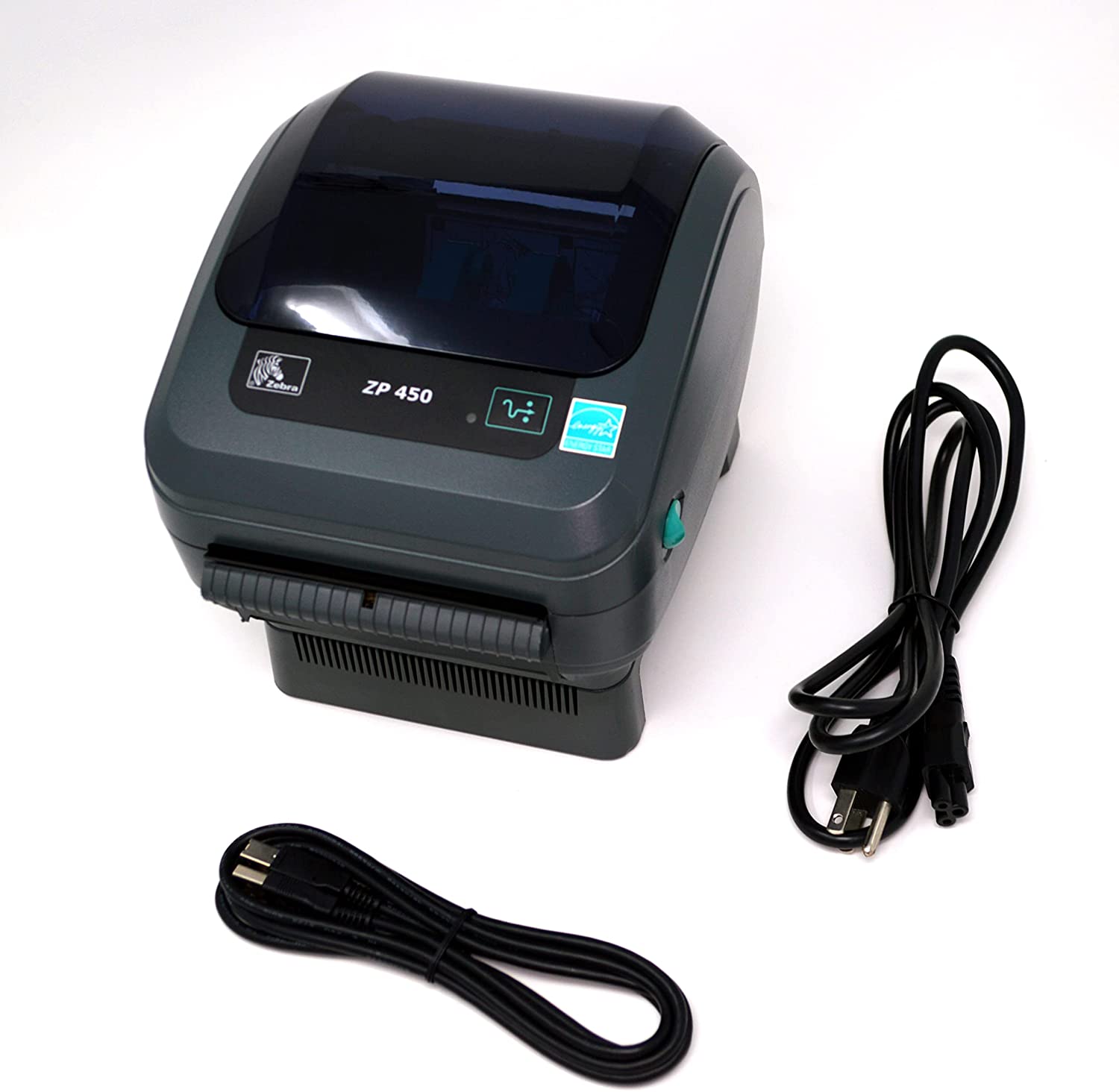 Zebra 450 Label Printer Troubleshooting
https://cadgulf.com/wp-content/uploads/2021/11/Zebra-ZP-450-Label-Thermal-Bar-Code-Printer-Zebra-ZP-450.jpg
Verkko Updating Printer Drivers and Firmware for Zebra 450 Verifying the Label Design and Format in UPS Worldship Testing the Printer by Printing a Sample Label Tips for Avoiding Common Issues while Printing
Pre-crafted templates use a time-saving service for producing a diverse variety of files and files. These pre-designed formats and designs can be made use of for various individual and professional projects, consisting of resumes, invitations, flyers, newsletters, reports, presentations, and more, simplifying the material production procedure.
Zebra 450 Label Printer Troubleshooting
How To Troubleshoot For The Zebra Label Printer ShippingEasy

How To Troubleshoot For The Zebra Label Printer ShippingEasy
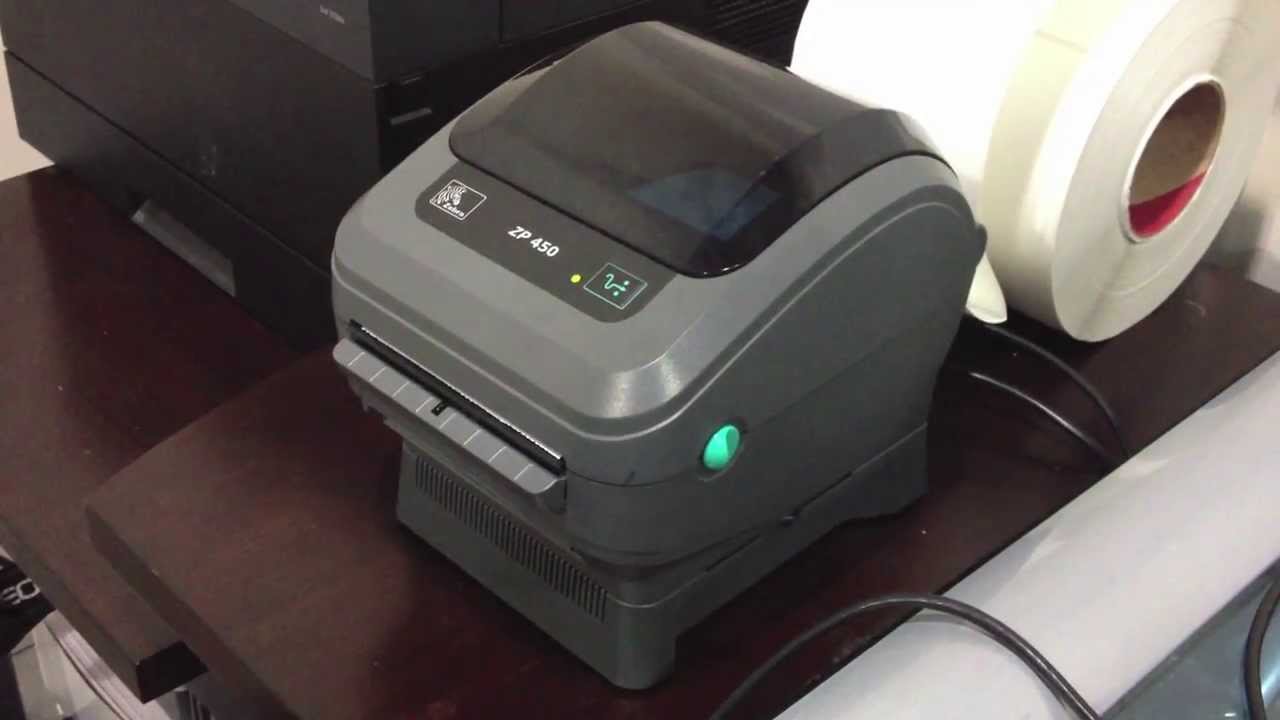
ZP 450 Zebra Thermal Postage Printer Overview YouTube

Dymo LabelWriter 4XL Label Printer 1755120 B H Photo Video
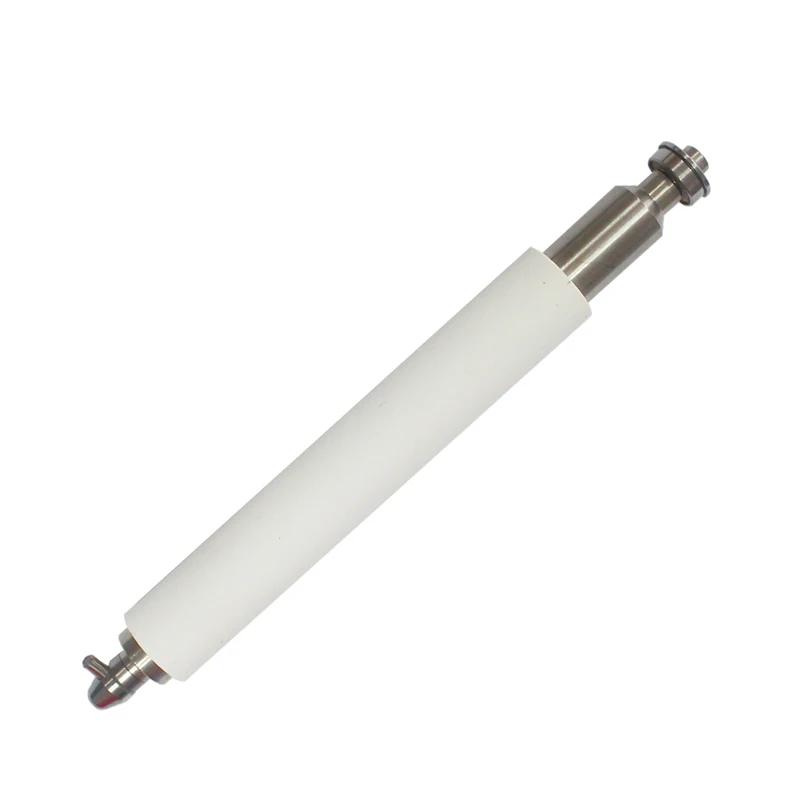
New And Original ZE500 4 Printer Platen Roller For Zebra ZE500 4

Zebra ZP 450 Label Thermal Bar Code Printer ZP450 0501 0000A

Verkko Diagnostics and Troubleshooting This section provides diagnostic tests and other information that may help you to optimize printing or to troubleshoot issues with your

Verkko Printing on label is light Darkness setting needs adjusting The print head needs to be cleaned Won t print and the indicator light is red The top lid is open Out of paper Printer needs calibrating Paper won t

Verkko 2 maalisk 2023 nbsp 0183 32 Adjusting the quality of the printed image Setting the print darkness Setting the print speed Symptoms addressed by this solution include Light print
Verkko 12 syysk 2022 nbsp 0183 32 Review service options if the printer fails to perform a self test on power up No Power For LP2844 verify the power supply connected to the printer

Verkko 38 ZP 450 User Guide 980546 003 A Troubleshooting Print Quality Problems The printing does not start at the top of the label or misprinting of one to three labels
Verkko Determining Your Printer s Configuration Settings Selecting a Print Mode Adjusting the Print Quality Darkness Control Switch Adjusting Print Width Printing on Fanfold Verkko Configuration Labels PAUSE Self Test Sensor Profile Using Communication Diagnostics Mode Loading Defaults or Last Saved Values Alert and Error States
Verkko If your handheld Zebra label printer is skipping multiple labels when printing there are three things you can try to fix it These printers use a sensor to determine the gaps or