Yum List All Kernel Versions Tomcat Red Hat Enterprise Linux Cockpit How To Install Cockpit On CentOS 7 8 HunterMichaelG CSDN 1 1 Latest LINUX Kernel Versions Of Different Series Source Failed To Retrieve Available Kernel Versions Ubuntu Microsoft WSL Web 1 705 3 16 25 answered May 15 2013 at 18 58 slm 368k 121 774 878 Then I can run yum update lt package name gt provided the package to which I m trying to upgrade is in fact
Web Nov 23 2017 nbsp 0183 32 You can also use YUM and DNF to check installed kernels yum list kernel Installed Packages kernel x86 64 5 0 10 300 fc30 updates kernel x86 64 Web Jul 9 2019 nbsp 0183 32 yum update kernel gives you a list of packages being updated and their new versions
Failed To Retrieve Available Kernel Versions Ubuntu Microsoft WSL 15 Useful YUM Commands For Beginners LinuxTeck Failed To Retrieve Available Kernel Versions Ubuntu Microsoft WSL Failed To Retrieve Available Kernel Versions Ubuntu Microsoft WSL Yum List All PDF Internet Standards Application Layer Protocols Me How To Remove Old Linux Kernels In CentOS RHEL 8 CentLinux Solved Draw A Table That Shows Some Sample Kernel Versio Linux DHCP Linux CSDN linuxdhcp
Yum List All Kernel Versions
 Yum List All Kernel Versions
https://images2018.cnblogs.com/blog/795254/201809/795254-20180903181001817-1635470861.png
Web Jan 2 2024 nbsp 0183 32 To check the list of kernel available in your repository yum list kernel Loaded plugins langpacks product id search disabled repos subscription manager
Pre-crafted templates provide a time-saving solution for producing a varied variety of files and files. These pre-designed formats and layouts can be used for various individual and expert tasks, including resumes, invitations, flyers, newsletters, reports, presentations, and more, streamlining the content development process.
Yum List All Kernel Versions
Cockpit How To Install Cockpit On CentOS 7 8 HunterMichaelG CSDN

15 Useful YUM Commands For Beginners LinuxTeck

Failed To Retrieve Available Kernel Versions Ubuntu Microsoft WSL
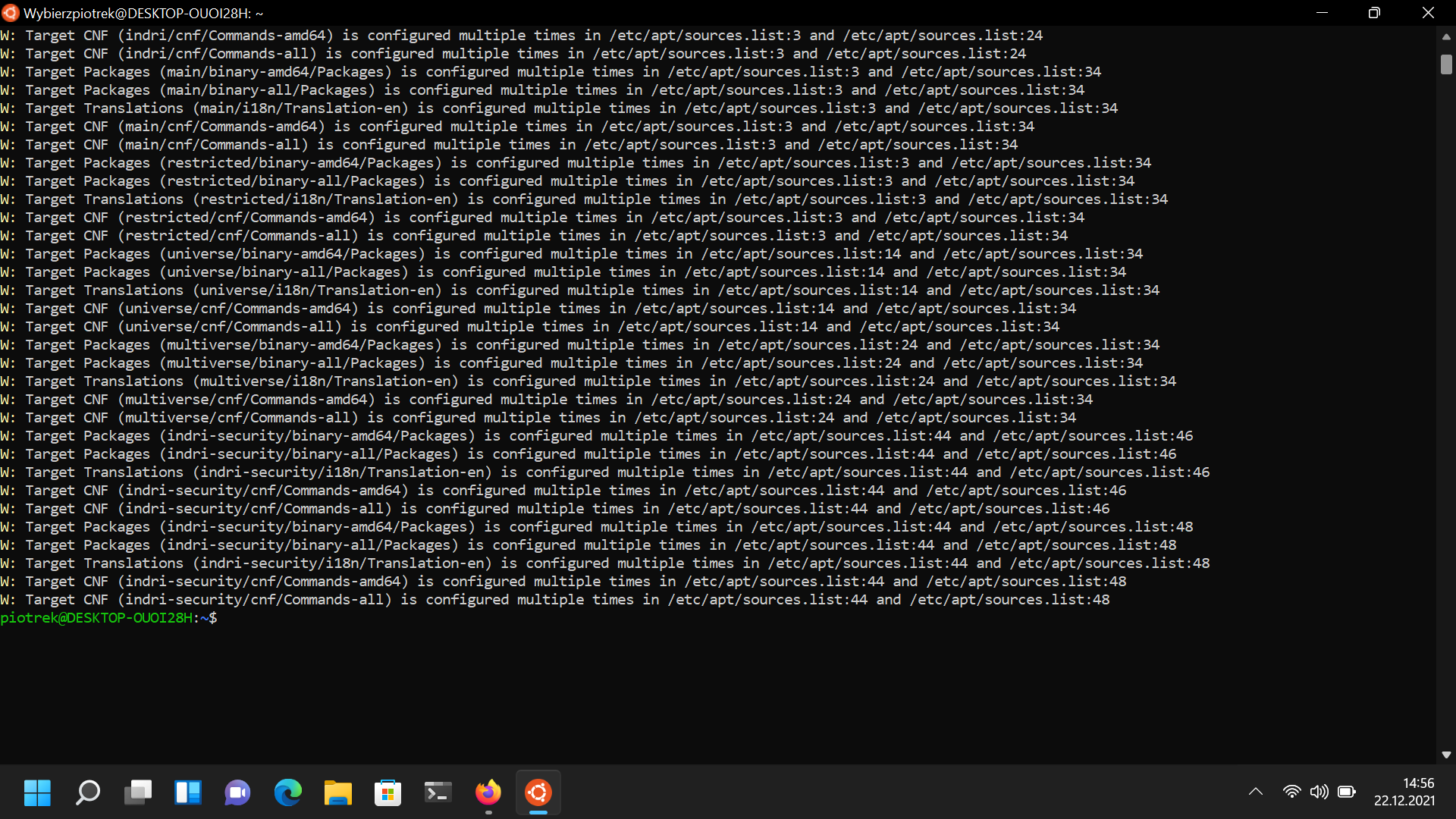
Failed To Retrieve Available Kernel Versions Ubuntu Microsoft WSL
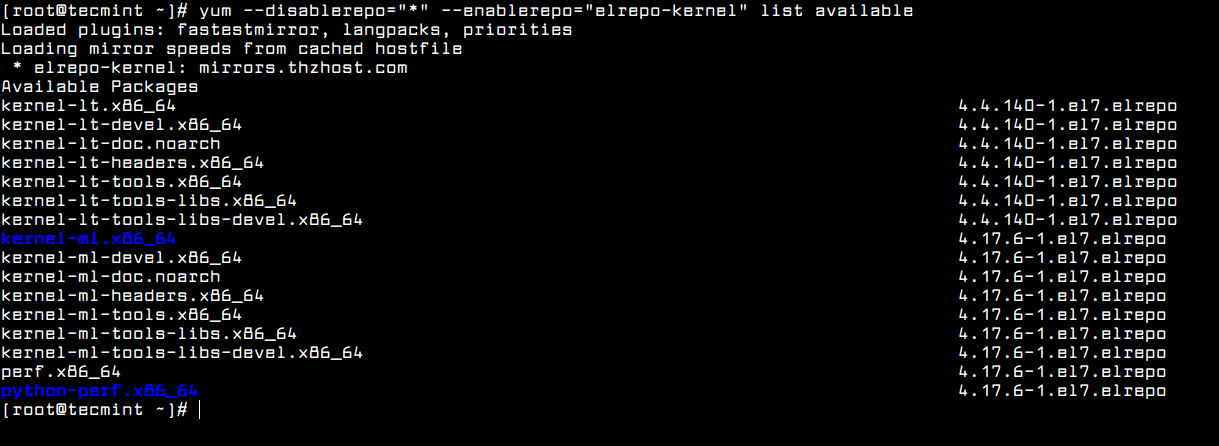
Me
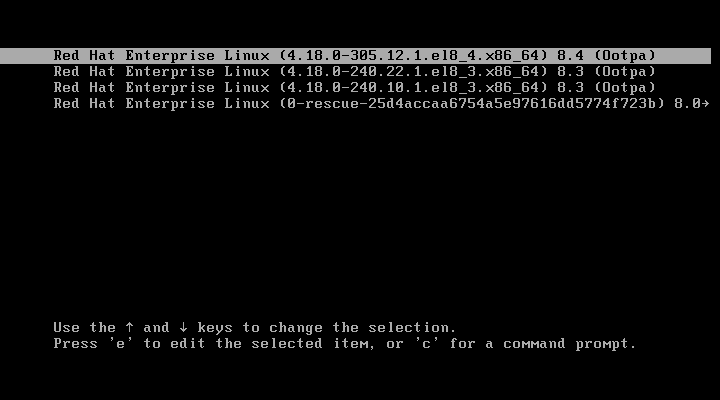
How To Remove Old Linux Kernels In CentOS RHEL 8 CentLinux
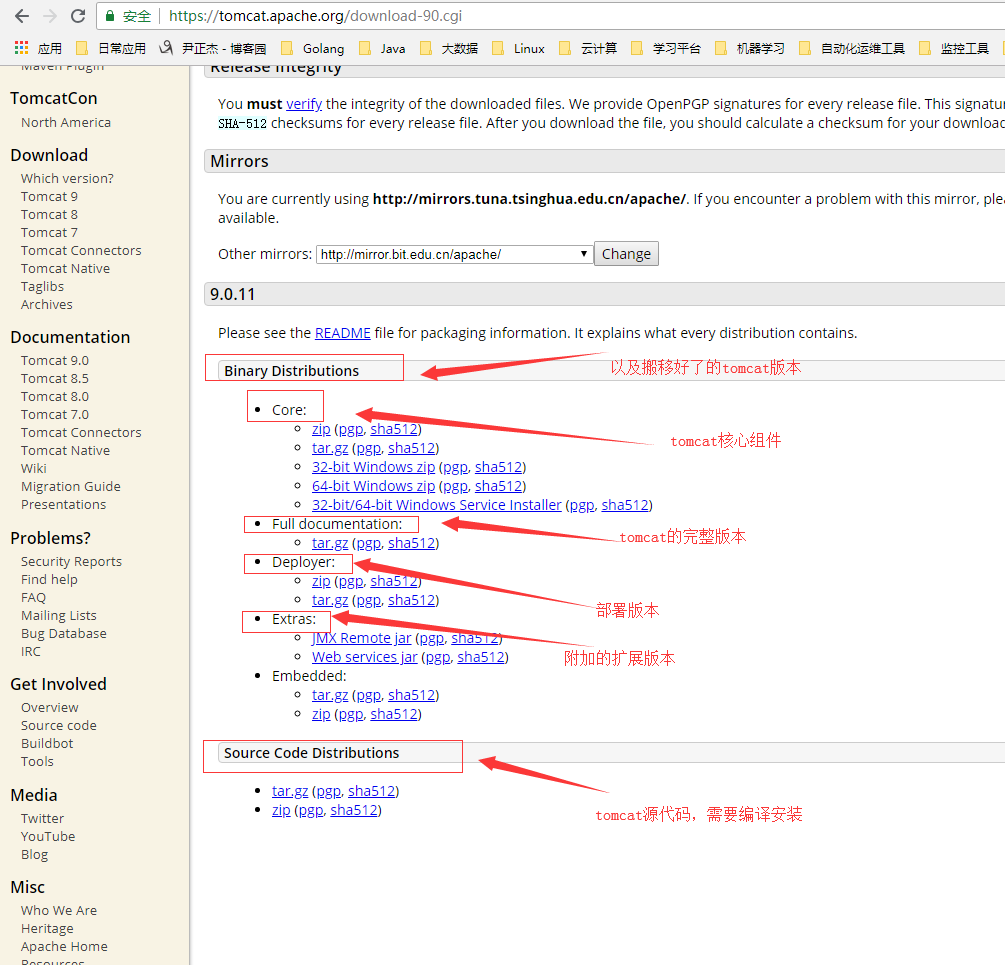
Web Jun 25 2023 nbsp 0183 32 Show All Versions of Package with yum Run the following command to show all versions of a package available in enabled repositories yum list
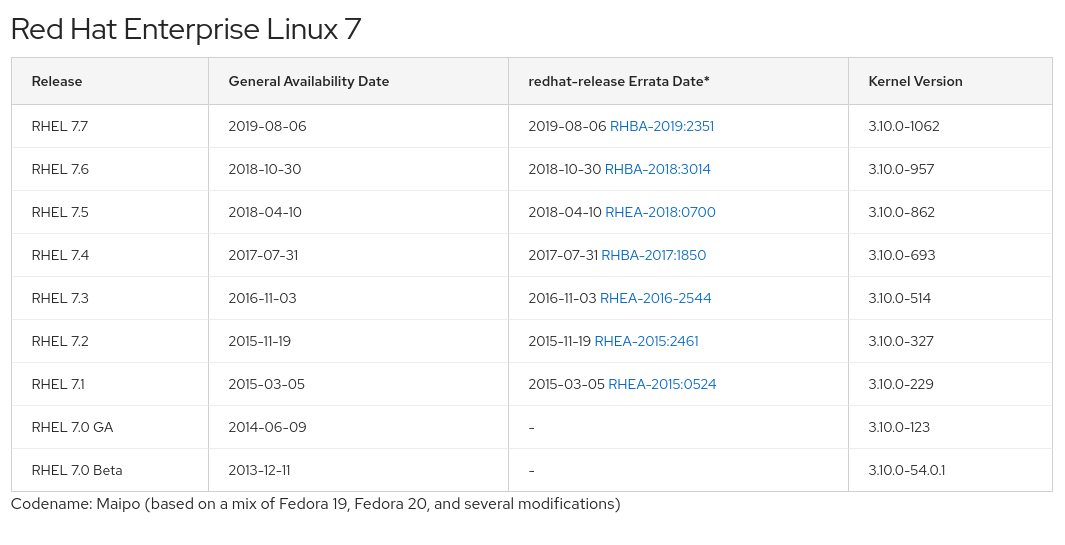
Web Nov 30 2017 nbsp 0183 32 the command i execute yum list showduplicates kernel command i execute the output Installed Packages kernel x86 64 3 10 0 123 el7 anaconda
Web for Red Hat Enterprise Linux YUM QUERIES SUBCOMMAND help Display yum commands and options yum help Show yum subcommands and options DESCRIPTIONS AND

Web Updated December 6 2014 at 6 51 PM English The yum command is the primary tool for getting installing deleting querying and otherwise managing Red Hat Enterprise Linux RPM software packages from official
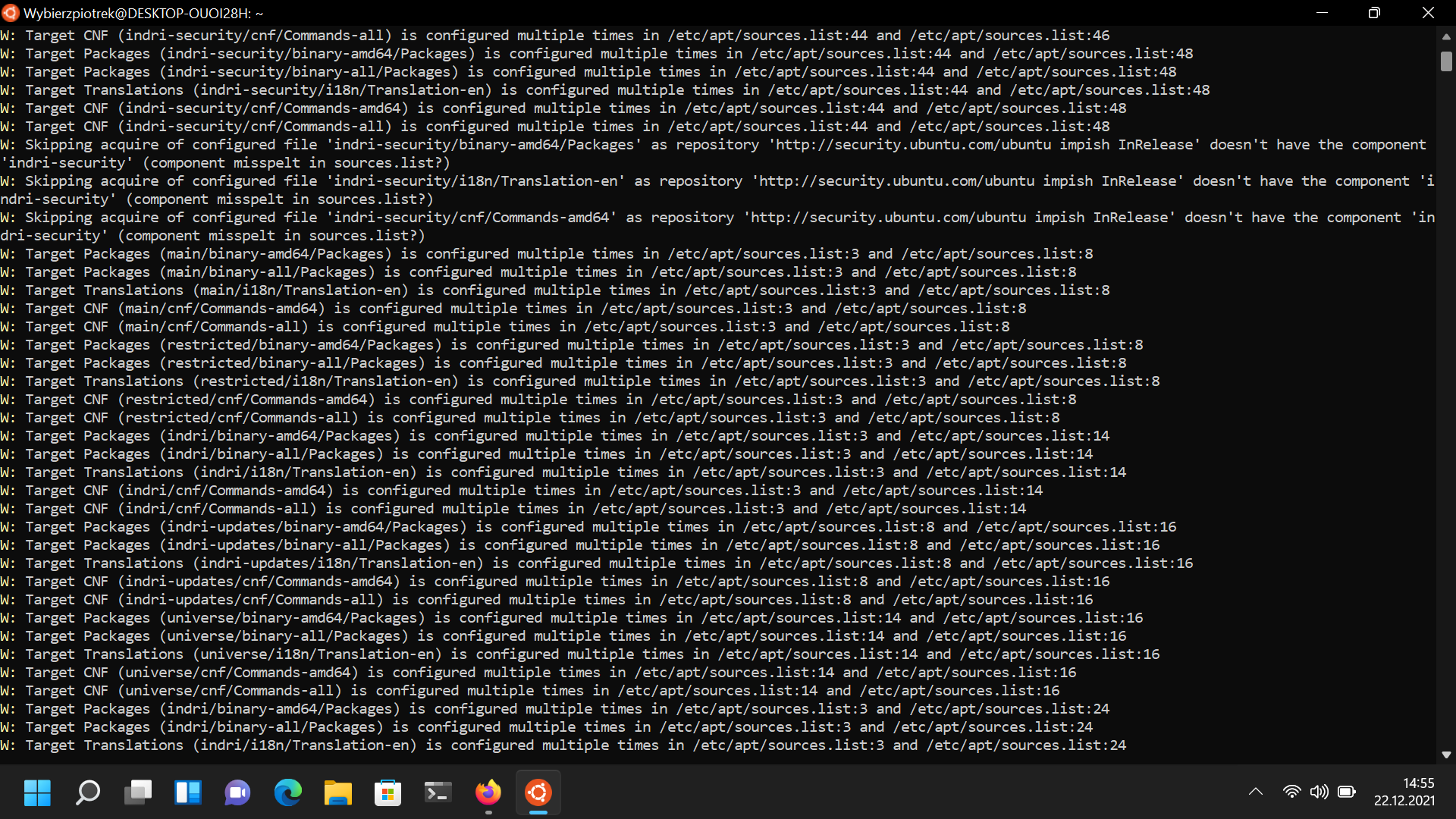
Web yum list and related commands provide information about packages package groups and repositories All of Yum s list commands allow you to filter the results by appending one
Web May 29 2014 nbsp 0183 32 Viewed 95k times 44 Is there a equivalent of this command yum list kernel headers showduplicates on Ubuntu with apt get apt cache etc The above Web Apr 29 2019 nbsp 0183 32 To display a list of installed packages enter the following in a terminal window sudo rpm qa The q option means query The a option means all To list
Web 0 I updated my CentOS to kernel version 4 4 kernel lt and want to install kernel devel for the new kernel now This question suggests the following command sudo yum install