Write Short Note On Google Chrome Write A Short Note On Cache Memory Brainly in How To Take A Screenshot On Google Chrome In Ways Lupon gov ph How To Take A Full Page Screenshot In Google Chrome IPM Media Fix Google Chrome Page Unresponsive Kill Pages Error Insider Paper How To Get Rid Of Shortcuts On Google Chrome Homepage Nawage Create or edit a note Yo u can write or say notes in Keep and find them from any device Learn how to create and edit notes using your Google Assistant Computer Android iPhone iPad
How to start 1 Click on the Notey icon at the top right of Google Chrome 2 Remove the default text and start typing your text Cool Features Instantly being able to type when opening A simple notepad extension for Google Chrome Click on extension icon and take a note Extension remembers your notes even after closing chrome or restarting your computer You can save your note as txt file
How To Get Rid Of Shortcuts On Google Chrome Homepage Nawage A Short Note On First Information Report A Short Note On First A Short Note On Cascading Failures In MicroServices Architecture By View DICOM Images On Google Chrome With DICOM Image Viewer Extension How To Find The Devices And Printers Button On Google Chrome DA BE Notes Q1 Write Short Note On Data Science And Business Google Chrome Rolling Out Customisable User Profiles For Easier Google Announces New Ways To Customize Chrome ZDNET Number On Google Chrome Icon 32843 Free Icons Library
Write Short Note On Google Chrome
 Write Short Note On Google Chrome
https://hi-static.z-dn.net/files/d2c/1dd297bfc825bc6c1cc9bfe84a47cf48.jpg
On your computer go to Google Keep Click Take a note Add a note and a title Click Done Edit a note On your computer go to Google Keep Click the note that you want to edit Make
Templates are pre-designed documents or files that can be used for different purposes. They can conserve effort and time by offering a ready-made format and design for developing different type of content. Templates can be utilized for individual or professional tasks, such as resumes, invites, leaflets, newsletters, reports, presentations, and more.
Write Short Note On Google Chrome

How To Bookmark Make Bookmark Folder And Reopen Closed Tabs On Google
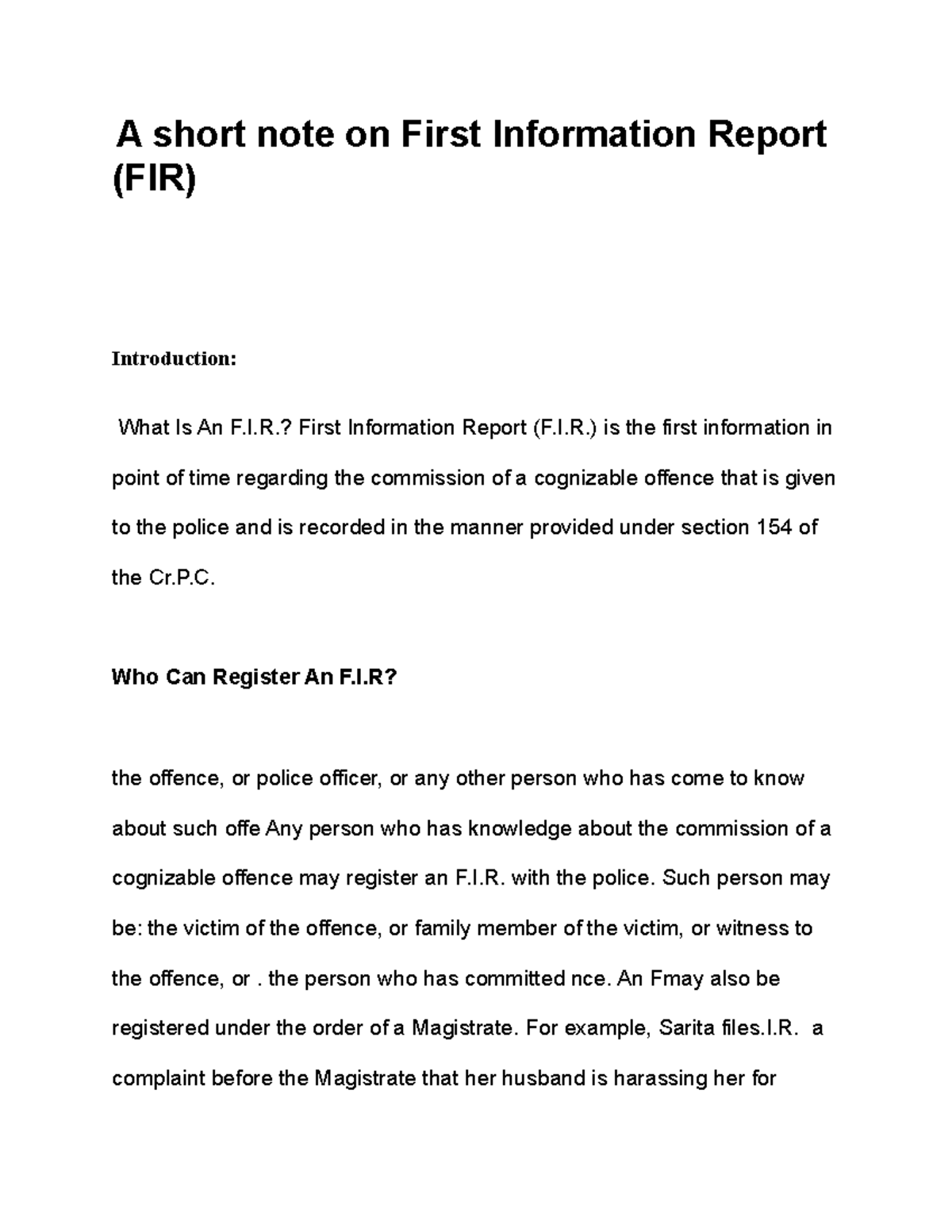
A Short Note On First Information Report A Short Note On First

A Short Note On Cascading Failures In MicroServices Architecture By

View DICOM Images On Google Chrome With DICOM Image Viewer Extension

DA BE Notes Q1 Write Short Note On Data Science And Business

Google Chrome Rolling Out Customisable User Profiles For Easier

Other features include Sharing notes via email Adding images to notes Setting reminders Copy notes to Google Docs For the curious a checkbox list on Google Keep becomes a bulleted list in
3 Use This Code Snippet Another simple way to use Chrome as a notepad is to copy and paste this code snippet into the address bar Hit Enter so you can turn the tab into a notepad However beware you ll lose anything you have typed when you close the tab

How to Take Notes in Google Chrome Google Chrome does not include any note options However with extensions and apps there are a number of note taking tools you can add to this browser Google Keep and Note Anywhere are two great note tools you can add to Chrome Taking Notes with Google Keep

Features Can be accessed from any website Can have multiple notes at once Can be opened with the touch of a button Download Easy Notes and become a note taking master 4 4 out of 5 5

Google is testing a new Notes feature in the side panel in Chrome allowing you to write notes about a page you have open The notes are linked to the page you wrote them from so clicking on a note later will take you back to where you made it You can also edit existing notes or save multiple notes for the same page
Read Write offers a range of powerful support tools to help you gain confidence with reading writing studying and research including Text to speech to hear words passages or whole Keep works on your phone tablet and computer Everything you add to Keep syncs across your devices so your important stuff is always with you Syncing across your devices requires internet
To start using My Notes you first need to head to the Chrome Web Store and install the extension Once you ve installed the app you ll automatically be taken to the settings page Before you can take notes you need to give the app permission to access your Google account Click on Sign in with Google to authenticate the app