Write Short Note On Desktop Computer How To Get Simple Sticky Notes On The Desktop On Windows 10 Write Short Note ANY 2 Brainly in Write Short Notes On Desktop Computers Workstations Notebooks Tablet Write A Short Note On Tellson Bank Lxnotes DA BE Notes Q1 Write Short Note On Data Science And Business Write preview and publish with the Markdown format Notes are automatically saved and synced across all devices Collaborate on notes and checklists with other Simplenote users Use the version control to go back to an earlier form of a note All desktop apps have a focus mode Cons Only two themes are available
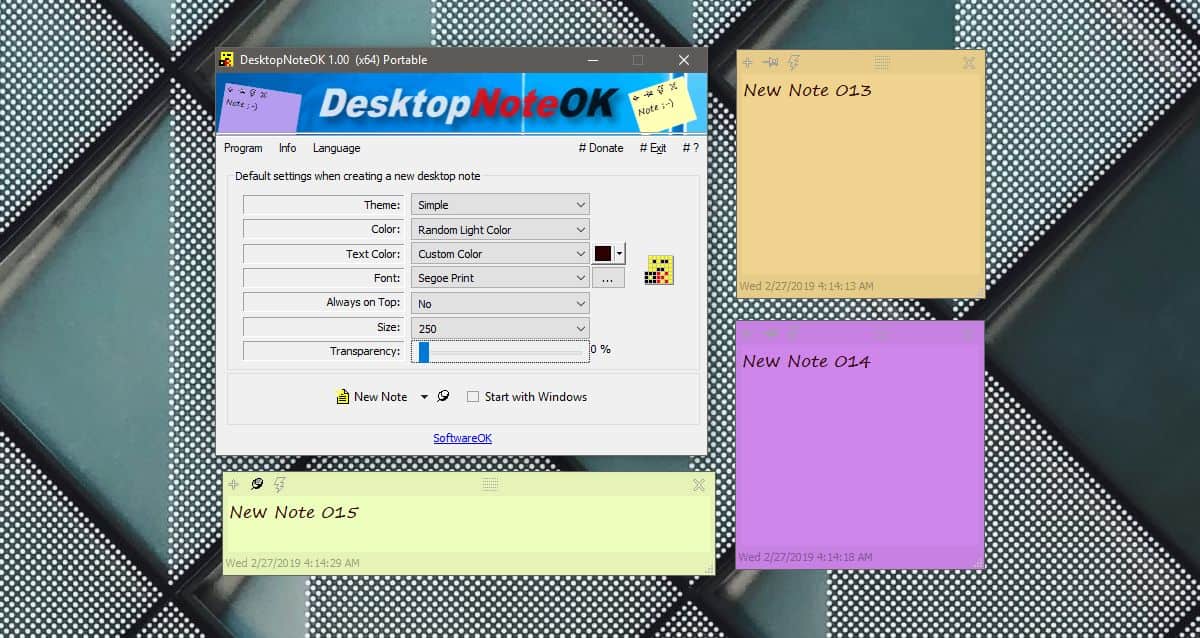
1 Press the Windows logo key 2 Enter sticky directly via the keyboard 3 Start short start Short Notes with the Enter key or Pin on Windows 11 Start 4 And start entering short notes see Image 1 Point 1 to 4 Image 1 Sticky Notes on the Windows 11 Desktop Back to the top 2 Difference between sticky notes and short notes APP Write a note On your computer go to Google Keep Click Take a note Add a note and a title Click Done Edit a note On your computer go to Google Keep Click the note you want
DA BE Notes Q1 Write Short Note On Data Science And Business A Short NOTE ON THR Construction OF Gender BY Kunal A SHORT NOTE ON Write A Short Note On Cache Memory Brainly in Write A Short Note On MNCS PDF Multinational Corporation Economies Short Note On Manual Scavenger Brainly in A Short Note On Proximity based Scoring Of Documents With Multiple Short Note On Internet PDF A Short Note On Undirected Fitch Graphs DeepAI Write A Short Note On Leaching
Write Short Note On Desktop Computer
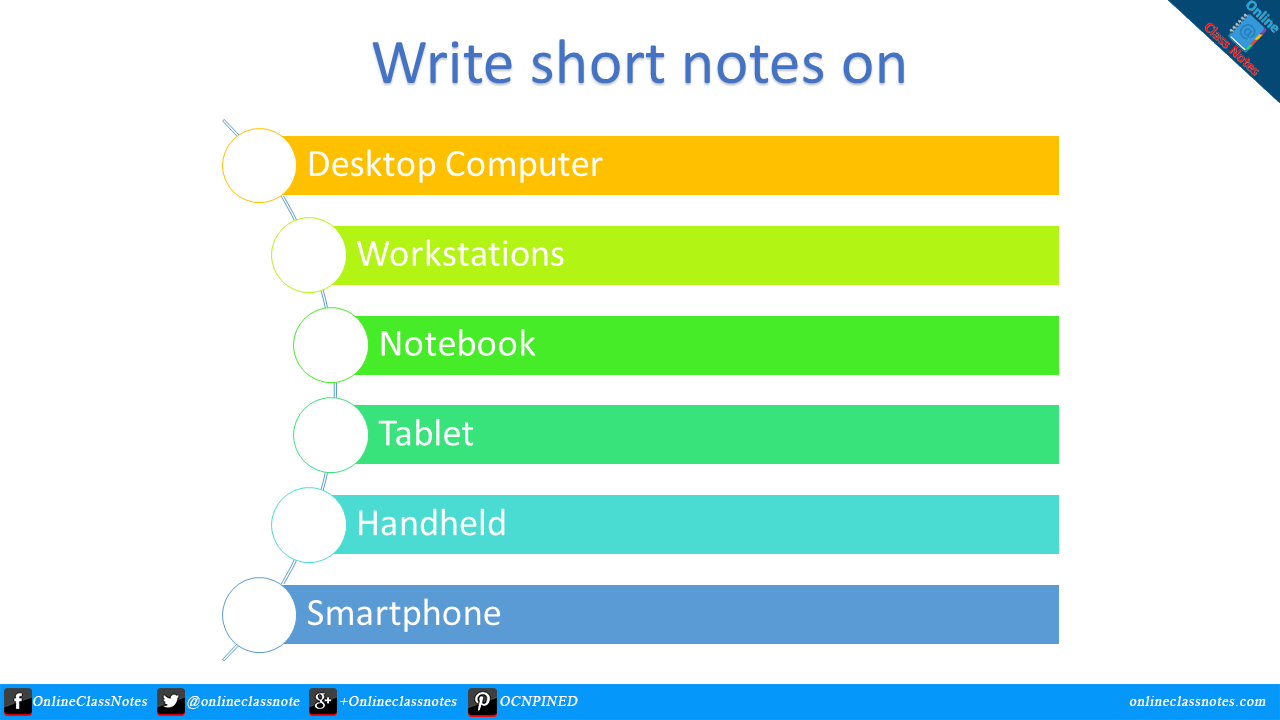
 Write Short Note On Desktop Computer
https://www.addictivetips.com/app/uploads/2019/02/DesktopNoteOK-2.jpg
Create a new presentation in PowerPoint Select the Copilot button in the Home tab of the ribbon Click or type Create presentation from file Tip Currently Copilot is only able to create presentations from Word documents Navigate to Word and copy the URL of the document you d like to use by opening the share tray in Word and clicking Copy Link
Templates are pre-designed files or files that can be used for numerous functions. They can save effort and time by supplying a ready-made format and layout for creating various kinds of content. Templates can be utilized for personal or expert jobs, such as resumes, invites, leaflets, newsletters, reports, presentations, and more.
Write Short Note On Desktop Computer

Short Note On Wall Stock Photo 755102740 Shutterstock

A Short NOTE ON THR Construction OF Gender BY Kunal A SHORT NOTE ON

Write A Short Note On Cache Memory Brainly in

Write A Short Note On MNCS PDF Multinational Corporation Economies

A Short Note On Proximity based Scoring Of Documents With Multiple

Short Note On Internet PDF
Select a handwritten note and then select Draw Ink to Text to turn handwriting into typed text Select a note and quickly move or resize it on the page All of your work is saved automatically Want more Basic tasks in OneNote for Windows 10 Draw and write your notes With a Surface Pen just start writing

With OneNote for Windows 10 you can handwrite notes and draw or sketch things in your notebook This works especially well on a device with a touch screen but you can also draw with a mouse The new pen set is customizable and portable
The 14 Best Free Note Taking Apps to Use in 2023 Erica Chappell Managing Editor November 2 2023 11min read Table of Contents 1 ClickUp Docs 2 Google Keep 3 Bear 4 Workflowy 5 Evernote 6 Paper 7 Ulysses 8 SquidNotes 9 Microsoft OneNote 10 Simplenote 11 Dropbox Paper 12 GoodNotes 13 Obsidian 14 Coda

01 of 10 Organize All Your Notes Into Categorized Notebooks Evernote What We Like Available for Windows Mac Android and iOS devices Use on the web browser extensions available Excellent search function for notes What We Don t Like Free basic plan is limited in features Monthly cost for premium plan is pricey

Notion is the only app on this list that skirts the provision of it being a note taking app It is but because of its collaborative features it can be so much more It s basically three tools in one a powerful notes app which is why it s on this list a task and project manager and a reference wiki
Notes are backed up with every change so you can see what you noted last week or last month Markdown support Write preview and publish your notes in Markdown format It s free Apps backups syncing sharing it s all completely free What people are saying Method 1 Writing Notes to Yourself Download Article 1 Choose how you are going to write these notes You have a wealth of options for writing yourself a note You will have to decide what method works best for you to help yourself remember things
1 Sticky Notes New Solution for Windows 10 11 1 Simply press the Windows logo Q key and enter Sticky in the search field 2 Now start sticky notes the short note program see Image 1 Arrow 1 to 3 Or for example by a mouse click on the Tablet PC a Tap Image 1 sticky notes on the Windows 10 desktop Back to the top