Word To Google Docs Formatting Issues How To Import Word DOCX Into Google Docs Facing Formatting Issues In Google Docs Here s How To Fix It Beebom How To Change The Default Text Formatting On Google Docs TECHOSMO Google Docs Formatting Tools Match The Memory Convert Pdf To Editable Word From Google Ferwalker This help content information General Help Center experience Search Clear search
No problem Google Docs lets you easily import Word documents And Install the Google Docs Offline extension In Drive click Settings Settings In the Offline
Convert Pdf To Editable Word From Google Ferwalker How To Add A Font To Google Docs A Step by Step Guide Vegadocs Google Docs diteur De Documents En Ligne Google Workspace 3 Ways To Make Flowcharts And Diagrams In Google Docs Guiding Tech How To Solve Text Formatting Issues In Google Docs And Slides Why Are 10 Google Docs Formatting Tricks To Make Your Files Pretty Zapier Google Docs WayneIlaisa Dr Paper Basics Using Dr Paper With Google Docs Formatting Footnotes How To Change The Default Text Formatting On Google Docs TECHOSMO
Word To Google Docs Formatting Issues
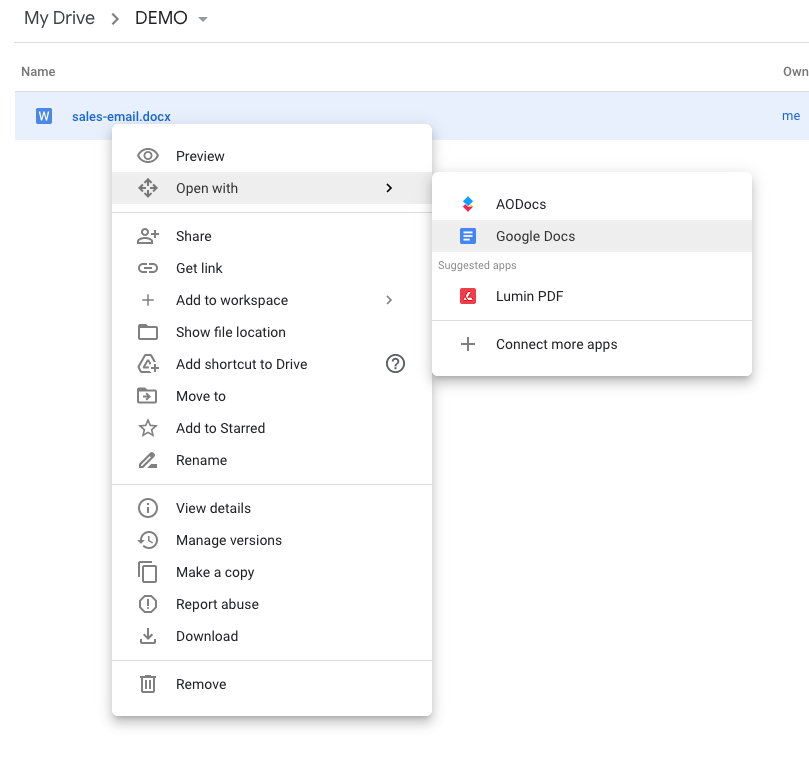 Word To Google Docs Formatting Issues
https://yamm.com/blog/content/images/2021/04/import-word-to-docs-02.png
Google Docs problem No 1 Edit regret Google Docs problem No 2 Case craziness Google Docs problem No 3 Auto format frustration Google Docs problem No 4 Grammar police
Templates are pre-designed files or files that can be utilized for different purposes. They can conserve time and effort by providing a ready-made format and layout for producing different kinds of material. Templates can be utilized for individual or expert jobs, such as resumes, invitations, flyers, newsletters, reports, discussions, and more.
Word To Google Docs Formatting Issues
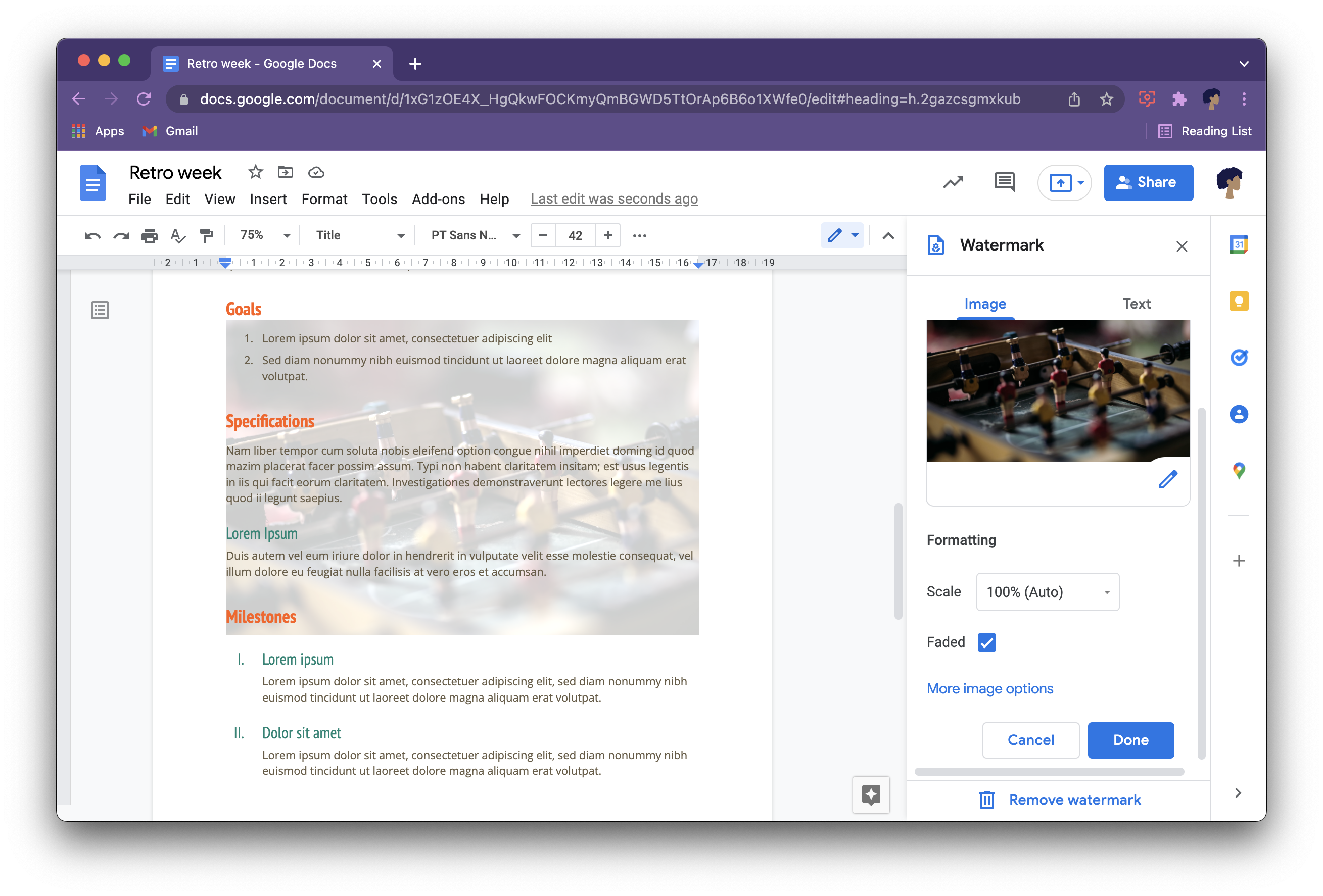
Google Docs Background Image How To Add It

How To Add A Font To Google Docs A Step by Step Guide Vegadocs
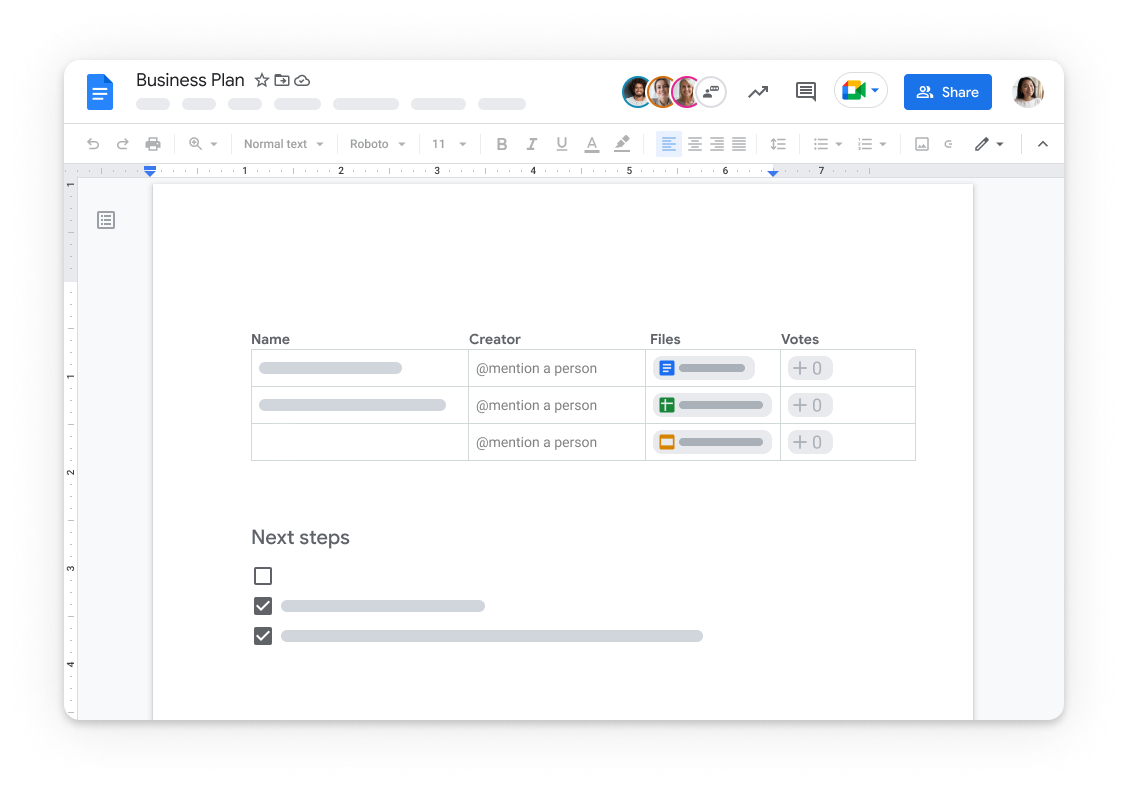
Google Docs diteur De Documents En Ligne Google Workspace

3 Ways To Make Flowcharts And Diagrams In Google Docs Guiding Tech
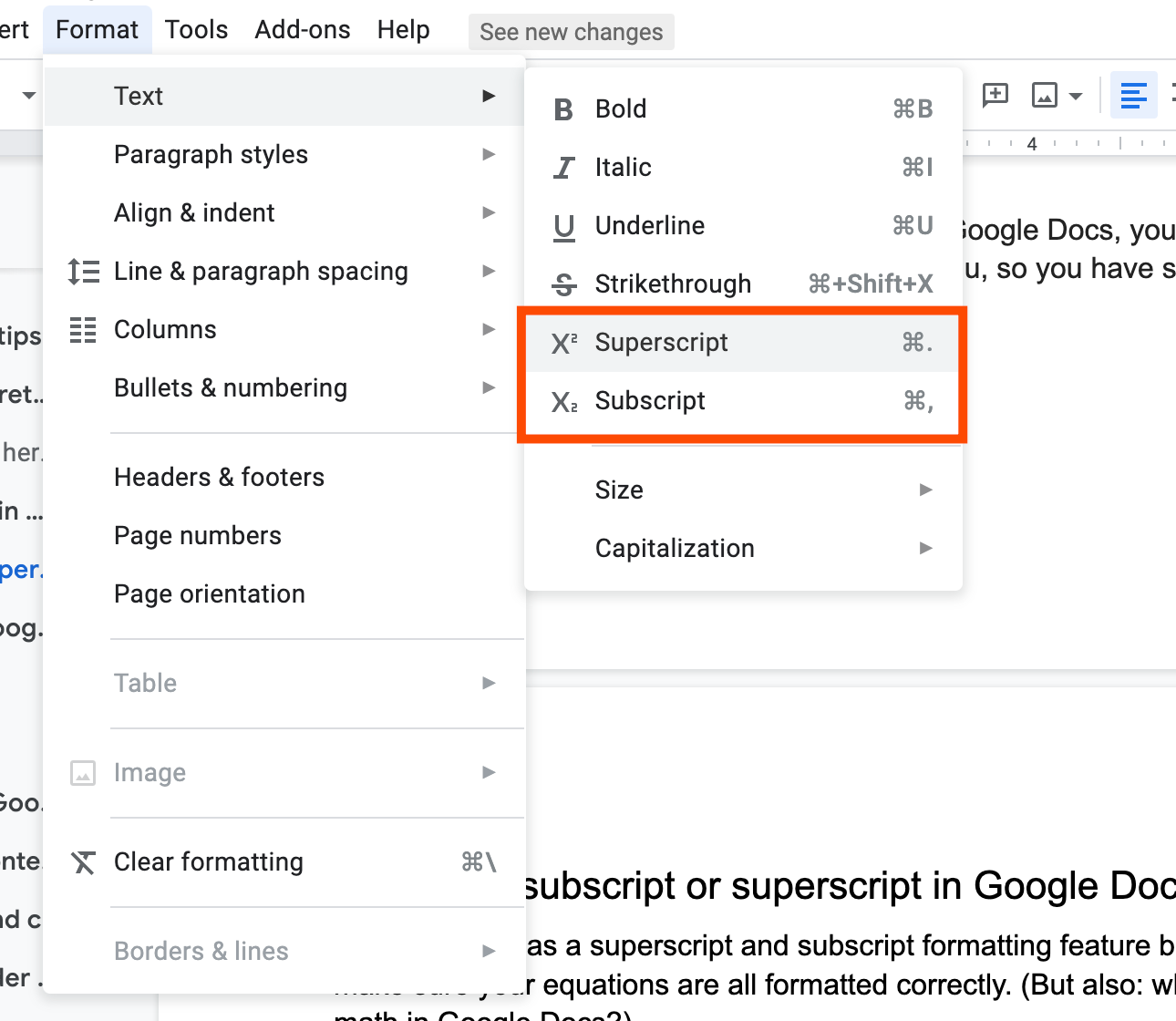
10 Google Docs Formatting Tricks To Make Your Files Pretty Zapier
Google Docs WayneIlaisa
Method 1 Using Google Docs Method 2 Using Google Docs in Offline
1 Whitelist Google Docs in your Adblocker The easiest fix to the Google Docs formatting issue is to disable your ad blocker But if you don t want to disable your ad blocker you can whitelist Google

Apr 21 2021 09 14 IST Several users have been reporting text formatting issues in Google Docs Google Google Docs and Slides users have

If Google Docs a your word converter from choice it is likely that yours

Compatibility between Google Docs and Word is extremely high but you may run into the occasional formatting issue where a tool or font you ve used in Word is missing in Google Docs
Solution 1 Print to PDF In Chrome First open your Google Document in Then click the Open file picker icon from the Home screen of Google
You may encounter unwanted formatting when uploading a Word doc to