Word Processing Main Features Word Processing Software Features And Uses Of Word Processor Word Processing Features MidexPRO WORD Processing Exercise 4 Practicals Resources DEPARTMENT OF Word Processing Uses And Features DocsLib Word Processing Ppt Jan 3 2024 nbsp 0183 32 Navigate the world of word processing software Compare features weigh benefits and discover top picks to enhance your document creation experience
Follow along as we dive into every must have word processing feature and the 10 best word processing software for every team writing style and use case Complete with detailed feature comparisons pros and cons pricing ratings and more Oct 19 2023 nbsp 0183 32 Understanding the key features of Word Processor can help users take full advantage of the software These features are categorised into Basic Features Advanced Features and Collaboration and Sharing Features for easier navigation and comprehension
Word Processing Ppt Basics Of Word Processing Features Of A Word Processing Window MLTSHP Piggy back Engine Management Main Features Of Neasdon Temple Word Search WordMint Word Processing Lesson 1 Teaching Resources 1 4 The Basics Of The Word Window Computer Class With Zoe Malayalam Word Processing KGTE Malayalam Word Processing Lower Word Processing Features YouTube
Word Processing Main Features
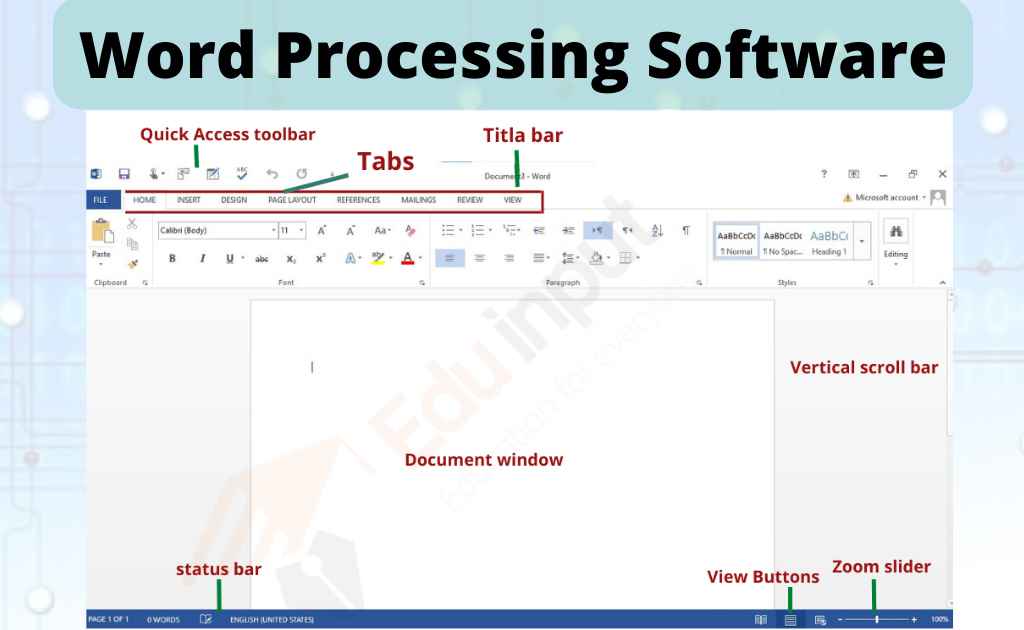 Word Processing Main Features
https://eduinput.com/wp-content/uploads/2022/08/Add-a-subheading-53_11zon.jpg
Jan 10 2024 nbsp 0183 32 Word processors are essential tools for anyone who needs to create edit format and print documents They re used by students for essays by writers for their novels
Templates are pre-designed documents or files that can be used for numerous functions. They can conserve time and effort by supplying a ready-made format and layout for producing different sort of content. Templates can be used for individual or expert jobs, such as resumes, invites, leaflets, newsletters, reports, presentations, and more.
Word Processing Main Features
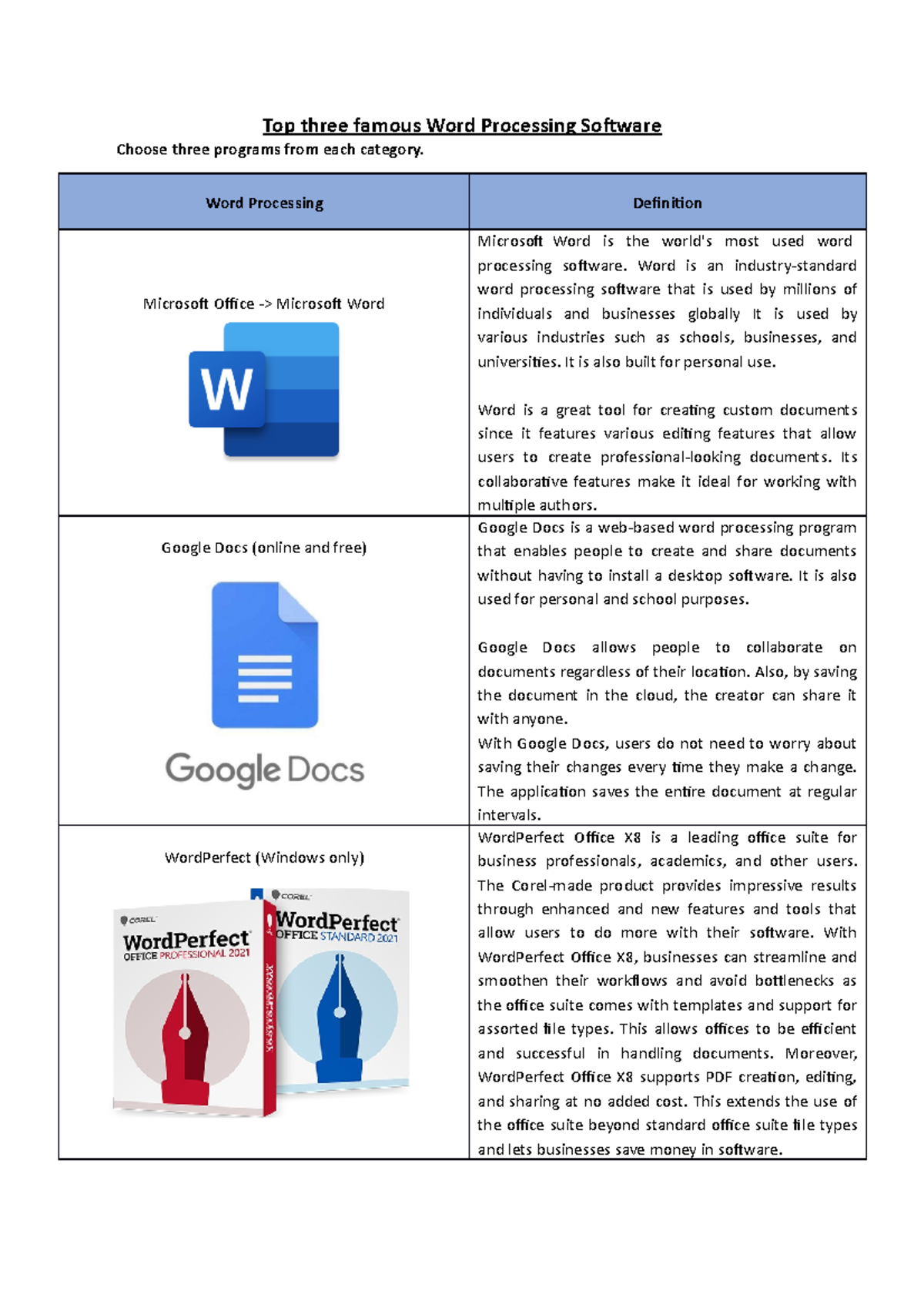
ANA Word Processing Software Top Three Famous Word Processing
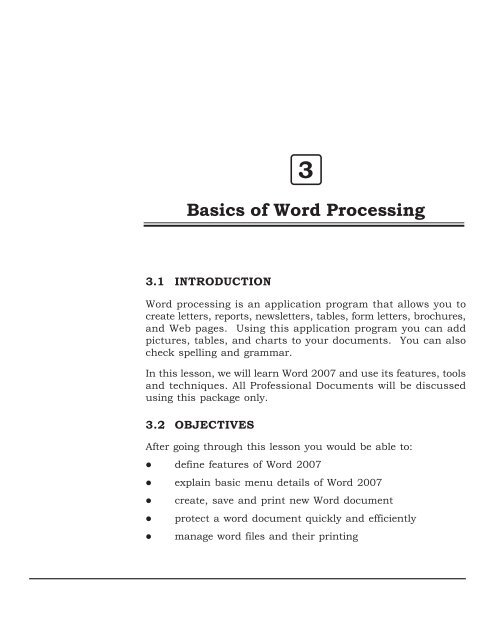
Basics Of Word Processing
Features Of A Word Processing Window MLTSHP

Piggy back Engine Management

Word Processing Lesson 1 Teaching Resources
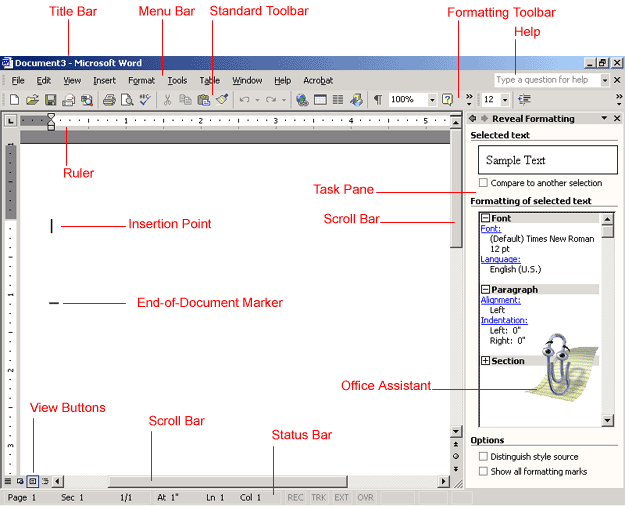
1 4 The Basics Of The Word Window Computer Class With Zoe

Aug 2 2022 nbsp 0183 32 Word processing is creating editing formatting and manipulating textual content using a computer or electronic device Word processing has changed the way how documents are created and managed replacing traditional typewriters and handwritten documents
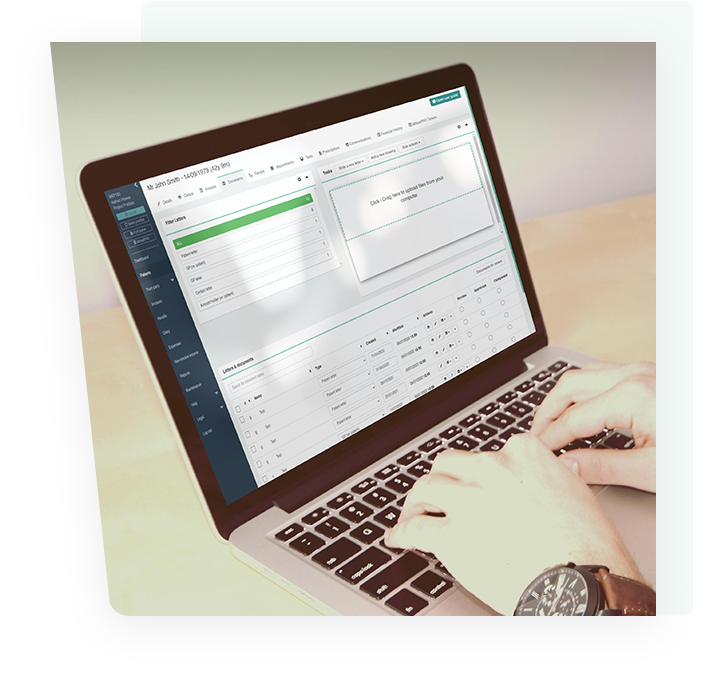
Jan 2 2024 nbsp 0183 32 A word processor offers essential features like spell check formatting tools and document collaboration It simplifies tasks such as text editing formatting and file management

A word processing program is a software program that includes tools for entering editing and formatting text and graphics The electronic files you create using Word are called documents

Here are some of the most used ones Microsoft Word The industry standard offering a vast array of tools for professional and personal use Google Docs A free cloud based word processor with excellent collaboration features Perfect for
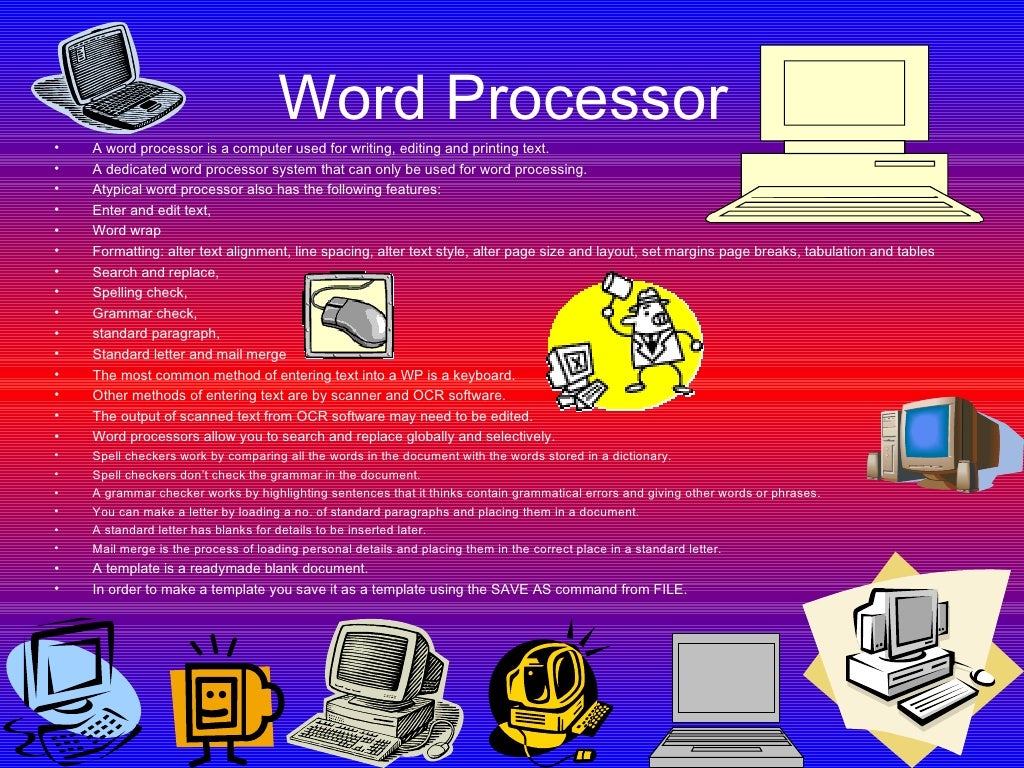
A word processor WP 1 2 is a device or computer program that provides for input editing formatting and output of text often with some additional features
Aug 1 2022 nbsp 0183 32 1 Easy Typing You can type very easily using a word processor Word processor provides you with many features to create a document so that you can type any type of document Word processor gives you more features in typing anything than typewriter like word processor has unlimited pages Jan 10 2024 nbsp 0183 32 In this comprehensive guide we ve handpicked 15 word processors ranging from free to paid software apps so whether you re a seasoned writer or just stepping into the world of word processing we ve got you covered
Jan 27 2024 nbsp 0183 32 Word processors serve the efficient document creation allowing users to manipulate text insert images and collaborate on documents They have evolved from traditional typewriters that offering the advanced tools like as real time collaboration auto save and multimedia integration