Wipe And Reset Google Home Wipe And Reset To Factory Settings To Sell Or Troubleshoot How To Reset Windows 11 To Its Factory Settings Vrogue Reset Wipe Wipe Perfect Blick No Wipe DM Line Web Result Resetting your computer to factory settings might be necessary if the operating system is damaged the hard drive is corrupted the computer is infected by a virus or you are transferring ownership of the computer HP System Recovery removes all hard drive data and reinstalls the original operating system Note
Web Result Nov 7 2023 nbsp 0183 32 1 Open Settings Press Win I to open Settings on your computer Alternatively click the gear icon in the Start menu 2 Click Update amp Security Win 10 or System Win 11 For Windows 10 you ll see the option centered near the bottom of the menu In Windows 11 this option will be in the menu on the left side Web Result Dec 12 2023 nbsp 0183 32 Open Windows Settings navigate to Updates and Security gt Recovery then click quot Reset This PC quot Choose between keeping your files or removing everything and then select whether to do a
Perfect Blick No Wipe DM Line 5 Healing Ingredients For Your Homemade Wipe Solution Wipe PrivacyRoot 2023 Latest Download For Windows 11 10 8 7 Buy Splinktech 700MM X 500MM School Home Office Dry Wipe Magnetic Pen Create Meme wipe Men In Black Erase Memory The Men In Black To Erase How To Factory Reset Hp Laptop Without Dry Wipe Pen Sani Wipe Hand Sanitizing Wipes 150 Pack Mortimer Mosaic Finishing Wipe MANNA Manna Antonenko National Nail Academy
Wipe And Reset
 Wipe And Reset
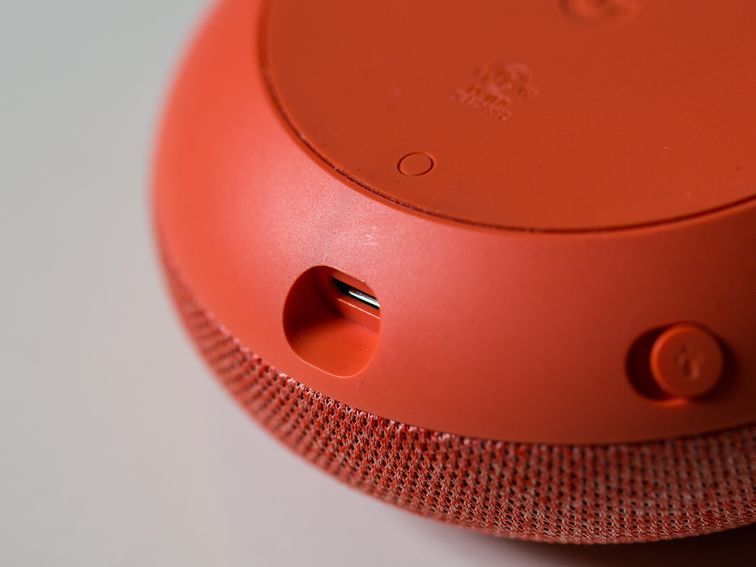
https://scceu.org/wp-content/uploads/2020/05/google-home-mini-reset.jpg
Web Result If you need to wipe your device s data for any reason you can perform a factory reset This feature will completely erase your personal information and data to make your phone or tablet a clean slate You can also reset the general network and accessibility settings without erasing apps or data
Templates are pre-designed files or files that can be used for numerous purposes. They can conserve time and effort by providing a ready-made format and design for producing different sort of content. Templates can be used for individual or professional tasks, such as resumes, invites, leaflets, newsletters, reports, presentations, and more.
Wipe And Reset
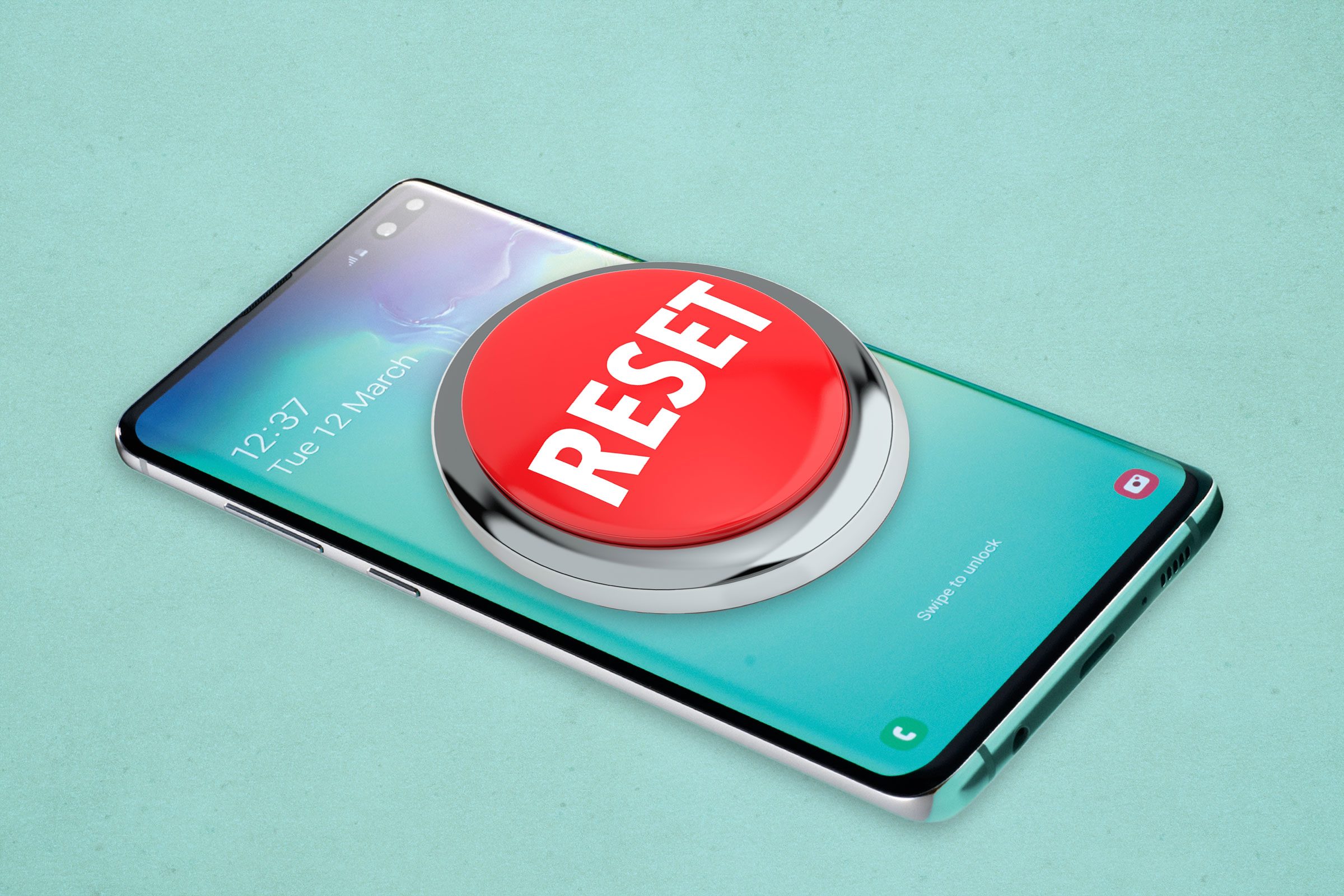
Ultimate Guide How To Reset Your Android Phone For A Fresh Start

5 Healing Ingredients For Your Homemade Wipe Solution

Wipe PrivacyRoot 2023 Latest Download For Windows 11 10 8 7
Buy Splinktech 700MM X 500MM School Home Office Dry Wipe Magnetic Pen
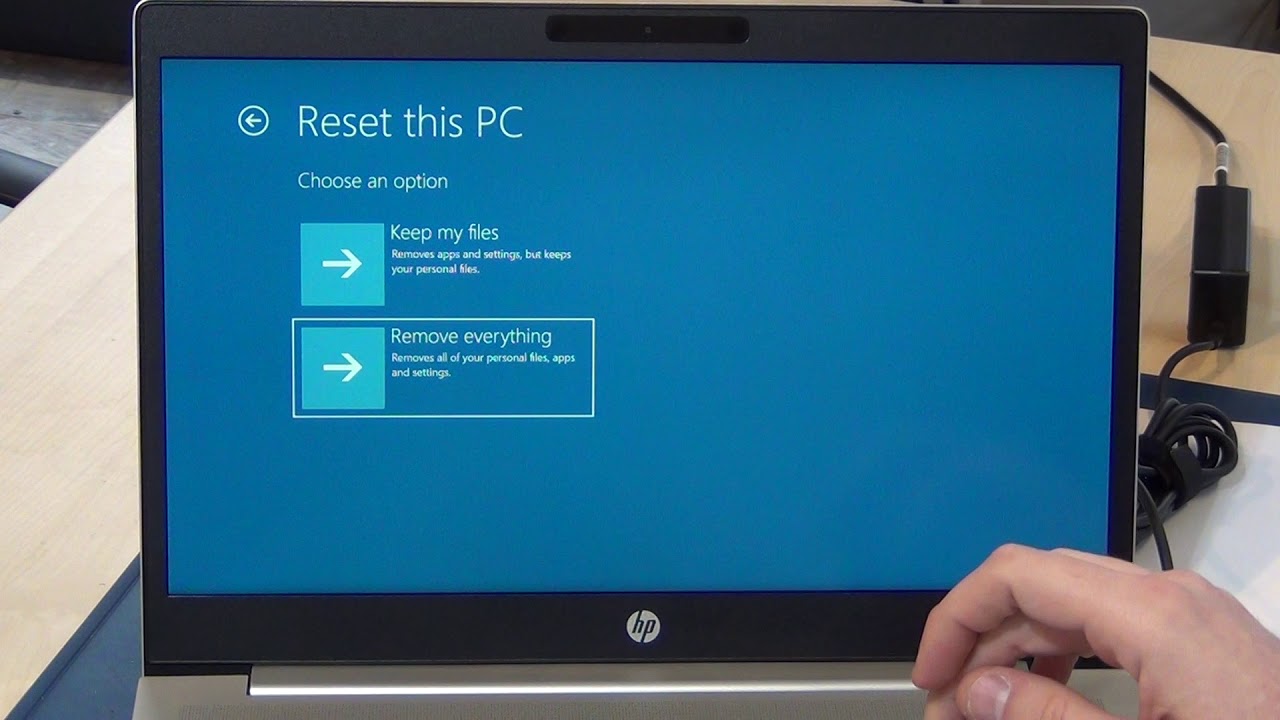
How To Factory Reset Hp Laptop Without
Dry Wipe Pen
Web Result Dec 23 2022 nbsp 0183 32 How to By Mauro Huculak published 23 December 2022 You can reset your PC to the factory default settings to fix problems and improve performance and in this guide we ll show you how on

Web Result To reset your PC go to Start gt Settings gt System gt Recovery Next to Reset this PC select Reset PC Then select Keep my files choose cloud or local change your settings and set Restore preinstalled apps to No Open Recovery settings
Web Result Oct 23 2023 nbsp 0183 32 There are three options for wiping a drive full format for entire drives wiping only the free space with the cipher command and using the quot Reset This PC quot feature to wipe the Windows system drive Windows has built in tools that will let you write zeros to a drive securely erasing its contents

Web Result Try these next steps Post to the help community Get answers from community members To remove all data from your phone you can reset your phone to factory settings Factory resets are

Web Result Feb 28 2024 nbsp 0183 32 To reset a Windows 11 laptop or desktop to its factory default settings without losing your files use these steps Open Settings Click on System Click the Recovery page on the right side
Web Result Nov 25 2021 nbsp 0183 32 1 How to factory reset Windows 11 and delete everything from Settings The first step is to open the Settings app and a fast way to do it is by pressing Windows I on your keyboard In the Settings app select System on the left sidebar and click or tap Recovery on the right side of the window Web Result Mar 30 2023 nbsp 0183 32 Go to Settings gt System gt Recovery and click Reset PC When asked what you want to erase select Remove everything Choose Local reinstall to reinstall Windows from this device since it will
Web Result Dec 29 2023 nbsp 0183 32 Forgot your Apple ID password You might be asked if you want to back up your Mac before resetting it If you want to do that you can open Time Machine and back up to an external storage device Finally you will be asked to click Erase All Content amp Settings to confirm that you want to proceed