Windows Turn On Wifi Command How To Automatically Enable WiFi In Windows 10 Apps For Windows 10 How To Connect Wifi Through Command Line In Linux Fix WiFi Not Showing In Settings On Windows 10 Fix Missing WiFi How To Turn On WiFi In Windows 10 ComputerSluggish Find A Saved WIFI Password On Windows 10 Or Windows 11 SupeRails Blog Learn how to get ready for the Windows 11 upgrade from making sure your device can run Windows 11 to backing up your files and installing Windows 11
Windows i letim sistemleri i 231 in yard m ve Nas l yap l r makalelerini bulun Windows i 231 in destek al n ve y 252 kleme g 252 ncelle tirmeler gizlilik g 252 venlik ve daha fazlas hakk nda bilgi edinin Hier finden Sie Hilfe und Gewusst wie Artikel zu Windows Betriebssystemen Erhalten Sie Support f 252 r Windows und erfahren Sie mehr 252 ber Installation Updates Datenschutz
Find A Saved WIFI Password On Windows 10 Or Windows 11 SupeRails Blog How To Turn On WiFi After A Windows 7 Upgrade 7 Steps How To Fix Wifi Option Not Showing In Windows 10 YouTube How To Disable WiFi On Windows 10 Or How To Enable WiFi On Windows 10 Turn WiFi Back On Manually Windows 10 Method 6 6 YouTube How To Turn On Wi Fi Hotspot In Windows 10 8 7 Using Command Prompt Command Prompt How To Show Conneted WI Fi Password Windows 10 8 7 How To Turn Wi Fi Back On Manually Or Automatically In Windows 10 Turn On WiFi In Windows 10 VisiHow
Windows Turn On Wifi Command
 Windows Turn On Wifi Command
https://appsforwin10.com/wp-content/uploads/2016/11/set-turn-on-wifi-automatcally-on-Windows-10-1024x643.jpg
Trouvez de l aide et des articles pratiques pour les syst 232 mes d exploitation Windows B 233 n 233 ficiez d un support pour Windows et en savoir plus sur l installation les mises 224 jour la
Templates are pre-designed files or files that can be used for numerous functions. They can conserve effort and time by supplying a ready-made format and layout for developing different type of content. Templates can be utilized for personal or expert tasks, such as resumes, invitations, flyers, newsletters, reports, presentations, and more.
Windows Turn On Wifi Command

How To Turn On Wi Fi On A Windows 10 Computer In 3 Ways Business Insider

How To Turn On WiFi After A Windows 7 Upgrade 7 Steps
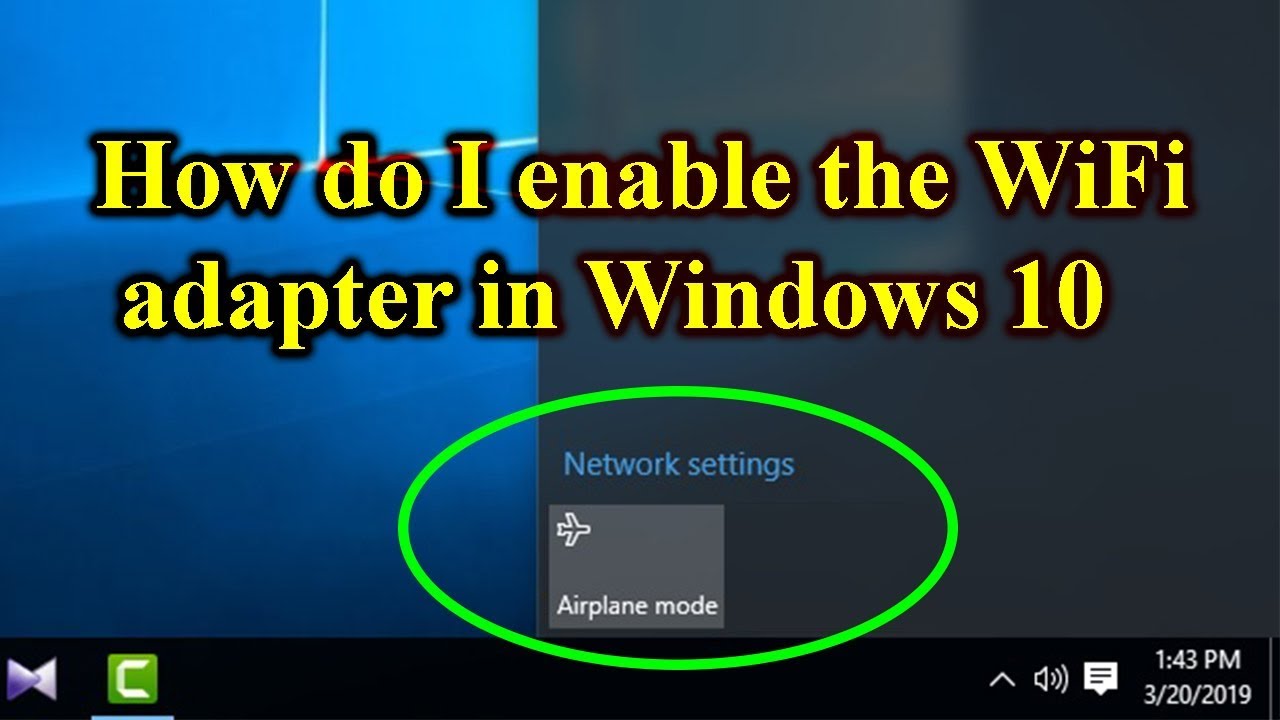
How To Fix Wifi Option Not Showing In Windows 10 YouTube
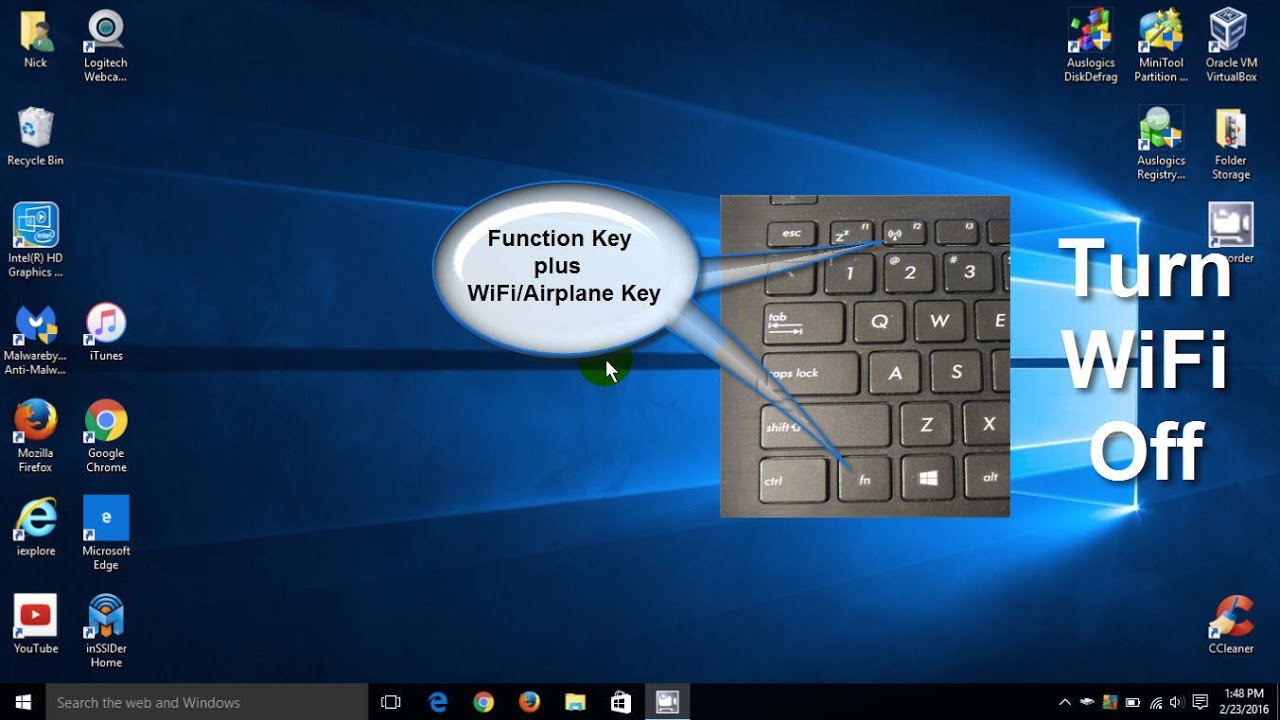
How To Disable WiFi On Windows 10 Or How To Enable WiFi On Windows 10

How To Turn On Wi Fi Hotspot In Windows 10 8 7 Using Command Prompt
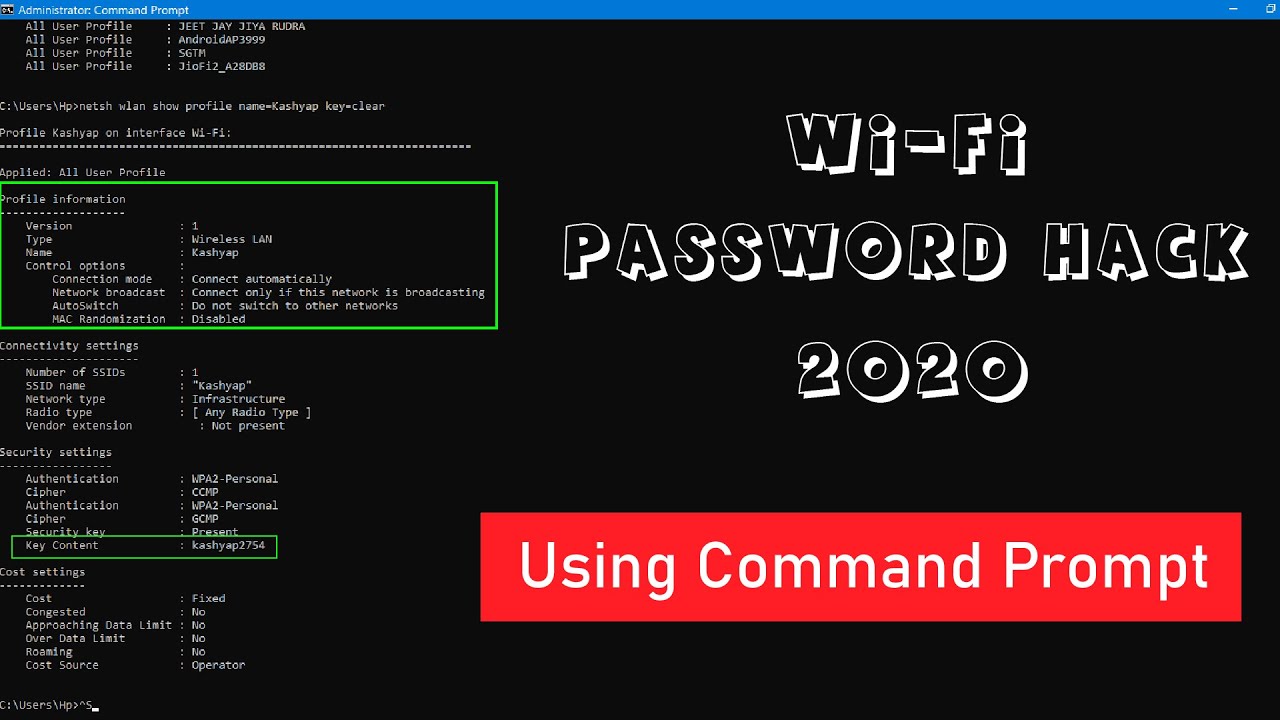
Command Prompt How To Show Conneted WI Fi Password Windows 10 8 7

Windows 11 is the latest version of Microsoft s operating system designed to offer a modern and user friendly experience With a sleek interface improved performance and new features
Welcome to Windows 11 Learn about new features upgrade FAQs device lifecycles and support options
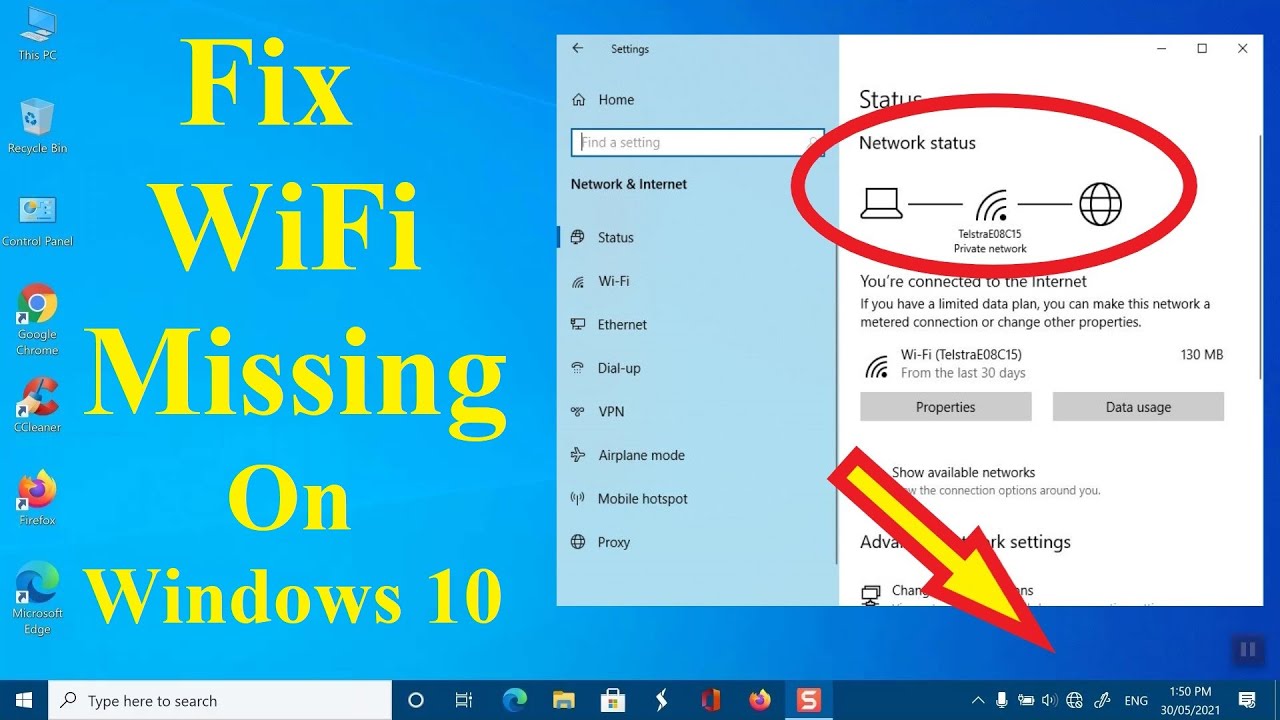
Find help and how to articles for Windows operating systems Get support for Windows and learn about installation updates privacy security and more

Feb 4 2025 nbsp 0183 32 Learn how to install Windows 11 including the recommended option of using the Windows Update page in Settings

Create installation media for Windows Applies To Installation media such as a USB flash drive can be used to install a new copy of Windows perform a clean installation of Windows or
[desc-11] [desc-12]
[desc-13]