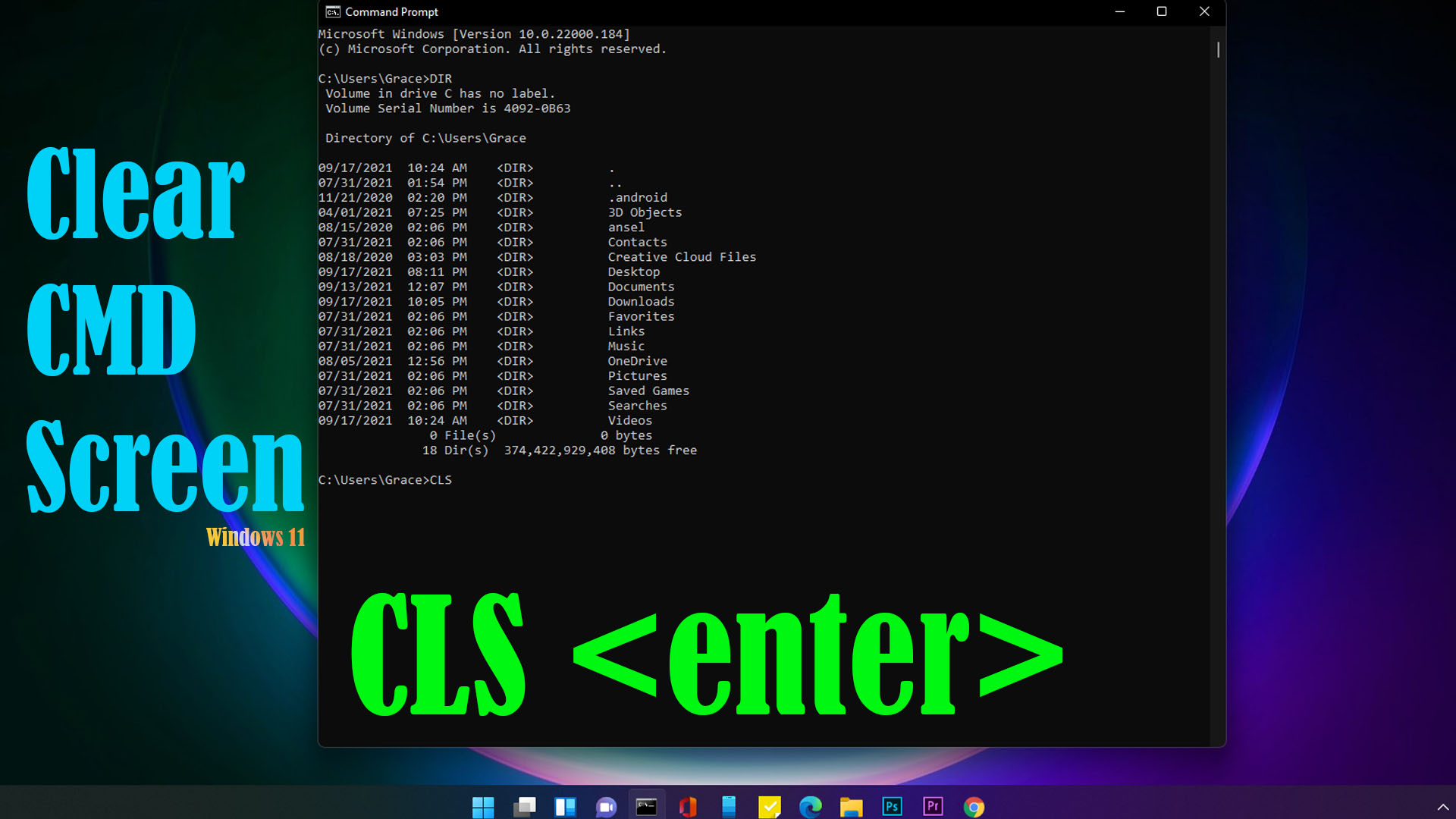
Windows Terminal Clear Command History How To Clear Terminal 4 Methods Itechguides On The clear Command Only Clear Decorations In The Viewport Issue Prompt De Comando Retr No Terminal Do Windows Microsoft Learn Windows Terminal 0 3 OSCHINA How To Clear Command Prompt Screen On Windows 11 CLS There is a simple keyboard shortcut for doing so while the command prompt is still open Alt F7 Alternatively the command history is cleared every time you exit and restart the command prompt
Features How to Use Your Command History in the Windows Command Prompt By Chris Hoffman Published Mar 13 2017 The Windows Command Prompt has a built in history feature allowing you to quickly view commands you ve run in the current session Readers like you help support How To Geek Scroll to the latest history This scrolls the screen down to the bottom of the input buffer Clear buffer This action can be used to manually clear the terminal buffer This is useful for scenarios where you re not sitting at a command line shell prompt and can t easily run Clear Host with the Windows Terminal paste command taking
How To Clear Command Prompt Screen On Windows 11 CLS Windows Terminal Clear Screen In Python With Examples YouTube Ente Lauf Mangel Clear Screen Terminal Mac Reichlich Zuerst Machen WSL2 Easy Is Perfect Microsoft Releases Windows Terminal Preview 1 15 With New Keyboard Windows Terminal Customization For WSL2 The Complete Guide Microsoft Announces General Availability Of Windows Terminal Preview 1 1 Windows Terminal Come Personalizzarlo WindowServer it
Windows Terminal Clear Command History
 Windows Terminal Clear Command History
https://www.itechguides.com/wp-content/uploads/2022/10/How-To-Clear-Terminal-Screen-In-Linux-2048x1362.jpg
Article 10 05 2022 4 contributors Feedback In this article On first launch View default settings Default profile settings Rename a tab Show 5 more On first launch When you first install Windows Terminal you will be greeted with a Windows PowerShell prompt
Pre-crafted templates use a time-saving option for developing a varied variety of documents and files. These pre-designed formats and layouts can be used for different individual and expert tasks, consisting of resumes, invites, leaflets, newsletters, reports, discussions, and more, improving the content creation procedure.
Windows Terminal Clear Command History
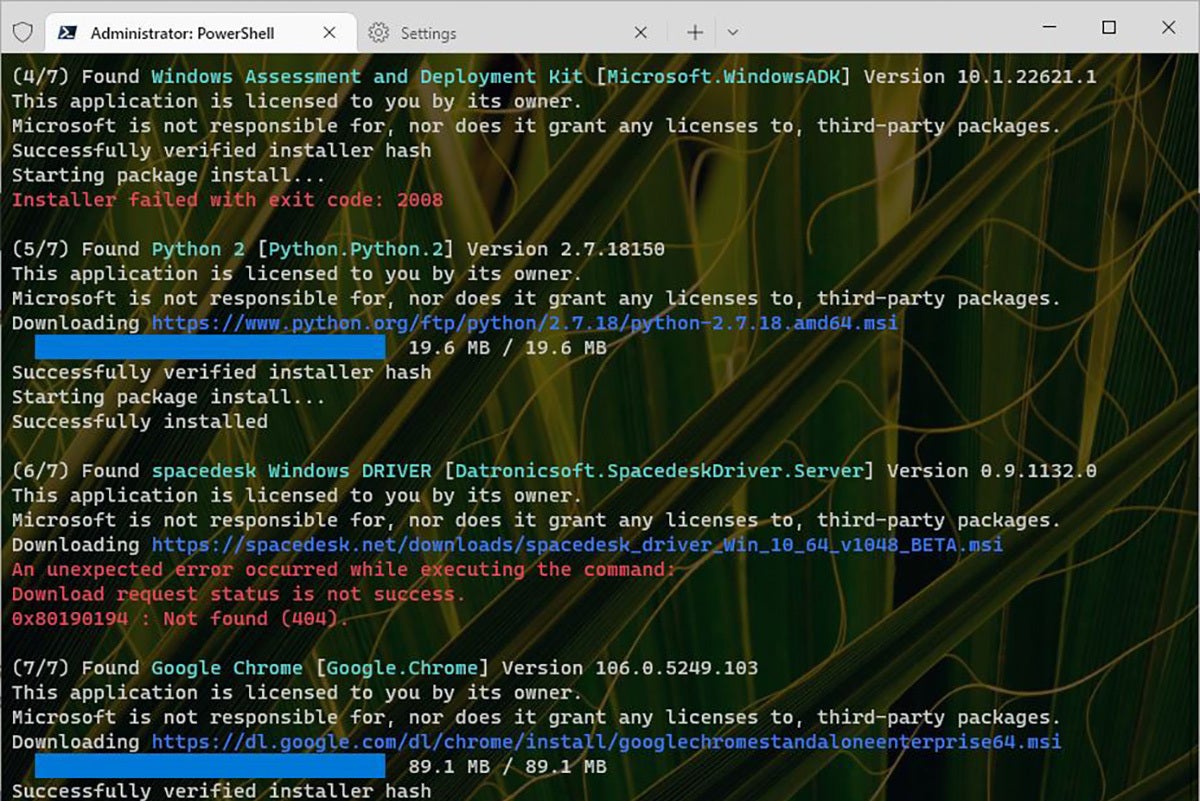
How To Manage And Customize Windows Terminal Computerworld

Windows Terminal
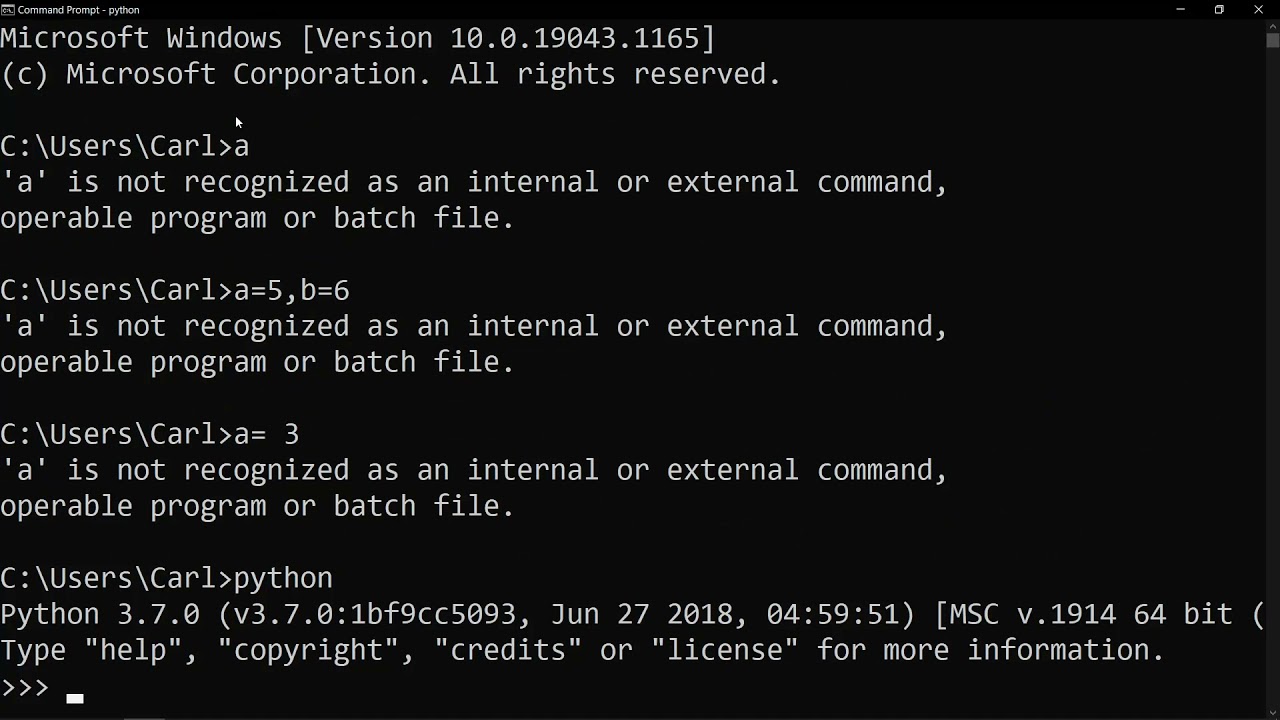
Clear Screen In Python With Examples YouTube

Ente Lauf Mangel Clear Screen Terminal Mac Reichlich Zuerst Machen

Microsoft Releases Windows Terminal Preview 1 15 With New Keyboard
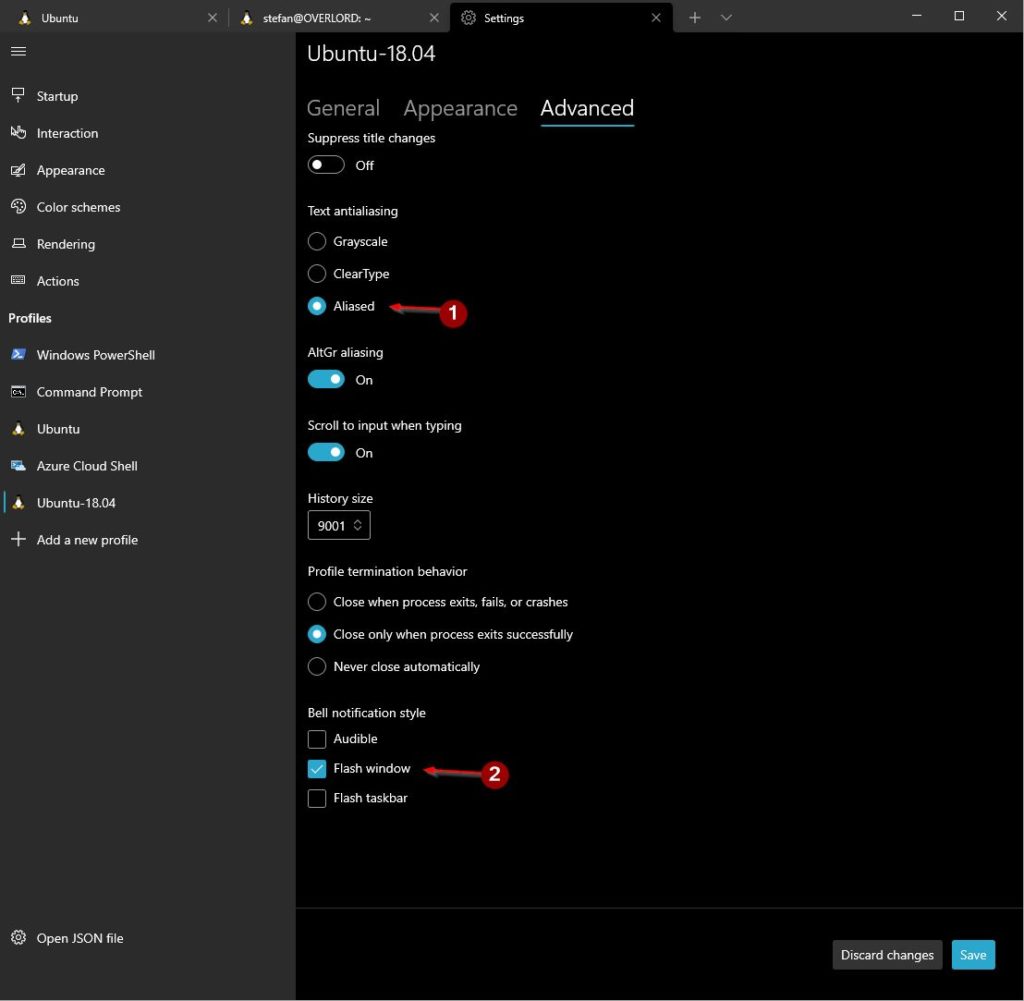
Windows Terminal Customization For WSL2 The Complete Guide

By default Clear History deletes the entire command history from a PowerShell session You can use parameters with Clear History to delete selected commands Clear History does not clear the PSReadLine command history file The PSReadLine module stores a history file that contains every PowerShell command from every PowerShell session

The Clear History clears only the commands entered during the current session that could be displayed by the Get History command To clear the history in PowerShell it needs to delete the file in which the previous commands are stored

Unfortunately the cmdlet doesn t seem to actually do what its documentation claims running Clear History doesn t seem to have any impact on the session history whatsoever I can still see previous commands in the pop up history menu and scroll through old commands by pressing the up key Here s a screengrab demonstrating the problem
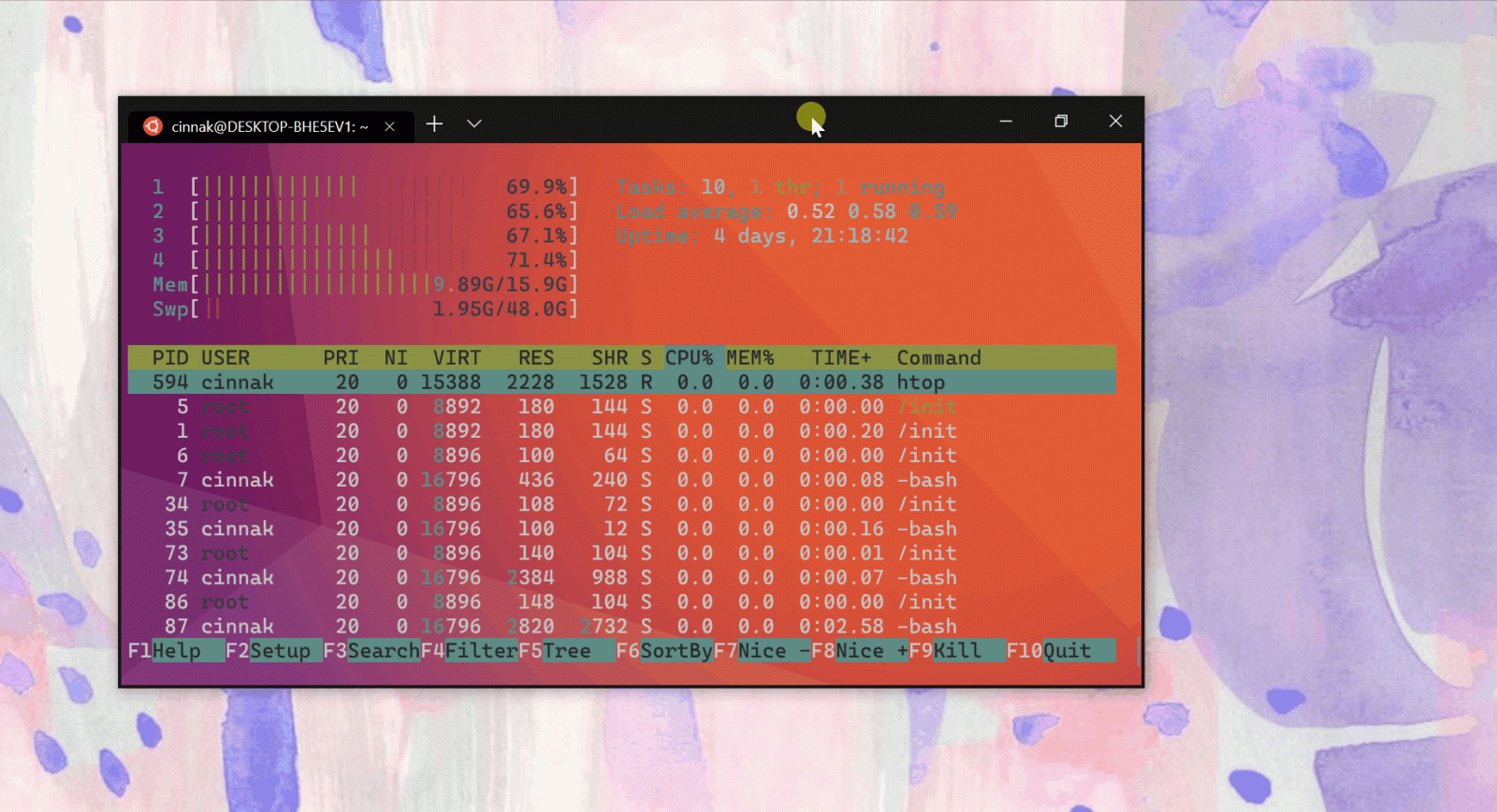
To clear command prompt commands from the current section press Alt and F7 keys on your keyboard simultaneously Before you press Alt F7 ensure that Cmd is open and that you clicked your mouse on it The Alt key is usually on the bottom of the keyboard close to the Space bar The F7 key is on the top row of the keyboard
How to view save and clear Command Prompt command History Skip to primary navigation Skip to main content Skip to primary sidebar TheWindowsClub covers authentic Windows 11 Windows 10
1 4 Sort by Add a Comment tene0 2 yr ago This is probably PowerShell history delete APPDATA Microsoft Windows PowerShell PSReadLine ConsoleHost history txt 4 deleted 3 mo ago I know I m a bit late to the party but I m gonna answer this for all those that google brought here Just press ALT F7 1 thinsoldier 2 mo ago To view your command history in Command Prompt simply type the following command in your CMD window doskey history All the previously executed commands you typed in the current session will be listed on the cmd screen Doskey commands history View Command History in Command Prompt using Keyboard Shortcut
Just press the Windows key R together to launch the Run dialog copy and paste the following path and press Enter userprofile AppData Roaming Microsoft Windows PowerShell PSReadline File Explorer will open to your specified location and you can see a text file named ConsoleHost history txt