Windows Server 2019 Start Button Not Working Windows Server 2019 General Availability What To Do Network World How To Enable Remote Desktop On Windows Server 2019 Thinstuff Microsoft Windows Server 2019 Datacenter Product Key Shop In Nairobi Windows Server 2019 Standard Joinware How To Fix Not Working Windows 10 Start Button Geek House Www vrogue co The errors would generate any time you left clicked the Start Menu or you attempted to launch Display Settings and they would mention ShellExperienceHost Cortana or another app Below is an example of the error you would receive whenever you would try to launch the Display Settings
Try to run sfc scannow and DISM commands Follow the troubleshooting steps in the below post which might help to resolve the issue https tecnologiaactualizar co in index php 2021 09 01 windows start menu not responding 0 Likes Reply Fix problems with the Start menu Windows 11 Windows 10 To troubleshoot the following problems select any heading to see more info Next follow the steps to try to get things working again Windows 11 Windows 10 SUBSCRIBE RSS FEEDS
How To Fix Not Working Windows 10 Start Button Geek House Www vrogue co Windows Server 2019 Device CAL Compra Online Directo Software Windows Server 2019 Remote Desktop Services Lizenzguru Microsoft Windows Server 2019 Review PCMag Lupon gov ph Microsoft Windows Server 2019 Standard 64 bit Licence Key Soft Windows Server 2019 Jan 2019 Edition Download Get Into PC Windows Server 2019 User CAL Volume Licencija Naudota Lic IToutlet Windows Server 2019 Datacenter 16 Core 1 Device Perpetual License Windows Server 2019 Essentials SV 0005
Windows Server 2019 Start Button Not Working
 Windows Server 2019 Start Button Not Working
https://images.idgesg.net/images/article/2018/10/windows-server-2019-100776720-large.3x2.jpg
Ok the issue is an oversized registry key or keys you can trim them down and it ll magically start working reg delete HKEY LOCAL MACHINE SYSTEM CurrentControlSet Services SharedAccess Parameters FirewallPolicy FirewallRules va f reg delete HKEY LOCAL MACHINE SYSTEM CurrentControlSet Services SharedAccess Parameters FirewallPolicy RestrictedServices Configurable System va f reg delete
Pre-crafted templates use a time-saving solution for creating a diverse variety of documents and files. These pre-designed formats and layouts can be made use of for various individual and professional jobs, including resumes, invitations, leaflets, newsletters, reports, presentations, and more, streamlining the content production process.
Windows Server 2019 Start Button Not Working
Licencia Windows Server 2019 Windows Server 2019

Windows Server 2019 Device CAL Compra Online Directo Software

Windows Server 2019 Remote Desktop Services Lizenzguru
Microsoft Windows Server 2019 Review PCMag Lupon gov ph

Windows Server 2019 Jan 2019 Edition Download Get Into PC
Windows Server 2019 User CAL Volume Licencija Naudota Lic IToutlet

Solution 1 Restart Windows Explorer Solution 2 Check if Start is installed Solution 3 Run SFC and DISM Solution 4 Check for Windows Updates Solution 5 Reset Your PC How to Backup Windows Server 2019 to Protect Data from Disaster Solution 1 Restart Windows Explorer

3 Answers Sorted by 2 I ve seen this sometimes happen when there are two explorer exe processes running Open up Task Manager with CTRL Shift Esc and check if you currently have two explorer processes running Either way a restart of the process should fix the issue Just end the processes and start up a new one with File Run New Task Share

Direct access to the server but you get the same results if you RDP into it and the right click works fine the left click is no longer working as well as the search next to it doesn t work either
RDS 2019 users unable to open start button We have been struggeling with the Windows startbutton not working on our RDS 2019 servers for a while now The weird thing is this only happens for regular users not admin users I have been searching online and found that I could run the following command
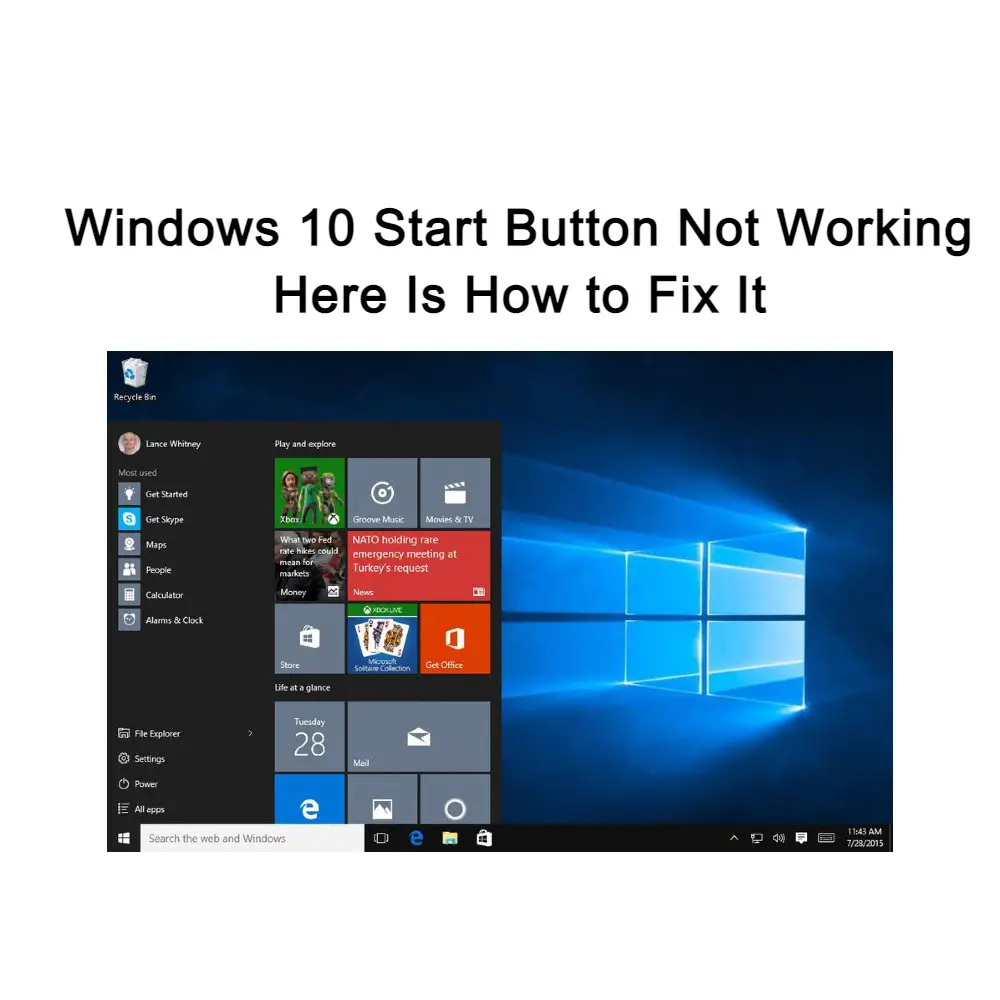
For issues where the Start menu or subcomponent isn t working you can do some quick tests to narrow down where the issue may reside Check the OS and update version Is the system running the latest Feature and Cumulative Monthly update Did the issue start immediately after an update
We followed the Steps for Windows Server in this article https docs citrix en us profile management current release profile management best practices html start menu roaming Scrolled down to the Section that begins with FOR WINDOWS SERVER The Real Housewives of Atlanta The Bachelor Sister Wives 90 Day Fiance Wife Swap The Amazing Race Australia Married at First Sight The Real Housewives of Dallas
This was resolved in Windows Server 2016 and 2019 by installing a Windows update link for 2016 and 2019 and manually applying a registry key Black screen or Start Menu not working damien says 1st March 2021 at 15 39 Hello Thank a lot for your web site I have the same issue on RDS ferme 2019 long black screen on logon and start