Windows Server 2019 Rdp Stopped Working How To Install RDP License Windows Server 2019 YouTube RDP Windows Server 2019 How To Change The RDP 58 Enable Remote Desktop Protocol RDP On Windows Server 2019 YouTube How To Enable Remote Desktop In Windows Server 2019 RootUsers Windows Server RDPGateway Web Feb 16 2019 nbsp 0183 32 An RDP client software is used on the local computer for this remote connection The remote server is required to run the RDP server The default setting of RPD in Windows server 2019 is to disable external remote desktop access But this can easily be turned on
Web Dec 11 2020 nbsp 0183 32 To reduce the bandwidth consumption of the native Windows RDP client follow these steps Open the RDP client Expand the console by clicking on the Show Options link Select the Experience tab Select the Low speed broadband option from the drop down menu Click Connect The remote desktop session Windows with the low Web Jan 8 2019 nbsp 0183 32 RDP to my win server 2019 machine suddenly stopped working If I disable win FW it works again No other AV FW on this machine If I run netstat ano I see 3389 LISTENING I have disbled enabled rdp and restarted the machine Check to see if these rules are enabled
Windows Server RDPGateway Connecting To My Windows Server 2019 Using RDP YouTube RDS Server 2019 CALS Not Showing As Installed Microsoft Q A Windows Server 2019 RDP memo RDP SERVER CONFIGURATION ON WINDOWS SERVER 2019 STEP BY STEP IN HINDI Multiple RDP Sessions Like Windows Server 2008 2012 In Windows 10 Home Install O365 On Win 2019 RDP Server Matrix 7 Windows Server 2019 RDS Enable Multi Sessions Server World How To Change RDP From Registry On Windows Server OrcaCore
Windows Server 2019 Rdp Stopped Working
 Windows Server 2019 Rdp Stopped Working
https://i.ytimg.com/vi/jUiDJWHysF0/maxresdefault.jpg
Web Aug 30 2019 nbsp 0183 32 You should apply this policy Allow log on through Remote Desktop Services That is in the following path Computer Configuration gt Windows settings gt Security Settings gt Local policies gt User Rights Assignment More info can be found from this link http www dataone nz p 537 Spice 2 flag Report Was this post helpful thumb up
Templates are pre-designed files or files that can be utilized for different functions. They can save time and effort by providing a ready-made format and design for producing different type of material. Templates can be used for individual or professional tasks, such as resumes, invitations, flyers, newsletters, reports, presentations, and more.
Windows Server 2019 Rdp Stopped Working
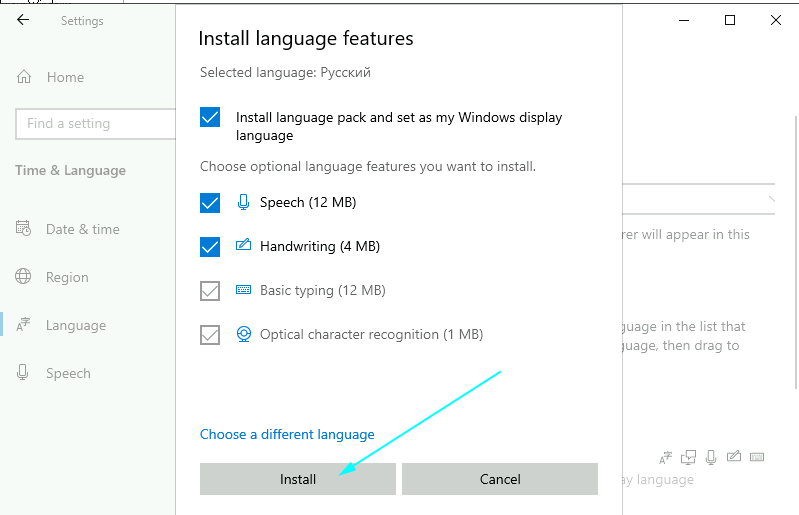
Windows Server 2019 ISPserver

Connecting To My Windows Server 2019 Using RDP YouTube

RDS Server 2019 CALS Not Showing As Installed Microsoft Q A

Windows Server 2019 RDP memo
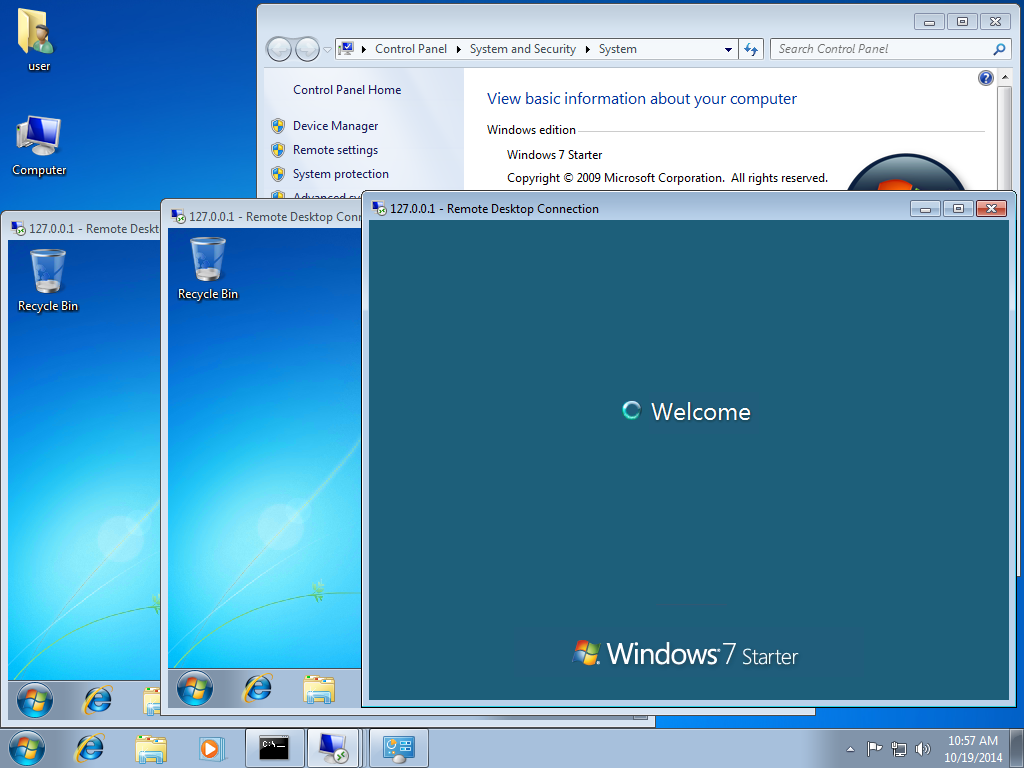
Multiple RDP Sessions Like Windows Server 2008 2012 In Windows 10 Home
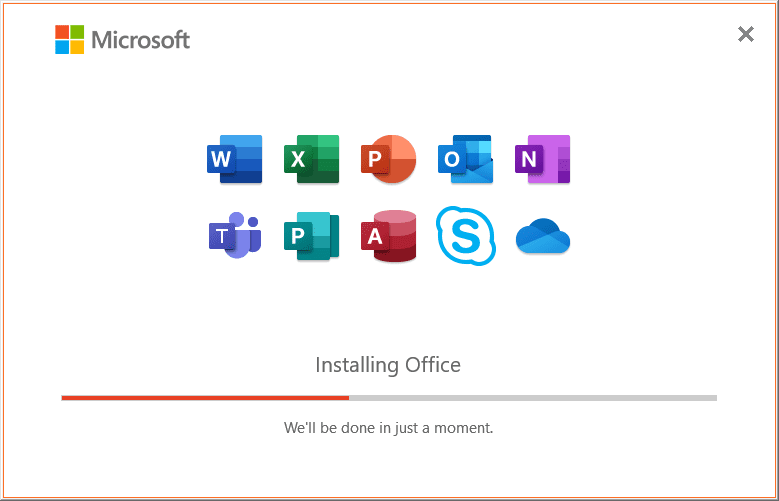
Install O365 On Win 2019 RDP Server Matrix 7

Web Feb 6 2021 nbsp 0183 32 Windows Server 2019 Standard Remote Desktop Service is running but port 3389 not listening Same issue in all Windows Server 2019 Standar instances the we have running Found system event related Remote Desktop Services is not accepting logons because setup is running

Web Aug 30 2021 nbsp 0183 32 RDP suddenly stopped working between servers amp clients I have a windows 2019 domain controller VM that I had an active RDP session from a win10 client which suddenly dropped unexpectedly and now won t reconnect dcdiag doesn t show any failed tests on the server The system log seems to be pretty much clear

Web RDP relies on network connectivity and firewall settings can often be the culprit when RDP stops working Solution Ensure that the server has network connectivity and the necessary ports TCP port 3389 by default are open on the firewall You may need to create or modify inbound rules in the Windows Firewall to allow RDP traffic 2
Web May 16 2023 nbsp 0183 32 Remote Desktop Disconnected This computer can t connect to the remote computer Try connecting again If the problem continues contact the owner of the remote computer or your network administrator Also you are limited in the number of users who can connect simultaneously to a Remote Desktop session or Remote Desktop Services
Web Jun 23 2022 nbsp 0183 32 Run Group Policy Editor Navigate to Computer Configuration gt Administration Templates gt Windows Components gt Remote Desktop Services gt Remote Desktop Connection Client Set the quot Turn Off UDP On Client quot setting to Enabled Try connection again in MSTSC Should work OK No reboot required
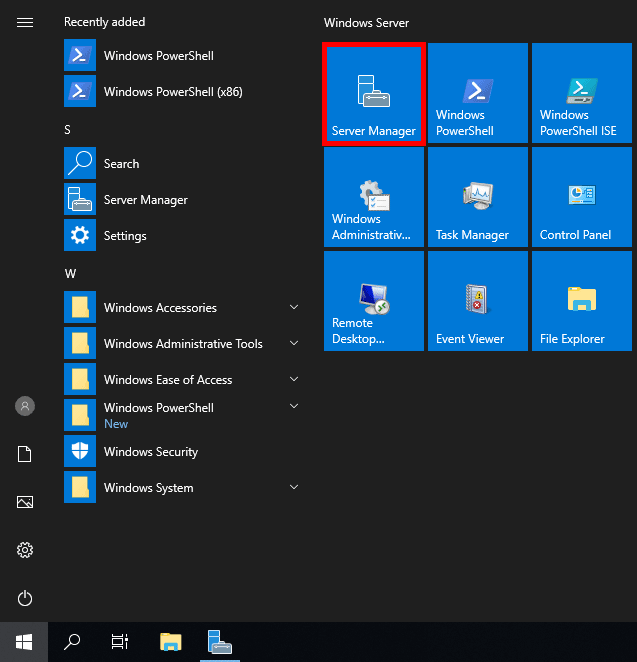
Web Jul 7 2019 nbsp 0183 32 The issues in the RDP security can be an issue that would affect your remote connection If this is the issue in your case it may be needed to change your security layer The domain that you have connected to can be another issue You can disconnect from the domain and then reconnect again Web Dec 19 2018 nbsp 0183 32 Within the Server Manager window select Local Server from the left hand side You may need to wait a little for it to detect the current state of your system You should see that Remote Desktop is listed as Disabled as shown below
Web Hi I am using the desktop experience version of Windows Server 2019 I encountered an reproducible issue that I consider to be a bug only affecting users that use Remote Desktop mstsc app to connect from a Windows 10 1809 PC to a Windows Server 2019 machine This is because the problem started only after receiving the Windows 10 1809 update on