Windows Explorer Default Size How To Change The Default Start Page For File Explorer On Windows 11 How To Restore The Default Windows 10 File Explorer Folder Icons How To Change Windows Explorer Default Location YouTube Fix Taskbar Not Showing In Windows 11 10 How To View Image Dimensions In File Explorer On Windows 10 WEB Oct 2 2023 nbsp 0183 32 Currently in Windows 11 every time I open File Explorer or any of my specific folder shortcuts the window defaults to the Maximized view I ve already tried changing the Properties Shortcut Run Normal option but the Maximized view persists
WEB Feb 10 2022 nbsp 0183 32 How to Set a Default Folder View for All Folders in Windows 10 While browsing folders in File Explorer you can apply the view settings of the current folder to all folders on your PC that are optimized for the same folder template type WEB Sep 10 2021 nbsp 0183 32 If WinSetView ran through to completion it should have reset all of your Explorer folder views Using the WinSetView default settings you should have ended up with Details view with column headings of Name Date
How To View Image Dimensions In File Explorer On Windows 10 How To Change The Default Download Location In Windows 11 Vrogue Here S What Windows 11 S New File Explorer Looks Like Techtelegraph How To Change Windows Explorer Default YouTube How To Change File Explorer s Default Quick Access View In Windows 10 File Explorer New Features For Windows 11 22H2 Pureinfotech Microsoft Revela La Interfaz Del Explorador De Archivos De Windows 11 How To How To Change File Explorer Default View In Windows 10 How To Change Your Default Browser In Windows TechRadar
Windows Explorer Default Size
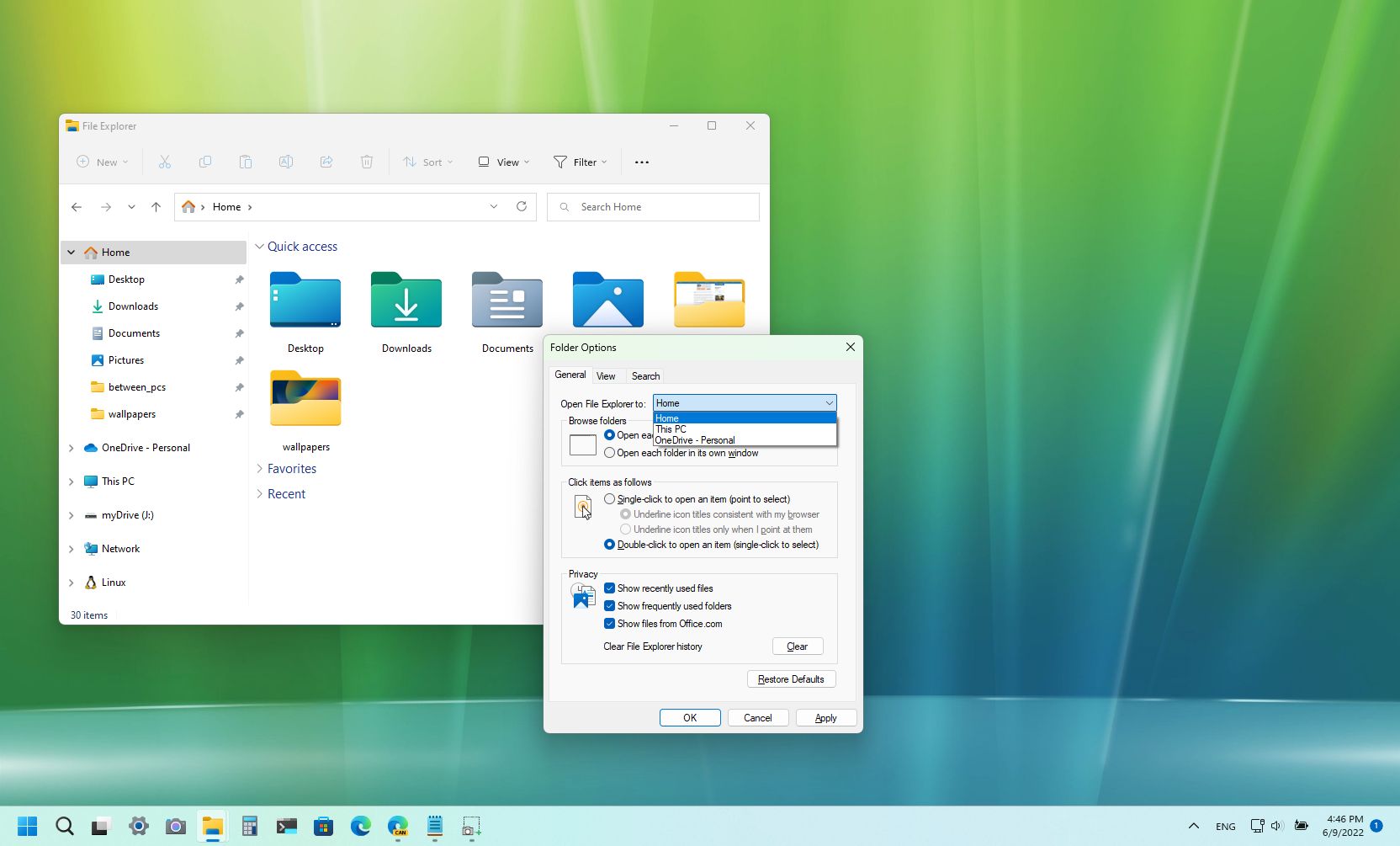 Windows Explorer Default Size
https://cdn.mos.cms.futurecdn.net/7bUeGDT8B963Tnhbwr5E5L.jpg
WEB Mar 7 2023 nbsp 0183 32 If File Explorer columns are too wide or narrow you can change the size of column width in Windows 11 10 Explorer Here s how to do it using 4 ways
Templates are pre-designed files or files that can be utilized for various purposes. They can save effort and time by offering a ready-made format and layout for developing different kinds of material. Templates can be used for personal or professional tasks, such as resumes, invitations, flyers, newsletters, reports, presentations, and more.
Windows Explorer Default Size
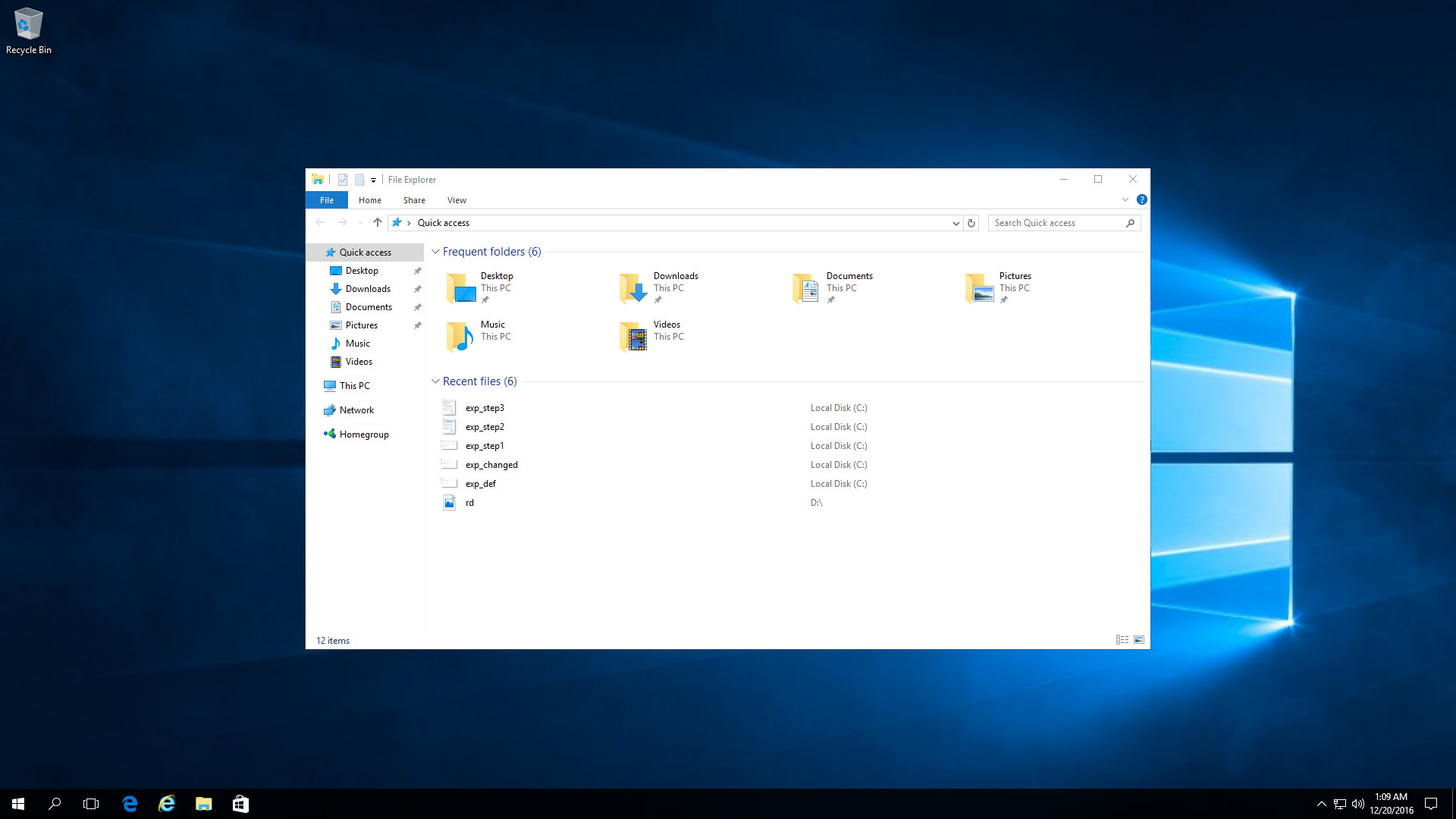
Switching Windows 10 Explorer Default View Posts The Oh Brothers

How To Change The Default Download Location In Windows 11 Vrogue

Here S What Windows 11 S New File Explorer Looks Like Techtelegraph

How To Change Windows Explorer Default YouTube
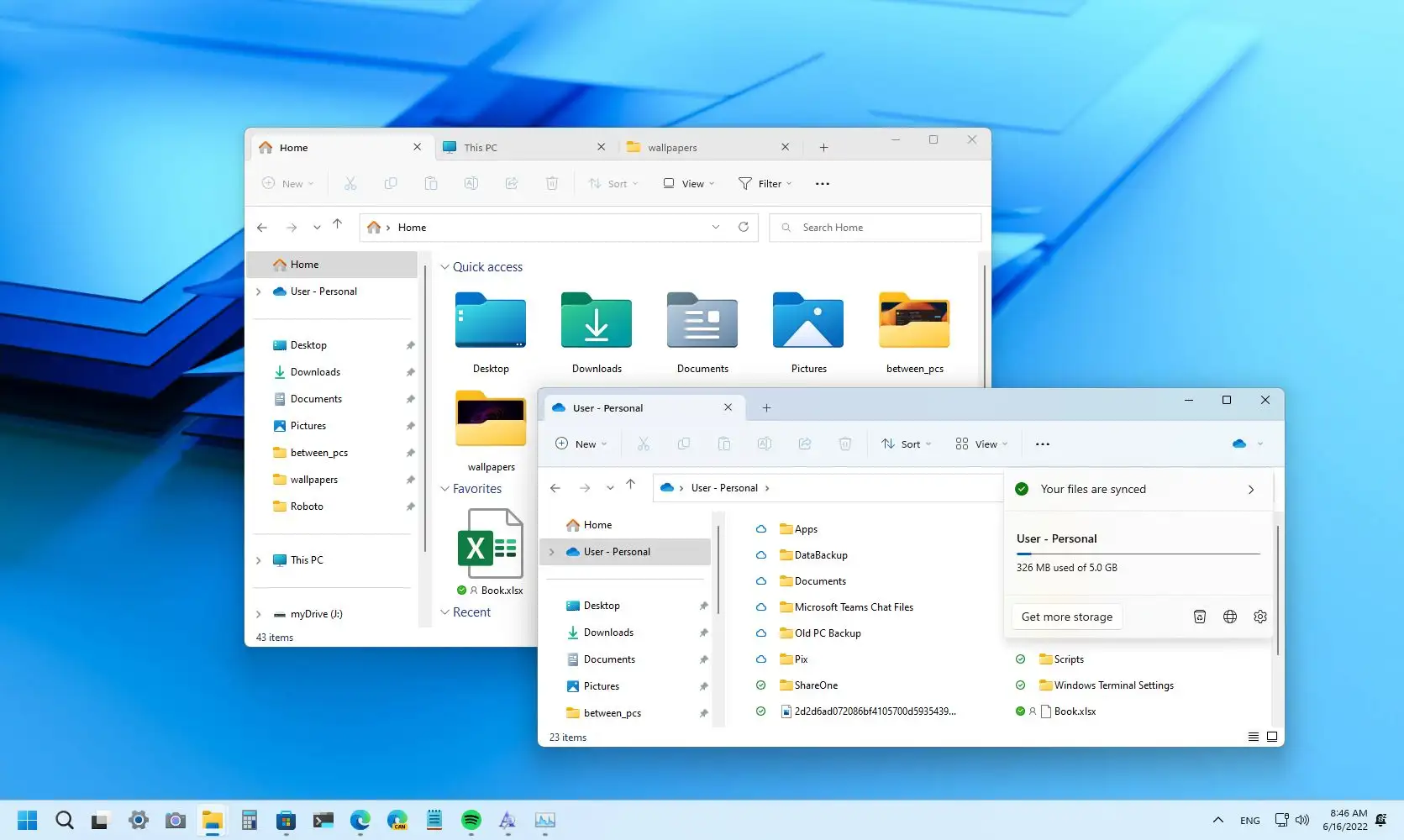
File Explorer New Features For Windows 11 22H2 Pureinfotech
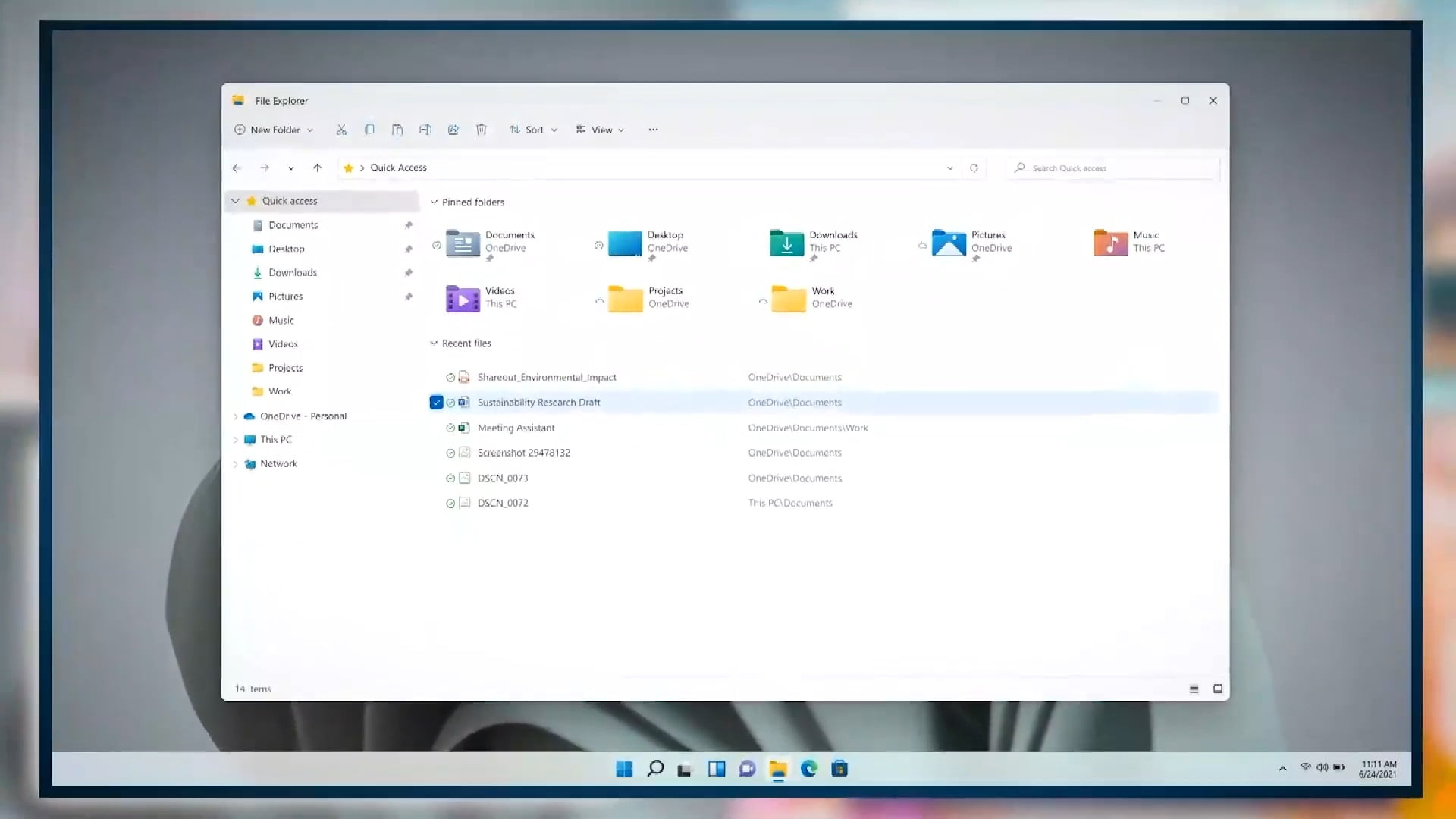
Microsoft Revela La Interfaz Del Explorador De Archivos De Windows 11
WEB Open a Window and make it the size you want Open a 2nd Window and make it the same size Bring the 1st Window to the front hold CTRL and click the red X in the top right hand corner Close the 2nd Window in the same way using CTRL

WEB Just wondering that if there is a way to display the size of folder in size column inside of windows explorer by default it only display the size of a file you have to use right click and properties or other way to check the size of a folder

WEB May 9 2024 nbsp 0183 32 How to Reset Folder View Settings to Default in Windows 10 In Windows you can change the File Explorer window size template not for folders on the Desktop column width Group by Sort by and layout view of items in your folders to how you like
WEB Jun 21 2014 nbsp 0183 32 To save a larger Explorer window size position open Windows Explorer adjust as you want it then hold down Ctrl Shift while you click the red X top right to close it This will remember the size position for the next time you open Explorer
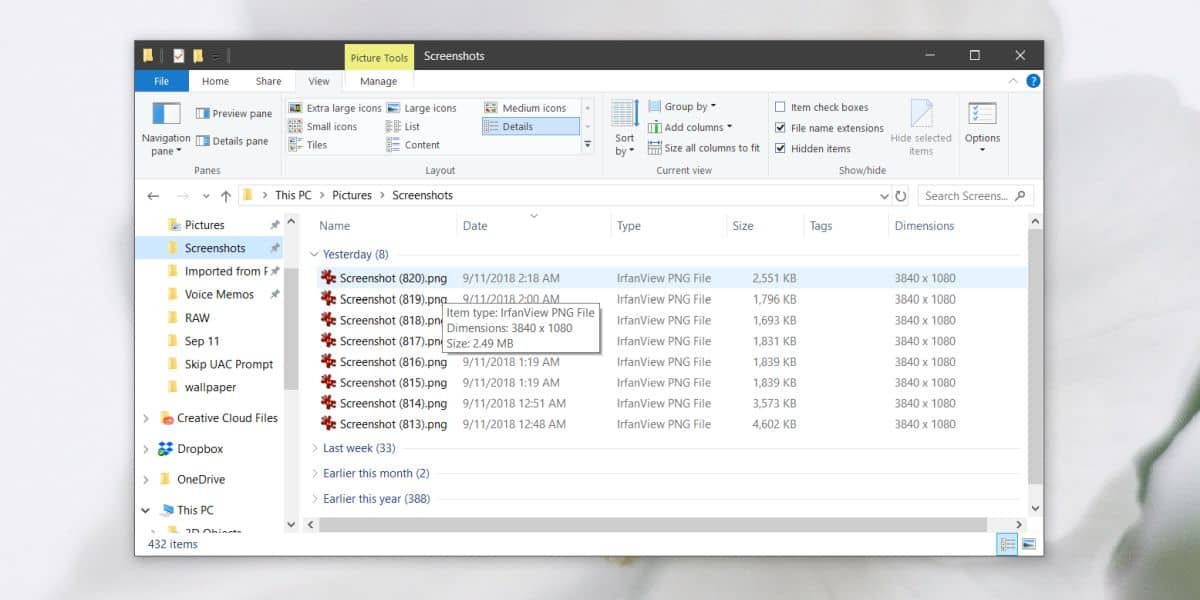
WEB Feb 21 2018 nbsp 0183 32 Open Windows Explorer Click the maximize icon to reduce size of window Hover mouse cursor on edges of window to see arrow then left click and adjust to size you want Left click inside the top middle of window and drag to
WEB Sep 30 2022 nbsp 0183 32 This tutorial will show you how to reset the width of the navigation pane in File Explorer back to default for your account in Windows 10 and Windows 11 The navigation pane is the far left pane in File Explorer used to find files folders and drives on your PC or network WEB We can reset the File Explorer Navigation Pane width by deleting a registry value or using a registry file 1 Reset File Explorer Navigation Pane Width to Default in Registry Close File Explorer Open the Registry Editor and go to HKEY CURRENT USER SOFTWARE Microsoft Windows CurrentVersion Explorer Modules GlobalSettings Sizer
WEB Apr 17 2024 nbsp 0183 32 In this guide we ll walk you through the easy steps to reset the folder view in File Explorer to the template default settings on Windows 10