Windows Check Lan Speed Command Line How To Test Internet Speed In Command Line YouTube Slow LAN Speed On Windows 10 PCs FIX Windows Command Line Cheat Sheet Fixed Deleting Directory In Windows XP Command Line Fileologist Command Line Cheat Sheet Windows Technos Web Jan 31 2010 nbsp 0183 32 Remember you need to run netsh interface ip show subinterfaces and check what is the line of your network adapter The following batch file uses the 4th string line that s the 1st adapter listed It checks the speed every 10 seconds
Web Jan 22 2022 nbsp 0183 32 LAN Speed Test is a simple yet powerful tool to check LAN connection speed and hard drive read write speeds LAN Speed Test for Windows 11 10 Customizable speed measurement Command line mode Web Jul 18 2017 nbsp 0183 32 With speedtest cli you can run a test in the command prompt on any operating system We ve shown you how to test your internet connection speed using a web browser but there are a few reasons you might want a command line tool instead Maybe you re remotely connected to a server via ssh and want to test
Command Line Cheat Sheet Windows Technos How To Enable Disable LAN Connection From CMD Command Prompt YouTube Hands Of The Installer Ethernet Test LAN Tester Computer Cable Stock How To Check Internet Speed From Command Line Using Speedtest CLI Tool How To Tell What Type Of Ethernet Cable You Have NetWork From Home Amerika Datum Es Tut Mir Leid Cisco Router Port Status Verfr ht Pr fix How To Chat Over LAN With Command Prompt 5 Steps with Pictures Windows Command Prompt Cheatsheet Printable Pdf Download Vrogue Windows Terminal Commands Sheet Pdf Worthyren Command Line Cheat Vrogue
Windows Check Lan Speed Command Line
 Windows Check Lan Speed Command Line
https://i.ytimg.com/vi/191hvsaqpIw/maxresdefault.jpg
Web Apr 30 2021 nbsp 0183 32 Speed test via command line I need to test the speed of an Internet connection I can test it by connecting to sites line fast or speedtest but I want to perform a continuous test and to save the results on a file I created a PowerShell script to run ping every 30 seconds and it works fine but I need something more accurate
Templates are pre-designed documents or files that can be used for numerous purposes. They can save effort and time by offering a ready-made format and design for developing different type of material. Templates can be used for personal or expert projects, such as resumes, invitations, flyers, newsletters, reports, presentations, and more.
Windows Check Lan Speed Command Line

Lan Speed Test Ipad Martkaser
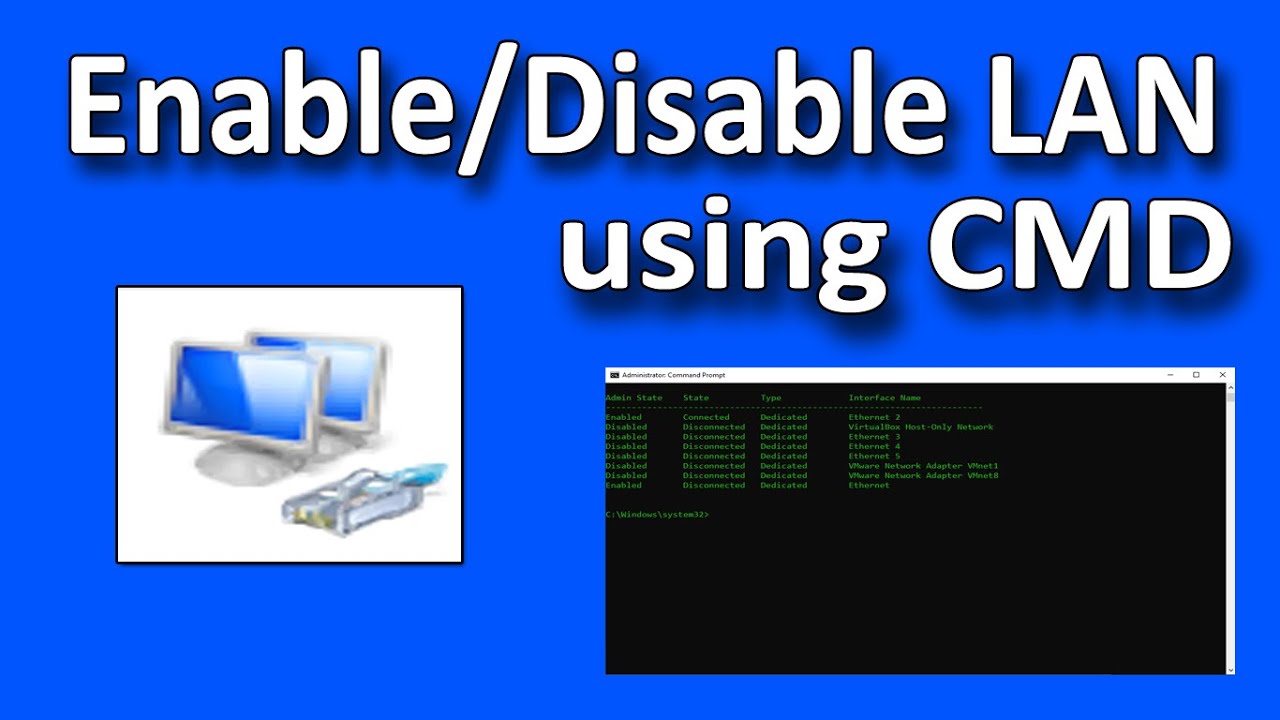
How To Enable Disable LAN Connection From CMD Command Prompt YouTube
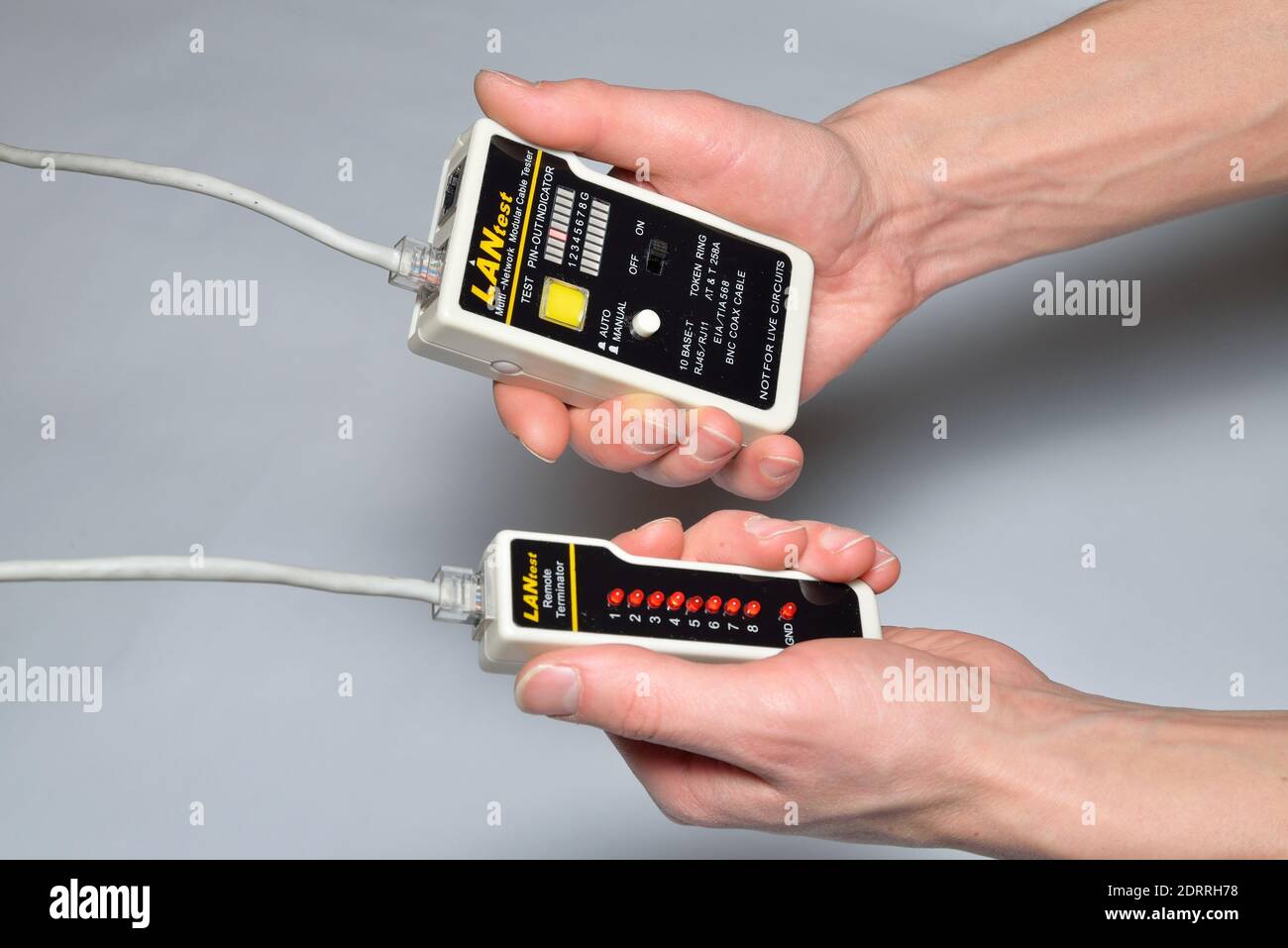
Hands Of The Installer Ethernet Test LAN Tester Computer Cable Stock

How To Check Internet Speed From Command Line Using Speedtest CLI Tool

Amerika Datum Es Tut Mir Leid Cisco Router Port Status Verfr ht Pr fix

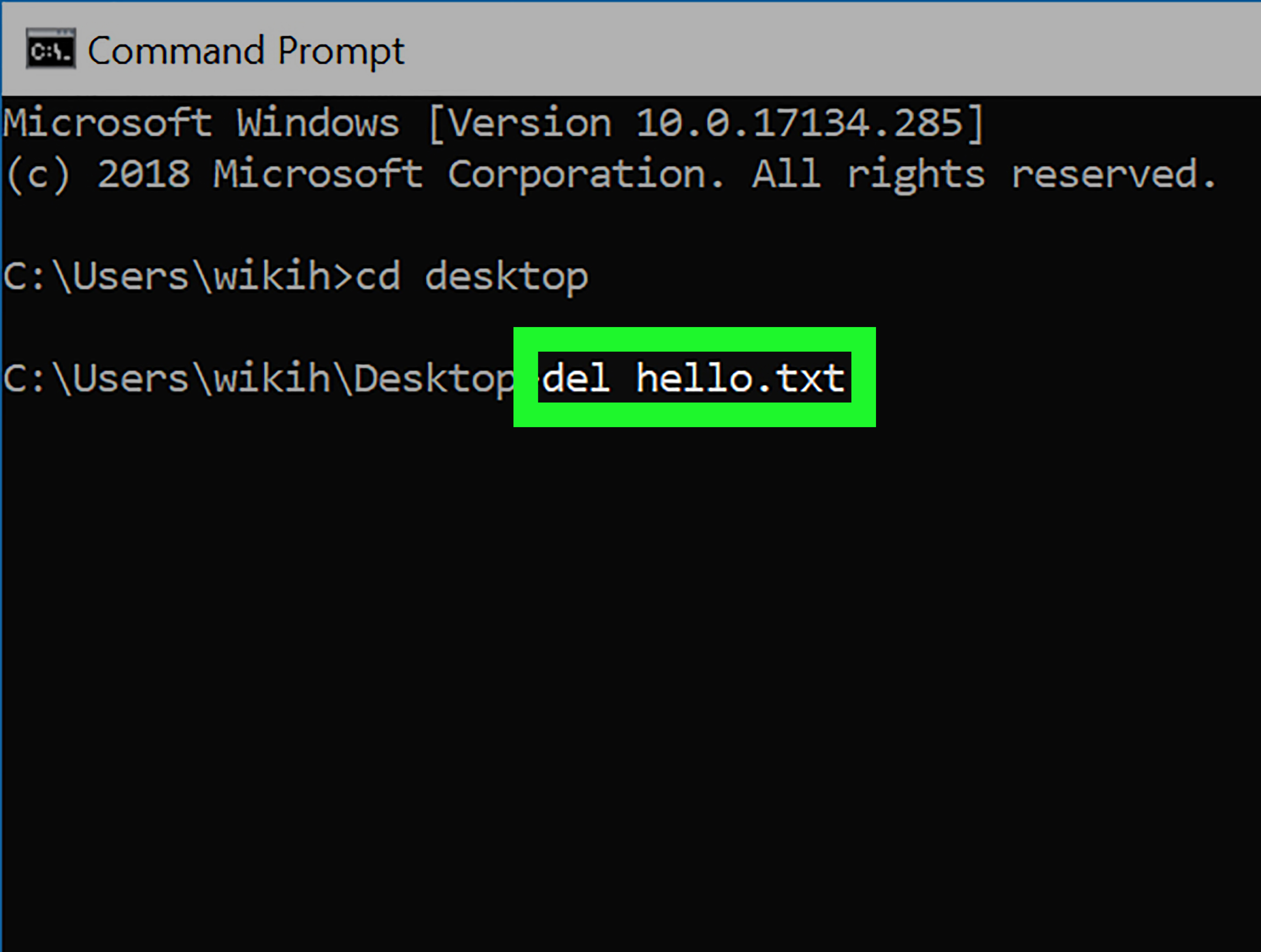
How To Chat Over LAN With Command Prompt 5 Steps with Pictures

Web Jul 23 2013 nbsp 0183 32 You can right click on the LAN connection and then Check the Status That will give you the link speed You can also open a command prompt and run ping exe to ping other computers on the network

Web Oct 4 2023 nbsp 0183 32 Enter the following command into the Prompt s window and press Enter wmic nic where netEnabled true get name speed Note the speed figure specified within the Command Prompt This is how you can check the network card speed in Windows 10 via the command line Read more about this topic
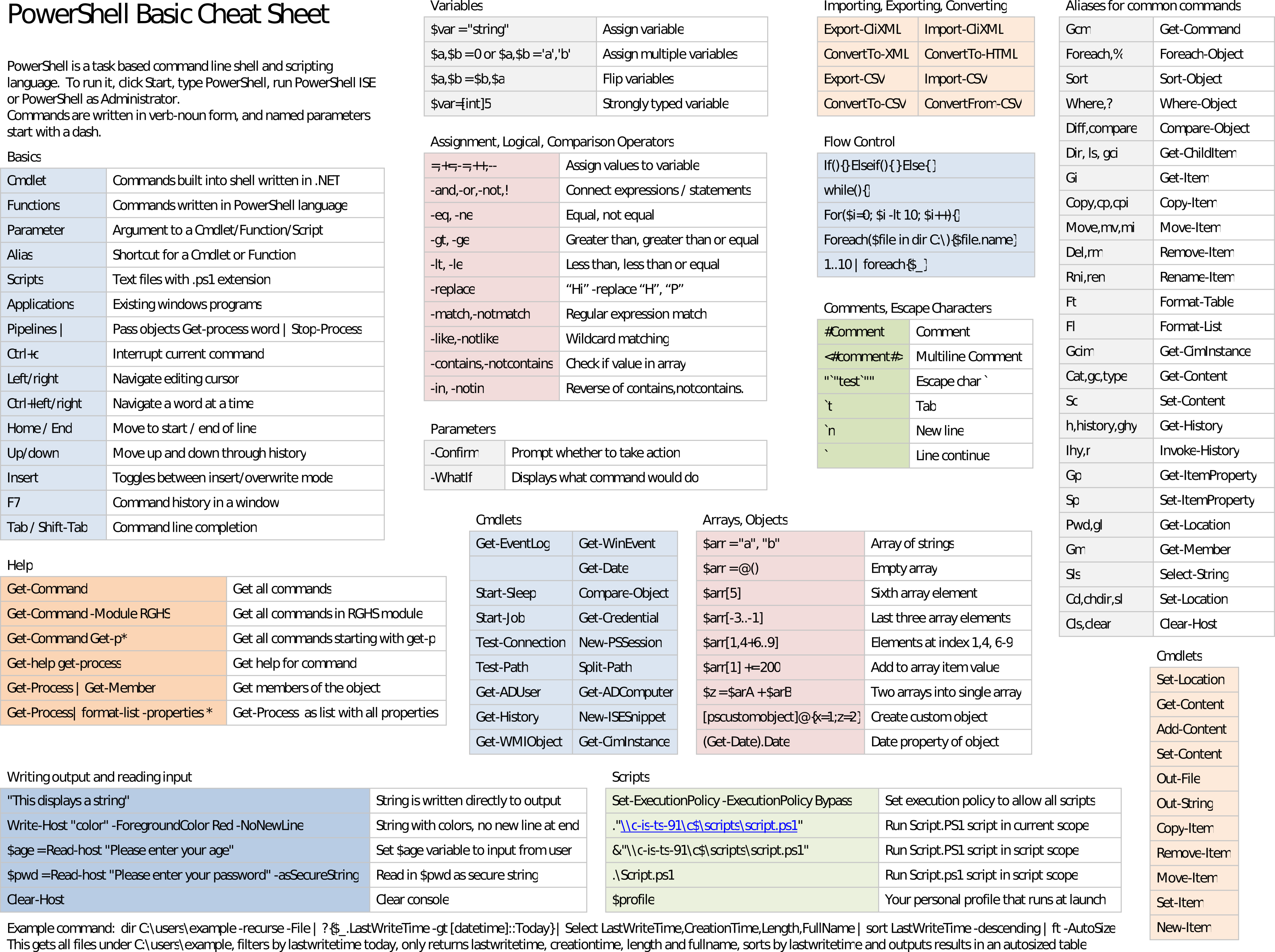
Web May 2 2022 nbsp 0183 32 1 How to check the internet connection in CMD To check whether your internet connection works you can use Command Prompt to test the connection to a particular website or internet location To do that you can use the ping network command followed by a web address or IP address
Web Jan 26 2023 nbsp 0183 32 Confirm the link speed for your network adapter in at least 4x ways from the Settings app Control Panel Command Prompt and PowerShell with our guide

Web Oct 21 2022 nbsp 0183 32 In Command Prompt window type the command wmic nic where netEnabled true get name speed and press Enter This will list all detected Ethernet and Wi Fi adapters in your Windows 10 computer and display their speeds Way 4 How to Check Ethernet Speed Windows 10 in PowerShell
Web Aug 25 2023 nbsp 0183 32 Type the following command to determine the connection speed for all the Ethernet and Wi Fi adapters Get NetAdapter and to print the LinkSpeed for a specific network adapter name use PS C gt Get NetAdapter Name Ethernet LinkSpeed 1 Gbps You can lookup the available interfaces and its names with Get NetAdapter Name Web Feb 8 2022 nbsp 0183 32 1 Open the Control Panel icons view and click tap on the Network and Sharing Center icon 2 In Network and Sharing Center click tap on the network connection link next to Connections you want to check its speed see screenshot below 3 You will now see the Speed for the connected network adapter see screenshots below
Web Jan 31 2022 nbsp 0183 32 Here is the wmic command I used wmic nic where netEnabled true get name speed MACAddress And the powershell command is Get NetAdapter select interfaceDescription name status linkSpeed exit Using the command line allows you to write a script or batch file to standardize troubleshooting