Windows 11 Startup Repair Using Command Prompt 5 Ways To Access Advanced Startup Options Menu In Windows 10 YouTube How To Fix Windows 10 11 Startup Problems Using Command Prompt How To Find Windows 10 Product Key Using Command Prompt How To Open A Windows 11 Command Prompt As Administrator Windows Home 32 64 Bit Install Repair Recovery Restore USB Flash This Tutorial Helps to Fix Windows 11 10 Startup Problems Using Command Prompt Startup Repair Complete Solution00 00 Intro00 09 Method 1 Disk Checking01
Start by launching an elevated Command Prompt Open the Start menu from the taskbar type cmd If you couldn t repair Windows 11 with the previous methods try using Windows 11 startup repair Startup repair specifically looks for startup problems only so skip this method if your problem isn t related to startup Step 1 Type Command Prompt in the Search box Step 2 In the right panel choose the Run as administrator option Case 2 You Can t Start Windows 11 10 Normmlly Step 1 Boot your computer from Windows installation media Step 2 Select Repair your computer Step 3 Choose Troubleshoot Advanced options Command Prompt
Windows Home 32 64 Bit Install Repair Recovery Restore USB Flash How To Run Windows 10 Startup Repair Using Command Prompt Mobile Legends Repair Windows 11 Using 4 Methods Step by Step Guide 2022 How To Open Command Prompt At Boot In Windows 10 Techcult How To Launch Apps Automatically During Startup On Windows 11 Windows Windows 11 Startup Repair Not Working 4 BEST FIX 2023 Random Command Prompt Opens And Closes 7 Ways To Fix It In 2023 Top 5 Ways Repair Windows 10 11 Using Command Prompt How To Access Startup Repair On Windows 11 If You Can Boot Into Desktop
Windows 11 Startup Repair Using Command Prompt
 Windows 11 Startup Repair Using Command Prompt
https://i.ytimg.com/vi/ckilAx9moa4/maxresdefault.jpg
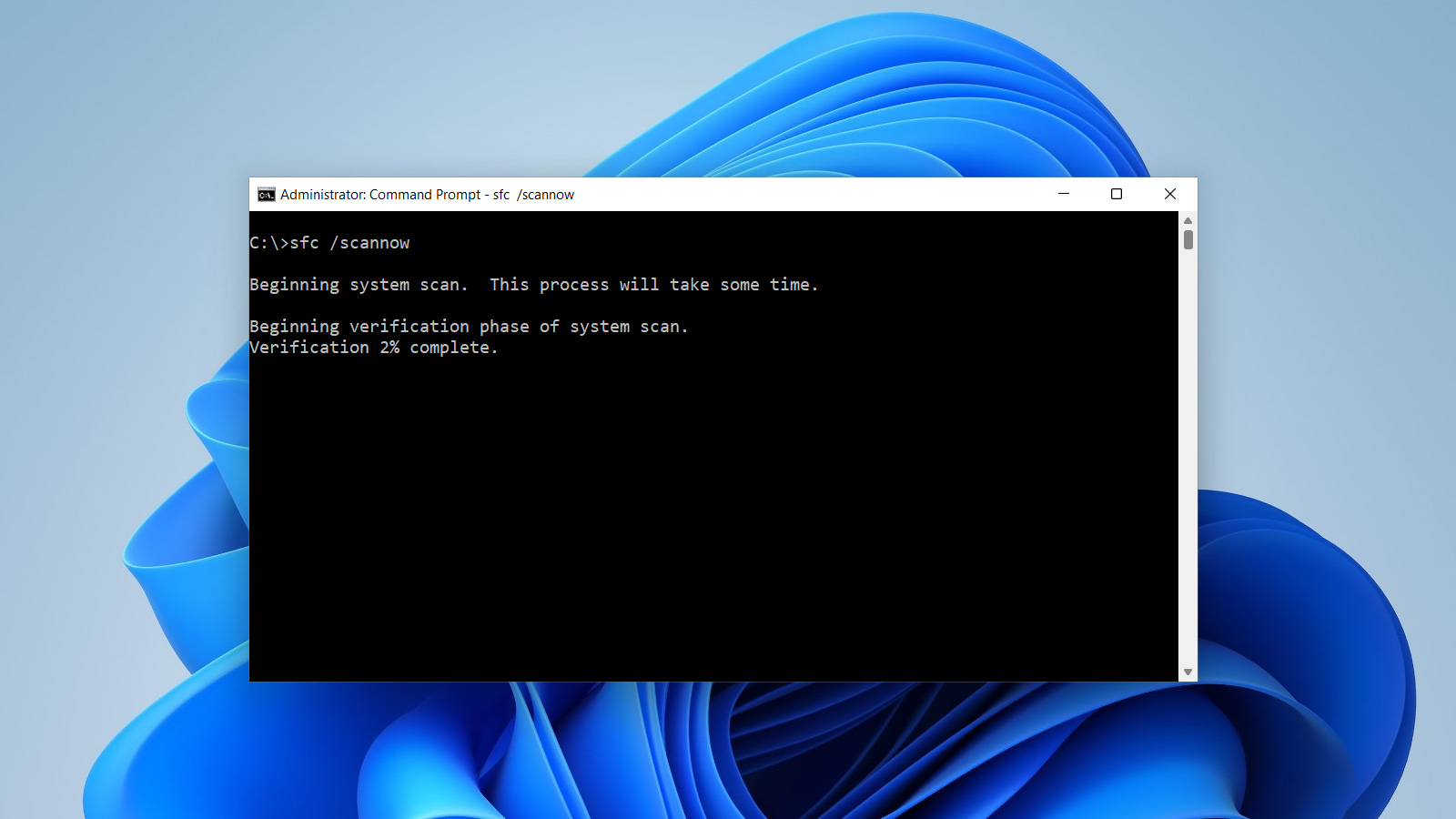
To use the SFC command tool to repair problems on Windows 11 use these steps Open Start Search for Command Prompt right click the top result and select the Run as administrator option
Templates are pre-designed documents or files that can be used for various functions. They can save time and effort by providing a ready-made format and design for developing different type of content. Templates can be utilized for individual or professional tasks, such as resumes, invites, flyers, newsletters, reports, presentations, and more.
Windows 11 Startup Repair Using Command Prompt
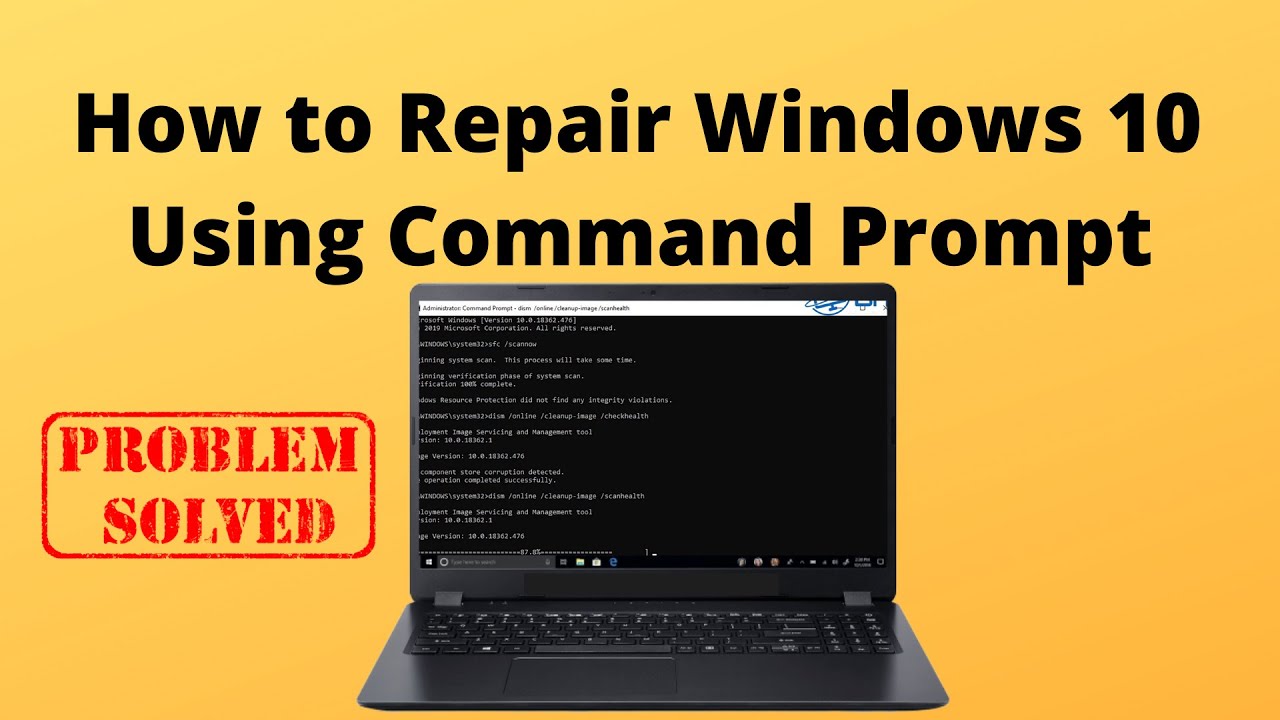
How To Repair Windows 10 Using Command Prompt YouTube

How To Run Windows 10 Startup Repair Using Command Prompt Mobile Legends
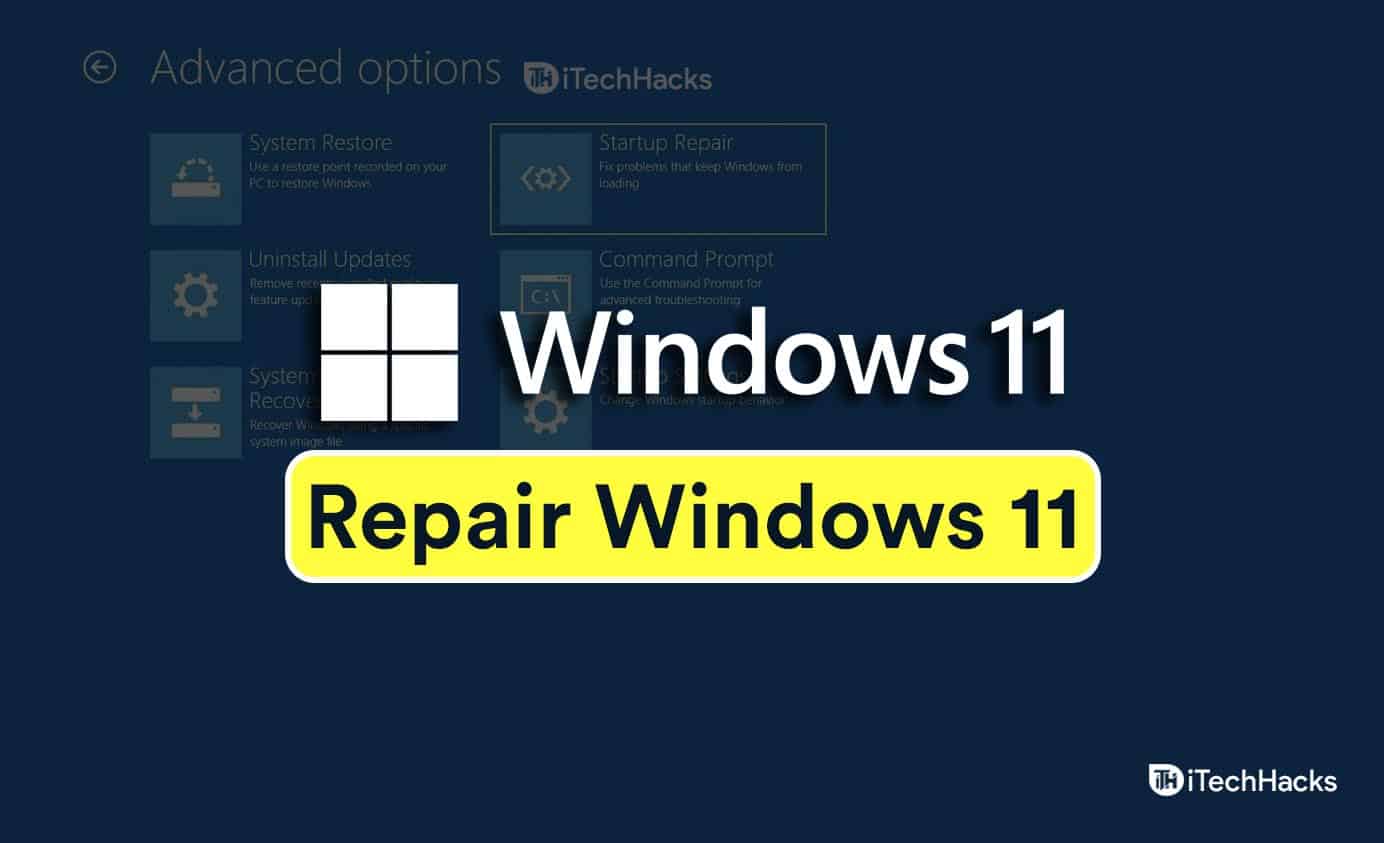
Repair Windows 11 Using 4 Methods Step by Step Guide 2022
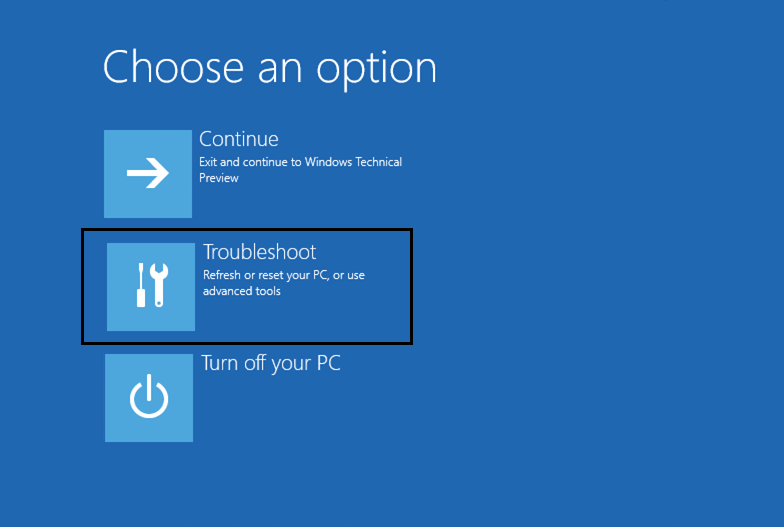
How To Open Command Prompt At Boot In Windows 10 Techcult
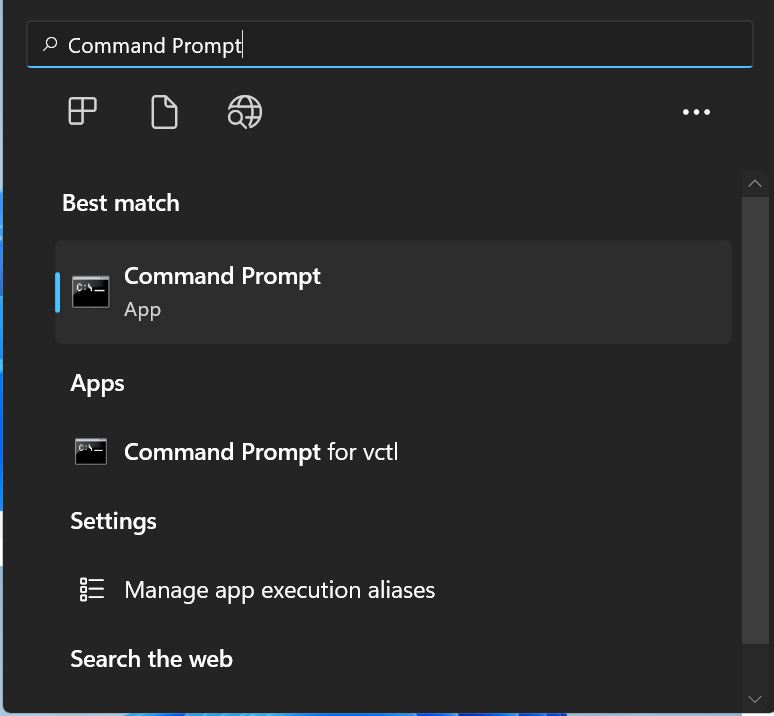
Windows 11 Startup Repair Not Working 4 BEST FIX 2023

Random Command Prompt Opens And Closes 7 Ways To Fix It In 2023

Method 1 Using CHKDSK in CMD In an elevated instance of the command prompt type the following command chkdsk C f r x Then press Enter If you want to scan any other drive replace C with that drive letter But if you want to repair system files C is the default drive for it

Advanced Options Menu The Advanced Options menu has numerous options and they re all there to troubleshoot or repair your PC Here s what they are Startup Repair Startup Repair will attempt to automatically fix any problems that are preventing Windows 11 from booting correctly

Step 1 Start the Command Prompt using a recovery drive Step 2 Use Command Prompt to fix issues with your PC s boot records 2 1 How to repair the EFI Bootloader for Windows 11 Windows 10 UEFI systems with GPT partitioned drives 2 2 How to repair your MBR UEFI CSM or BIOS systems with MBR partitioned drives
To boot in Command Prompt on Windows 11 you can use Recovery Mode Advanced startup option or installation media Keep reading to learn the detailed steps for each method If you are looking for a way to access Command Prompt when your computer boots up this guide can help

Solution 1 System settings Select Start Settings Privacy security For developers In Terminal select Windows Console Host Solution 2 Windows Terminal settings Open Windows Terminal then select the Startup tab Default terminal application Windows Console Host Solution 3 Windows Console settings
How to Fix Windows 10 11 Startup Problems using Command Prompt Complete Tutorial 4 Ways to FixIf you have Windows Startup Problem If you think the issue How to analyze the SFC log file CBS log Open File Explorer and use it to navigate to the C Windows Logs CBS folder Then double click or double tap on the CBS log file to open it in your default text editor app By default that should be Notepad Then either scroll down to the end of the file or use the search function in your text editor
To repair Windows 10 11 using SFC with detailed steps 1 Open Start search for the Command Prompt select it and run as administrator 2 Then type the command sfc scannow and press Enter If SFC is unable to fix the problem probably the utility cannot get the necessary files from the Windows image which might have become broken