Windows 10 Turn Off Proxy Settings Ways To Turn Off Proxy Settings In Windows 10 Ways To Turn Off Proxy Settings In Windows 10 How To Turn Off Proxy Settings Posts By John Jack Bloglovin How To Disable Turn Off Automatically Change In Proxy Setting In Cant Turn Off Proxy Windows 10 The proxy server which acts as an intermediary between your Windows 10 device and the internet is used to access online content from all web browsers that you have installed as well as the Windows 10 apps from the Microsoft Store Read on and learn how to change the proxy settings in Windows 10 Advertisement Skip to chapter
Go to Network and Internet then click Proxy Under Automatic proxy setup toggle off switch next to Automatically detect settings Now scroll down and click on the slider below Use a proxy server and turn it off too Disable proxy settings through registry You can also tweak the windows registry editor to disable network proxy settings in Windows 10 To disable the ability to change the proxy settings on Windows 10 use these steps Open Start Search for gpedit msc and click OK to open the Local Group Policy Editor On the right side double
Cant Turn Off Proxy Windows 10 How To Turn Off Proxy Settings Windows 10 How To Turn Off Or Disable The Proxy Settings On Windows 11 Flipboard Turn Off Proxy Settings On Iphone Mainscale C ch T t Proxy Ho c Ng n Thay i C i t Proxy Trong Windows 11 10 Solved How To Turn Off Proxy On IPhone And Best Alternative How To Turn Off Proxy Settings On Iphone Hellogross How To Turn Off Proxy Server YouTube Networking Unable To Change turn Off Proxy Settings In Windows 8 1
Windows 10 Turn Off Proxy Settings
 Windows 10 Turn Off Proxy Settings
https://tipsmake.com/data3/thumbs/ways-to-turn-off-proxy-settings-in-windows-10-thumb-m6IAh0GbP.jpg
Here s how to do so 1 Tap the Start button then select Settings on the far left 2 Select Network Internet from the Windows Settings menu 3 In the left pane select the Proxy option 4 All settings related to configuring a proxy in Windows are available here
Templates are pre-designed documents or files that can be utilized for different functions. They can conserve time and effort by supplying a ready-made format and design for creating different type of material. Templates can be utilized for individual or expert tasks, such as resumes, invitations, flyers, newsletters, reports, presentations, and more.
Windows 10 Turn Off Proxy Settings

Windows 10

How To Turn Off Proxy Settings Windows 10

How To Turn Off Or Disable The Proxy Settings On Windows 11 Flipboard

Turn Off Proxy Settings On Iphone Mainscale

Solved How To Turn Off Proxy On IPhone And Best Alternative
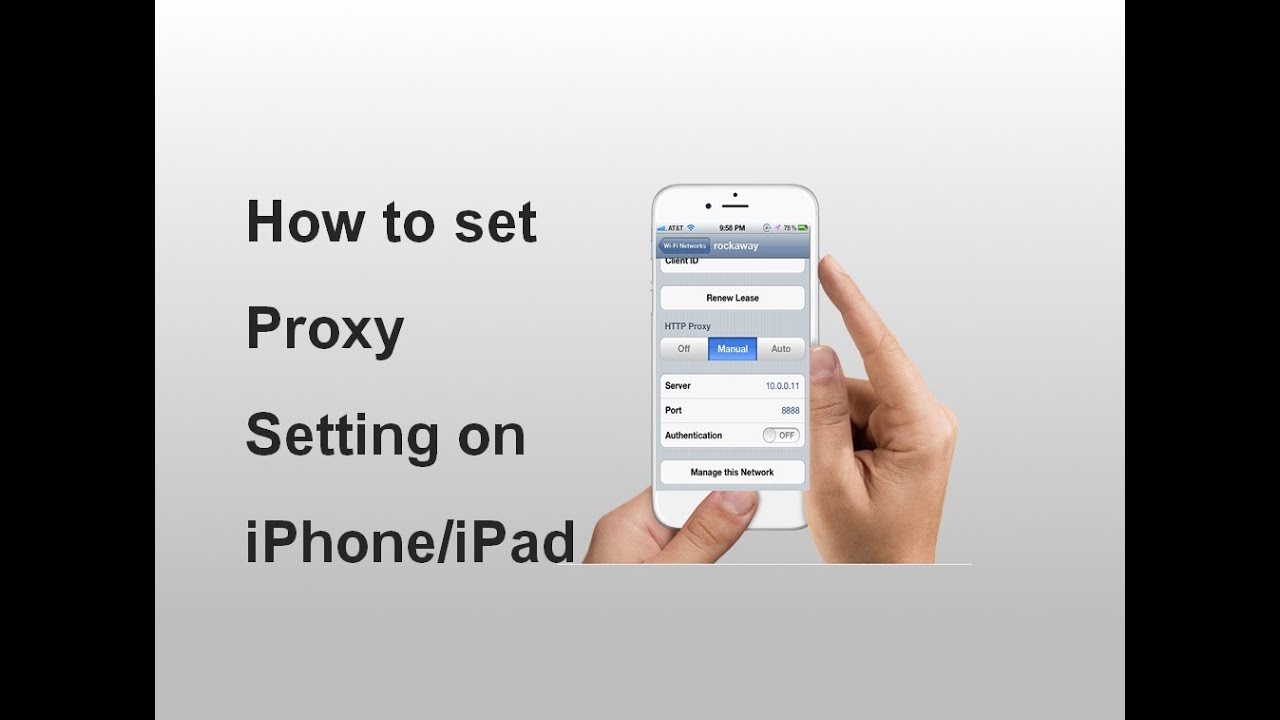
How To Turn Off Proxy Settings On Iphone Hellogross

To disable and remove your proxy settings on a Windows 10 PC through the Control Panel here s how Navigate to the following location Control Panel Network and Internet Internet Options In the Internet Properties window switch to the Connections tab and then click Lan settings

1 Open the Start menu On Windows you can do that by pressing the Windows logo key on your keyboard Alternatively click on the Start icon on the taskbar 2 Search for Edit Group Policy in the Start menu and click on the result As soon as you click on the Edit Group Policy option Windows Group Policy Editor will be opened 3

The solution is to click on Start Control Panel Network and Internet Internet options Connection Local network setting and switch off proxy checkbox there This procedure is annoying I would like to have some bat script that turns it off Could you help me windows 7 proxy Share Improve this question Follow edited Mar 28 2016 at 12 44
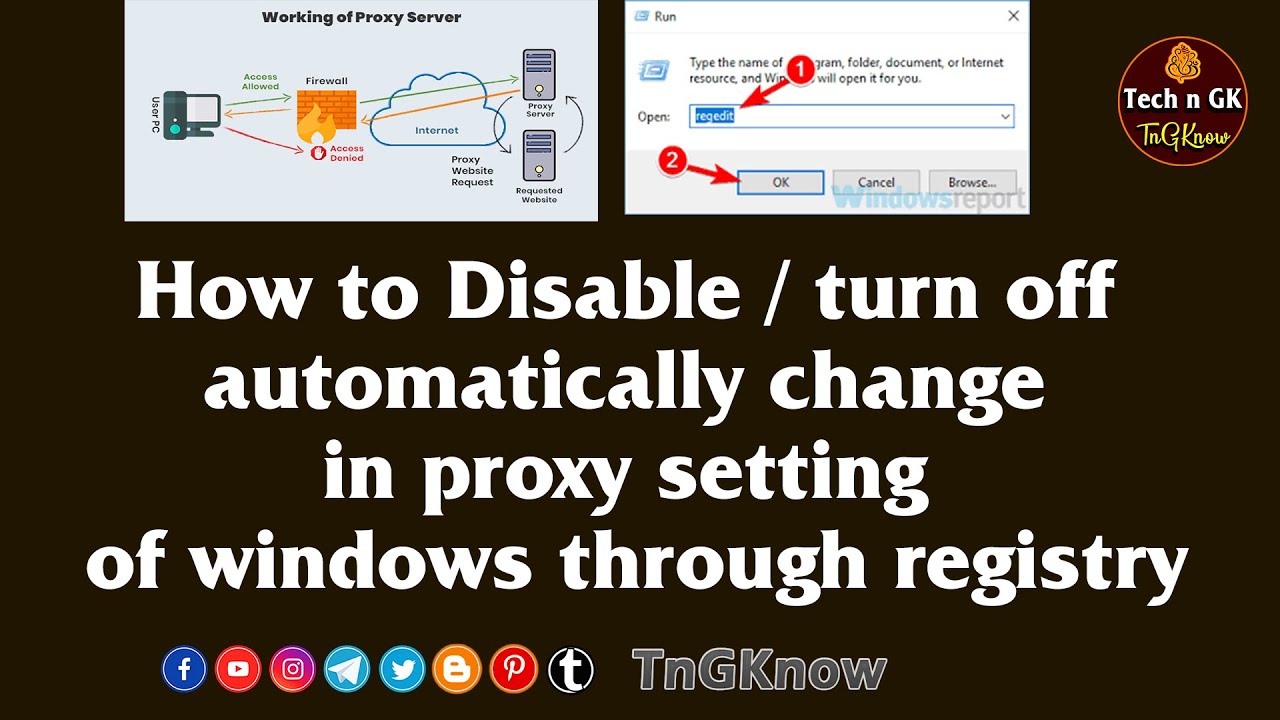
Open Internet Explorer Click on the Settings icon and select Internet Options Go to the Connections tab then click on LAN settings Enable Automatically detect settings and disable Use a proxy server for your LAN Click OK and reboot your computer

To use a proxy server you ll need one or more of the following things depending on how you re setting it up Automatically Windows detects the proxy server settings automatically so you don t have to enter any information Set up script You ll need to know the location of the proxy setup script for your organization if proxy
There is an option in Windows 10 to manually configure proxy settings so that your network traffic is routed through it onto the internet However it is not How to Turn off proxy in Windows 10 11 Windows 10 Settings app using Win I hotkey or Search box Network Internet Under that category click on the On the right hand side turn
There are several ways to turn off the proxy on your device or browser Here s a detailed guide on disabling a proxy across different platforms Turn Off Proxy on a Computer To quickly turn off a proxy the computer s settings are the most direct method