Windows 10 Start Button Not Working Windows 10 Start Button Not Working Fixed TechTade Com Slik Fikser Du Windows 10 Start menyen Hvis Den Er Frossen Nyheter Idag Right Click Not Working On Windows 10 Start Button Start Menu YouTube Fix Start Button Not Working In Windows 10 Part 2 YouTube Windows 10 Start Button Not Working Fixed Web Apr 16 2023 nbsp 0183 32 Start Menu Button sometimes stops working because of issues with Windows Explorer In some cases even the whole Windows can be become unresponsive Simply restarting Explorer can often resolve problems affecting the Start Menu and the Taskbar To restart Explorer Hit Ctrl Shift Esc to open Task Manager
Web Jan 21 2024 nbsp 0183 32 On Windows 10 head into Settings gt Personalization gt Taskbar Turn on quot Lock the Taskbar quot and turn off quot Automatically Hide the Taskbar in Desktop Mode quot and quot Automatically Hide the Taskbar in Tablet Mode quot Restart Windows Explorer Restarting Windows Explorer will fix many issues related to the taskbar File Explorer and Start Web The following are some things you can try if you re having problems with the Start menu or Cortana First check for updates Press Windows logo key R type ms settings and then select OK This opens Settings In Settings choose Update amp security gt WindowsUpdate and then select Check for updates Install any available updates and restart
Windows 10 Start Button Not Working Fixed Windows 10 Start Button Not Working Here Is How To Fix It How To Fix The Windows 10 Start Menu Not Working Windows 10 Start Button Not Working YouTube How To Fix Start Button Not Working In Windows 10 Fix Windows 10 Start Button Not Working Windows 10 Fix YouTube Windows 10 Start Button Not Working 12 Ways To Fix It TechCult How To Fix Windows 10 Start Button Not Working Windows 10 Start Button Not Working Troubleshooting Guide KeepTheTech
Windows 10 Start Button Not Working
 Windows 10 Start Button Not Working
https://techtade.com/wp-content/uploads/2020/01/Windows-10-Start-Button-Not-Working.jpg
Web Feb 26 2019 nbsp 0183 32 Restarting the process can get the Start button to act normally once again Open Task Manager by holding CTRL SHIFT and ESC at the same time Go to the Processes tab Note Click More Details if you don t see tabs Scroll down and find Windows Explorer from the list of active applications Right click Windows Explorer and click Restart
Templates are pre-designed files or files that can be utilized for various functions. They can save effort and time by supplying a ready-made format and design for creating different kinds of material. Templates can be utilized for individual or professional jobs, such as resumes, invites, flyers, newsletters, reports, discussions, and more.
Windows 10 Start Button Not Working

How To Solve Windows 10 Start Button Not Working Problem 2019 YouTube
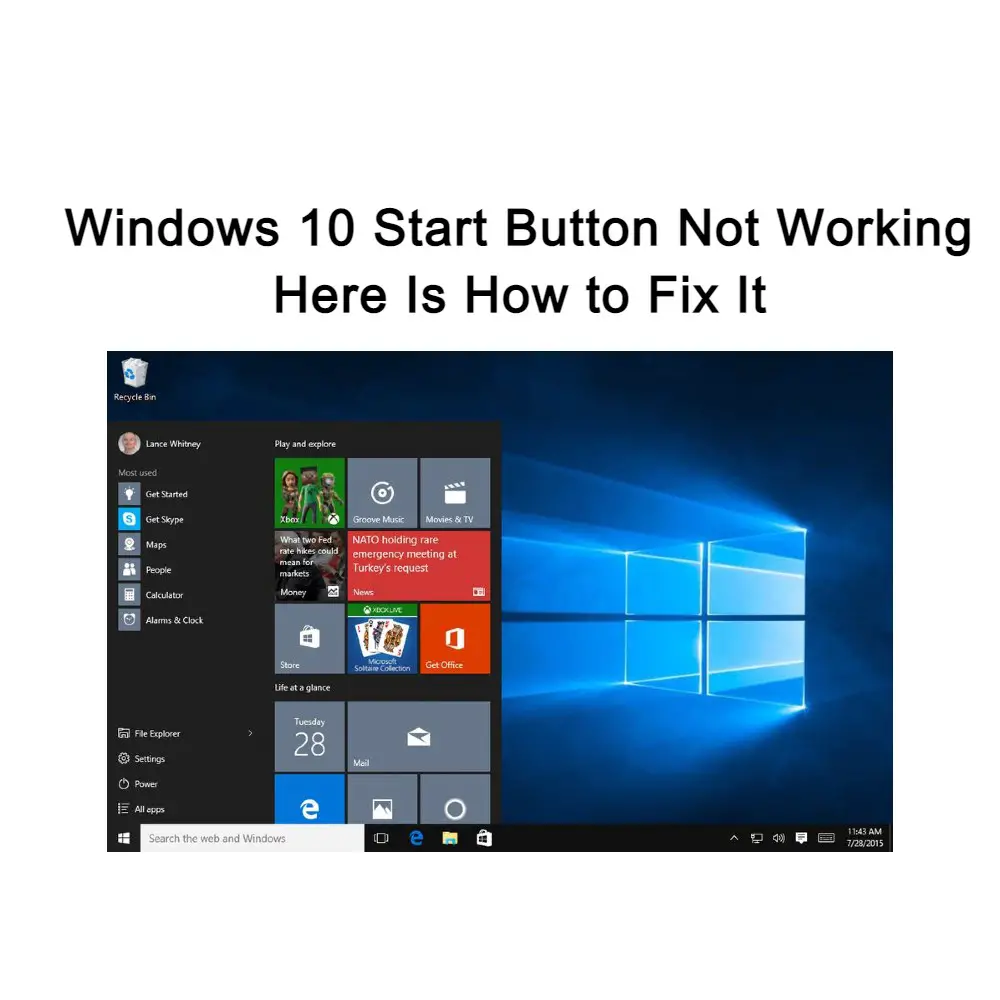
Windows 10 Start Button Not Working Here Is How To Fix It

How To Fix The Windows 10 Start Menu Not Working

Windows 10 Start Button Not Working YouTube

Start Button Not Working Windows 10 Fix YouTube

Windows 10 Start Button Not Working 12 Ways To Fix It TechCult

Web Dec 18 2019 nbsp 0183 32 Hi JRSanchez Press the Ctrl Alt Del keys on the keyboard at the same time or right click the Taskbar and select Task manager Go to the File Menu and click Run a new task Type powershell tick the box for Create this task with administrative privileges and click OK

Web Oct 4 2023 nbsp 0183 32 What can I do when the Start button is not working in Windows 10 1 Check for Windows updates Press Windows Key I to open the Settings app Now go to the Update amp Security section 2 Use the PowerShell to fix this issue Press Windows key X and choose Windows PowerShell Admin Press Enter

Web Nov 6 2020 nbsp 0183 32 How to reset the Start Menu with default Windows 10 apps The next thing you can try is to reset the Start Menu entirely along will all the Windows 10 apps that were preinstalled or installed from the Microsoft Store To do this you ll need to open PowerShell as an administrator Command Prompt won t work for the command you ll run

Web Feb 21 2020 nbsp 0183 32 The Windows 10 Start menu may stop working for a variety of reasons including an incomplete operating system update an update bug corrupted system files or corrupted user account files How to Get a Windows 10 Start Menu to Work Restart your computer Sometimes the easiest solution works

Web Nov 18 2023 nbsp 0183 32 1 Move your cursor and click on the Windows logo or the start menu 2 Click on your profile icon and select Sign out 3 Now type your password and re login into your account 4 Finally check if your Windows key is working or not Method 2 Disable the Game Mode in Windows 10
[desc-11] [desc-12]
[desc-13]