Windows 10 Shutdown Using Command Prompt Windows 10 Restart Shutdown Without Update December 2018 Top 10 Hidden Command Prompt Tricks For Windows 10 Cmd To Shutdown Windows 7 8 10 Shutdown Windows Using Command Prompt How To Shutdown Windows 10 With Command Prompt Timer YouTube How To Shut Down Your Windows 10 PC Using Command Prompt Si Windows 11 est pr 234 t 224 234 tre install 233 sur l appareil un message s affiche dans la fen 234 tre Windows Update indiquant que Windows 11 est pr 234 t Pour poursuivre la mise 224 niveau vers Windows 11
Feb 4 2025 nbsp 0183 32 Learn how to install Windows 11 including the recommended option of using the Windows Update page in Settings T 236 m tr gi 250 p v 224 c 225 c b 224 i vi t h ng d n cho h i u h 224 nh Windows Nh n h tr cho Windows v 224 t 236 m hi u v c 224 i t c p nh t quy n ri 234 ng t b o m t v 224 h n th n a
How To Shut Down Your Windows 10 PC Using Command Prompt How To Shutdown Remote Computer Using Cmd Shutdown Or Restart Windows 25 Useful Windows Command Prompt Tricks You Might Not Know Command Prompt Windows 10 Tell Your Windows To Take Actions Digital Windows Shutdown Timer Command Corehety How To Restart Shutdown Using CMD How To Open Elevated Command Prompt In Windows 10 Vrogue How To Remotely Shut Down Windows 10 With CMD Command Line MiniTool Command Prompt What It Is And How To Use It
Windows 10 Shutdown Using Command Prompt
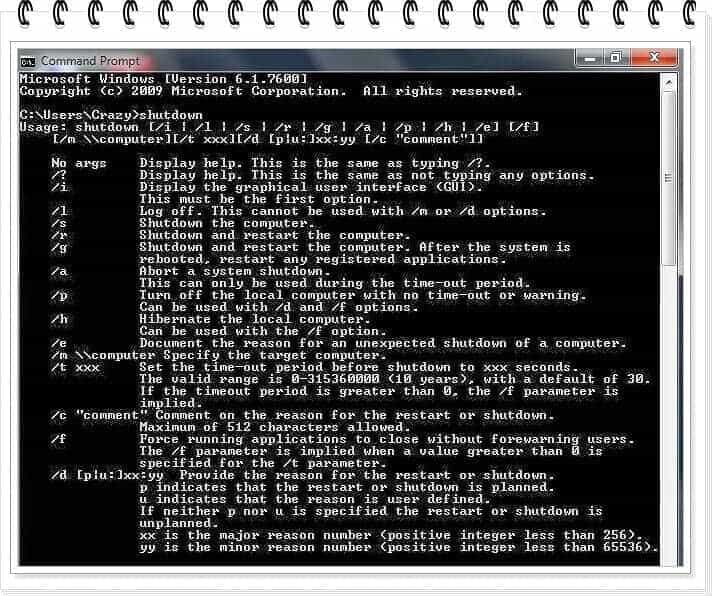 Windows 10 Shutdown Using Command Prompt
https://www.kiwigeeker.com/images/affiliate/resource/use-command-to-shutdown-pc.jpg
Create installation media for Windows Applies To Installation media such as a USB flash drive can be used to install a new copy of Windows perform a clean installation of Windows or
Pre-crafted templates offer a time-saving service for creating a diverse range of files and files. These pre-designed formats and designs can be utilized for various individual and expert jobs, including resumes, invites, leaflets, newsletters, reports, presentations, and more, improving the content production process.
Windows 10 Shutdown Using Command Prompt

How To Shut Down Your Windows Computer From The Command Line

How To Shutdown Remote Computer Using Cmd Shutdown Or Restart Windows
25 Useful Windows Command Prompt Tricks You Might Not Know

Command Prompt Windows 10 Tell Your Windows To Take Actions Digital
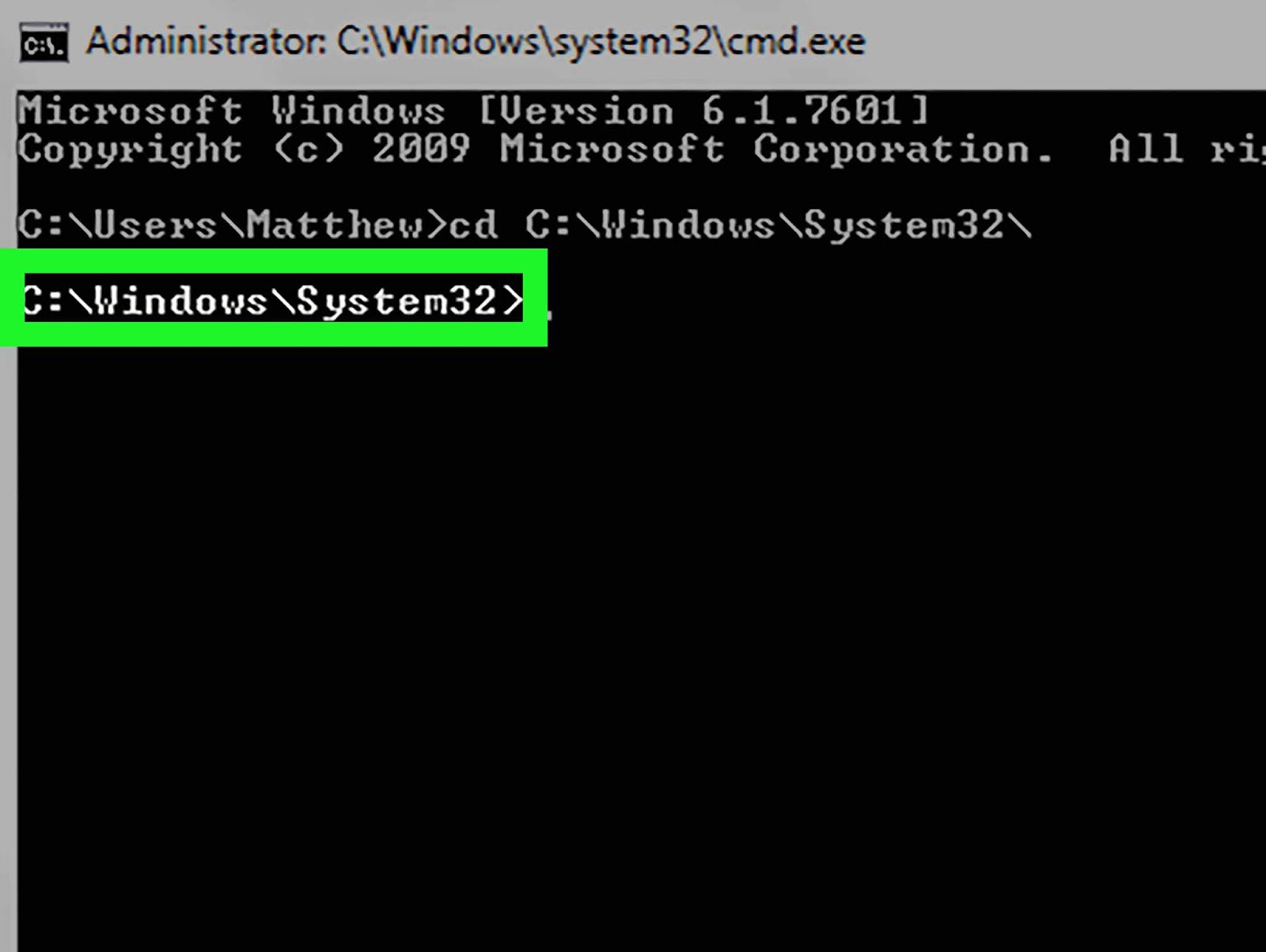
How To Restart Shutdown Using CMD

How To Open Elevated Command Prompt In Windows 10 Vrogue
Find help and how to articles for Windows operating systems Get support for Windows and learn about installation updates privacy security and more

Trouvez de l aide et des articles pratiques pour les syst 232 mes d exploitation Windows B 233 n 233 ficiez d un support pour Windows et en savoir plus sur l installation les mises 224 jour la

Windows 11 vous permet de choisir quand et comment obtenir les derni 232 res mises 224 jour pour assurer la s 233 curit 233 et le bon fonctionnement de votre appareil S 233 lectionnez Param 232 tres de

If you re warned by Windows Update that you don t have enough space on your device to install updates see Free up space for Windows updates If you experience internet connection issues

Welcome to Windows 11 Learn about new features upgrade FAQs device lifecycles and support options
[desc-11] [desc-12]
[desc-13]