Windows 10 Recovery Command Line Windows 10 Recovery Command Prompt Commands Likosyy Microsoft Windows Vista Recovery Command Prompt Rutrackerunit Repair Windows 10 Or 11 Using Command Prompt 5 Ways Recovery Command Prompt Windows 10 Hoolitxt How To Enable Windows Recovery Environment WinRE On Windows 10 Web Feb 19 2019 nbsp 0183 32 1 Obtain a blank USB flash drive of the same size GiB or GB makes no matter whichever you use as the original installer Let s call this thumb drive quot T quot for Target 2 Also obtain a 2GB or larger USB flash drive thumb drive quot B quot 3 Download Rufus an Open Source freeware app
Web Recover lost files on Windows 10 Windows Apps Insider Preview If you can t locate a lost file from your backup then you can use Windows File Recovery which is a command line app available from the Microsoft Store Web Apr 14 2021 nbsp 0183 32 WinRE can help devices recover back to Windows but if needed it can be disabled by opening an elevated command prompt and using the reagentc disable command By disabling WinRE however some Windows 10 features may not work including many outlined in this blog post
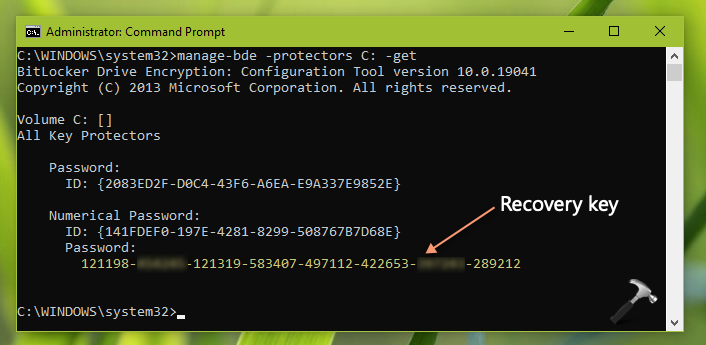
How To Enable Windows Recovery Environment WinRE On Windows 10 How To Recover File And Folder Which Is Deleted By Shift Delete PC How To Initiate A Full System Recovery Windows 10 Tidemadness Microsoft Is Working On A New Data Recovery Tool For Windows 10 Windows 7 Backup Command Line Dusupernal Unlock Bitlocker From Command Prompt Without Recovery Key Windows 10 System Recovery Cmd Features Recovery Command Prompt Windows 10 Hoolitxt O Que Faz O Cmd Recuperar Pastas Exclu das E Como Corrigi las Bios Crunch
Windows 10 Recovery Command Line
 Windows 10 Recovery Command Line
https://www.techspot.com/articles-info/1724/images/2018-10-13-image-10.png
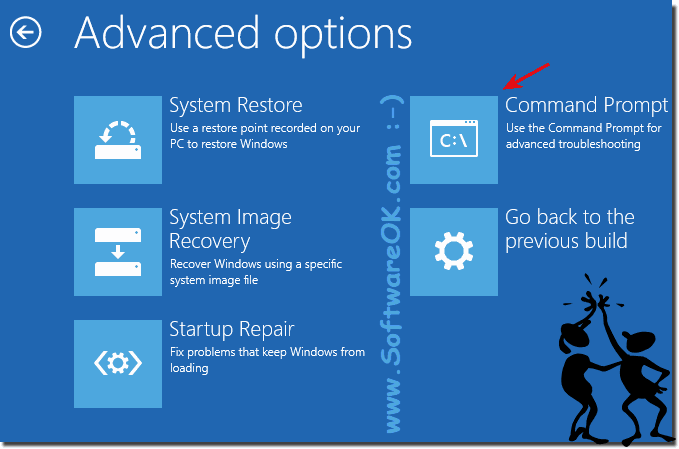
Web May 13 2021 nbsp 0183 32 How to enter the Advanced Boot Menu Windows 10 Recovery Environment using a shortcut or command Another useful troubleshooting place is Windows 10 s Recovery Environment also known as the Advanced Boot Menu To quickly get to it open Command Prompt as an administrator and run this command
Templates are pre-designed files or files that can be used for various functions. They can save effort and time by supplying a ready-made format and layout for developing various type of material. Templates can be utilized for individual or professional tasks, such as resumes, invitations, flyers, newsletters, reports, presentations, and more.
Windows 10 Recovery Command Line

Jak I Dlaczego Wy czy Windows 10 Recovery Blog

How To Recover File And Folder Which Is Deleted By Shift Delete PC

How To Initiate A Full System Recovery Windows 10 Tidemadness
Microsoft Is Working On A New Data Recovery Tool For Windows 10
Unlock Bitlocker From Command Prompt Without Recovery Key
Windows 10 System Recovery Cmd Features
Web Dec 8 2023 nbsp 0183 32 Type the following command to repair the Windows 10 image and press Enter DISM Online Cleanup Image RestoreHealth Source G Sources install wim In the command replace quot G quot with the mount
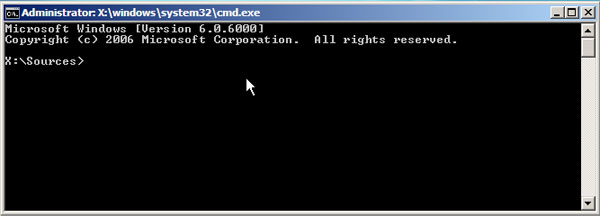
Web Sep 12 2023 nbsp 0183 32 Open Command Prompt or PowerShell as administrator then run quot sfc scannow quot to fix corrupted Windows System Files If SFC fails to run properly or cannot repair the files run quot DISM Online Cleanup Image RestoreHealth quot to
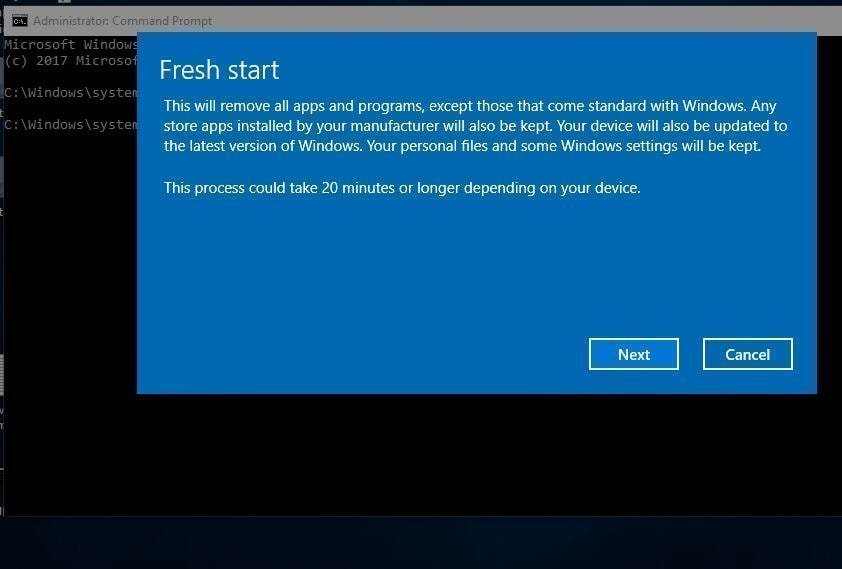
Web Oct 4 2023 nbsp 0183 32 5 Boot into Recovery Mode using Command Prompt Command Prompt is a built in command line tool that helps you get out of almost any troubleshooting situation Similarly you can enter Recovery Mode on Windows 10 from Command Prompt 1 Press Windows R open Run type cmd in the text field and hit Ctrl Shift Enter
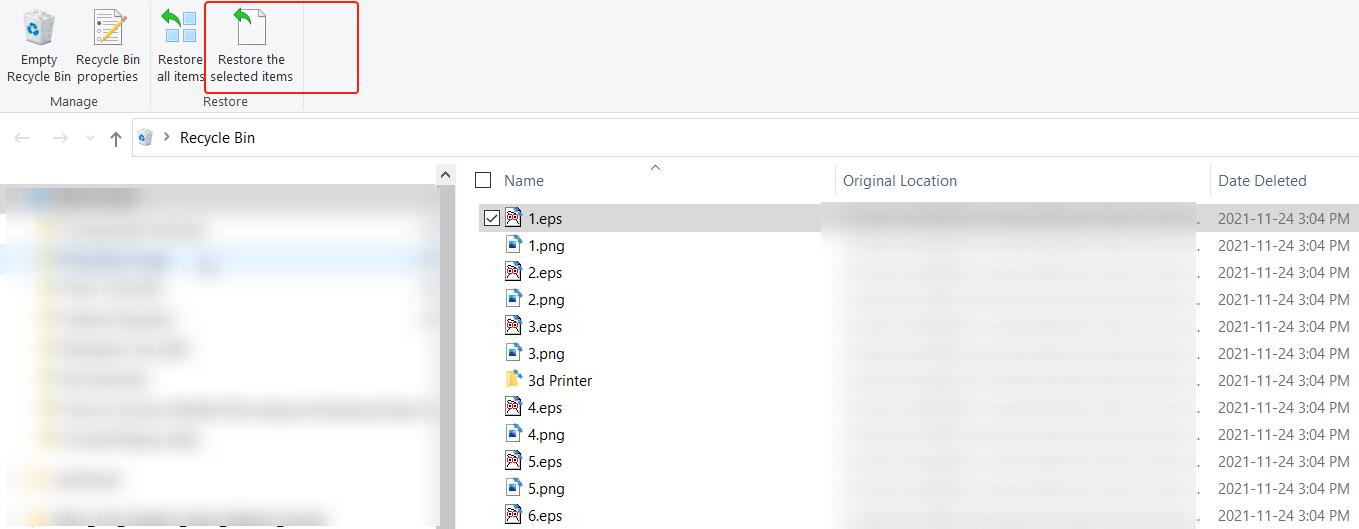
Web Jan 8 2016 nbsp 0183 32 SOLVED Command Line to Get Windows 10 Into Recovery Mode Published by Ian Matthews on January 8 2016 In a CMD prompt type shutdown r o f t 00 and the PC will reboot into RECOVERY MODE where you can bring up

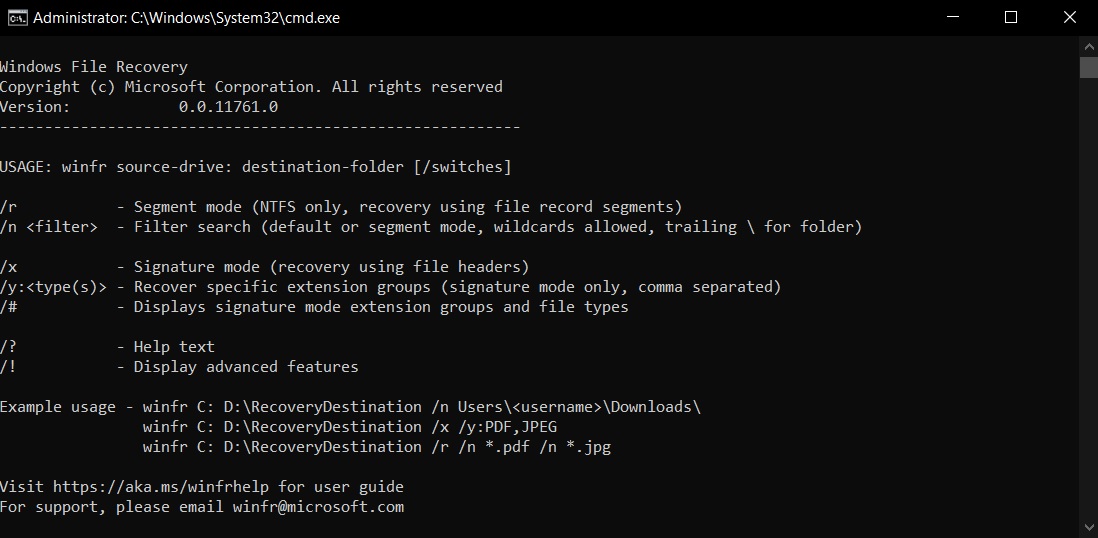
Web Sep 14 2023 nbsp 0183 32 To use Windows File Recovery you will run the winfr command specifying the drive you want to search for the deleted file the destination you want to save it to and the various switches that control what the tool searches for and how it searches
Web Jun 8 2023 nbsp 0183 32 Tim Fisher Updated on June 8 2023 Reviewed by Chris Selph What to Know Open Command Prompt Type rstrui exe in the window and then press Enter Follow the on screen instructions to complete the system restore This article explains how to start System Restore from the Command Prompt Web Jul 21 2023 nbsp 0183 32 Method 1 Run System Restore in Safe Mode with Command Prompt As above mentioned if you are unable to access your Windows system normally due to some error driver installation Windows update or virus infection You can try to restore your system settings to an earlier date
Web Feb 3 2023 nbsp 0183 32 Microsoft provides a free command line utility for Windows 10 and 11 that tries to recover deleted files Known as Windows File Recovery the tool supports mechanical hard drives SSDs USB drives