Windows 10 Key Remove Cmd Remove Grub Windows 10 Cmd Loptelocal How To Change Windows 10 s Product Key Using Command Prompt How To Get Product Key Windows 10 How To Get Key How To Check Your Windows 10 Product Key Using CMD Adcod How To Activate Windows 10 With Cmd Without Key WhatIdea1 Remove Windows 10 Product Key from Registry Open command prompt with administrative privileges Windows Key X A Issue the following command slmgr cpky Product key from registry cleared successfully That s it Now the product key cannot be seen using any software cpky only partially removes the product key
This will uninstall the current product key from Windows and will move windows to unlicensed mode The cpky option removes the product key from the registry to prevent this key from being stolen or taken by malevolent code Now enter slmgr cpky and hit Enter then wait for this to complete Once this command will execute this will remove the The following steps show how to remove a Windows 10 license key From the taskbar search for select command prompt When it appears click on the Run as administrator option In the command prompt window enter the following command and press enter on the keyboard slmgr upk
How To Activate Windows 10 With Cmd Without Key WhatIdea1 MasterCAM2023 MasterCAM2023 V25 0 11282 How To Find Windows Product Key Using CMD PowerShell And Windows Virus Remove How To Remove Viruses Using Cmd Delete All Virus From How To Find Your Windows Product Key Cmd Lates Windows 10 Update Multikey64 exe multikey64 win10 MasterCAM2023 MasterCAM2023 V25 0 11282 Windows 10 Key Auslesen Cmd Windows 10 Professional CD Key Kaufen 23 Grunner Til Activation Windows 10 Cmd By This Trick You Can
Windows 10 Key Remove Cmd
 Windows 10 Key Remove Cmd
https://frameboxxindore.com/wp-content/uploads/2019/06/how-to-remove-grub-from-windows-10.jpg
The first step is to uninstall the product key from your Windows 10 machine Open Start type cmd Right click cmd and click Run as administrator At the command prompt type slmgr vbs upk Hit
Pre-crafted templates provide a time-saving option for producing a diverse variety of files and files. These pre-designed formats and designs can be made use of for numerous individual and expert tasks, including resumes, invites, leaflets, newsletters, reports, presentations, and more, enhancing the material production process.
Windows 10 Key Remove Cmd

4 Ways To Find Your Windows 10 Product Key

MasterCAM2023 MasterCAM2023 V25 0 11282
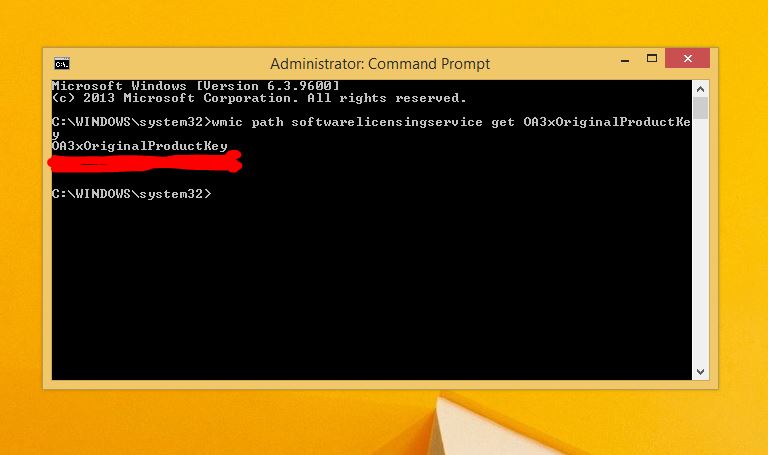
How To Find Windows Product Key Using CMD PowerShell And Windows
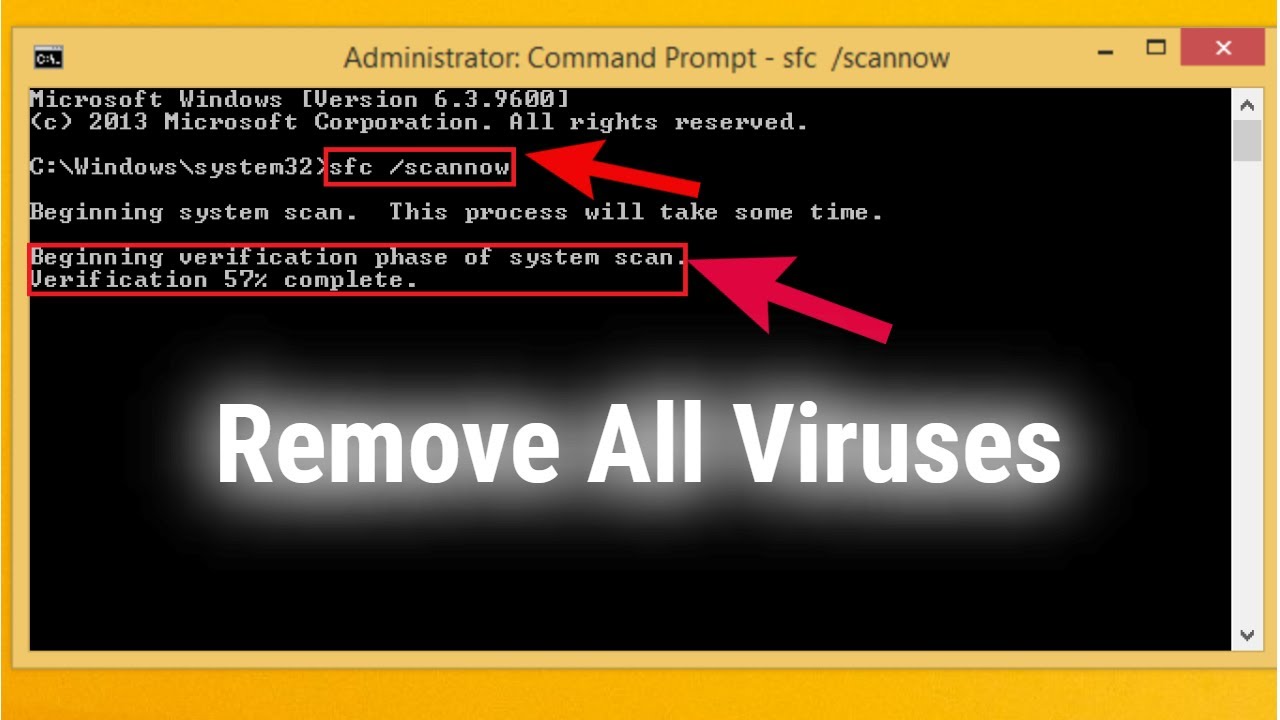
Virus Remove How To Remove Viruses Using Cmd Delete All Virus From

Multikey64 exe multikey64 win10

MasterCAM2023 MasterCAM2023 V25 0 11282

To remove uninstall the current product key run the following command and then restart your computer slmgr vbs upk Windows also stores the product key in the registry as it s sometimes necessary for the key to be in the registry when setting up the computer If you ve uninstalled the product key you should run the below command to ensure

Here look for Activation ID and note it down Now in the same command prompt window type the following and hit Enter slmgr upk Activation ID Here upk stands for uninstall product key The

How to Find Your Windows 10 11 Product Key Press Windows R type cmd and press Ctrl Shift Enter to run Command Prompt as administrator Next type the command wmic path SoftwareLicensingService get OA3xOriginalProductKey and press Enter Your Windows product key will display on the screen You can copy the Windows product key to another place for future usage

Slmgr dlv Windows will open a message box and tell you a bunch of information about the license status of your PC take note of your activation ID To uninstall your product key you need to use the upk switch along with your activation ID slmgr upk 507660dd 3fc4 4df2 81f5b559467ad56b If you do it correctly you will be told that your

Slmgr rearm To be clearer this is the sequence 1 Open a command prompt as an Administrator 2 Enter slmgr upk and wait for this to complete This will uninstall the current product key from Windows and put it into an unlicensed state 3 Enter slmgr cpky and wait for this to complete
This tutorial will show how to easily uninstall or remove your product key on Windows 10 Also a tutorial for how to change Windows product key Command used 154 Open a command prompt as an Administrator Enter slmgr upk and wait for this to complete This will uninstall the current product key from Windows and put it into an unlicensed state Enter slmgr cpky and wait for this to complete This will remove the product key from the registry if it s still there
Additionally we will see how to install another product key instead To deactivate Windows 10 by uninstalling the product key you need to do the following Open an elevated command prompt Type or paste the following command slmgr upk Wait till the command finishes its work At the end you will see the following message Windows 10 will