Windows 10 Enable Uefi Secure Boot Boot To UEFI Mode Or Legacy BIOS Mode Gadgets Technology Guide Enable UEFI Secure Boot For Windows 11 Update Disable Secure Boot Windows 10 Problems Lasopamommy Ju n Amerika Zvyknut Transplant cia Secure Boot Windows 7 Disable Secure Boot Asus Uefi Bios Utility Astucesinformatique Web How to enable TPM If you need to enable TPM these settings are managed via the UEFI BIOS PC firmware and vary based on your device You can access these settings by
Web While the requirement to upgrade a Windows 10 device to Windows 11 is only that the PC be Secure Boot capable by having UEFI BIOS enabled you may also consider enabling Web Sep 12 2022 nbsp 0183 32 Click on System Summary on the left pane Check the quot Secure Boot State quot information On the feature is enabled Off the feature is disabled or not supported Image credit Future Check
Disable Secure Boot Asus Uefi Bios Utility Astucesinformatique Disable Secure Boot Windows 10 Gigabyte Facebookhohpa How To Disable Enable UEFI Secure Boot In Windows 10 How To Disable And Enable UEFI Secure Boot In Windows 10 Hackers Choice BIOS Settings Required For Installing Windows 11 On HP 840 G5 My Warranty Disable Legacy Boot Mode And Enable UEFI How To Disable Uefi Secure Boot In Windows 10 How To Disable Enable UEFI Secure Boot In Windows 10 How To Disable Secure Boot Windows 10 Dell Inspirion Propcaqwe
Windows 10 Enable Uefi Secure Boot
 Windows 10 Enable Uefi Secure Boot
https://4.bp.blogspot.com/-KBS_yAJlfYw/VXmyfo3CELI/AAAAAAAASkM/Zvt95SfwZ7E/s1600/UEFI+sample.png
Web Jan 6 2023 nbsp 0183 32 Search for quot PowerShell quot in your Start menu right click the quot Windows PowerShell quot shortcut and select quot Run as Administrator quot Run the following cmdlet in the PowerShell window Confirm SecureBootUEFI
Pre-crafted templates offer a time-saving service for developing a varied variety of files and files. These pre-designed formats and designs can be utilized for various personal and professional tasks, consisting of resumes, invites, leaflets, newsletters, reports, presentations, and more, streamlining the material production process.
Windows 10 Enable Uefi Secure Boot
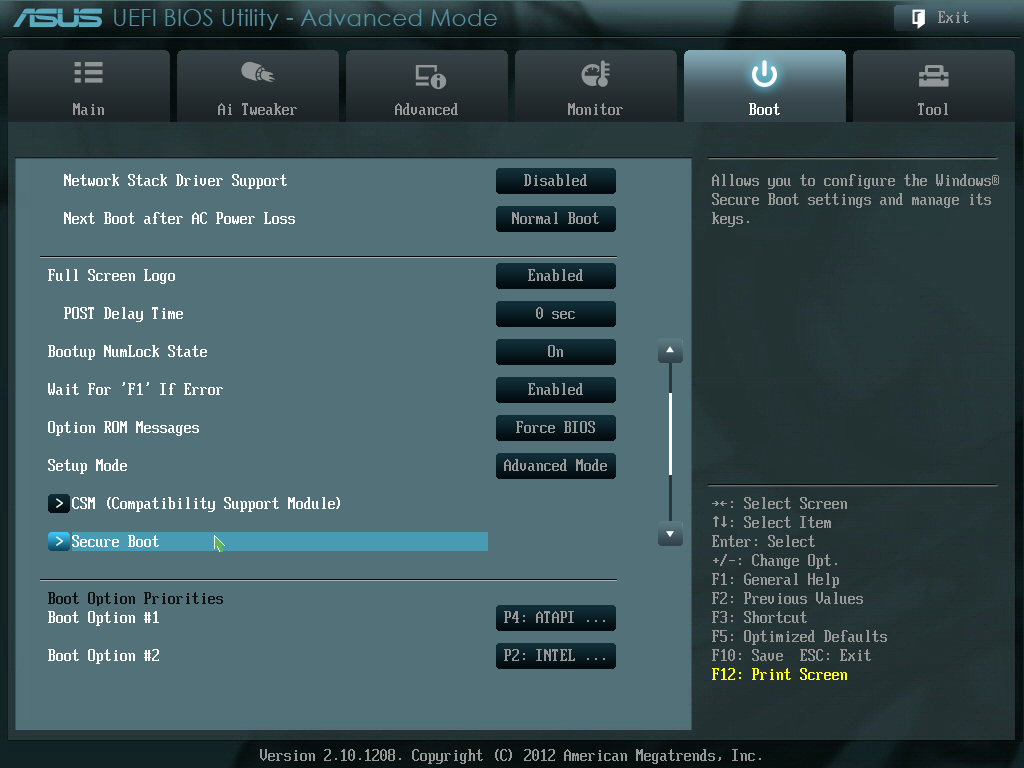
Disabling Secure Boot

Disable Secure Boot Windows 10 Gigabyte Facebookhohpa

How To Disable Enable UEFI Secure Boot In Windows 10

How To Disable And Enable UEFI Secure Boot In Windows 10 Hackers Choice

Disable Legacy Boot Mode And Enable UEFI
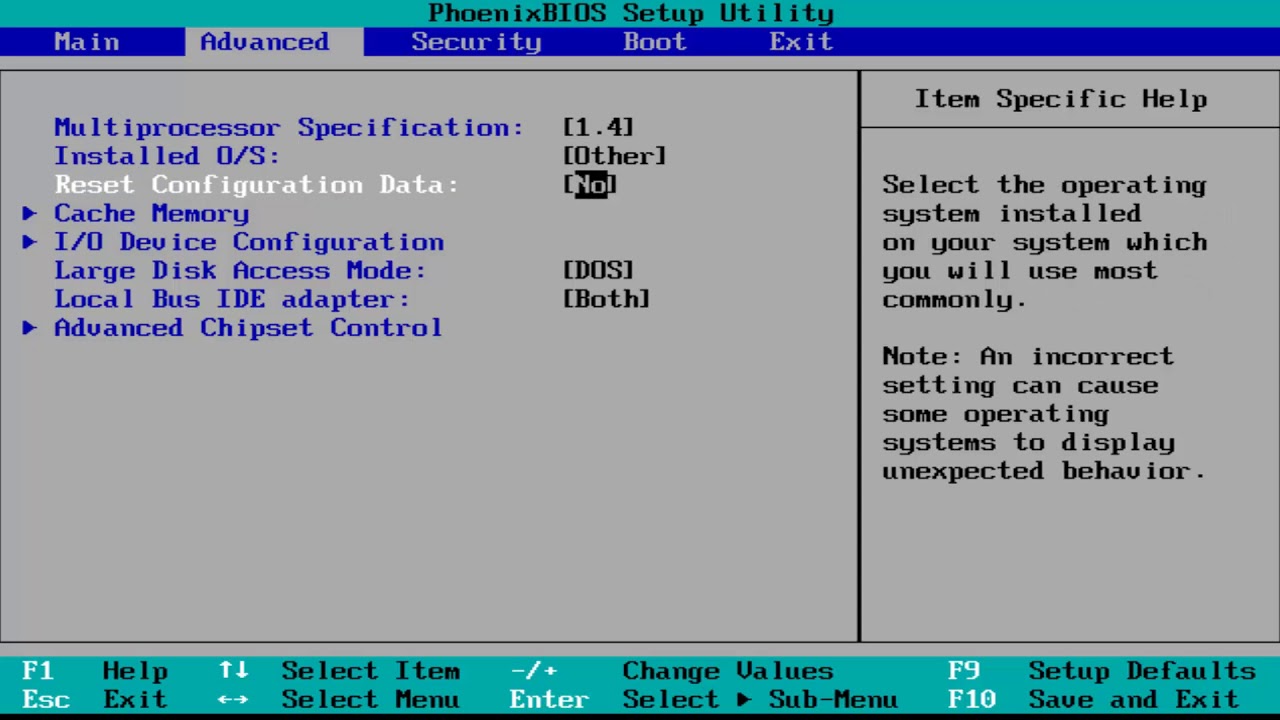
How To Disable Uefi Secure Boot In Windows 10

Web Jun 26 2021 nbsp 0183 32 If it says Legacy the Secure Boot state is not supported on your computer After confirming your BIOS Mode move further down the list and locate the Secure Boot State option If the Secure Boot option is in

Web In this guide you will learn how to safely disable UEFI secure boot and also reenable it so that you can go back to the secure mode whenever you want Both procedures are fast

Web Jul 15 2021 nbsp 0183 32 Once the hardware is activated through the UEFI and Windows 10 has completed its boot process open a command prompt Windows Key R and type this command into the dialog box tpm msc
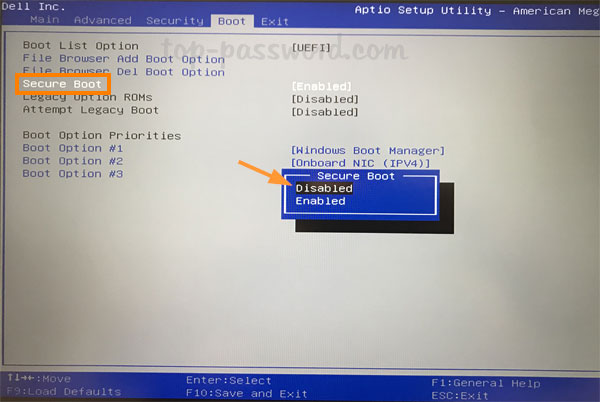
Web May 17 2022 nbsp 0183 32 How to access UEFI BIOS using boot key option If you don t have access to the Windows 10 desktop or you re using a device with a legacy BIOS then you can
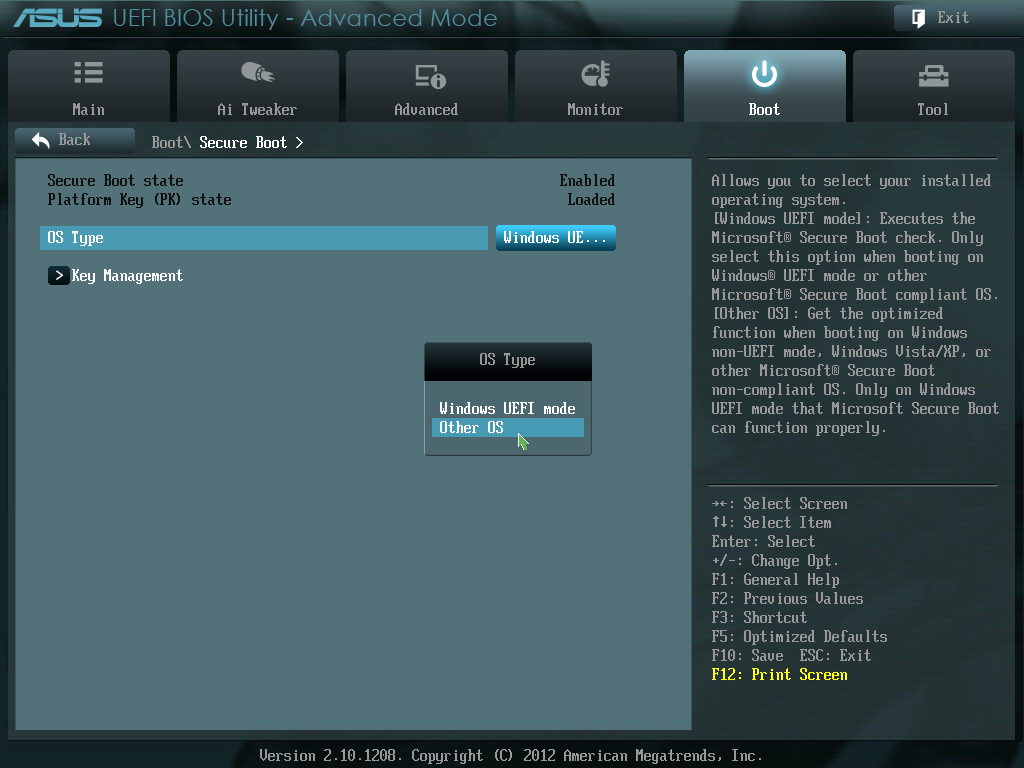
Web Aug 15 2023 nbsp 0183 32 Go to Secure Boot gt Secure Boot Enable gt Check Secure Boot Enable Click Apply gt click Exit gt Save the changes
Web Mar 16 2022 nbsp 0183 32 To confirm the computer is in UEFI mode and Secure Boot is turned on use these steps Open Start Search for msinfo32 and click the top result to open the Web 12 15 2021 8 contributors Feedback In this article To boot to UEFI or BIOS UEFI and BIOS modes in WinPE Make sure you boot into the right mode every time Related topics
Web Jul 3 2018 nbsp 0183 32 7 First make sure your bios has secure boot turned on Next build your USB stick with Fat32 Then install normally The 11 steps for manually preparing building a