Windows 10 Display System Variables Windows 10 Settings System Display Learn How To Tweak Your Display How To Add Environment Variables In Windows 11 H2S Media Got A New 4K Display With Your Windows 10 PC Here Is How To Fix Its How To Set Environment Variables In Windows 10 Helpful Guide Windows 10 System Setting App Display Options Available After 1803 Click on the Start Menu and search for environment variables The Edit the system environment variables option will appear in the search results Click on the same and Windows 11 will display the list of all environment variables Steps for Windows 10 Go to settings and enter the About menu Now go to Advanced system settings
Open Registry Editor To see user variables go to the following key HKEY CURRENT USER Environment Tip How to jump to the desired registry key with one click To see system variables navigate to the following key HKEY LOCAL MACHINE SYSTEM CurrentControlSet Control Session Manager Environment System environment variables are stored in the registry key below HKEY LOCAL MACHINE SYSTEM CurrentControlSet Control Session Manager Environment You can open a command prompt type set and press Enter to display all current environment variables on your PC
Windows 10 System Setting App Display Options Available After 1803 Microsoft Improves Environment Variables Editor In Latest Windows 10 Windows Display Settings The Computer Warriors How To Change Windows 10 Display Language YouTube Display Hauptanzeige ndern Computer PC Windows How To Customize And Enhance Your Windows 10 Display PCMag How To Change Windows 10 Display Scaling Customization Multiple Displays Change Settings And Layout In Windows 10 How To See Names And Values Of Environment Variables In Windows 10
Windows 10 Display System Variables
 Windows 10 Display System Variables
https://i.ytimg.com/vi/I4rT9S9-apY/maxresdefault.jpg
In the System Control Panel you can add or edit existing environment variables in the User and System Machine scopes Windows writes these values to the Registry so that they persist across sessions and system restarts To make a persistent change to an environment variable on Windows using the System Control Panel Open the System Control
Pre-crafted templates offer a time-saving service for developing a diverse range of files and files. These pre-designed formats and layouts can be made use of for different individual and professional tasks, including resumes, invitations, leaflets, newsletters, reports, discussions, and more, simplifying the material creation procedure.
Windows 10 Display System Variables
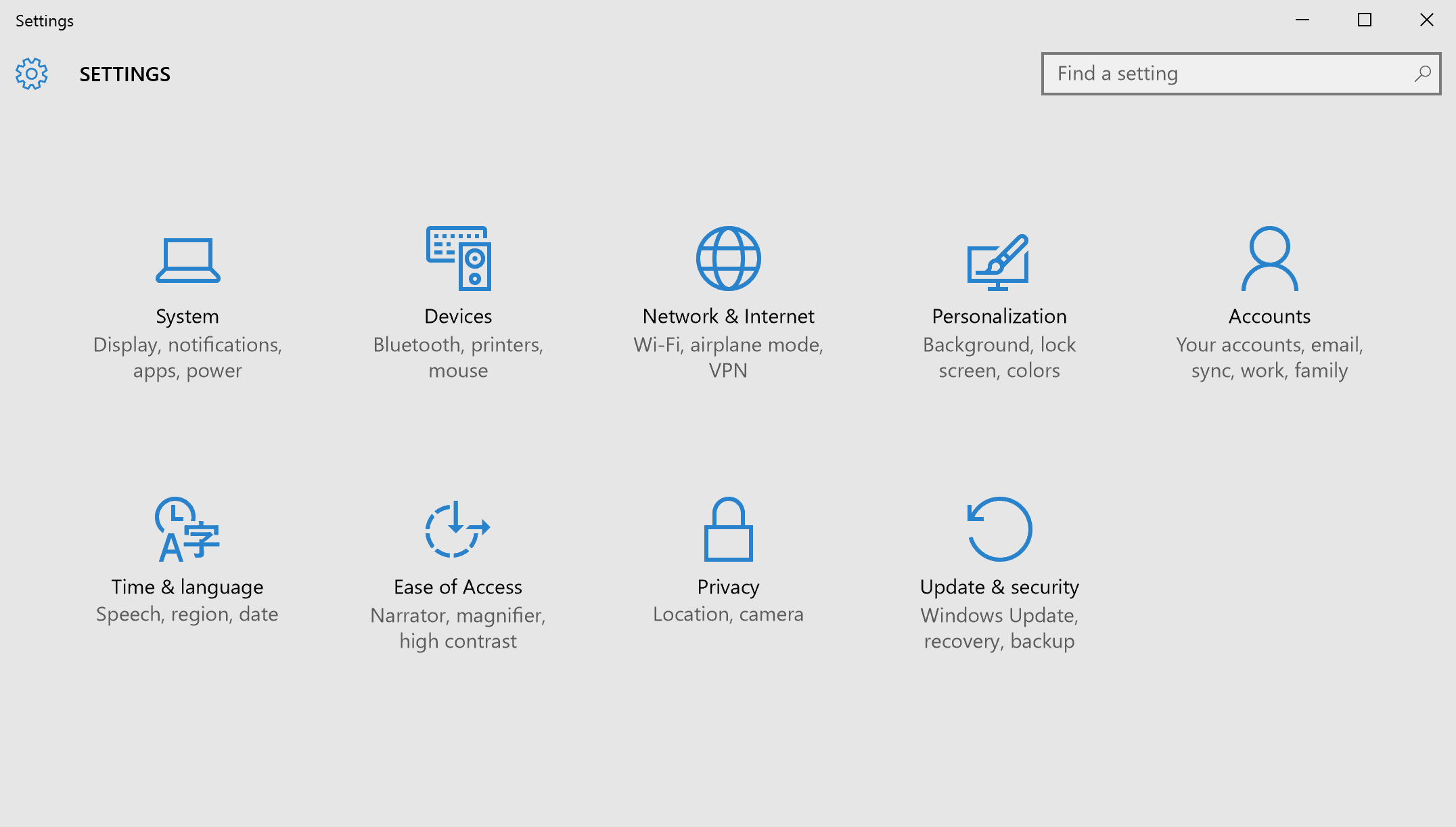
Windows 10 How To Display Settings And Control Panel Screens
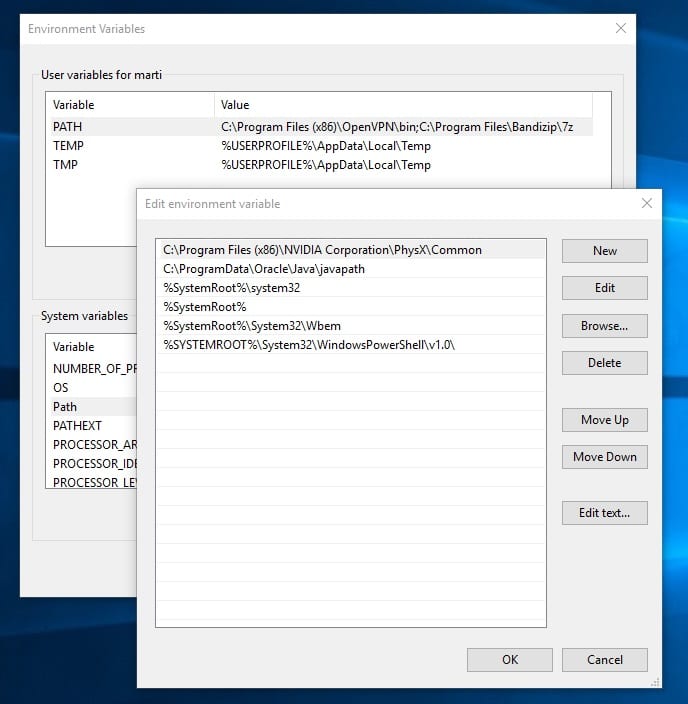
Microsoft Improves Environment Variables Editor In Latest Windows 10
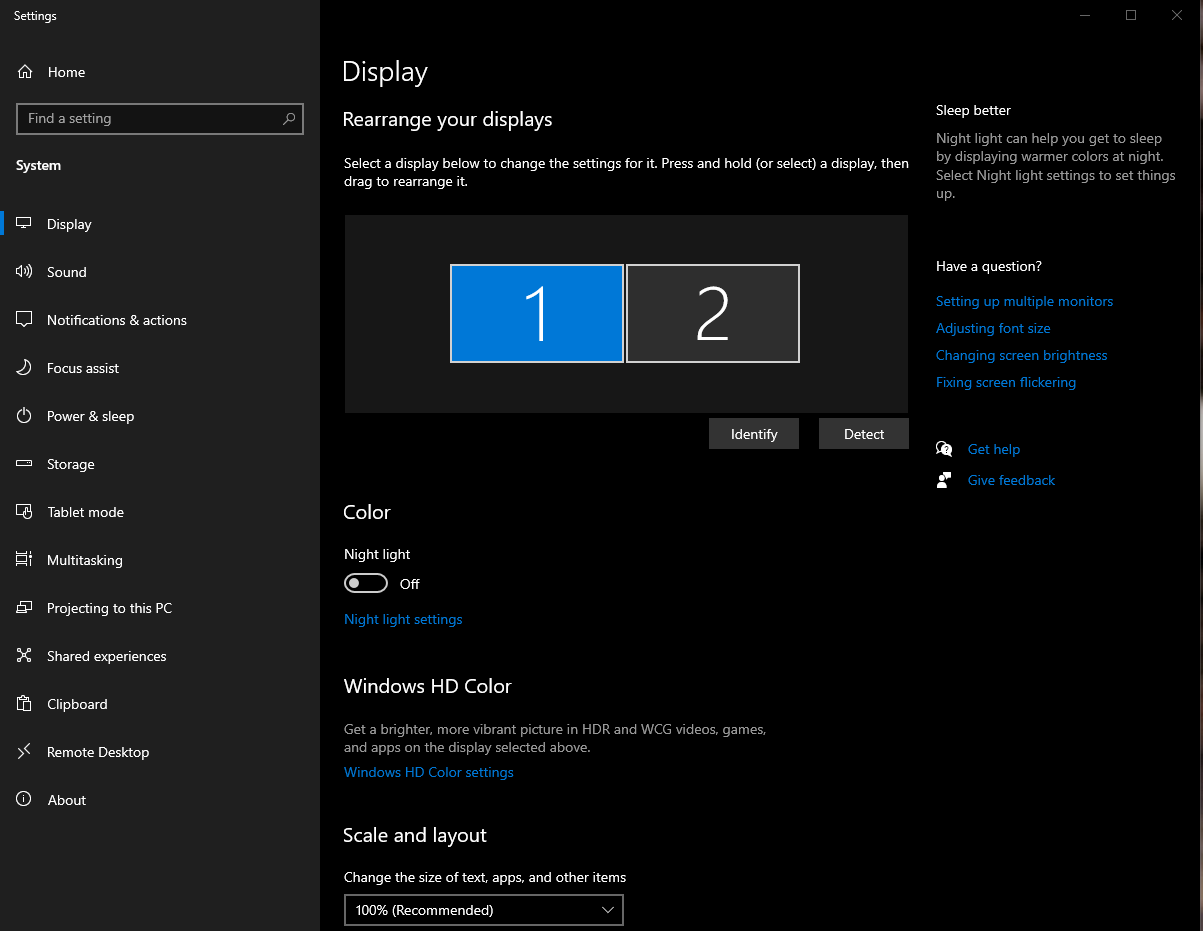
Windows Display Settings The Computer Warriors

How To Change Windows 10 Display Language YouTube

How To Customize And Enhance Your Windows 10 Display PCMag

How To Change Windows 10 Display Scaling

In the System Properties window click Environment Variables Click on the variable you d like to change click Edit Many environment variables will simply take a name and value like Number of processors All you have to do to edit them is to change the value and click OK

Just do SET You can also do SET prefix to see all variables with names starting with prefix For example if you want to read only derbydb from the environment variables do the following set derby and you will get the following DERBY HOME c Users amro a Desktop db derby 10 10 1 1 bin db derby 10 10 1 1 bin Share Follow

9 Answers Sorted by 173 Update After seeing lots of comments about setting environment variables without admin in Windows 10 I think I have found a way I was not admin and could use PowerShell

August 1 2023 Windows 11 environment variables Post Share Submit UPDATED 8 1 2023 On Windows 11 and 10 environment variables are predefined names representing the path to certain locations within the operating system such as a drive or a particular file or folder

System User Environment Variables in Windows 11 10 explained Download Windows Speedup Tool to fix errors and make PC run faster System and User Environment Variables have always been
Follow these steps to find the Environment Variables Win I to open Windows Settings System About Click on the Advanced system settings Environment Variables Find the Environment To display a list of all the available Environment variables in your system using Command Prompt you can use the set cmd Here s how Open the Command Prompt window Type the set cmd in Command Prompt Press the Enter key The command window displays all Environment Variables Steps with more details
First you need to launch Command Prompt or CMD as an administrator Click Start type cmd into the search box and then click Run as Administrator Any user environment variable can be set or modified in a regular Command Prompt window but changing system wide environment variables requires an elevated Command Prompt There are two