Windows 10 Cmd Folder Size Membuat Folder Dari CMD YouTube How To Delete Folder Using CMD In Windows 10 StackHowTo How To Delete Folder Using Cmd In Windows YouTube How To Hide Files In Windows Using CMD Cmd Windows 10 Web Jun 11 2021 nbsp 0183 32 Step 1 Open the File Manager app on Windows 10 Step 2 Identify the folder Step 3 To check the folder size right click on it and open the context menu Step 4 Select Properties from
Web Sep 9 2016 nbsp 0183 32 1 Microsoft provides du Disk Usage utility as a part of the SysInternals suite You can run du exe lt folder gt To get statistics like Files 18 Directories 3 Size 11 459 083 bytes Size on disk 11 505 696 bytes To show statistics only for the folder without subfolders add the n argument du exe n lt folder gt Share Improve this answer Follow Web May 18 2023 nbsp 0183 32 Check how to view folder size in Windows 10 with CMD Press Windows R type cmd and press Enter to open Command Prompt in Windows 10 Next type dir s folder path command for example dir s C Users mini Desktop pics and press Enter
Cmd Windows 10 How To Change Directory In CMD On Windows 10 Via Command Line Cmd Windows 10 How To Create And Delete A File Or Folder With CMD Creating Folder Using Cmd YouTube Windows 7 Backup Command Line Dusupernal How To Hide File Folder Using CMD DOS In Windows Show File And Folder How To Create And Delete A File Or Folder With CMD How To Move Folder Using CMD In Windows 7 8 8 1 And 10 YouTube
Windows 10 Cmd Folder Size
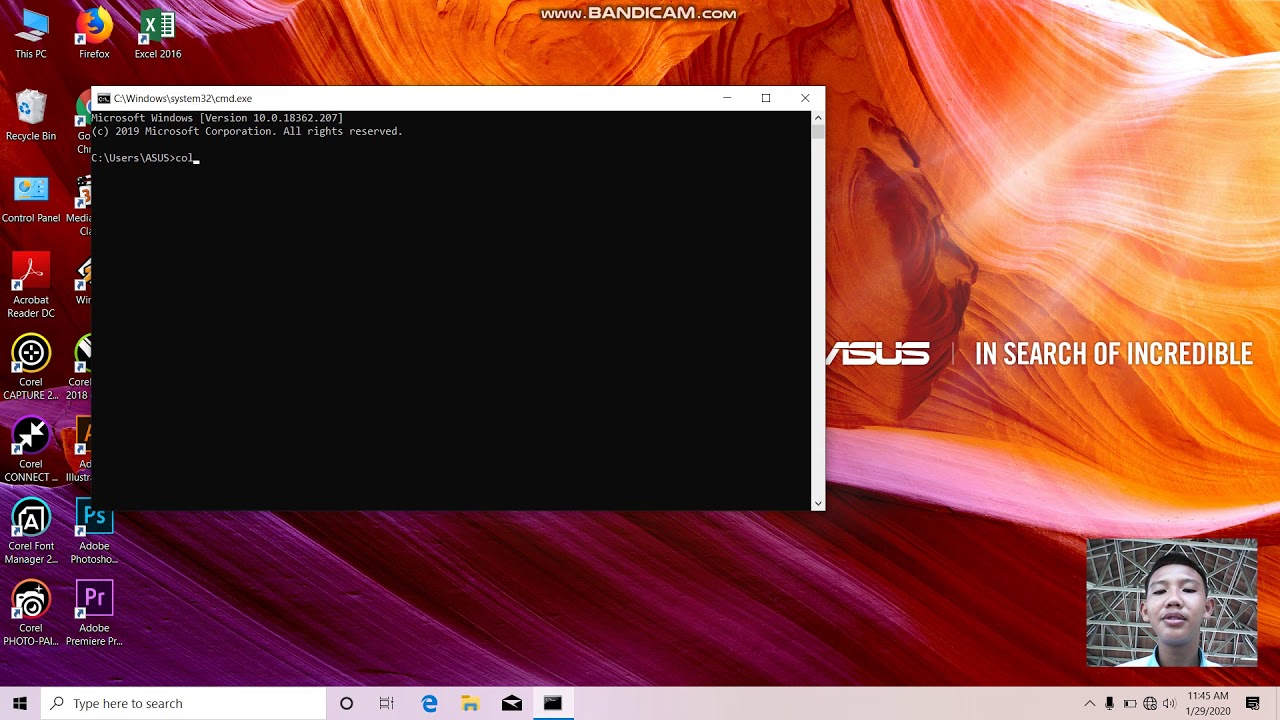 Windows 10 Cmd Folder Size
https://i.ytimg.com/vi/BSMshy0iuXM/maxresdefault.jpg
Web forfiles P D M S D quot 01 17 2012 quot C quot cmd c if fsize gtr 209715200 echo path fsize fdate ftime quot will scan D and its sub directories look for all files whose last modified dates are greater than quot 17 JAN 2012 quot and whose sizes are greater than or equal to 200MB then print their details
Pre-crafted templates use a time-saving option for producing a varied range of documents and files. These pre-designed formats and designs can be used for various individual and expert tasks, including resumes, invitations, flyers, newsletters, reports, discussions, and more, simplifying the material creation procedure.
Windows 10 Cmd Folder Size

How To Create Folder And File With CMD CMD Folder File
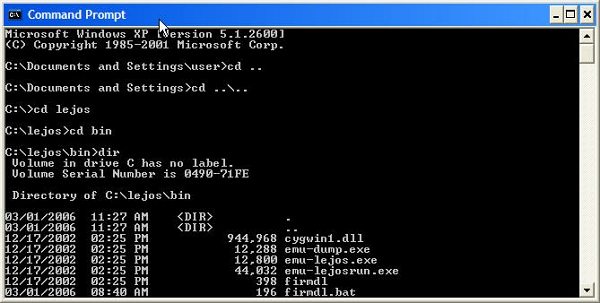
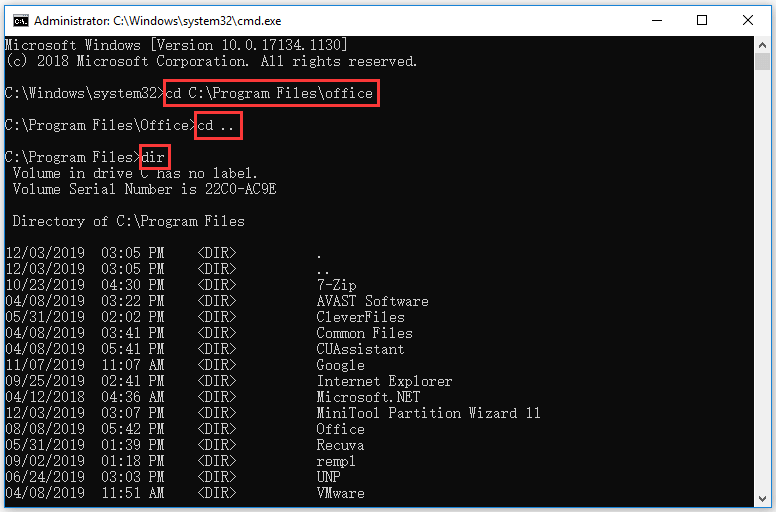
How To Change Directory In CMD On Windows 10 Via Command Line
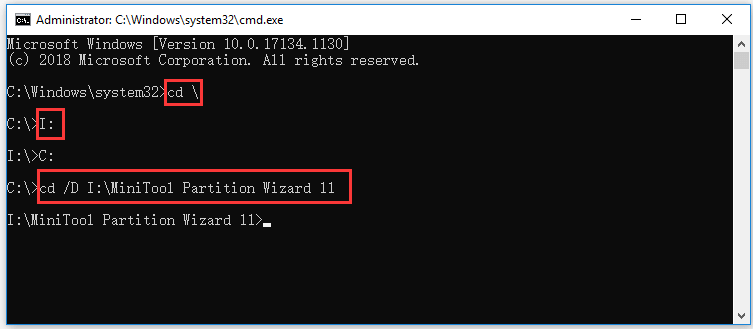
Cmd Windows 10
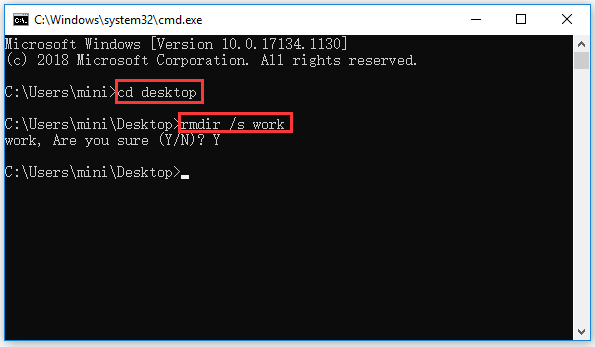
How To Create And Delete A File Or Folder With CMD
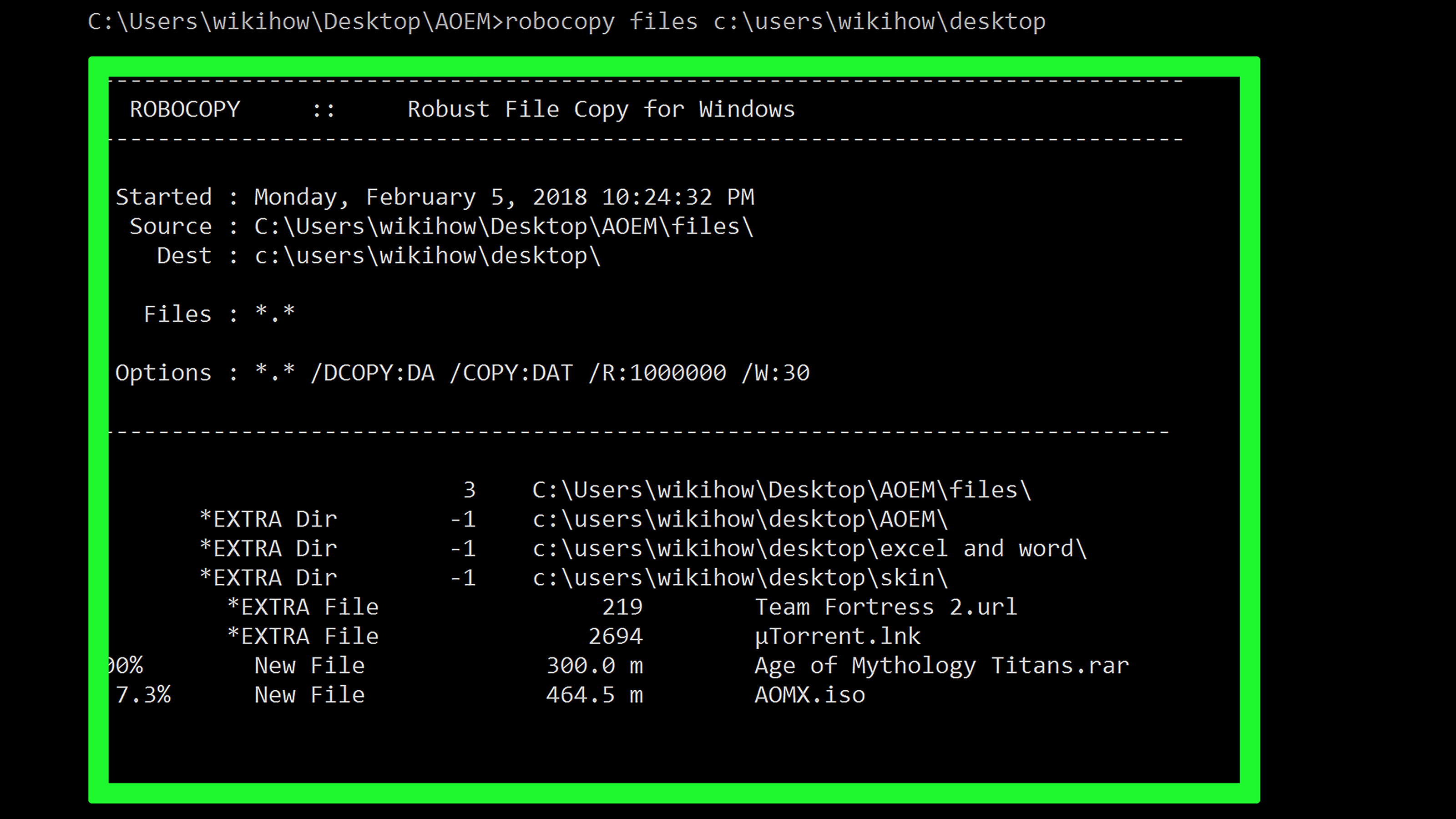
Windows 7 Backup Command Line Dusupernal

How To Hide File Folder Using CMD DOS In Windows Show File And Folder

Web Jul 2 2016 nbsp 0183 32 You can just add up sizes recursively the following is a batch file echo off set size 0 for r x in folder do set a size zx echo size Bytes However this has several problems because cmd is limited to 32 bit signed integer arithmetic So it will get sizes above 2 GiB wrong 1
Web Sep 10 2011 nbsp 0183 32 Get directory size There s no Windows built in command to find directory size But there is a tool called diruse exe which can be used to get folder size This tool is part of XP support tools This command can be used to get directory size This command s syntax is given below

Web Jun 22 2016 nbsp 0183 32 Closed 7 years ago Recently I used the command dir s on gt FileList txt Which turned out to be very usefull for that situation Now I have another issue where I would like to use a same procedure to check all folder sizes within a certain directory

Web Aug 20 2022 nbsp 0183 32 How to Show Folder Size on Windows You can easily see the folder size using the file explorer on Windows File explorer also provides other folder information like date creation size folder path and many more Furthermore You can also use CLI applications like Powershell and CMD to get the folder size details
Web May 29 2015 nbsp 0183 32 1 Iterate through directory using the code from Get Folder Size from Windows Command Line echo off set size 0 for r x in folder do set a size zx echo size Bytes 2 Save output of a dir folder s a into a text file and then read in the size at the bottom
Web Feb 20 2023 nbsp 0183 32 For example to get the size of the C ISO folder run the following command Get ChildItem C ISO Measure Object Property Length sum As you can see the total size of files in this directory is shown in the Sum field and is about 2 1 GB the size is given in bytes Web Follow the steps below to see the folder size using properties Open Windows File Explorer Locate the folder for which you want the folder size to be displayed Right click the folder and from the popup menu select quot Properties quot
Web Aug 14 2023 nbsp 0183 32 To calculate a folder s size you ll need to use the two PowerShell cmdlets Get ChildItem and Measure Object followed by the Length property and Sum parameter The cmdlet Get ChildItem lets you retrieve information from a specified directory and its sub directories The Measure Object cmdlet and the associated properties and