Why Is My Back Button Not Working Back Button Not Working On Iphone YouTube Go Back Button Not Working In Windows 11 FIX YouTube Why Is My Back Gum Swollen Best Reviews Play Button Not Working YouTube How To Fix Chrome Back Button Not Working Make Tech Quick Web Mar 24 2023 nbsp 0183 32 Open Run by pressing Win R Enter ms settings troubleshoot and click OK Go to Other or Additional troubleshooters Select Run next to Keyboard Reinstall Keyboard
Web Jan 4 2023 nbsp 0183 32 The easiest and most straightforward way to fix the Chrome back button not working is to clear the cache and cookies of your browser This will clear all the residue cache along with cookies making your Web Aug 10 2022 nbsp 0183 32 Fix 1 Disable Sticky or Filter Keys If you are wondering how to fix backspace key on windows 10 11 this should be the very first thing to try If the issue is
How To Fix Chrome Back Button Not Working Make Tech Quick Samsung J7 Prime Back Button Not Working samsungj7primebacknotworking Back Button Not Working YouTube J5 Back Key And Home Button Not Working YouTube Nokia 216 And 150 Call Left Up Down And Back Button Not Working Home And Back Button Not Working Why Is My Child s Handwriting So Messy The Energy Source Windows Start Button Not Working Here s How To Fix It Opsafetynow Html ASP NET Core 5 MVC Drop Down Button Not Working Stack Overflow
Why Is My Back Button Not Working
 Why Is My Back Button Not Working
https://i.ytimg.com/vi/-qeymxFIqxI/maxresdefault.jpg
Web Jul 11 2023 nbsp 0183 32 Step 1 Right click the Windows icon at the bottom of system tray and select Settings Also you can press Win I keys to open Setting Step 2 Select
Templates are pre-designed documents or files that can be utilized for different functions. They can conserve time and effort by supplying a ready-made format and layout for producing various type of content. Templates can be utilized for personal or expert tasks, such as resumes, invites, flyers, newsletters, reports, discussions, and more.
Why Is My Back Button Not Working

Back Button Not Working Problem Solved YouTube

Samsung J7 Prime Back Button Not Working samsungj7primebacknotworking

Back Button Not Working YouTube

J5 Back Key And Home Button Not Working YouTube
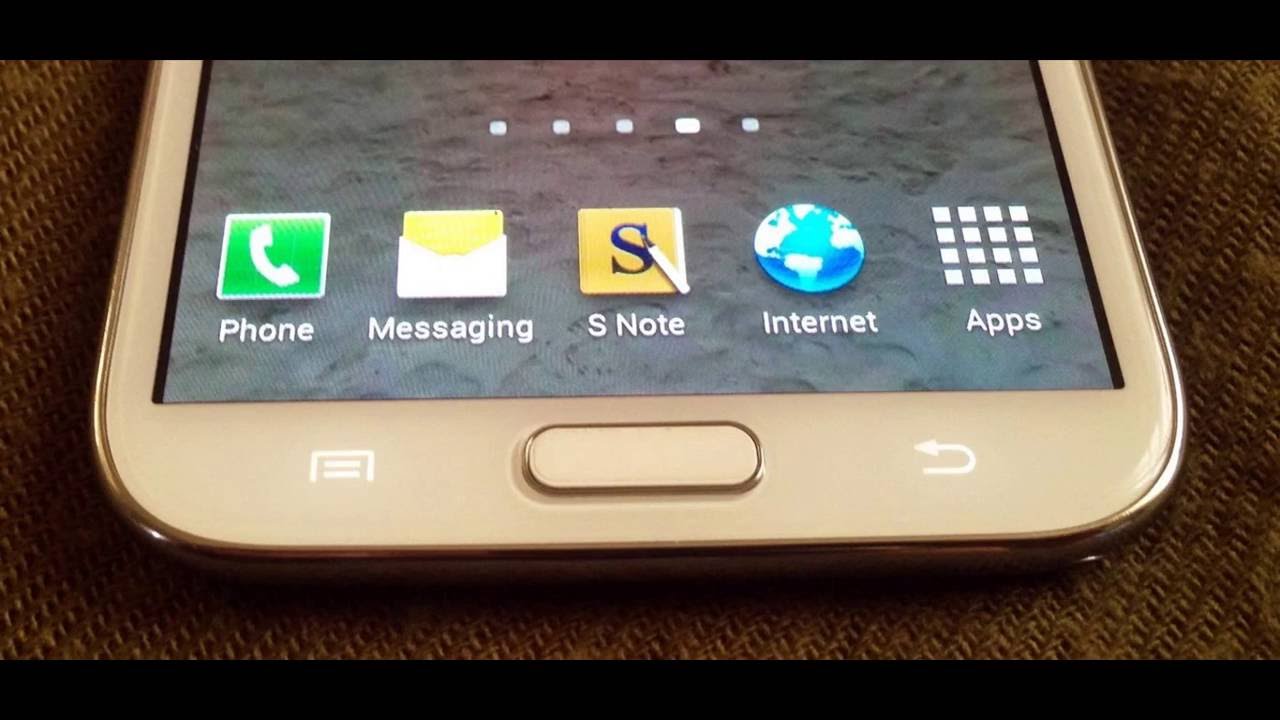
Home And Back Button Not Working
Why Is My Child s Handwriting So Messy The Energy Source

Web Sep 24 2020 nbsp 0183 32 A clue to this direction is a gray or non responsive back button There s nothing wrong with your browser it s just how the

Web Dec 30 2019 nbsp 0183 32 You may need to manually access a web page you visited several pages ago to get away from the page that is preventing the back button from working There are also scripts that can be maliciously

Web Nov 29 2023 nbsp 0183 32 Google Chrome collects cache in the background to improve your web browsing experience However when the browser collects a corrupt cache you may run

Web Oct 29 2023 nbsp 0183 32 Several reasons can affect your phone s back button Let s troubleshoot the problem once and for all Table of Contents 1 Disable and Enable Navigation Buttons 2

Web Feb 16 2022 nbsp 0183 32 Step 1 Open your Google Chrome browser on your system by pressing Windows and typing google chrome Step 2 Then Select Google Chrome from the
Web Jan 25 2021 nbsp 0183 32 Way 5 Erase iPhone Settings to Fix Back Button Not Working This method reverts your phone s settings including Network settings privacy settings Web Dec 22 2020 nbsp 0183 32 3 Wipe Cache Partition Another way to resolve the Android home and back button not working is to choose wipe cache partition This helps get rid of logs
Web Oct 8 2021 nbsp 0183 32 To restart iPhone 6s and earlier models 183 Press and hold both the Sleep Wake button and the Home button simultaneously 183 When the Apple logo appears on the