Why Does Excel Keep Changing My Numbers To Dates Why Does Excel Keep Freezing Doing Calculations Asevbus Why Does Excel Keep Freezing Mac Mertqsecure The Last Of Mimzy Full Movie Mertqsecure How To Stop Excel From Changing Numbers To Dates TESTED Change Time In Excel Format Jaselatech Click File Options In the Excel Options box click Proofing AutoCorrect Options On the AutoFormat As You Type tab check the boxes for the auto formatting you want to use Internet and network paths with hyperlinks Replaces typed URLs network paths and email addresses with hyperlinks
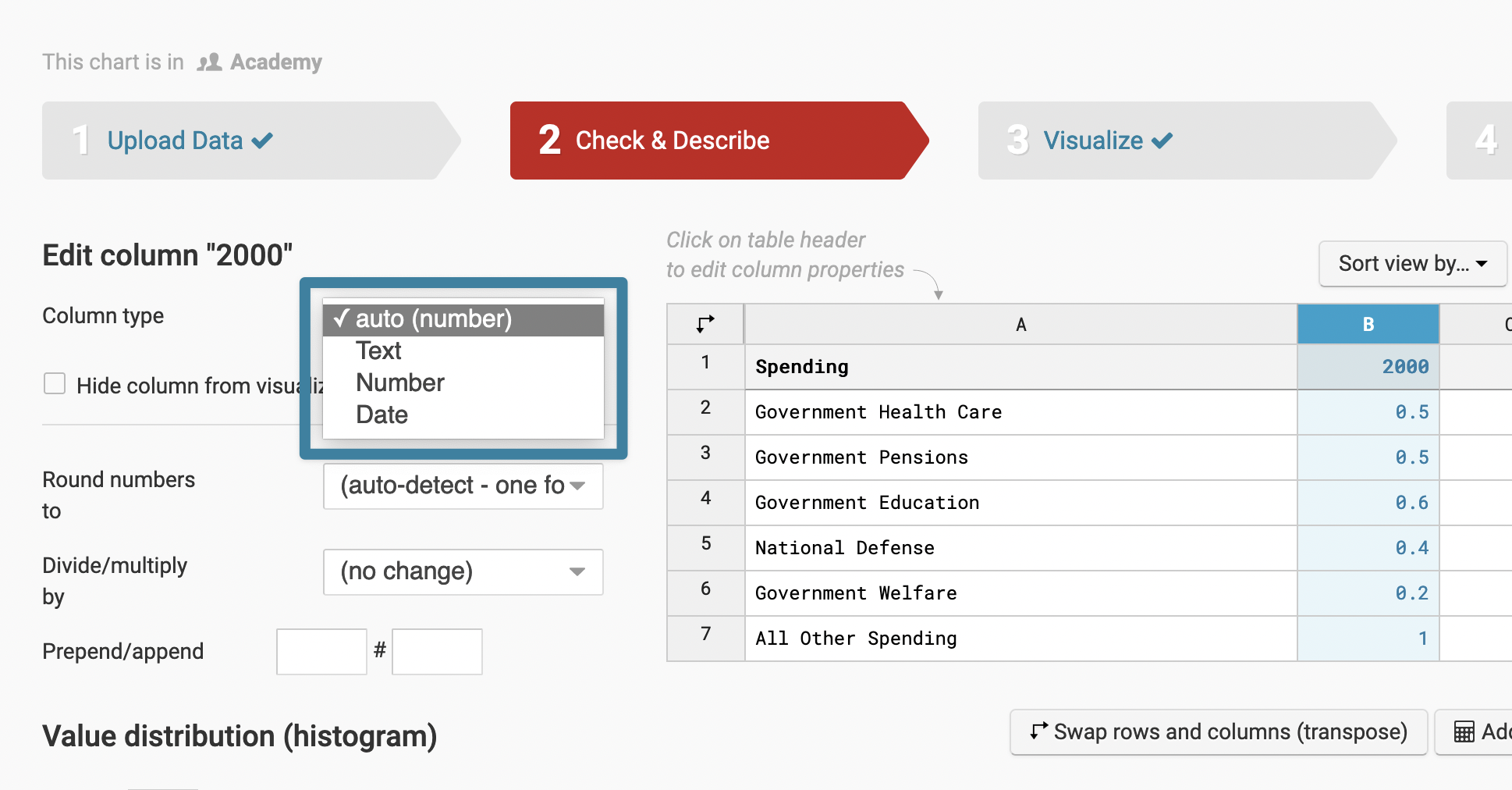
Excel changing my dates to numbers Hi there I had a spreadsheet done up in the above format with several different dates in the expires column I pressed something on my keyboard by accident and now I have a series of 5 digit numbers instead but the date remains in the formula bar Method 1 Change the Cell Format The easiest way to stop Excel from converting numbers into dates is to change the format of the cell Follow these steps Right click on the cell containing the number you want to change Select Format Cells from the context menu Select the Number tab in the Format Cells dialog box
Change Time In Excel Format Jaselatech GetPivotData Excel Pivot Tables Why Does Excel Keep Inserting Why Does Excel Keep Freezing When I Save As Lasopaoccupy Why Does Excel Keep Freezing And Crashing Lasoparex Why Does Excel Autosave Keep Turning Off Reason Solution T rt Angols g tn z Folytatni Excel How To Automatically Pick Data From Excel Keeps Crashing Here s How To Fix Your Microsoft Spreadsheet App Why Is Excel Changing My Numbers Stop Automatically Changing Numbers Why Does Excel Keep Freezing Doing Calculations Grablasopa
Why Does Excel Keep Changing My Numbers To Dates
 Why Does Excel Keep Changing My Numbers To Dates
http://photos.demandstudios.com/getty/article/164/209/E000258.jpg
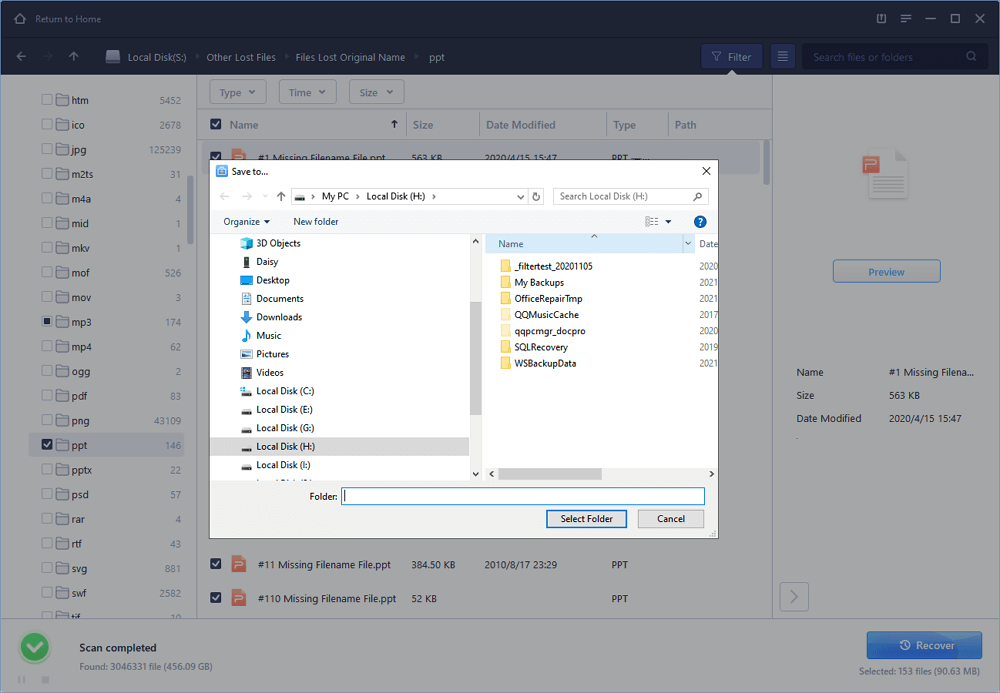
Open Excel Select the columns or cells you want to paste into and choose Text in the format dropdown of the Home tab You can also press Cmd 1 to select Text there and then click Ok Now make sure that your data is pasted as text To do so go to the Home tab then click on the little arrow next to Paste and select Match Destination
Pre-crafted templates use a time-saving service for producing a varied range of files and files. These pre-designed formats and designs can be used for different individual and professional projects, consisting of resumes, invitations, leaflets, newsletters, reports, discussions, and more, streamlining the content development process.
Why Does Excel Keep Changing My Numbers To Dates
Why Does Excel Keep Freezing Zewes

GetPivotData Excel Pivot Tables Why Does Excel Keep Inserting
Why Does Excel Keep Freezing When I Save As Lasopaoccupy

Why Does Excel Keep Freezing And Crashing Lasoparex
T rt Angols g tn z Folytatni Excel How To Automatically Pick Data From

Excel Keeps Crashing Here s How To Fix Your Microsoft Spreadsheet App
If you only have a few numbers to enter you can stop Excel from changing them into dates by entering A space before you enter a number The space remains in the cell after you press Enter See Notes An apostrophe before you enter a number such as 11 53 or 1 47 The apostrophe isn t displayed in the cell after you press Enter

Excel changes dates to numbers Sometime excel changes the dates eg 30 8 2018 to a number eg 43321 There is no way to change this back to a date Even if you notice it straight away and press undo In the dialog box it still says that the date is in the 30 8 2018 format even though in the cell is 43321

1 Answer Sorted by 0 The cell that you are trying to enter the date into is formatted wrong It depends on your version of Excel but for the latest as of this writing Excel 2016 you can change the cell s format to Date by following these steps Right click the cell Click Format Cells

Method 1 Using Number Formats The reason Excel automatically changes a number to a date is that the entered number is accepted into another Number format the Date format in this case If we fix the type of format in advance we can avoid the bother of the number changing into a date

Option 1 Change the Cell Format To prevent Excel from converting your numbers to dates you can change the cell format Here are the steps Select the cell or range of cells that you want to format Right click on the selected cells and choose Format Cells
Method 1 Changing Format It is important that the Format for the numbers is configured correctly to stop Excel from automatically formatting them Therefore in this step we will be reconfiguring the format For that Press Shift and select the cells where you want to enter the numbers Step 1 Open your Excel workbook Step 2 Highlight the cells you are going to be using and right click Step 3 Click on Format Cells Step 4 Under the Number category change the category to Text Excel will now keep your numbers in the same format as you entered them in
The Apostrophe Method By placing an Apostrophe preceding the number you will prevent Excel from reformatting the number and display the number exactly how you have it entered Example Entering 1 2 into a cell it will prevent Excel from making your fraction a date This method means that even if someone were to change the cell